 GameWiki
GET YOUR BEARINGS
About Bloody Trapland 2: Curiosity
Bloody Trapland 2: Curiosity returns Jack, Henry, Jazzy and Blanky to a perilous archipelago where players sail between mysterious islands, solve ancient puzzles and uncover hidden secrets. The game blends action‑adventure and casual indie elements, offering both single‑player and multiplayer experiences on Windows and macOS.
Full keyboard and controller support enables local split‑screen, couch play via Steam Link and online matches on dedicated servers. An in‑game editor lets anyone edit existing levels or create new ones, which can be shared through the challenge mode and Steam Workshop.
01 / THE GUIDE
Gameplay
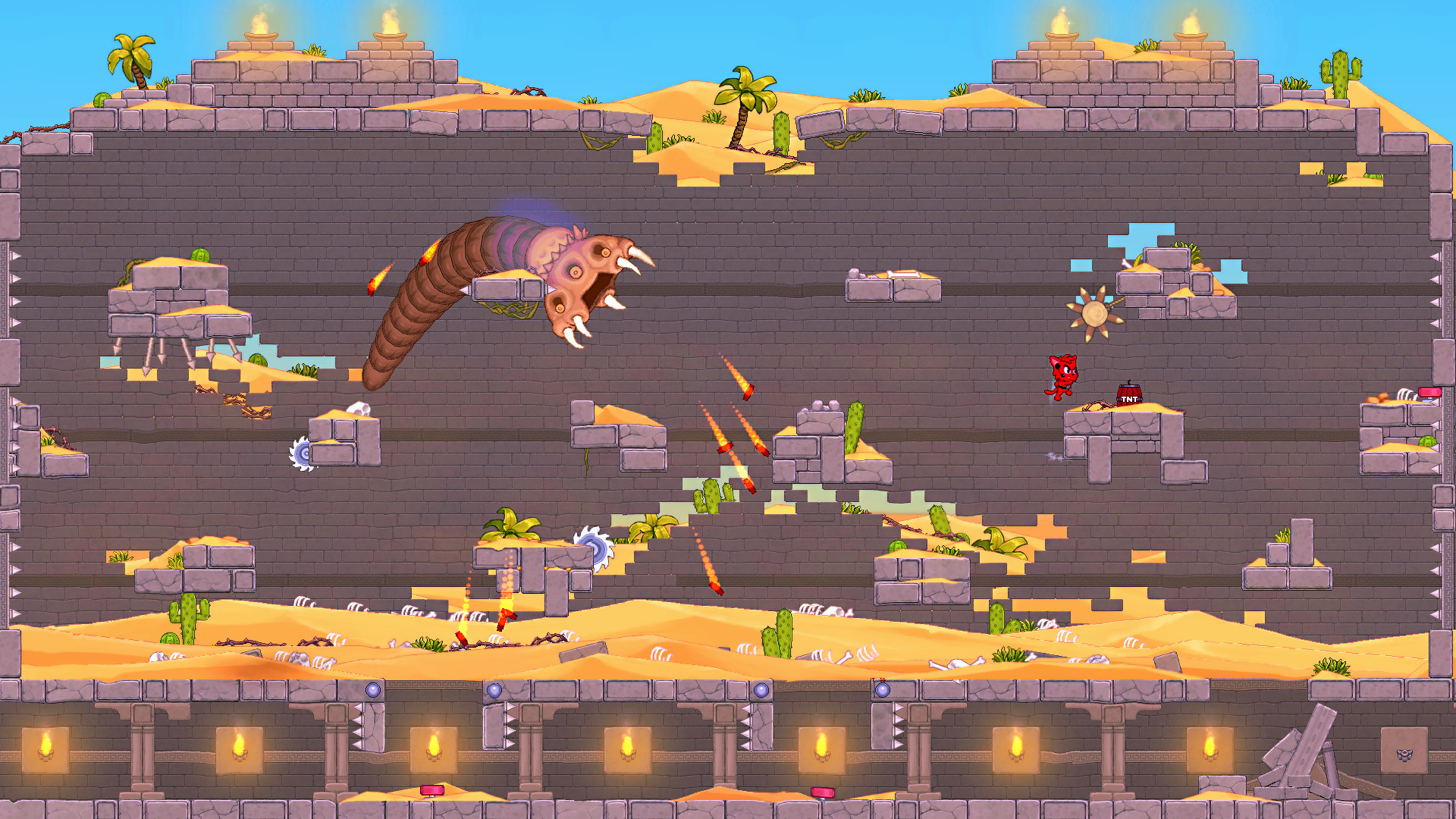
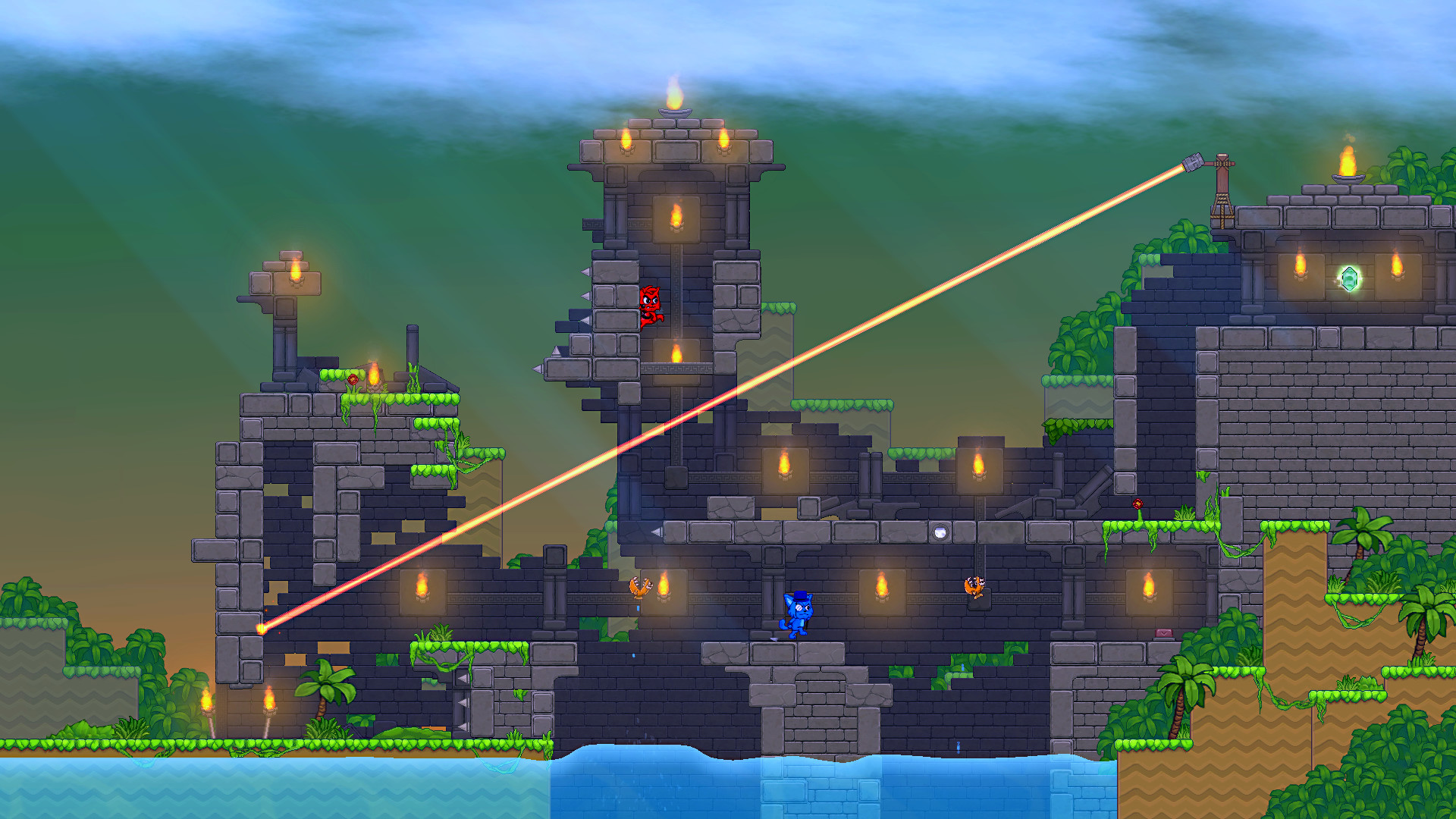
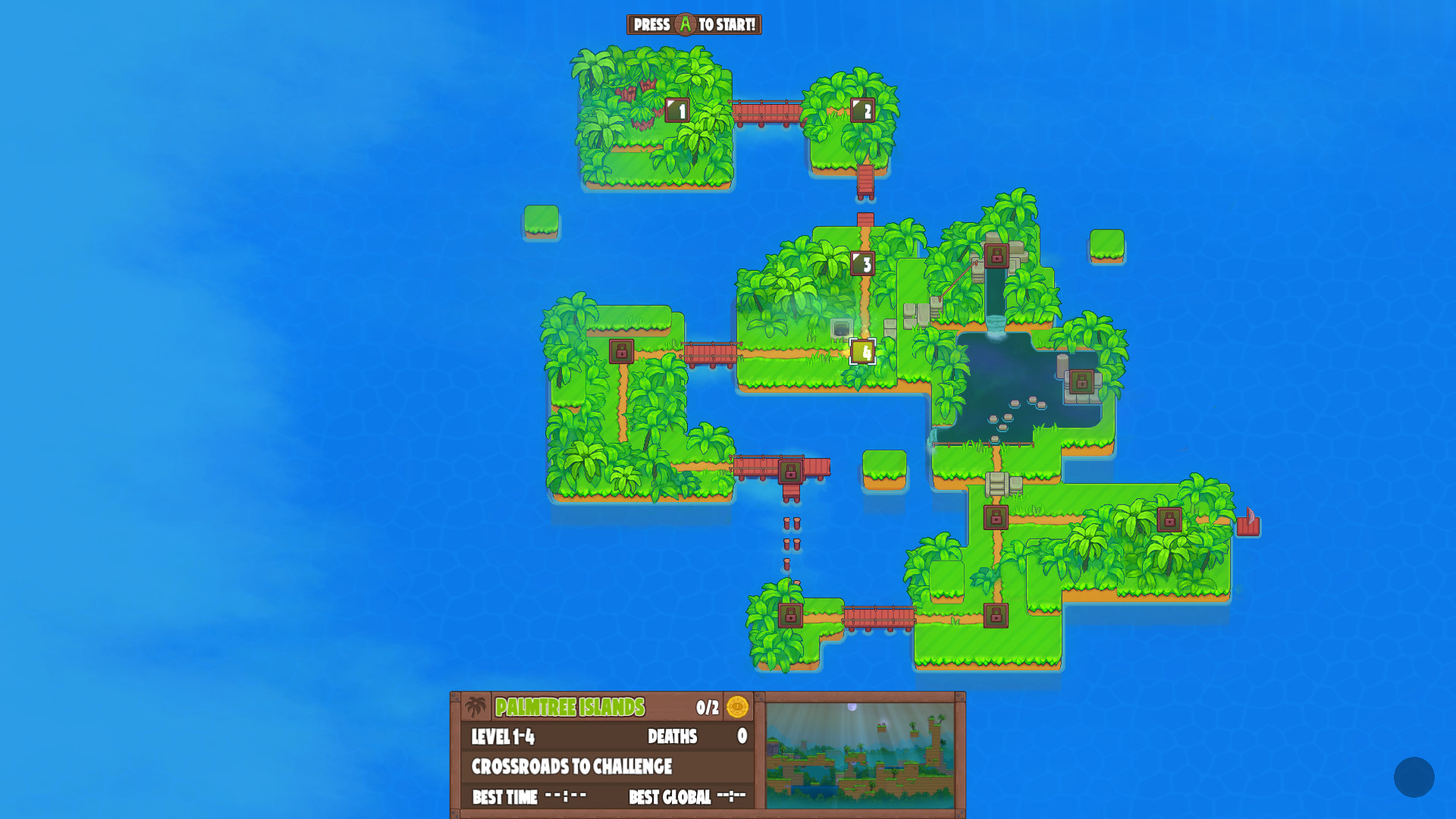
Players navigate the Traplands by sailing between islands and confronting puzzles that require exploration and problem‑solving. The design emphasizes a true challenge that does not hold the player's hand, encouraging independent discovery.
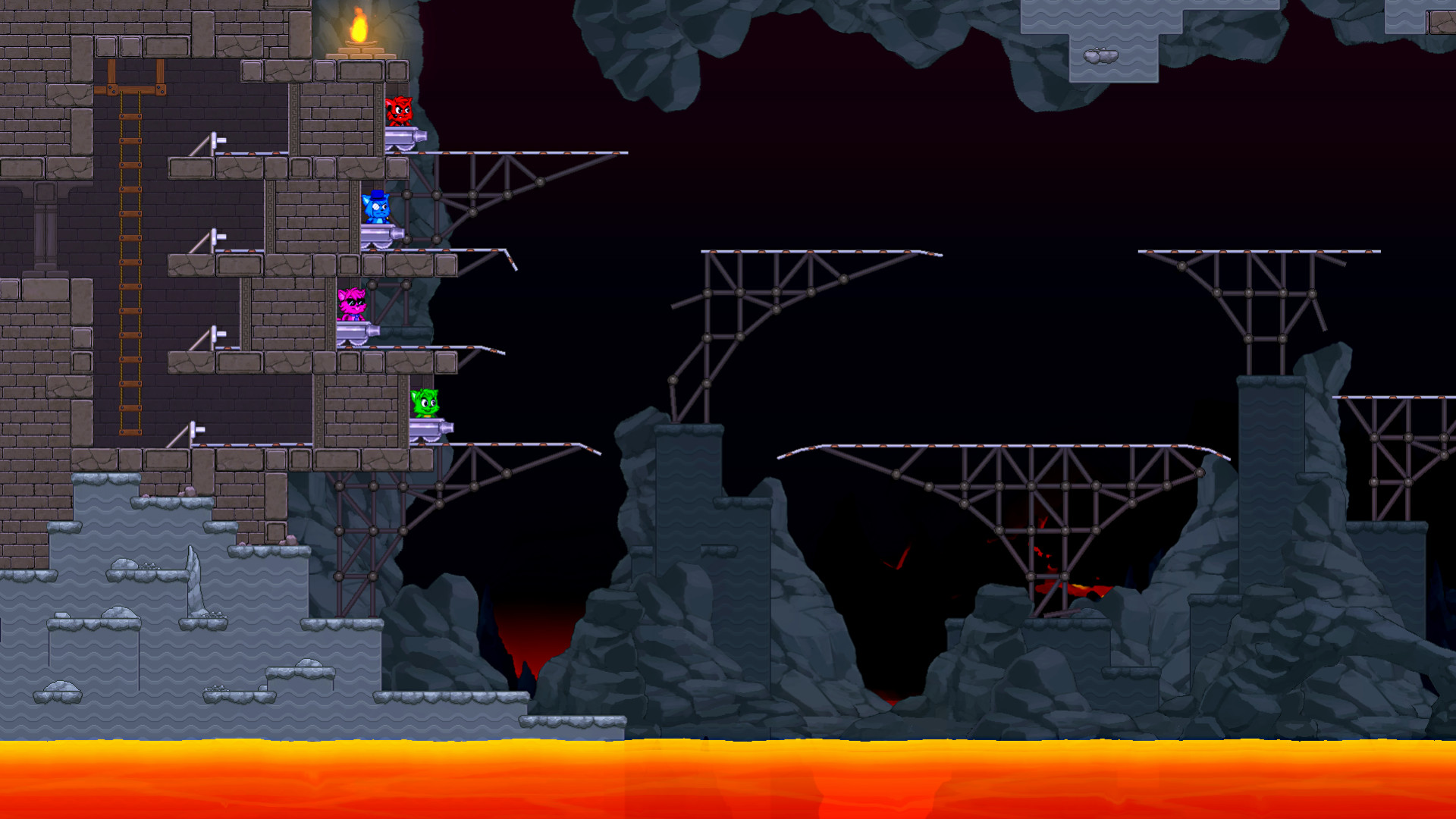
Both solo and cooperative play are supported, with options for PvP, co‑op, shared or split‑screen configurations and online matches that require no additional setup.
- Try different island routes to locate hidden puzzles early.
- Coordinate with a friend in split‑screen mode for faster exploration.
02 / THE GUIDE
Multiplayer Options
The title offers local co‑op, split‑screen PvP, and online co‑op or PvP via dedicated servers. Players can combine local and online participants in a single session without extra configuration.
Online matchmaking lists public games for quick joining, and the same keyboard or controller inputs work across all modes, including Remote Play Together for remote couch play.
- Mix local and online players to vary the session dynamics.
- Browse the public game list to find active matches quickly.
03 / THE GUIDE
Level Editor
A built‑in editor provides all tools used to create the base game, allowing players to edit existing levels or design new ones from scratch. Created maps can be shared in challenge mode for others to play.
All editor features are accessible in‑game, and shared levels appear alongside official content, encouraging community‑driven creations that extend replayability.
- Start by modifying a simple existing level to learn the tools.
- Publish your map to challenge other players and gather feedback.
04 / THE GUIDE
Steam Integration
Bloody Trapland 2 integrates with Steam services, offering achievements, trading cards, cloud saves and leaderboards. Players can also use Steam Workshop to share custom levels, and Family Sharing lets multiple accounts access the game.
Steam Cloud retains progress across devices, while leaderboards display scores from solo and multiplayer sessions, providing optional milestones for completionists.
- Enable Steam Cloud to keep progress when switching PCs.
- Visit the Workshop to discover popular community‑made levels.
05 / THE GUIDE
Platform Support
The game runs on Windows and macOS, supporting both keyboard and controller input. Remote Play Together allows friends without the game to join via streaming, and split‑screen modes work on any compatible system.
Family Sharing works across the supported platforms, letting multiple users access the same purchase without needing separate installations.
- Use a controller for smoother navigation in split‑screen mode.
- Enable Remote Play Together to invite friends who don’t own the game.
COMMUNITY
Player discussion