 GameWiki
GET YOUR BEARINGS
About Blood Strike
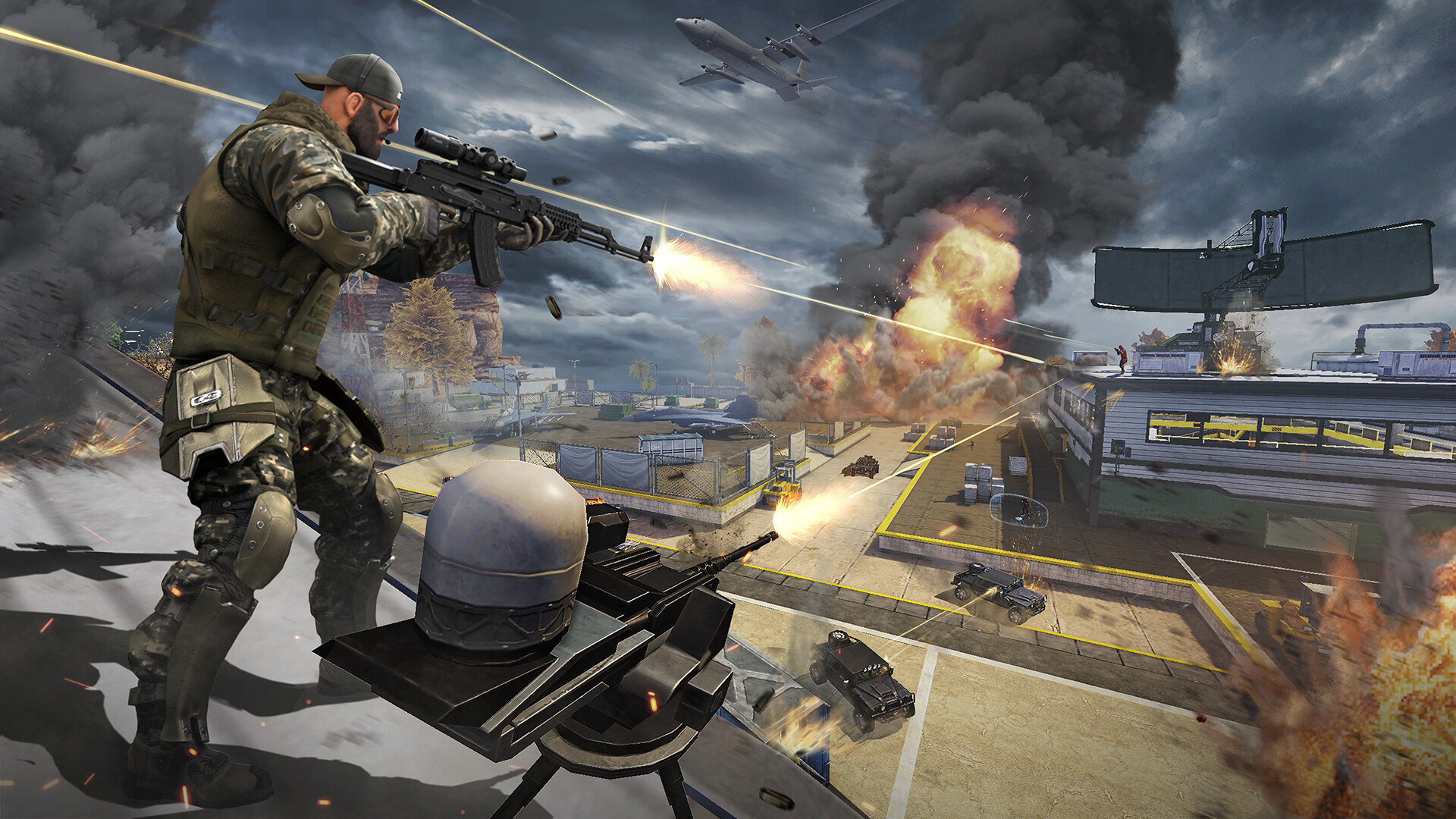
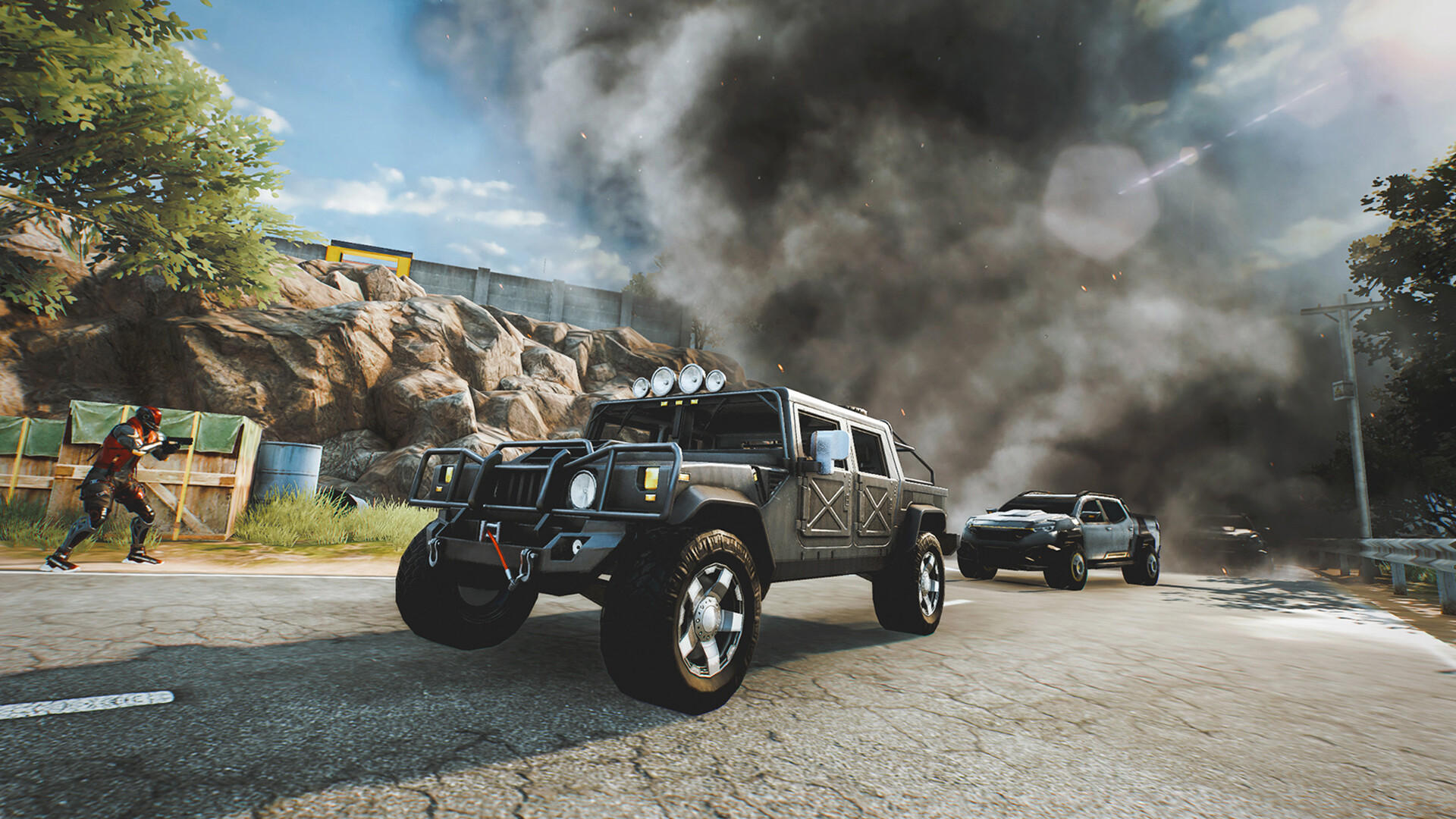
Blood Strike thrusts players into fast‑paced multiplayer combat, offering three core modes—Battle Royale, Squad Fight, and Hot Zone—each with its own objective and rhythm. The game emphasizes quick decisions and constant action without relying on static positions.
A roster of Strikers provides distinct active and passive abilities, while weapon customization and loadout selection let you tailor firepower. Team‑based play is streamlined, and the title runs smoothly on low‑end Windows machines with partial controller support.
01 / THE GUIDE
Game Modes
Blood Strike provides three multiplayer modes—Battle Royale, Squad Fight, and Hot Zone—each with its own win condition and pacing.
Choosing a mode determines whether you face a large free‑for‑all, coordinated squad battles, or focused hotspot engagements.
- Try each mode once.
- Switch modes for variety.
02 / THE GUIDE
Striker Abilities
Every Striker carries a distinct active skill and a passive trait, such as deploying drones or generating shield walls, shaping combat decisions.
These abilities influence positioning and timing, rewarding players who integrate them with movement and fire exchanges.
- Test different Strikers.
- Observe ability timing.

03 / THE GUIDE
Weapon Customization
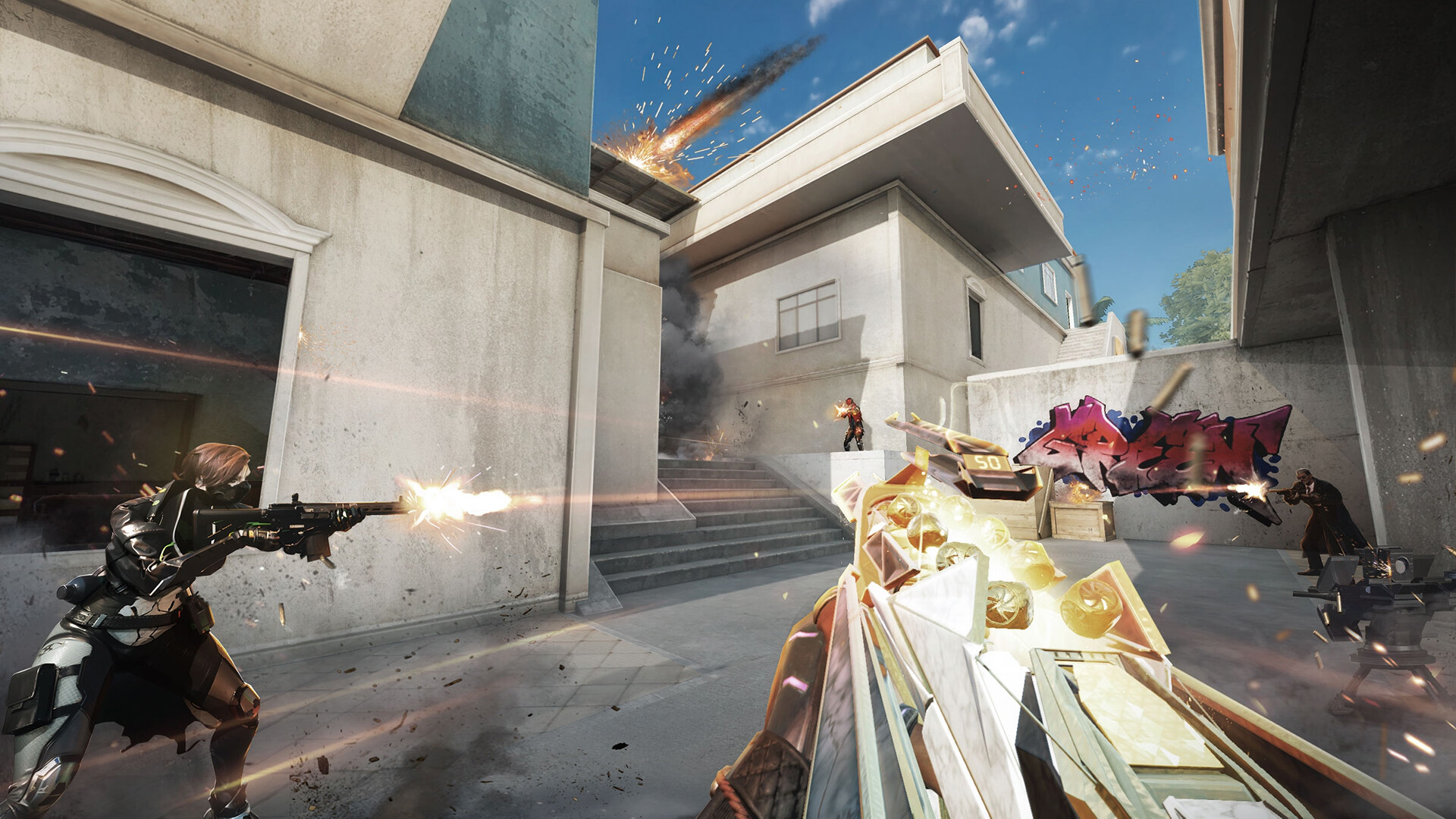
Players may modify weapons and assemble unique loadouts, selecting attachments and optics that suit personal combat preferences for each combat style.
Loadouts apply across all modes, allowing consistent setups or strategic adjustments between matches as desired.
- Save multiple loadouts.
- Match loadout to mode.
04 / THE GUIDE
Team Play & Squad System
Blood Strike streamlines squad creation; you can add friends, form a team, and launch directly into a match together.
Team‑based modes let squads coordinate abilities and fire, enhancing survivability and tactical depth during intense firefights.
- Add friends to squad.
- Enter matches together.
05 / THE GUIDE
Controls, Performance & Partial Controller Support
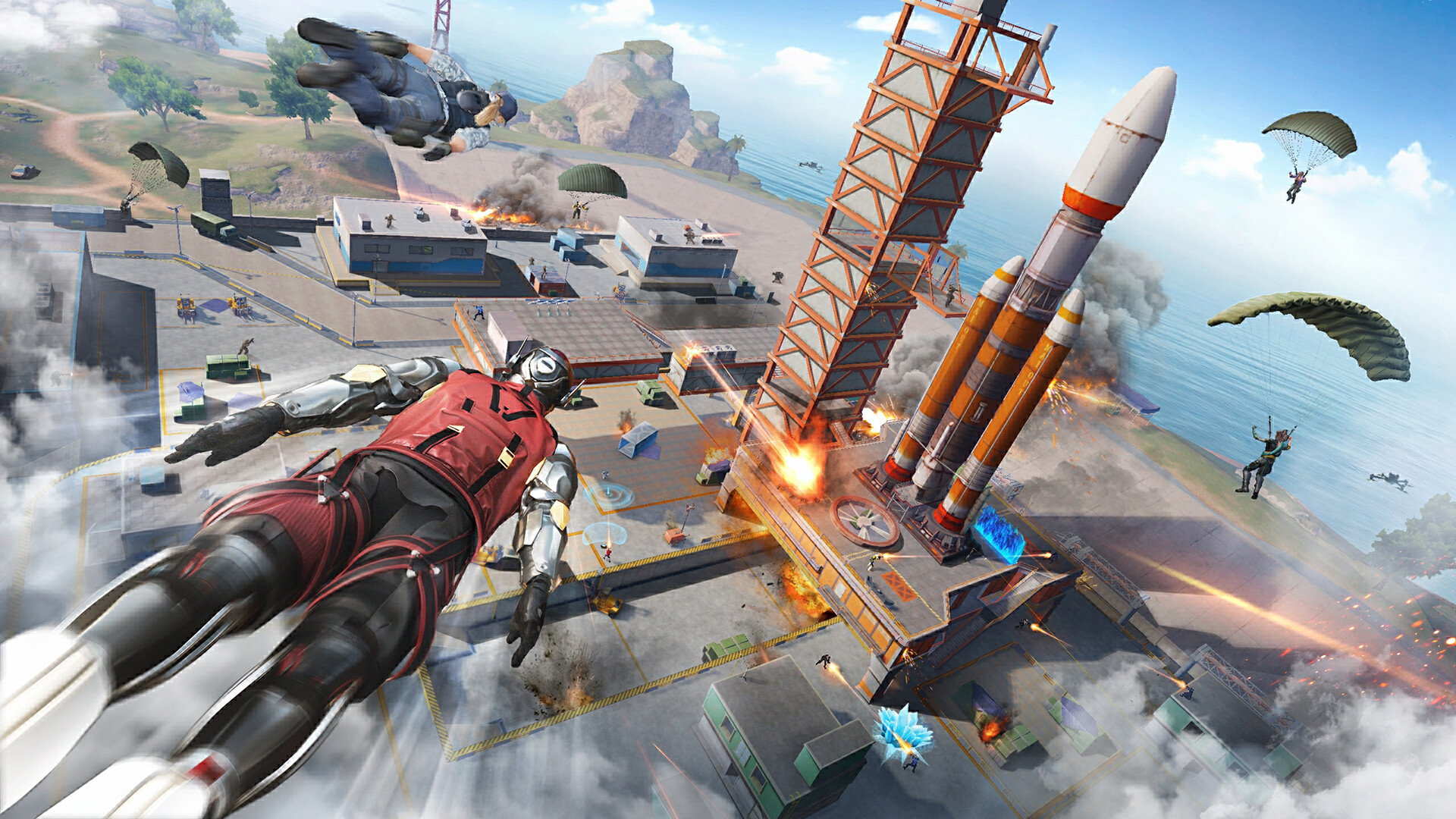
The game delivers smooth aiming, shooting, running, and gliding, with responsive controls that remain functional on low‑end Windows machines.
Partial controller support is listed among the features, providing an alternative input option alongside the default control scheme.
- Adjust graphics for FPS.
- Test controller option.
COMMUNITY
Player discussion