 GameWiki
GET YOUR BEARINGS
About Blockbuster Inc.
Blockbuster Inc. is a next‑generation simulation where you run a movie studio. You design sets, choose actors, costumes, camera moves, and direct behavior, then handle sound design, scene layout, and special effects after shooting. The game also lets you customize studio interiors, set working hours, and manage finances.
Beyond production, you can buy shares, take loans, and plan marketing, while scouting talent with unique traits and demands. It offers single‑player play, Steam achievements, cloud saves, a level editor, Steam Workshop integration, and Family Sharing, and runs on Windows.
01 / THE GUIDE
Studio Customization
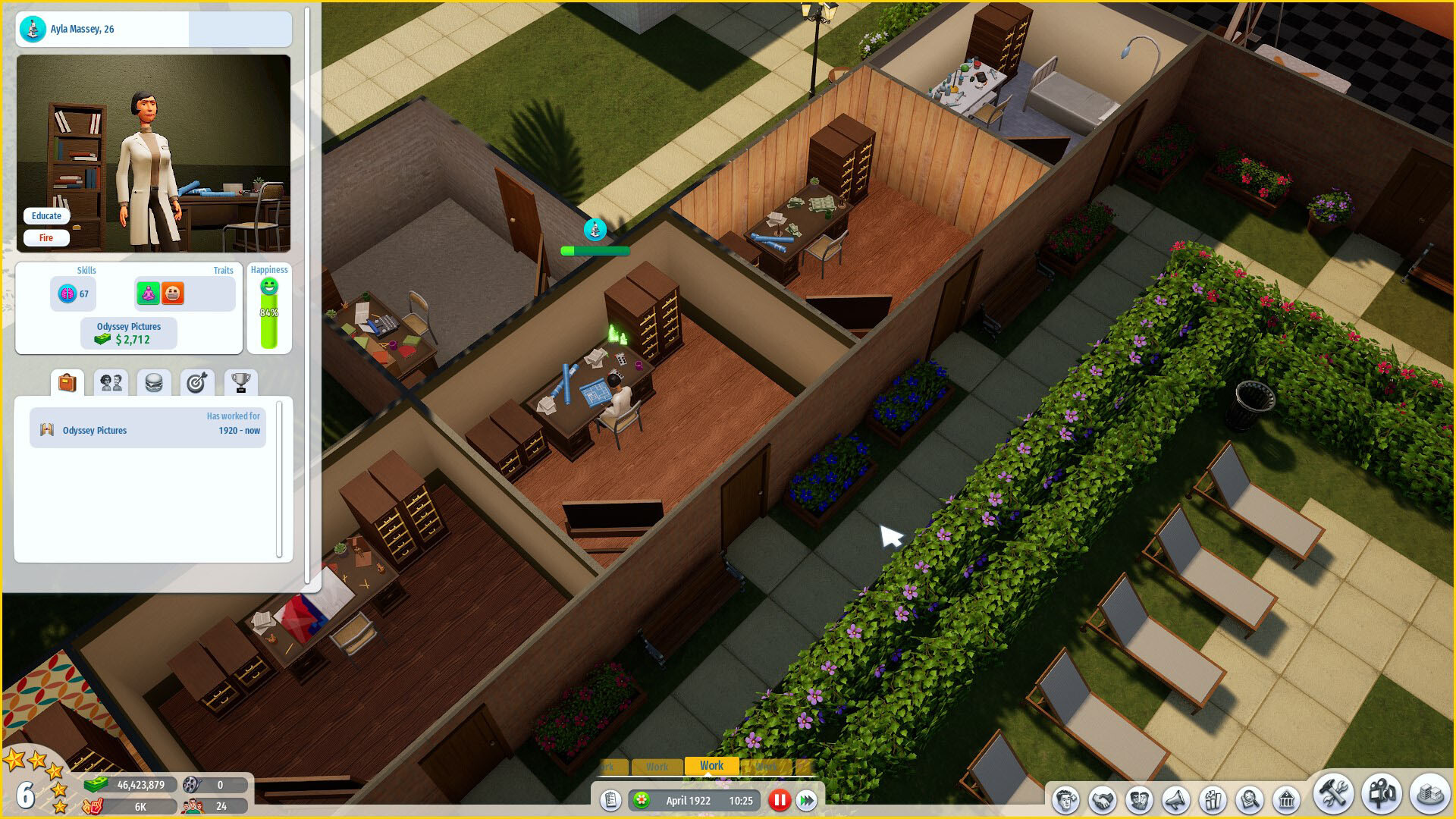
You can shape the appearance of your studio by selecting wallpapers and adjusting room sizes. These visual choices define the environment where movies are produced and give a personal feel to each production session.
Customization also includes setting working hours, allowing you to decide the studio’s daily schedule. This lets you decide the studio’s daily schedule as part of your management routine.
- Try different wallpaper themes to see which visual style feels most comfortable during long sessions.
- Adjust working hours to match your real‑world playtime for smoother progress.
02 / THE GUIDE
Film Production
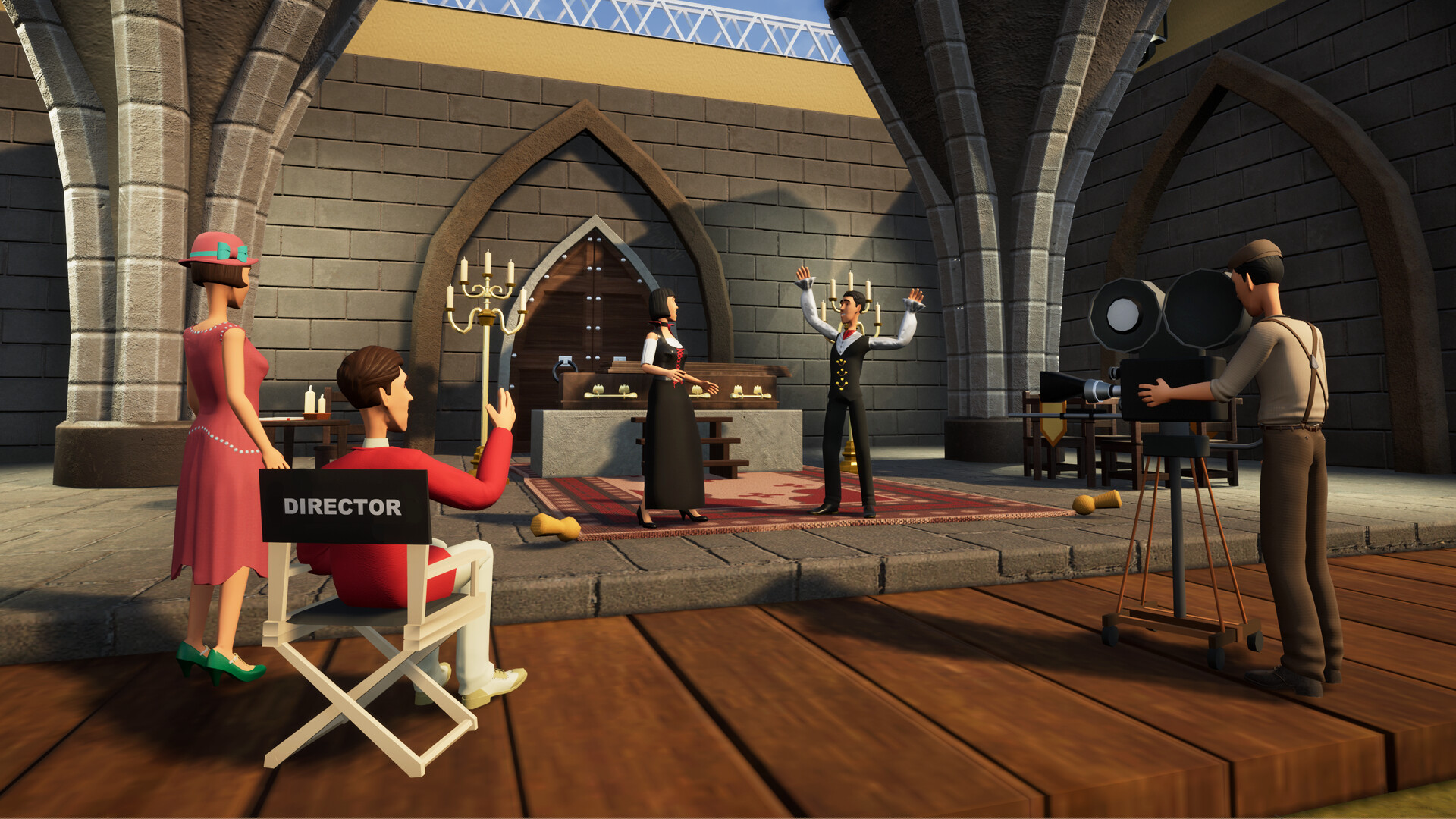
Creating a film involves selecting actors, costumes, camera movements, and directing actor behavior on custom sets. Each decision builds the visual narrative before the shoot begins.
After filming, you manage sound design, arrange scene layout, and add special effects. This post‑production phase lets you polish the movie into its final form.
- Plan camera moves early to reduce re‑editing later.
- Match costume choices with actor traits for a cohesive on‑screen look.
03 / THE GUIDE
Talent Management
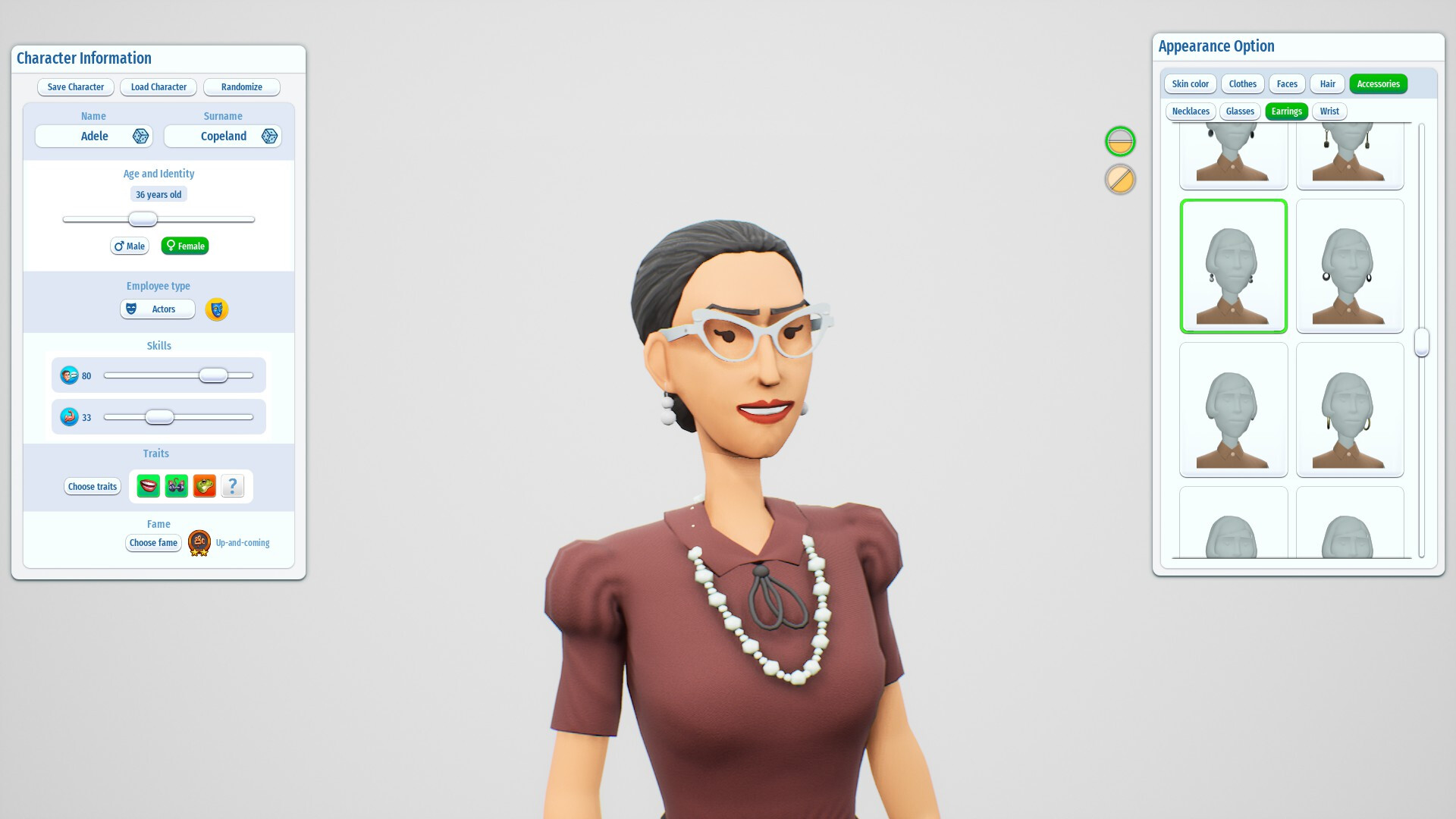
Talent scouting lets you discover aspiring actors and develop them into stars. Each talent arrives with distinct traits and personal demands that you must consider when assigning roles.
Handling a mix of temperaments—from divas to smooth operators—requires you to balance assignments and expectations, testing your managerial sharpness throughout productions.
- Review an actor’s listed traits before placing them on high‑pressure shoots.
- Maintain a varied roster to avoid over‑reliance on a single personality type.
04 / THE GUIDE
Financial Management
The game provides financial tools such as buying shares from other studios, taking loans, and deciding on marketing spend. These actions shape your studio’s finances as part of its broader management.
Strategic use of these tools is essential for climbing the cinematic hall of fame, as each decision can influence long‑term success and the ability to fund future productions.
- Use loans sparingly to keep debt manageable.
- Allocate marketing funds after a strong release to maximize impact.
05 / THE GUIDE
Creative Tools & Level Editor
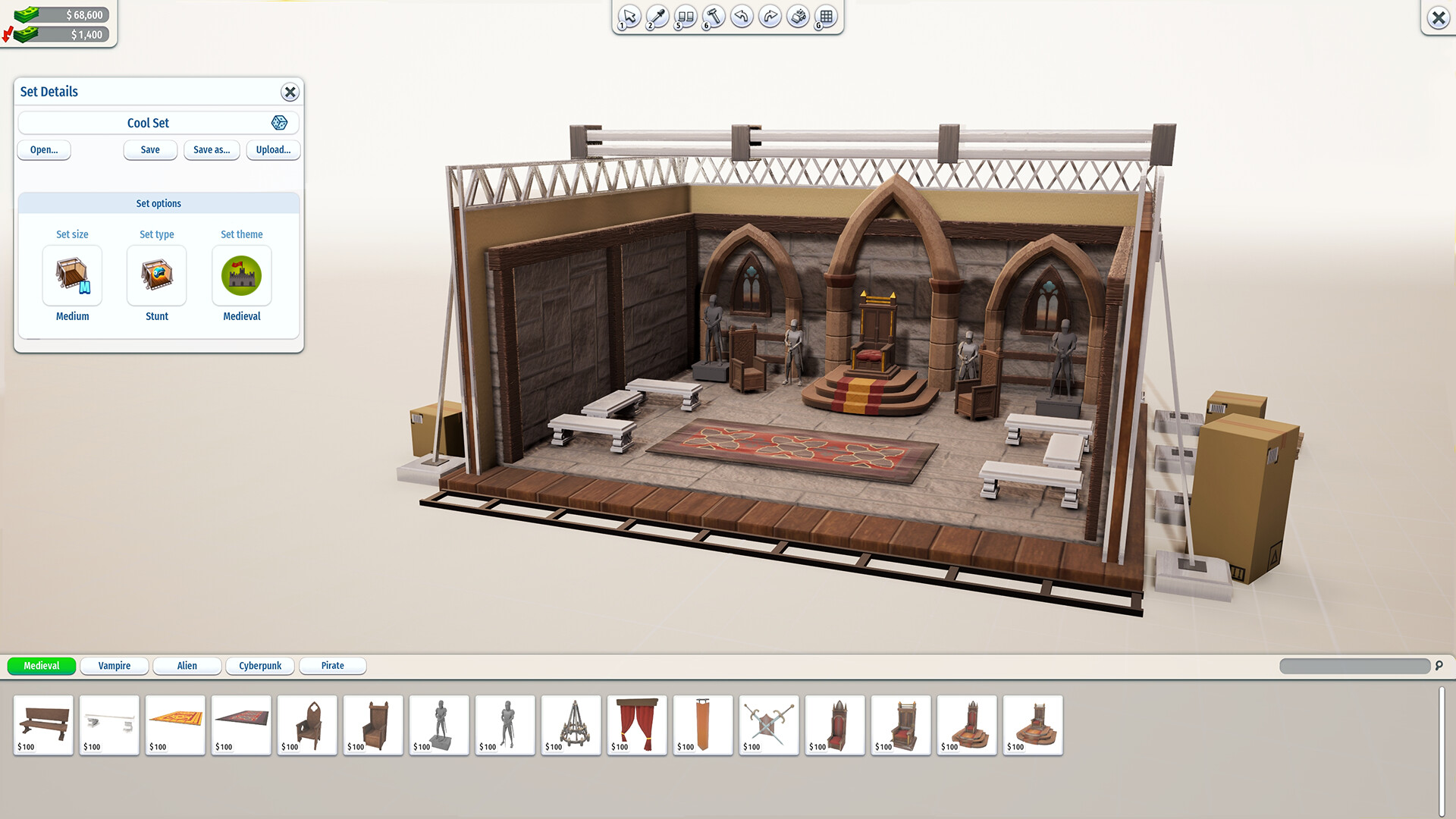
Blockbuster Inc. includes a level editor that lets you build and decorate custom sets beyond the built‑in options. The editor works within the main simulation, allowing personal projects to be created and tested.
Integrated with Steam Workshop, creations made in the editor can be shared with the community, expanding the pool of available assets for all players.
- Start with simple layouts before adding detailed decorations.
- Explore the Workshop for ready‑made assets that can speed up set creation.

COMMUNITY
Player discussion