 GameWiki
GET YOUR BEARINGS
About Blind Touch
Blind Touch places you in the role of a character who has lost both sight and memory after an accident. Your guide cane becomes a surrogate eye, turning touch and sound into the primary way to perceive the world.
The game is single‑player, lets you explore at your own pace, and includes Adjustable Difficulty, Custom Volume Controls, Camera Comfort, and Full controller support. Audio cues and narrated menus replace visual information, creating a sensory‑focused adventure.
01 / THE GUIDE
Narrative Premise
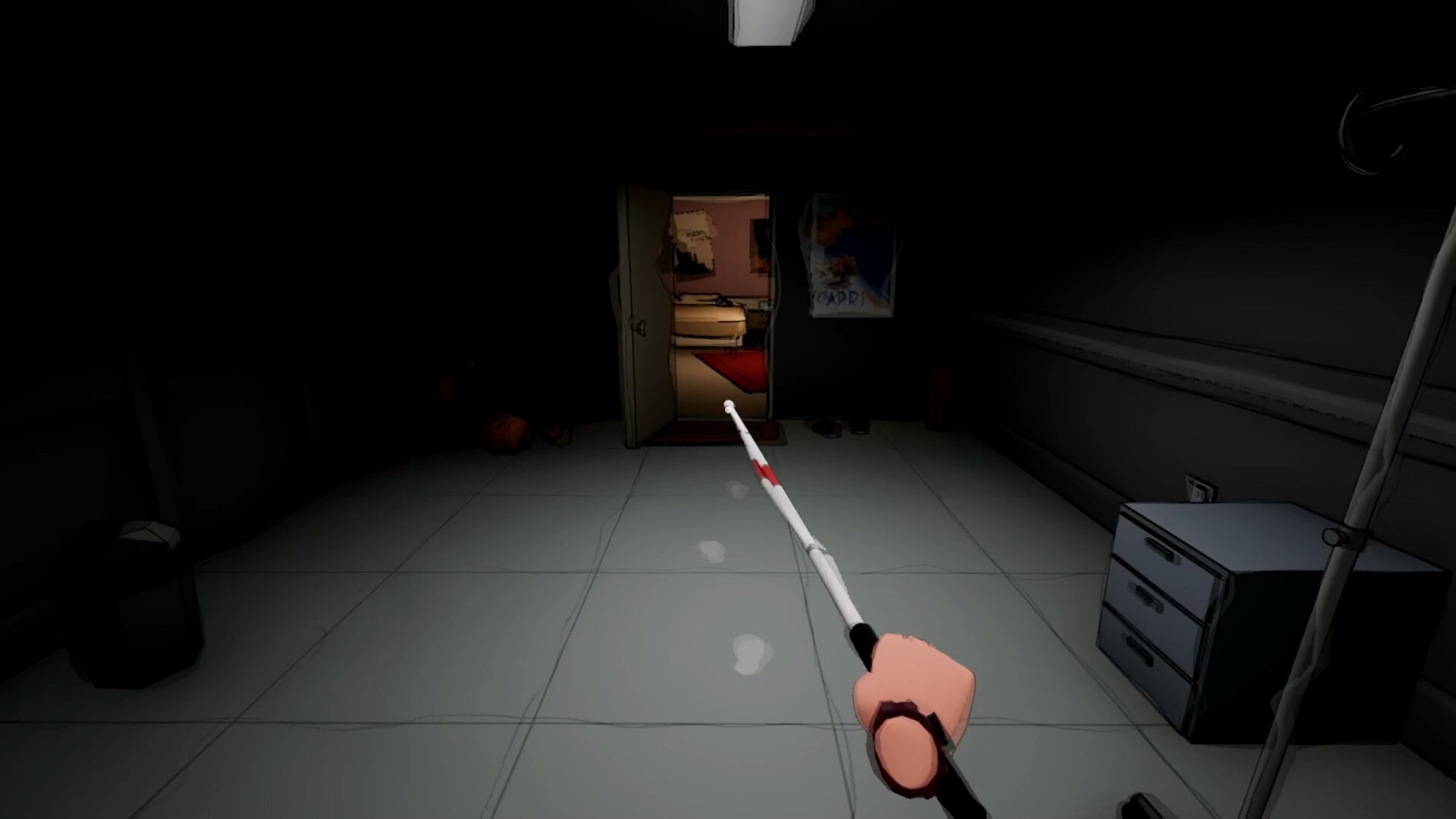
The opening describes an accident that removes the protagonist’s vision and memory, establishing a world where familiar places feel unknown. The guide cane is described as a new “eye” that translates touch into perception, forming the core narrative device.
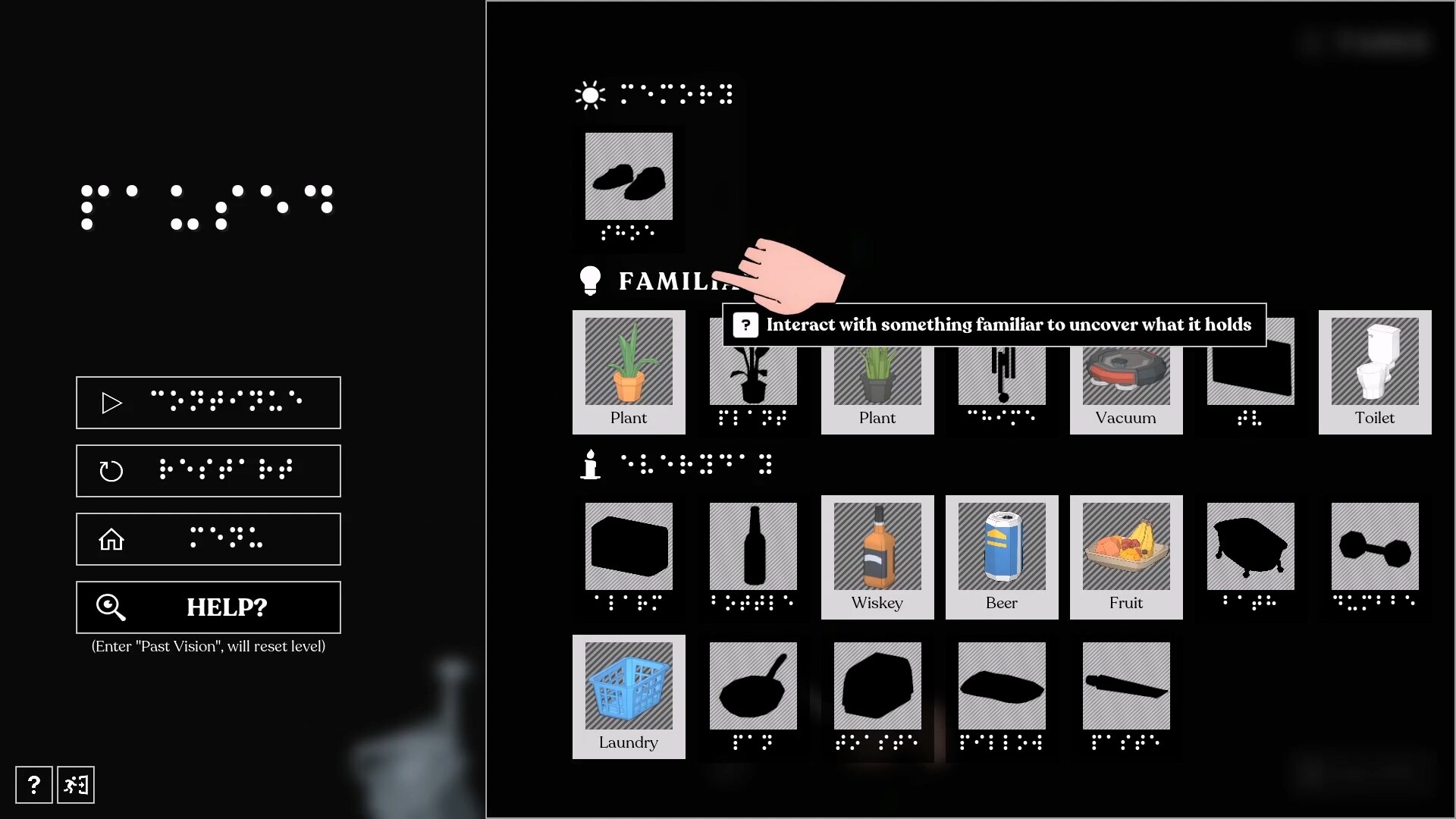
Throughout the journey you encounter objects that hold personal meaning, such as a humming boombox or the scent of a flowering plant. These discoveries are presented as narrative milestones that deepen the emotional story while reinforcing reliance on non‑visual senses.
- Listen for audio cues that hint at an object's significance.
- Notice how each discovered item connects to the protagonist’s past.
02 / THE GUIDE
Sensory Navigation
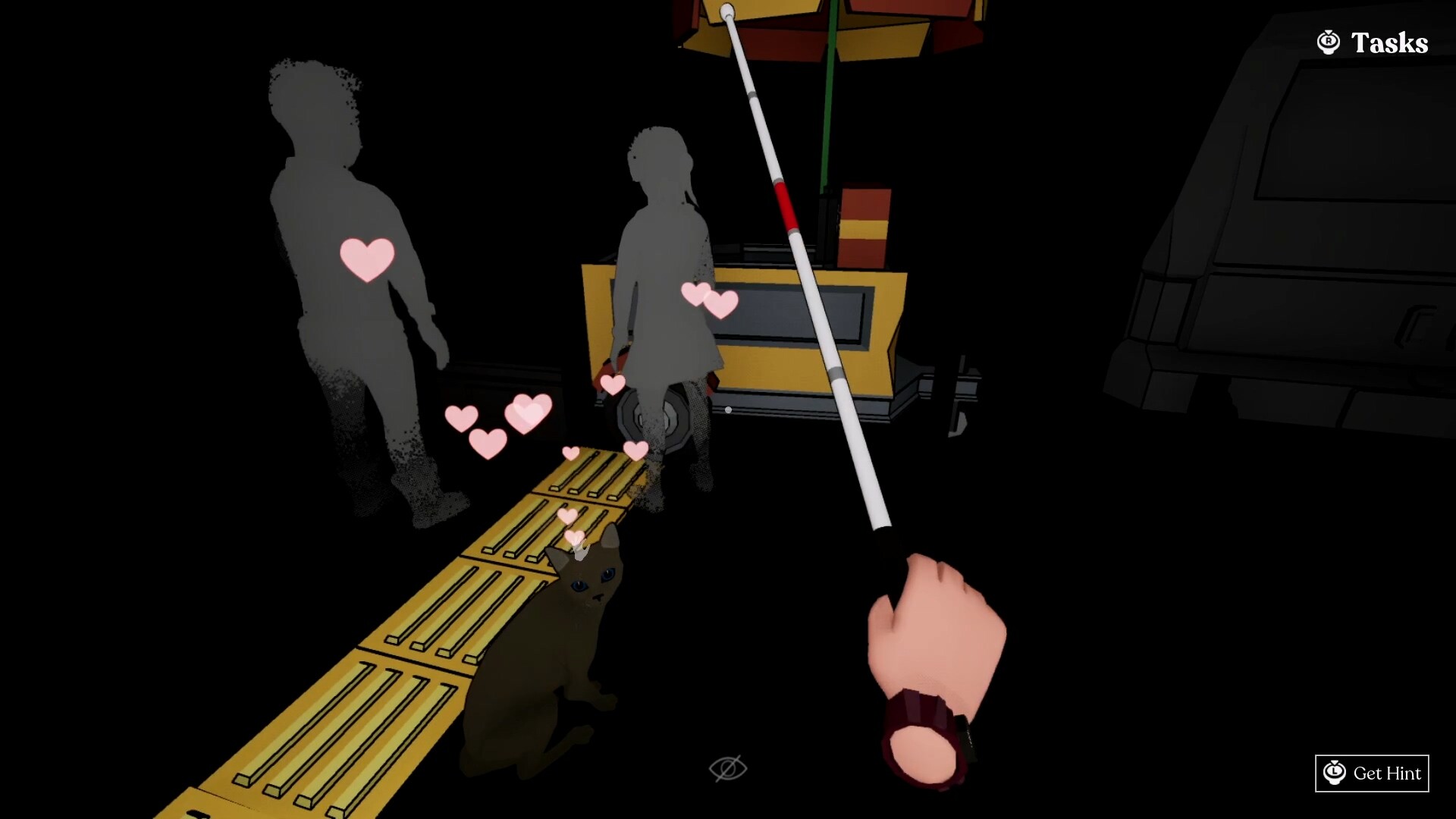
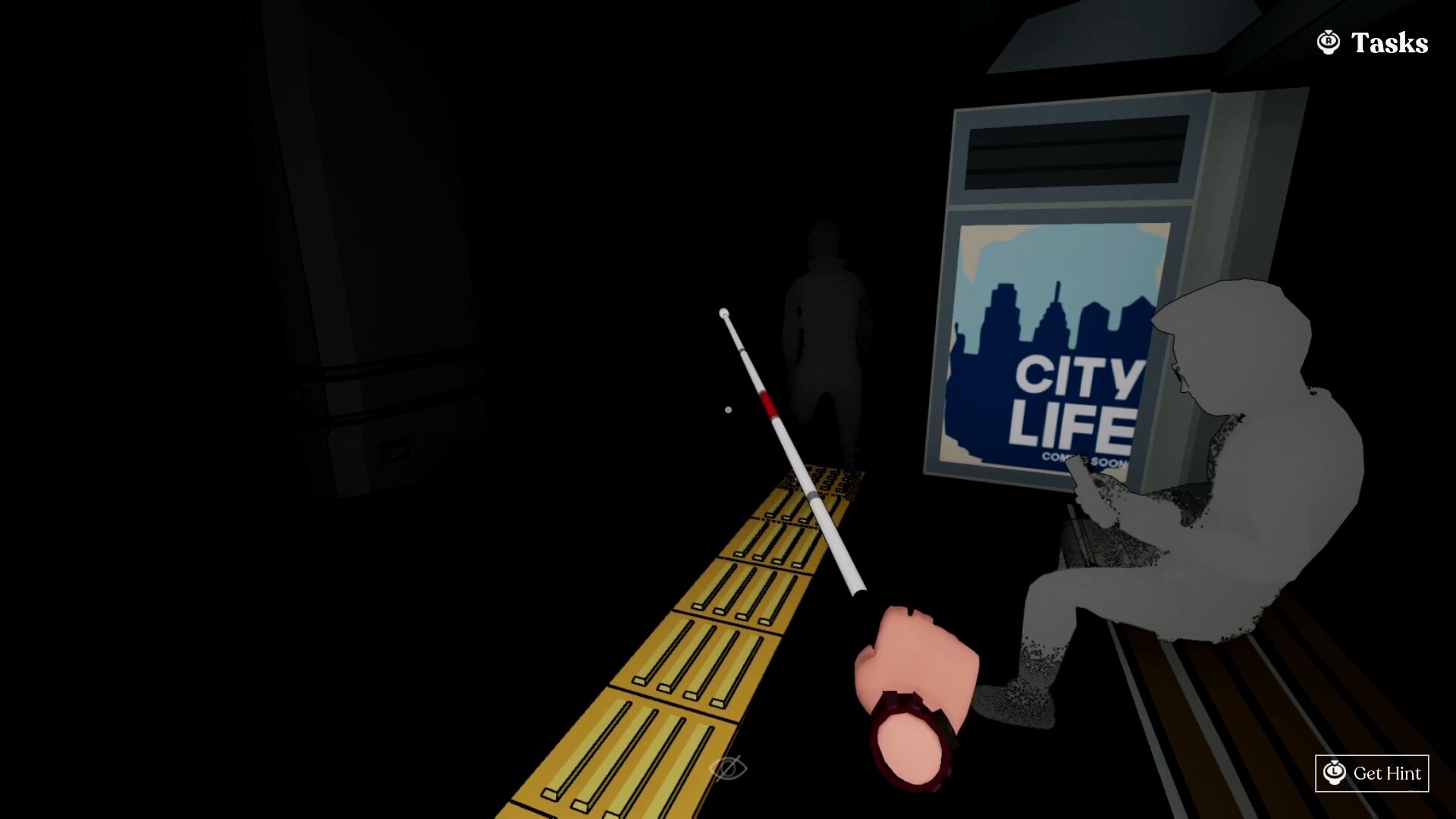
Movement is driven by the cane; each contact point triggers auditory feedback that reveals the surrounding environment. Players hear distant footsteps, subway rushes, or breezes, allowing orientation without visual markers.
The cane’s feedback is the primary method for interacting with the world. By interpreting layered sound cues, players piece together layouts of homes, subways, and streets, turning touch and hearing into a functional navigation system.
- Use headphones to capture subtle directional sounds.
- Move deliberately so each tactile cue registers fully.
03 / THE GUIDE
Accessibility Options
Blind Touch offers Adjustable Difficulty, Custom Volume Controls, and Color Alternatives, letting players tailor sensory intensity to their comfort level. These settings support both casual explorers and those seeking a tighter simulation.
Additional features such as Camera Comfort and Playable without Timed Input remove pressure, allowing exploration at a self‑determined pace. The collection of options ensures the experience remains approachable for a wide audience.
- Experiment with difficulty levels to find the right challenge.
- Balance volume sliders so important cues stand out from ambient sounds.
04 / THE GUIDE
Audio Design
Stereo Sound and Surround Sound create a layered acoustic landscape where footsteps, trains, and natural breezes are positioned spatially. This design supplies the spatial awareness needed for navigation without sight.
Narrated Game Menus reinforce the audio‑first approach, providing spoken prompts that guide interaction. Together, spatial sound and narration form a cohesive sensory environment.
- Enable surround sound if your setup supports it for clearer directionality.
- Listen to menu narration early to become familiar with control prompts.
05 / THE GUIDE
Single‑Player Features
The title is a single‑player experience that includes Steam Achievements, allowing you to track narrative milestones. Progress can be saved to Steam Cloud, keeping your data consistent across installations.
Family Sharing is supported, so multiple Steam accounts can access the game on the same hardware. These features focus on a personal journey rather than competitive or multiplayer elements.
- Check the achievement list for narrative checkpoints.
- Enable Steam Cloud to safeguard your save files.

COMMUNITY
Player discussion