 GameWiki
GET YOUR BEARINGS
About Blind Drive
Blind Drive is an audio‑based, black‑comedy action arcade title that places the player entirely in sound. You play blindfolded, navigating traffic, angry drivers, police, and a hostile caller while following Donnie’s chaotic story.
The game offers hyper‑immersive first‑person audio, 2‑button arcade controls, and 27 levels that include boss fights, secret areas, and a rude GPS. It runs on Windows and macOS, supports full controller input with haptic feedback, and includes text‑to‑speech accessibility for screen‑reader users.
01 / THE GUIDE
Hyper‑Immersive Audio
Blind Drive relies on first‑person audio that is described as “so good you can play with your eyes closed.” The sound design conveys cars rushing past, drivers yelling, and cops on your tail, creating a complete gameplay experience through hearing alone.
The game’s audio is paired with stereo sound and supports Windows TTS, allowing players who use screen readers to receive narration of menus.
- Use high‑quality headphones to capture the directional cues the game provides.
- Adjust your system’s volume balance if you find certain sounds, like the GPS, hard to distinguish.
02 / THE GUIDE
Two‑Button Arcade Controls
Gameplay is built around a fast‑paced, two‑button arcade scheme. Players can use a gamepad, which includes extra‑fine haptics, or a keyboard‑only option, as indicated by the feature list.
The control simplicity is intended to let players focus on audio cues rather than complex inputs, supporting both controller and keyboard configurations.
- Experiment with both gamepad and keyboard to see which feels more responsive to audio cues.
- If using a controller, enable the haptic feedback for subtle vibration cues.
03 / THE GUIDE
27 Levels with Bosses and Secrets
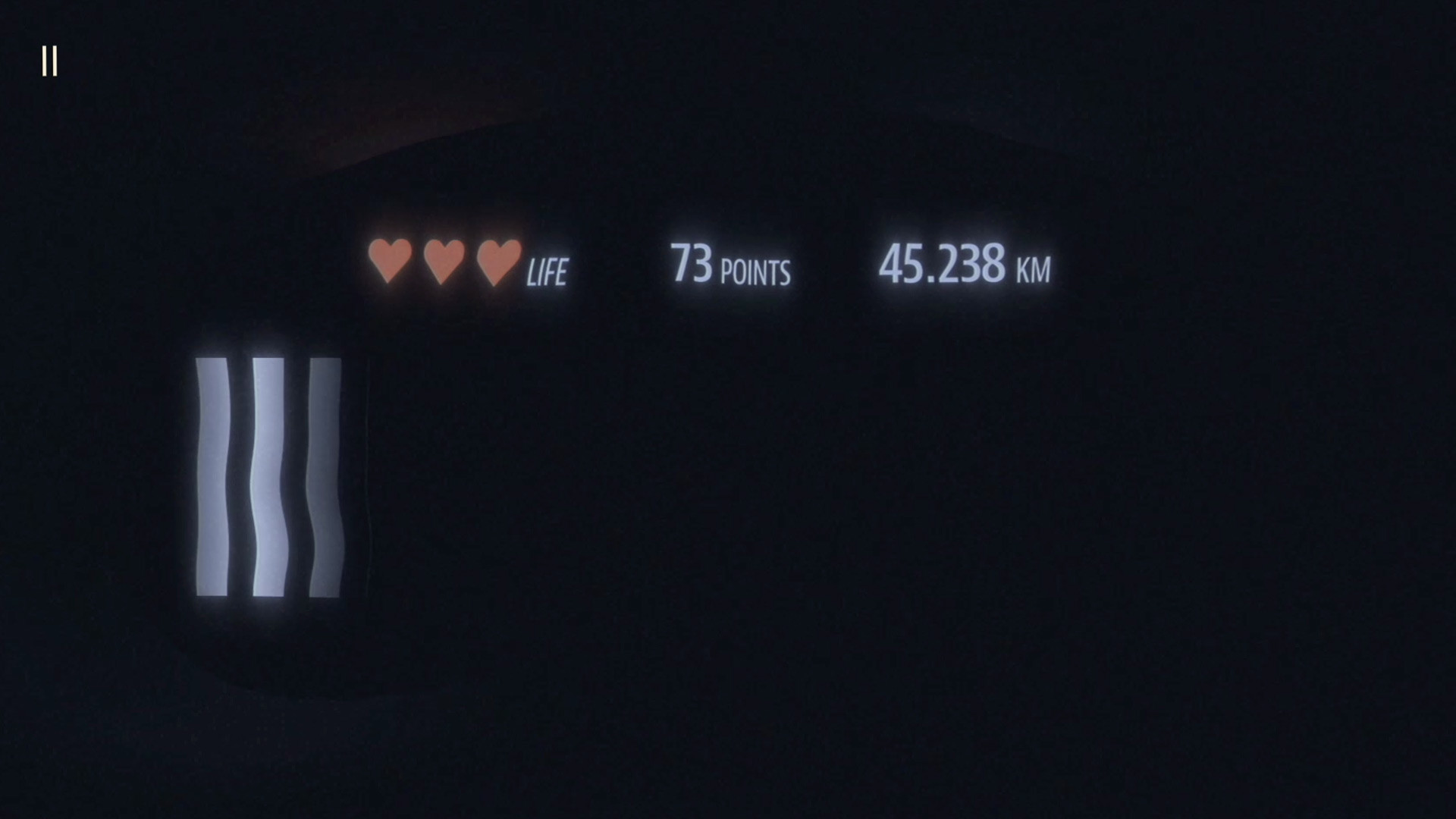
The game contains twenty‑seven distinct levels that feature boss fights, secret areas, and a notably rude GPS voice. These levels progress the comedic crime story involving mobsters, dolphins, and Donnie’s angry grandmother.
Each level builds on the audio challenges, requiring players to interpret increasingly complex soundscapes while maintaining the arcade pace.
- Listen for unique audio patterns that may indicate hidden areas.
- Pay attention to the GPS’s tone changes; they can hint at upcoming boss encounters.
04 / THE GUIDE
Full Text‑to‑Speech and Vision‑Free Play
Blind Drive includes full text‑to‑speech accessibility, supporting NVDA and Windows TTS, and is tagged as playable without vision. This allows blind or low‑vision players to experience the entire game through sound and spoken menus.
The feature set also lists a “Keyboard Only Option,” ensuring that players who cannot use a controller still have a viable input method.
- Activate the TTS option (Shift+A) before starting to ensure all menus are narrated.
- Combine the keyboard‑only mode with headphones for the clearest audio feedback.
05 / THE GUIDE
Supported Platforms and Cloud Saves
Blind Drive is available on Windows and macOS, with Steam Cloud enabled for saving progress at any time. The game also supports Steam achievements, leaderboards, and family sharing.
These platform features let players continue their run on any compatible device and compare scores with others, while still keeping the experience single‑player focused.
- Enable Steam Cloud in the client settings to keep your progress synced across machines.
- Check the leaderboards after each level to gauge how your audio navigation compares to others.


COMMUNITY
Player discussion