 GameWiki

GET YOUR BEARINGS
About Blender
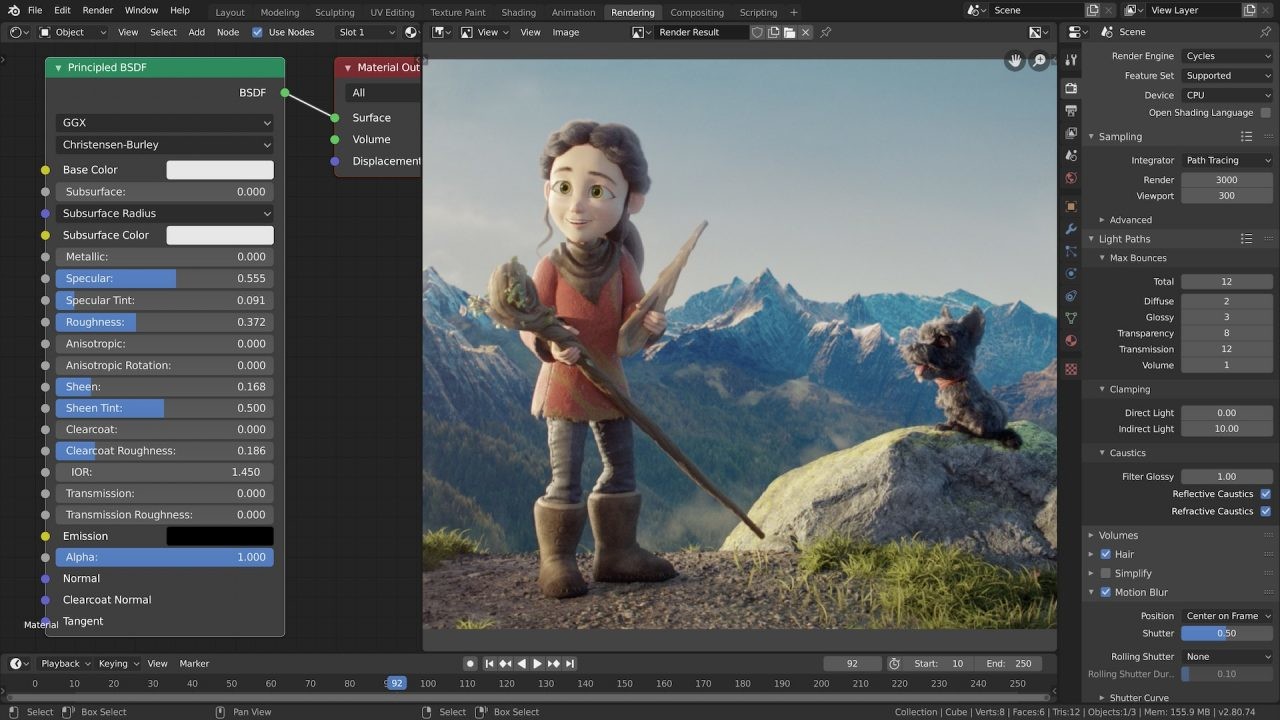
Blender is a free, open‑source 3D creation suite that covers the full 3D pipeline, from modeling to video editing. Its unified tools make it attractive to solo artists and small studios seeking a responsive development cycle. The program runs on Linux, Windows and macOS, using OpenGL for a consistent interface. Released under the GPL, anyone can modify the code, add features, or fix bugs, fostering a collaborative community.
01 / THE GUIDE
Full 3D Pipeline
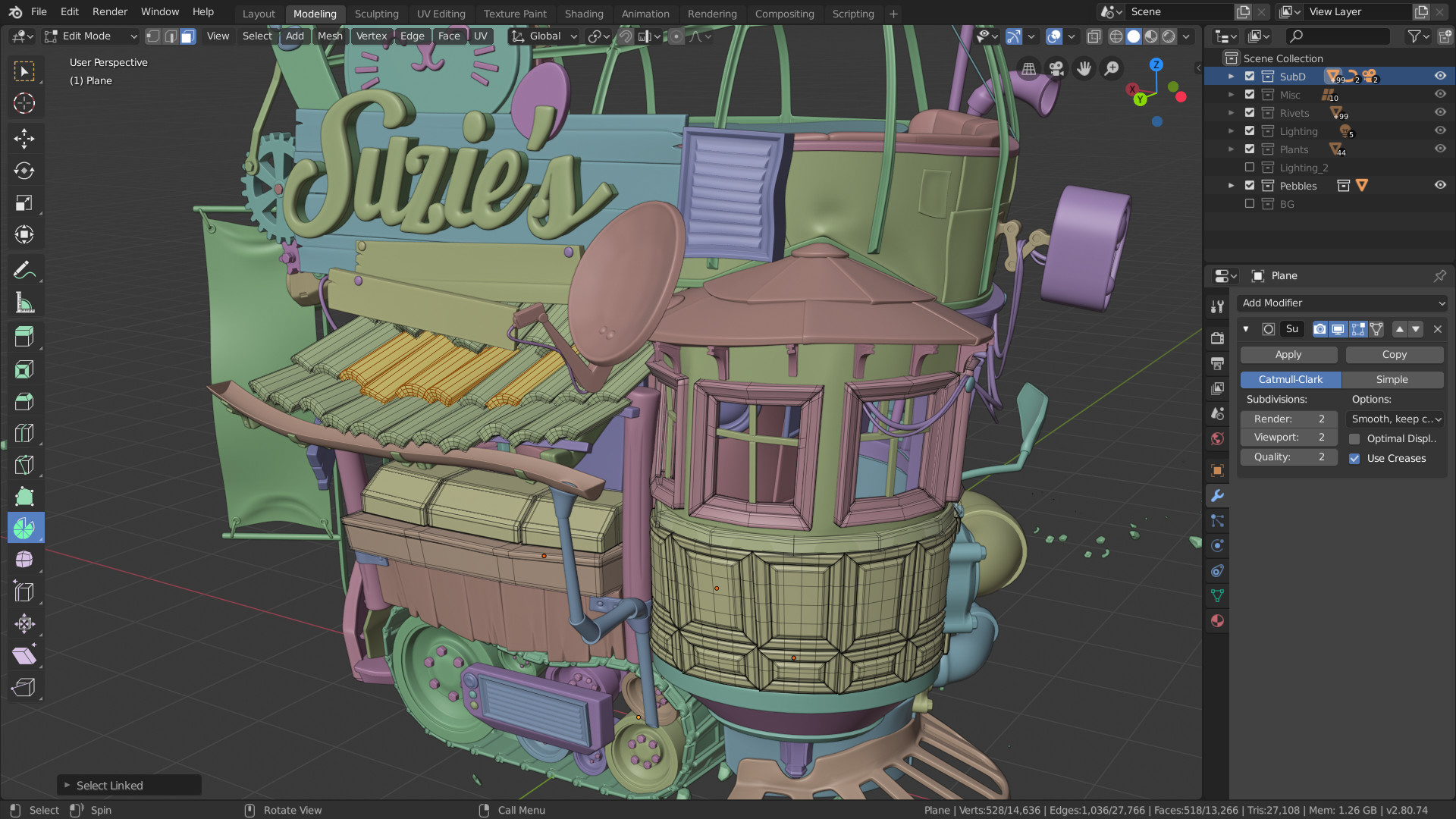
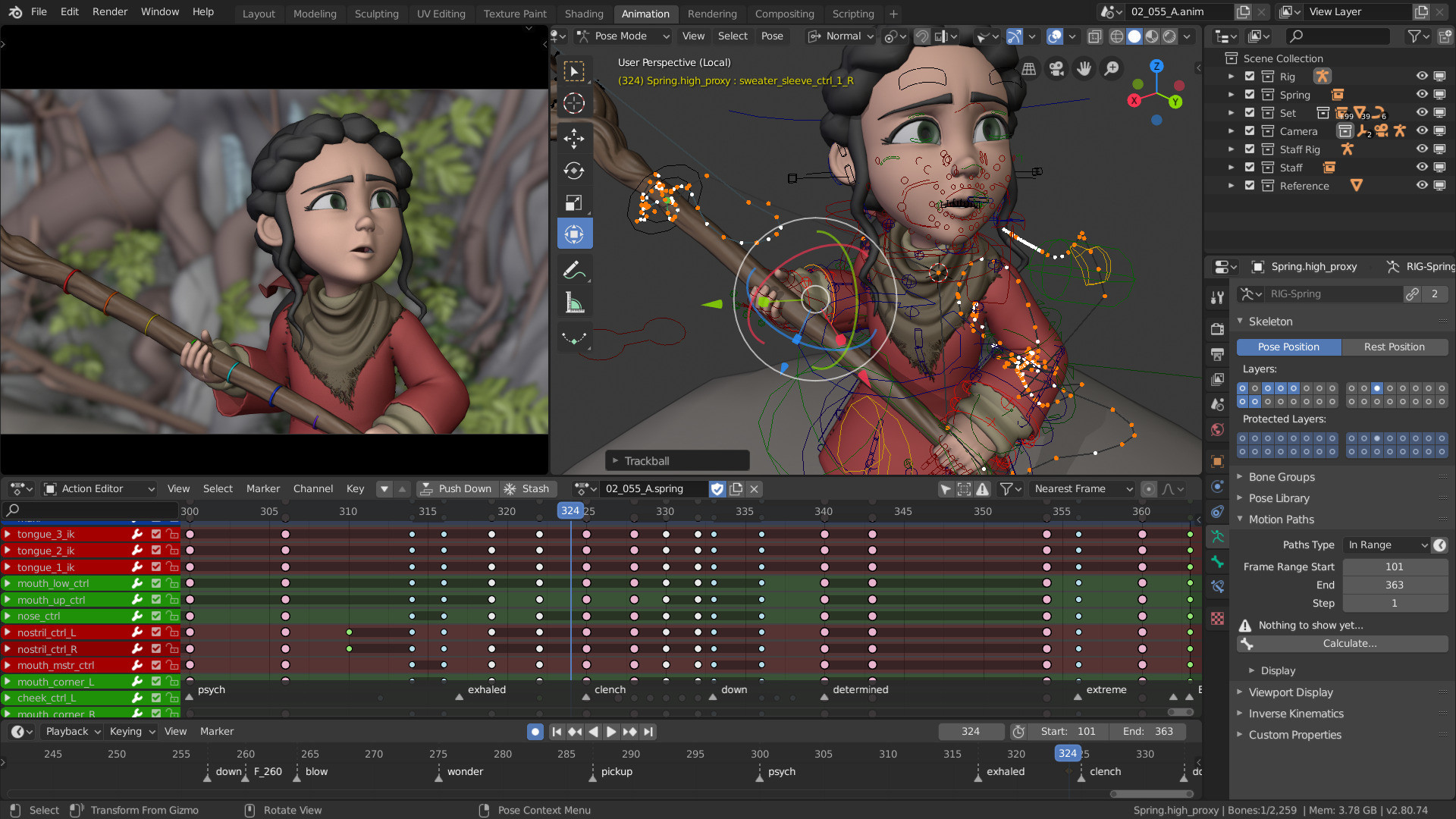
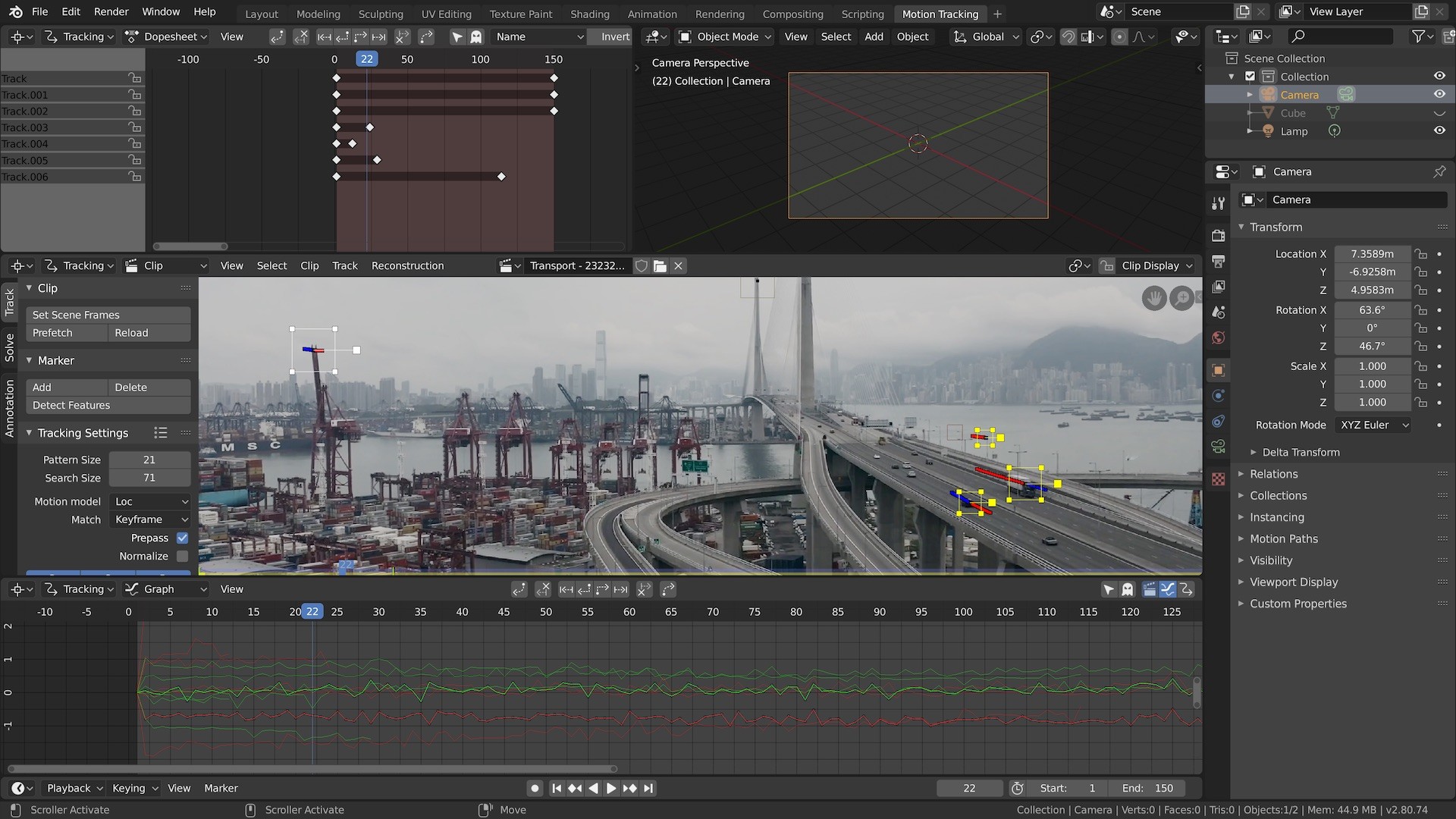
Blender includes modeling, rigging, animation, simulation, rendering, compositing, motion tracking, and video editing in one application. This breadth lets users stay within a single environment for all stages of production. Because every stage shares the same data structures, assets move seamlessly between tasks, reducing the need for external converters or exporters.
- Keep project files organized to benefit from seamless asset flow.
- Use the built‑in compositor to avoid extra software for post‑processing.
02 / THE GUIDE
Python API Scripting
Advanced users can employ Blender’s API for Python scripting, allowing customization of the interface and creation of specialized tools. Scripts can automate repetitive tasks or add new functionality. These scripts are often contributed back to the project and may appear in future releases, extending Blender’s capabilities over time.
- Start with simple scripts to learn the API basics.
- Share useful scripts with the community for possible inclusion.
03 / THE GUIDE
Cross‑Platform Support
Blender runs equally well on Linux, Windows, and Macintosh computers, providing a consistent experience across operating systems. Its OpenGL‑based interface adapts to each platform without major differences. The development team regularly tests these platforms, ensuring reliable performance for most users.
- Check the supported‑platform list for the latest tested builds.
- Update graphics drivers to maintain OpenGL stability.
04 / THE GUIDE
Open Source GPL Model
Blender is released under the GNU General Public License, granting users the right to modify and redistribute the code. This model encourages both small tweaks and large overhauls. Contributors can submit changes that become part of official releases, ensuring the software evolves with community needs.
- Read the GPL summary before redistributing modified builds.
- Participate in code reviews to learn best practices.
05 / THE GUIDE
Community Development
Blender’s development is driven by a global community that provides bug reports, feature ideas, and financial support. Although the software is free, users can invest or help advance the project. The collaborative process leads to rapid bug fixes, new features, and improved usability, reflecting the needs of its diverse user base.
- Join forums or chat channels to stay informed about upcoming changes.
- Consider donating to support faster development cycles.

COMMUNITY
Player discussion