 GameWiki
GET YOUR BEARINGS
About Bleed 2
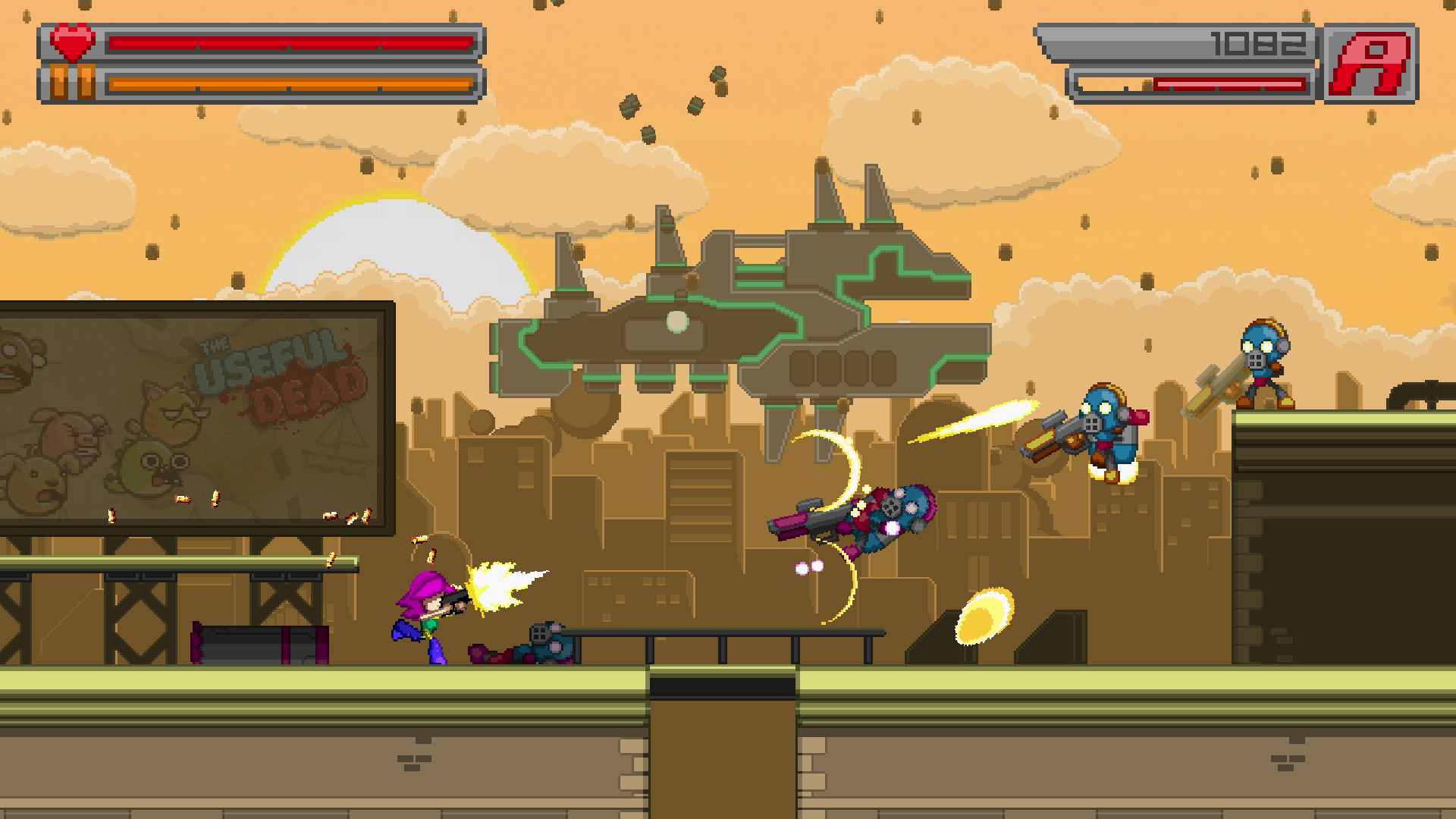
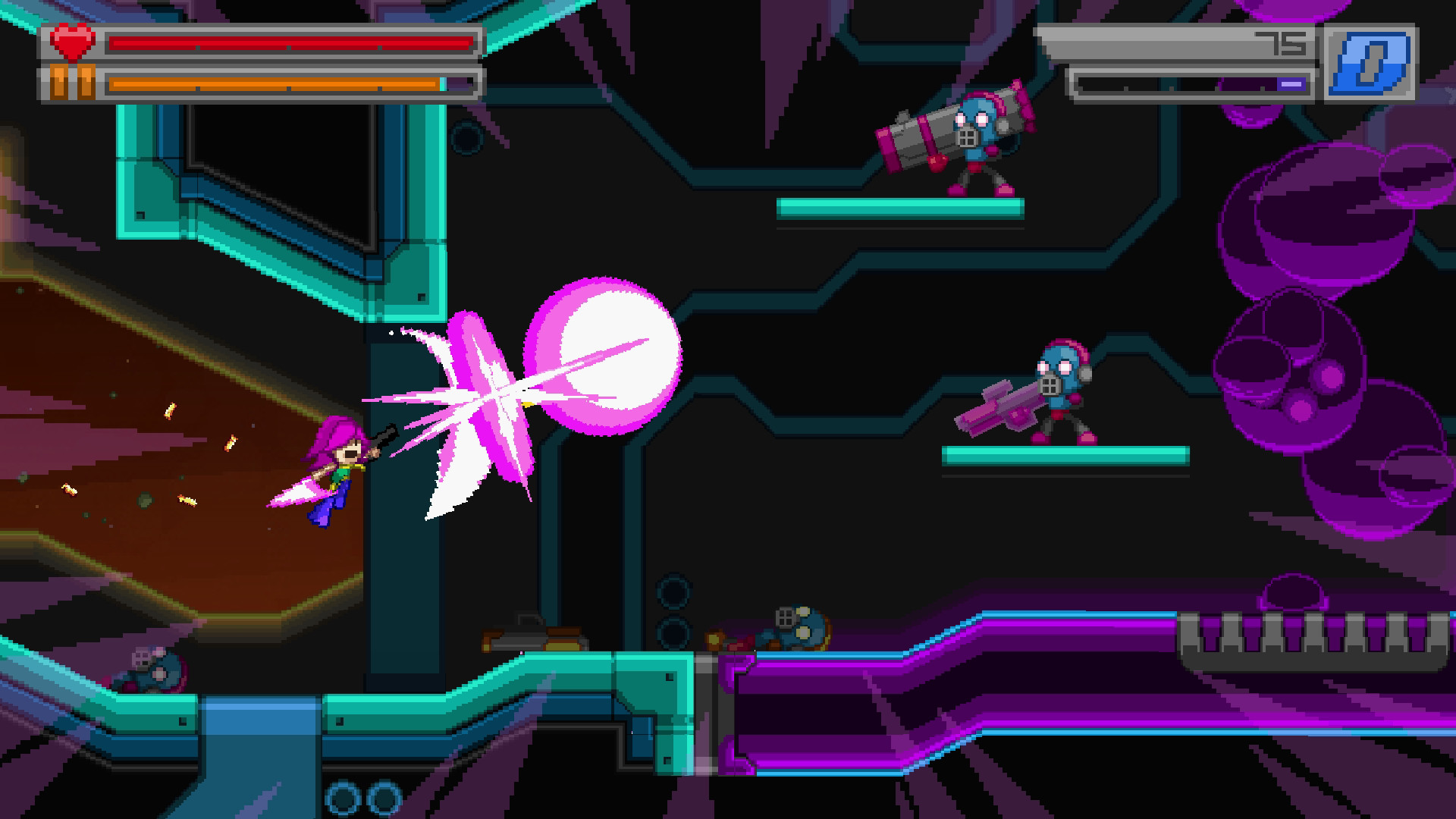
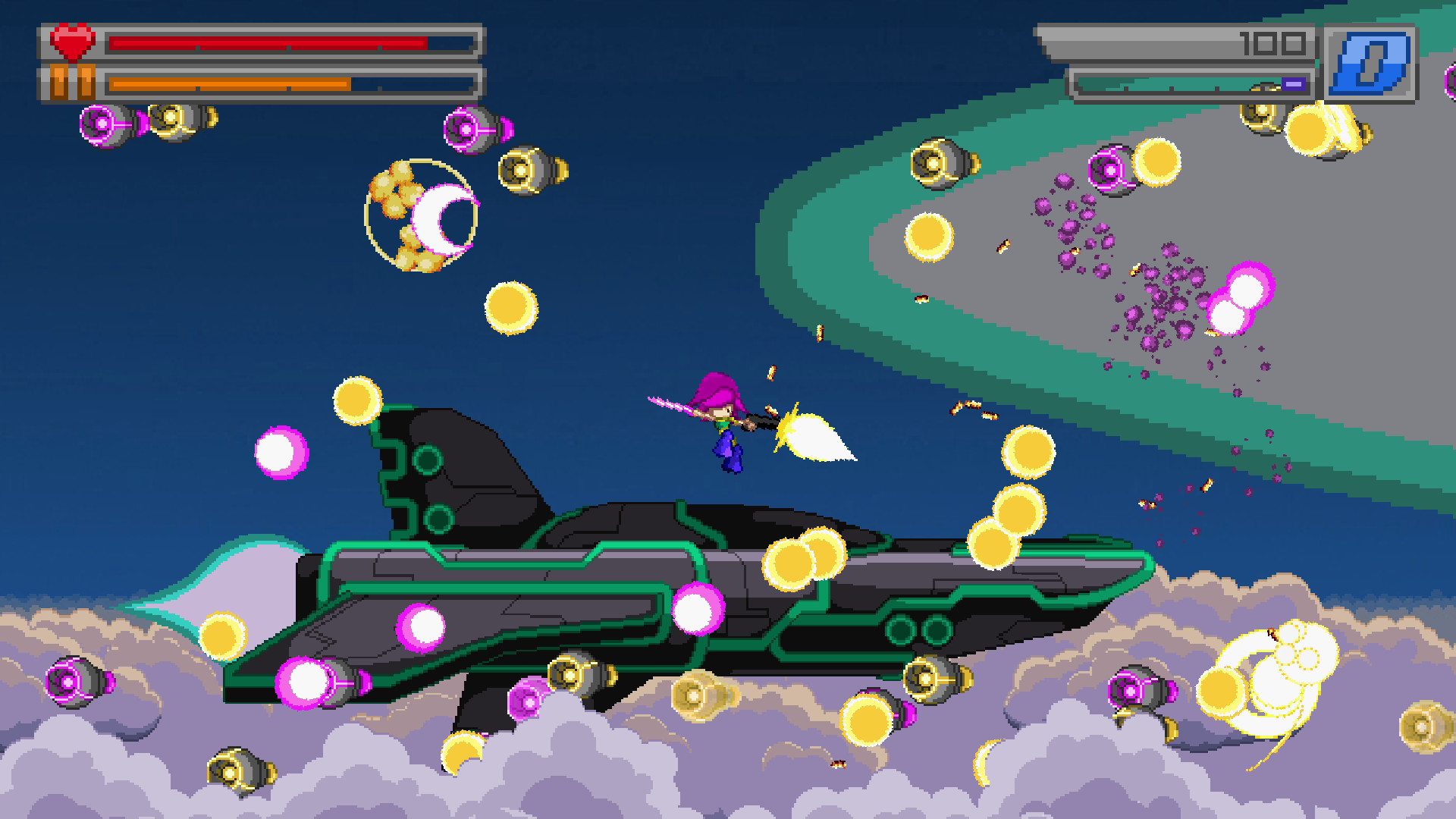
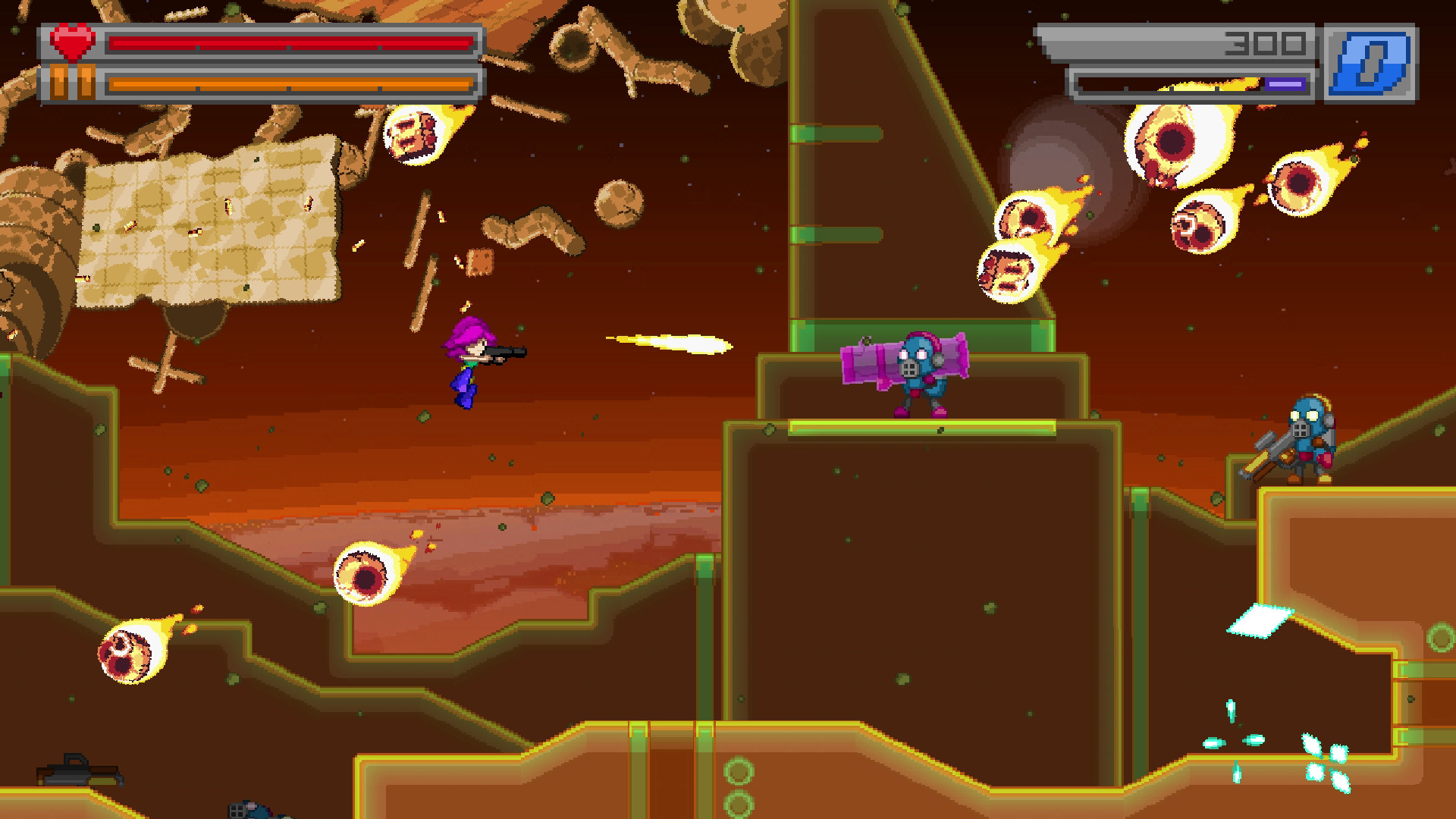
Bleed 2 is an arcade‑style action title starring Wryn, the sole surviving hero, who confronts an invading force of villains across seven distinct levels. The game mixes shooting, air‑dodging, bullet‑reflection and a time‑slow mechanic to create fast‑paced combat.
An original soundtrack by Jukio Kallio and sound design by Joonas Turner accompany more than twenty‑five boss fights. Players can choose from Arcade Mode, Endless Mode, and local two‑player co‑op, all of which support full controller input.
01 / THE GUIDE
Core Gameplay Mechanics
The control scheme lets players shoot, dodge in the air, reflect incoming bullets and slow time simultaneously, giving multiple options for handling dense projectile patterns.
Bullet reflection and time‑slow are highlighted as central tools for surviving the boss‑heavy design, requiring timing and positioning to maximize effectiveness.
- Try reflecting bullets at different moments to see how damage output changes.
- Activate slow time during the busiest bullet streams to test its impact on survivability.
02 / THE GUIDE
Levels and Boss Encounters
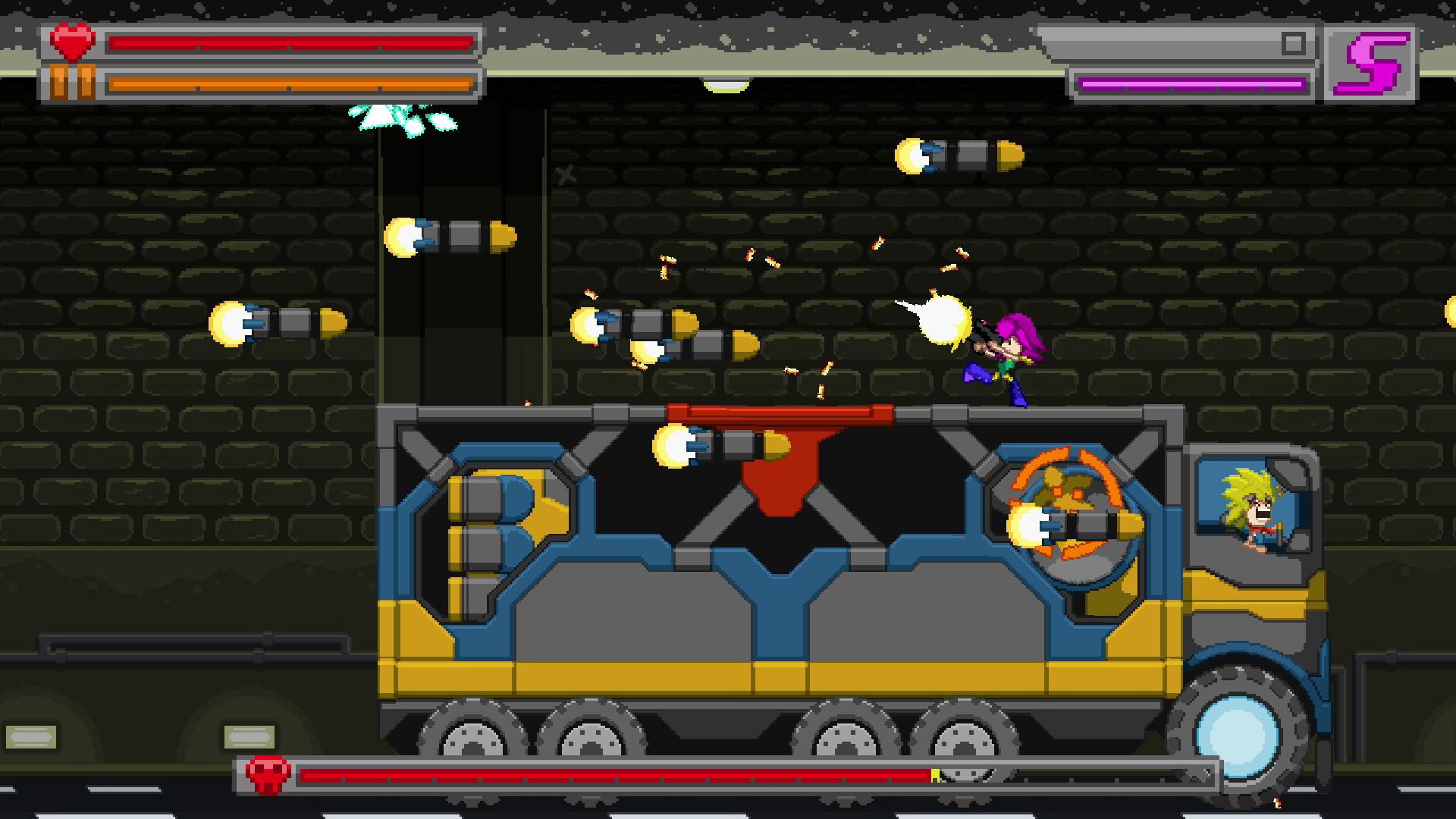
The game contains seven levels that together host over twenty‑five boss fights, each level presenting its own visual theme and enemy layout before the final encounter.
Boss patterns are varied, and the four difficulty levels remix enemy placement and boss behavior, providing fresh challenges on repeat playthroughs.
- Watch a boss’s attack rhythm before committing to aggressive moves.
- Notice how difficulty changes affect enemy placement for varied practice.
03 / THE GUIDE
Difficulty Levels and Remix
Four difficulty settings are available; each alters enemy placement and boss patterns, creating a remix effect rather than a simple speed increase.
Higher difficulties change strategic flow, encouraging different uses of reflection and slow‑time abilities to meet new patterns.
- Begin on a lower difficulty to learn patterns, then switch to a higher setting for remix variety.
- Observe how enemy placement shifts to adapt your positioning.
04 / THE GUIDE
Game Modes and Co‑op
Arcade Mode challenges players to complete the game on a single life for leaderboard competition, while Endless Mode generates random levels and offers daily challenges.
Both modes support local two‑player co‑op, requiring at least one gamepad, allowing two players to share the same screen and face the same challenges together.
- Coordinate dodge timing with a partner in co‑op to cover more screen area.
- Use Arcade Mode for focused practice on one‑life survival.
05 / THE GUIDE
Platform Support and Extras
Bleed 2 runs on Windows, macOS and Linux and lists full controller support, Steam achievements, Steam Cloud, trading cards and leaderboards as platform features.
Remote Play on TV, Remote Play Together and Family Sharing are also mentioned, extending play options beyond the primary device.
- Enable Steam Cloud to keep saved data available across computers.
- Try Remote Play Together to invite a friend without needing a second console.
COMMUNITY
Player discussion