 GameWiki
GET YOUR BEARINGS
About Blaston
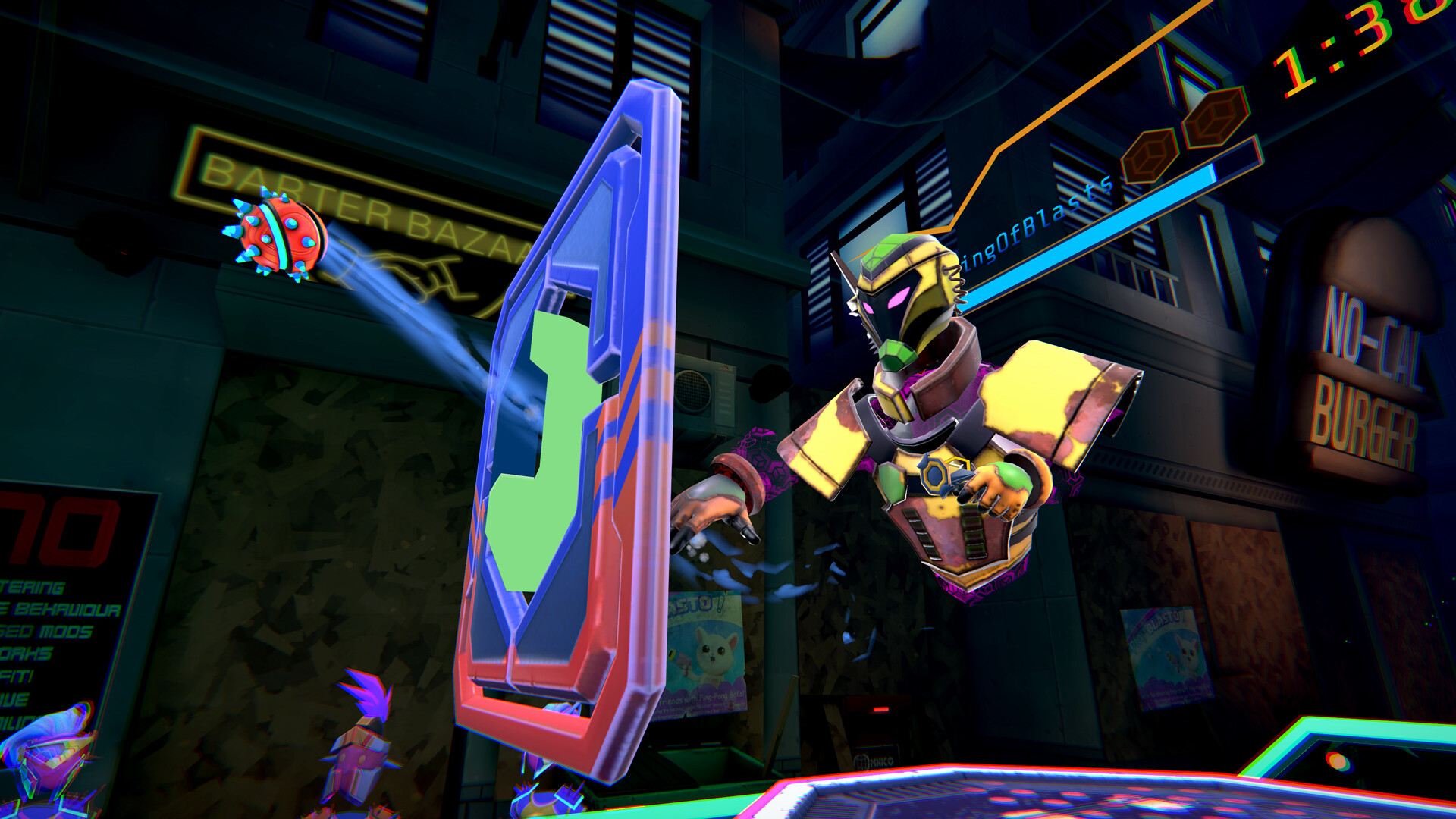
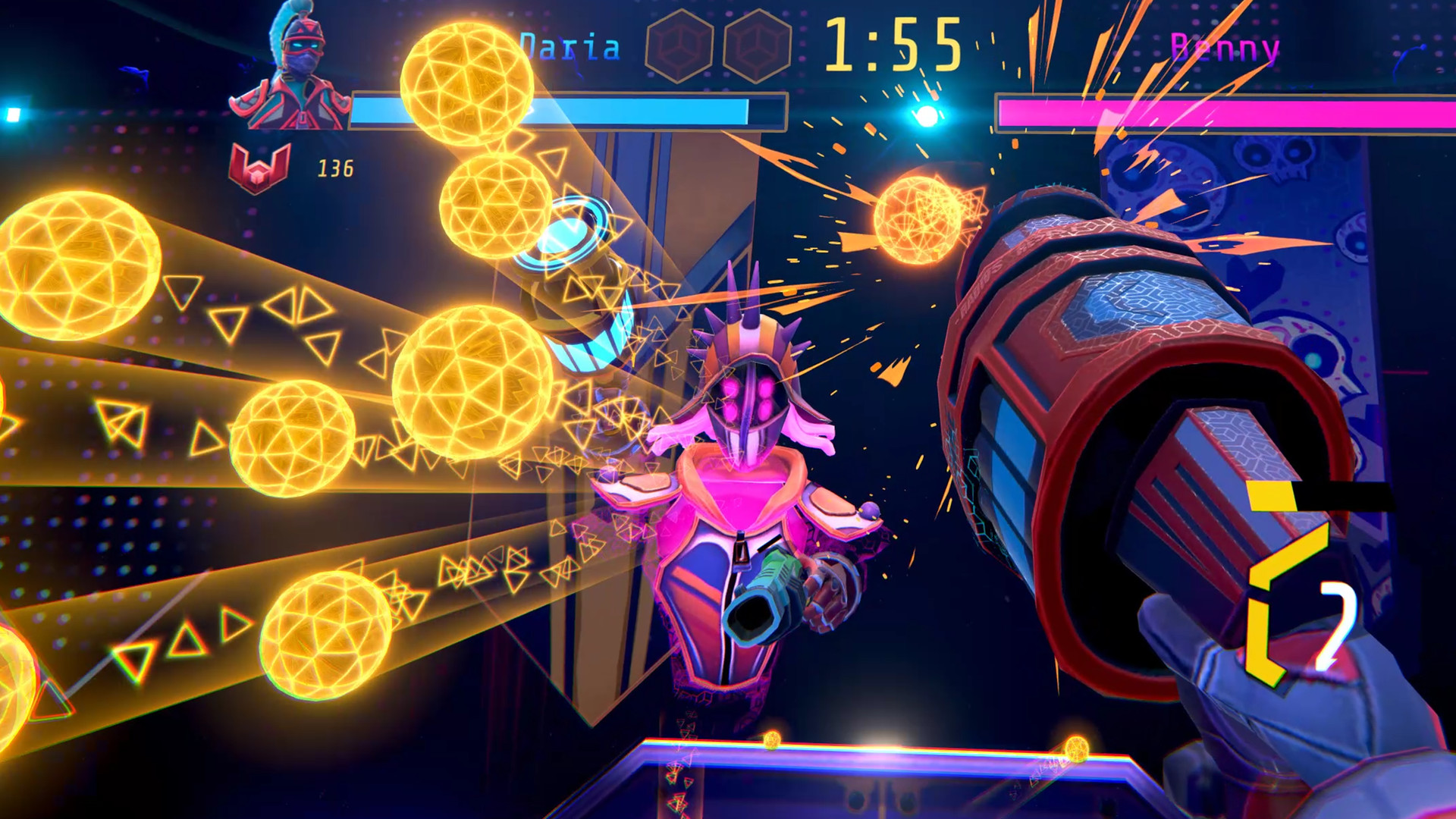
Blaston is a fast‑paced PvP VR shooter where staying still means defeat. Players duel in slow‑motion bullet‑hell arenas, using full‑body movement to dodge fire and line up shots. The free‑to‑play title lets anyone join the competition, offering weapon loadouts, attachments and visual customisation. A revamped store organises categories, while the Ozo Lounge lets players host their own tournaments. Cross‑platform multiplayer and tracked controller support broaden the online experience.
01 / THE GUIDE
Core Gameplay
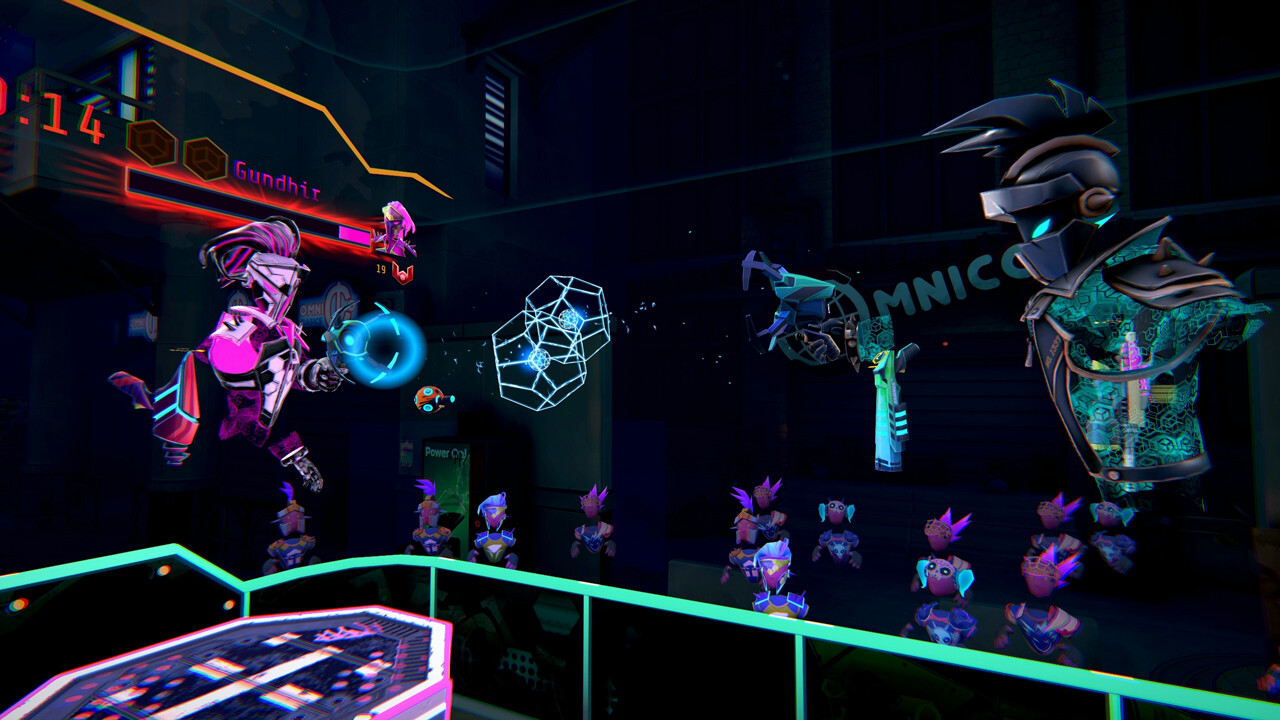
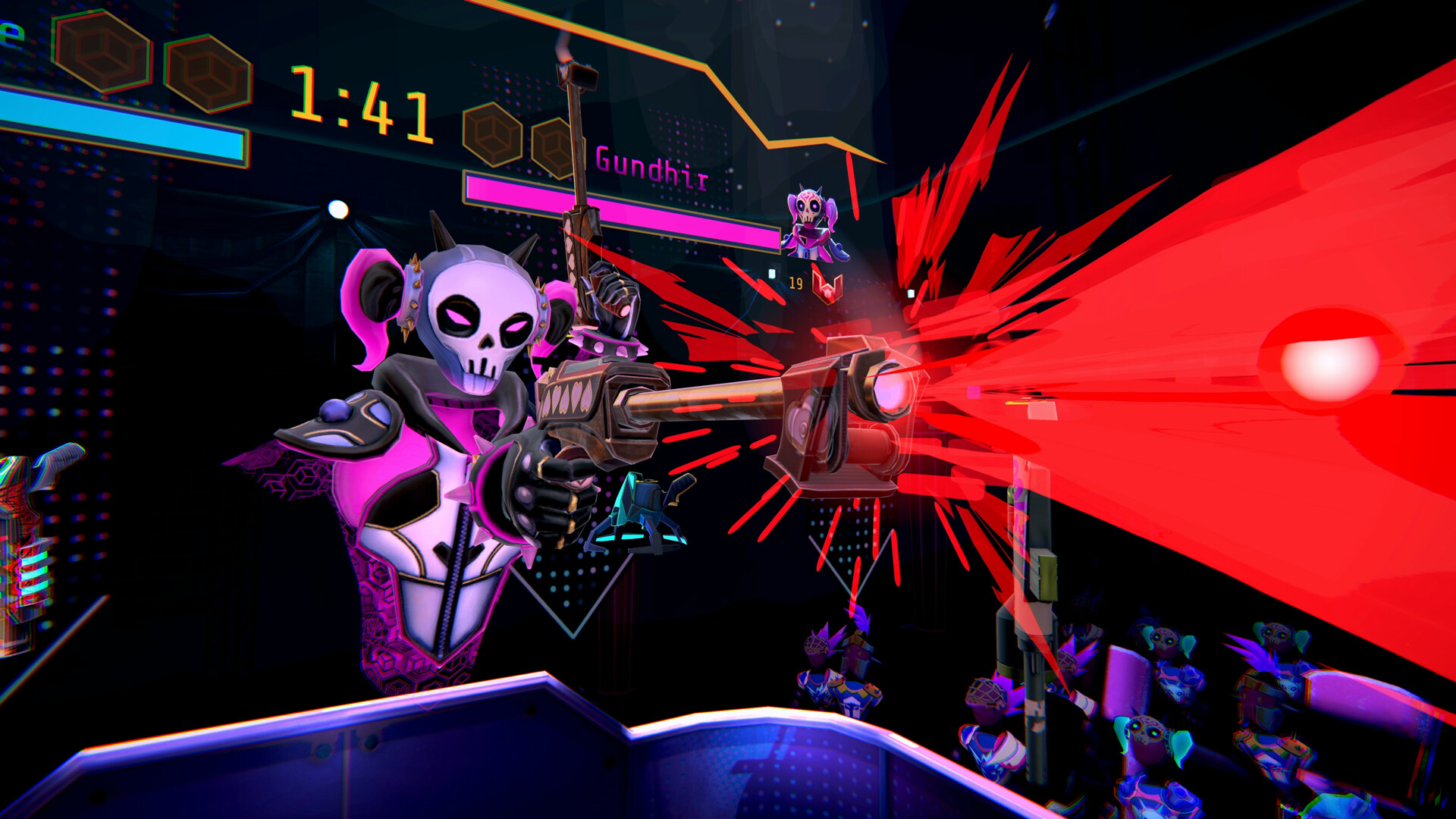
The central rule of Blaston is simple: never stay still. Matches unfold as slow‑motion bullet‑hell duels where players must constantly move their whole body to avoid incoming fire. This physicality defines the game's fast‑paced PvP focus.
Success depends on timing shots and positioning while navigating the arena. The game’s design encourages continuous motion, making each duel a test of reflexes and spatial awareness.
- Observe opponent movement patterns before committing to a shot.
- Practice smooth, controlled motions to maintain balance during dodges.
02 / THE GUIDE
Weapon System
Players collect weapons during matches and can personalise their loadout before entering a duel. Each weapon type supports attachments that modify its behaviour, expanding tactical options.
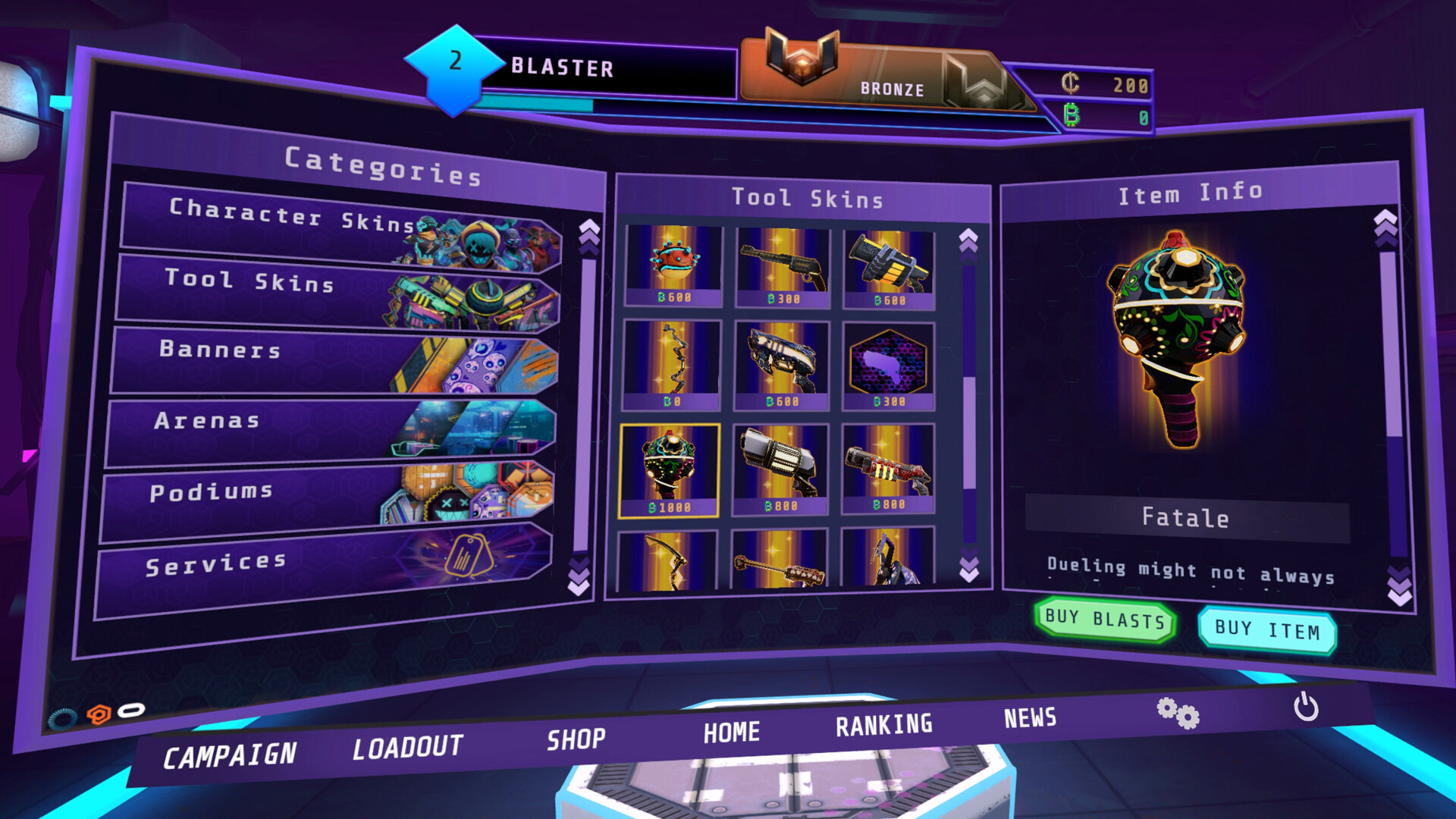
The store now includes 24 brand new attachment options for eight different weapon types, allowing players to fine‑tune performance and adapt to various playstyles.
- Experiment with different attachment combos to discover effective synergies.
- Match attachment choices to your preferred combat range.
03 / THE GUIDE
Visual Customisation
Beyond combat, Blaston offers avatar and weapon skins that let players change their appearance. New style options are available to equip, giving each participant a distinct look.
These cosmetic choices are part of the revamped store, which reorganises categories for an improved player experience.
- Mix and match skins to create a unique visual identity.
- Use contrasting colours to improve visibility of your avatar in fast matches.
04 / THE GUIDE
Multiplayer Tournaments
The Ozo Lounge enables player‑hosted tournaments, letting communities organise competitive events within the game. This feature extends the core PvP mode into structured competition.
These player-hosted events extend the game's competitive PvP focus, and cross‑platform multiplayer support broadens the pool of potential participants.
- Coordinate tournament rules in advance to ensure fair play.
- Invite friends across platforms to broaden the competition pool.
05 / THE GUIDE
Platform Support
Blaston runs on Windows PCs and is available as a VR‑only experience, requiring tracked controller input. The game also supports family sharing, allowing multiple accounts to access the same purchase.
Cross‑platform multiplayer lets Windows users play together regardless of hardware differences, while the tracked controller support ensures consistent input across VR setups.
- Verify that your VR headset is properly paired with tracked controllers before launching.
- Utilise family sharing to let household members try the game without extra purchases.
COMMUNITY
Player discussion