 GameWiki
GET YOUR BEARINGS
About Blasfemia
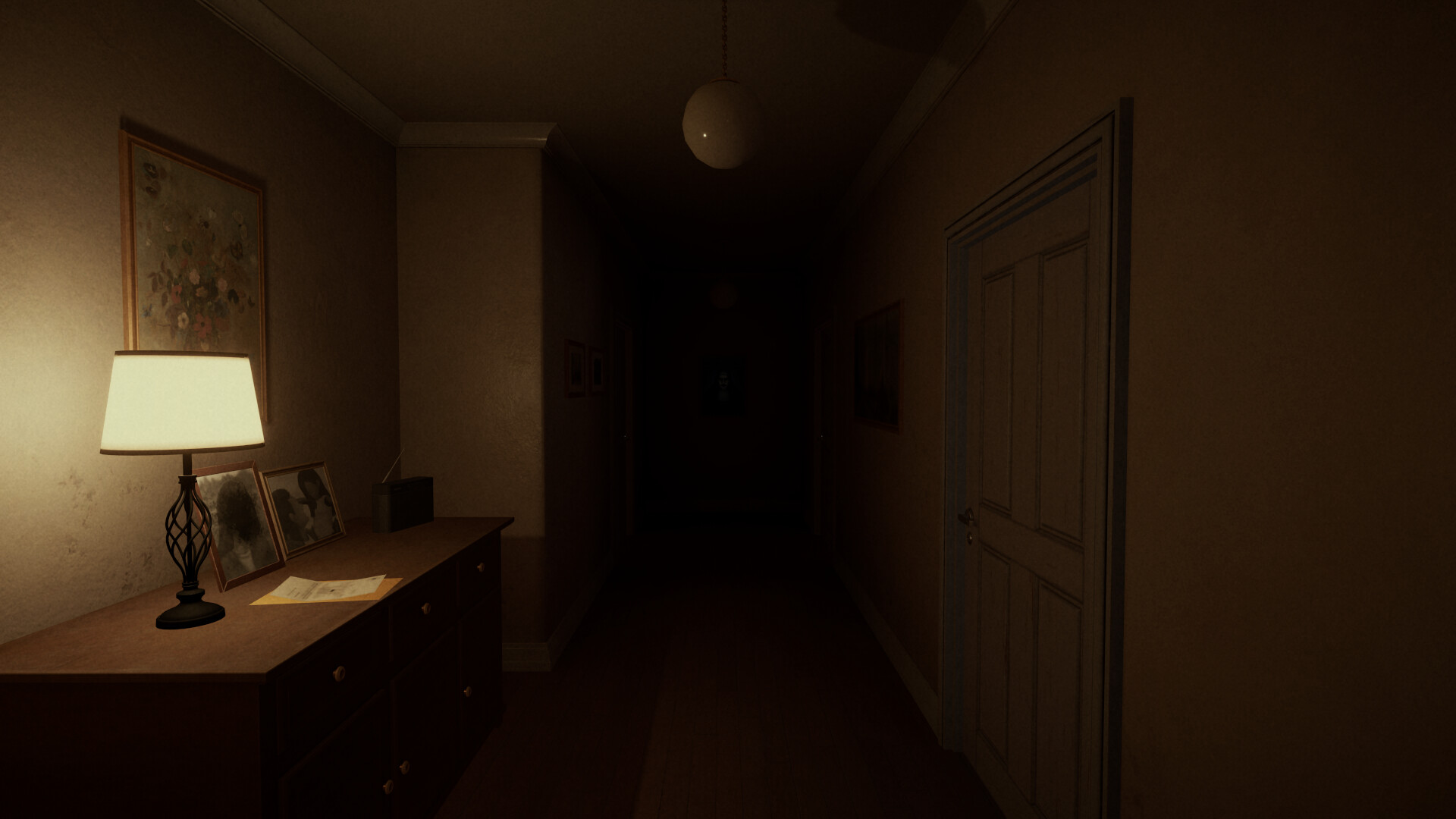
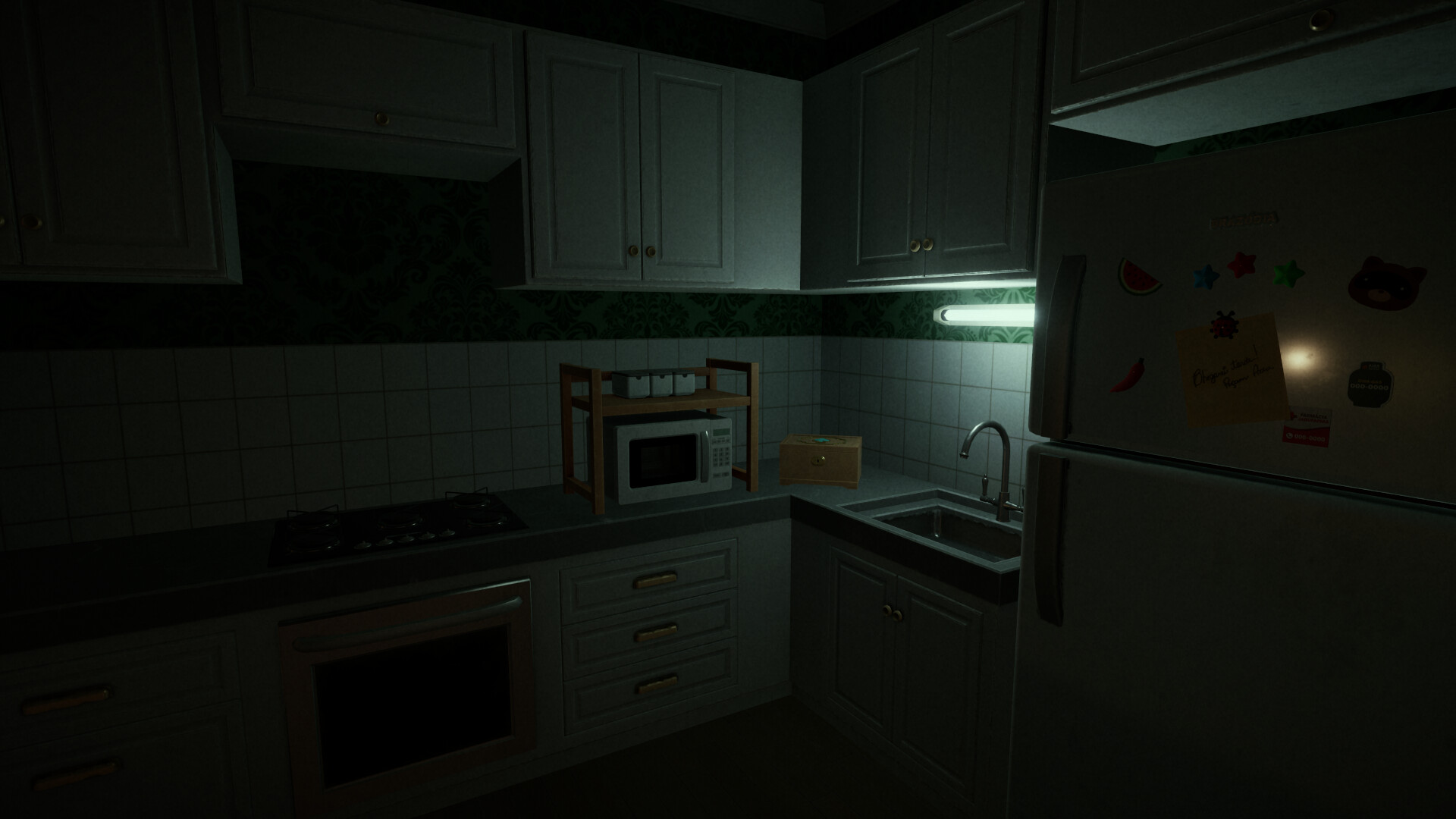
Blasfemia is a first‑person horror adventure that confines the player to a single, handcrafted apartment. Early on you discover that an unseen entity shares the space, creating a tense and unsettling atmosphere that deepens as the game progresses.
With no weapons available, the experience centers on investigating the environment, picking up items, and solving puzzles to uncover the tragedy that occurred and to locate an escape before the entity reaches you.
01 / THE GUIDE
Handcrafted Apartment Environment
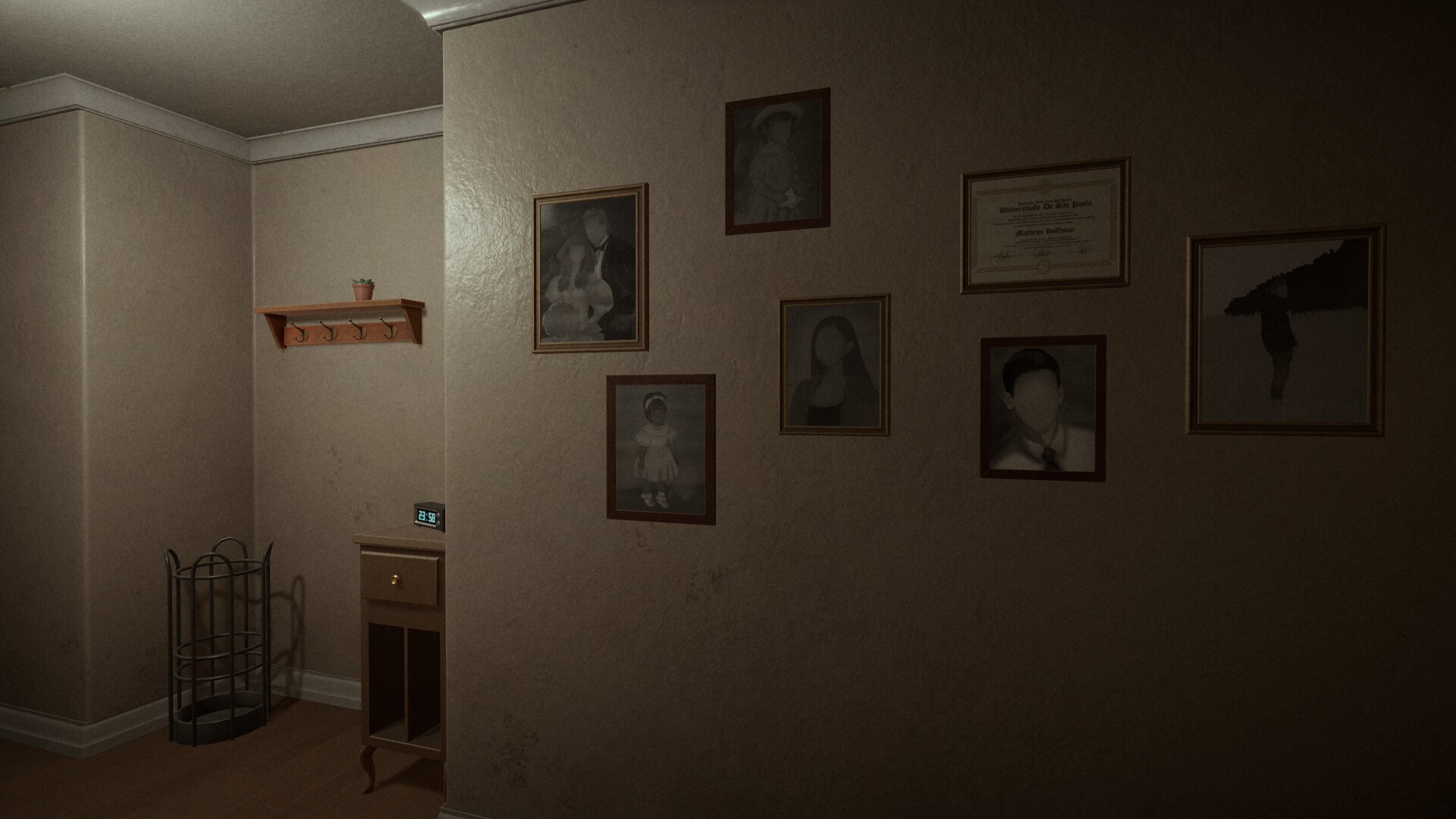
The sole location is described as a “handcrafted, detail rich” apartment. The environment contains visual clues that hint at the lives of the former occupants and the events that led to the current horror.
Exploration is essential; moving through the space reveals narrative fragments while the entity’s presence subtly increases, encouraging careful observation of objects and lighting.
- Look for items that seem out of place; they often tie to story clues.
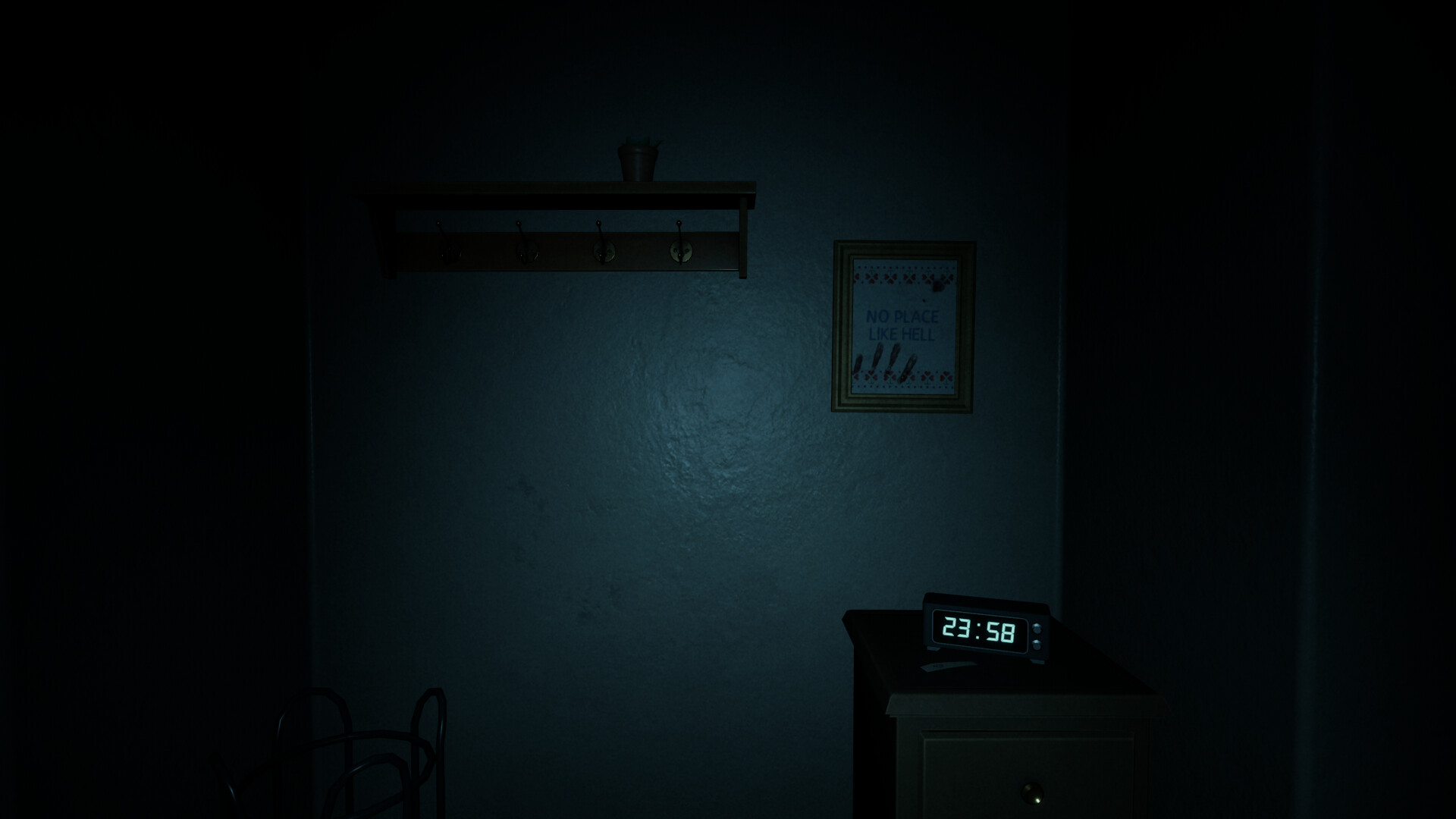
- Observe changes in lighting or shadows, as they may indicate the entity’s proximity.
02 / THE GUIDE
Item Interaction and Puzzles
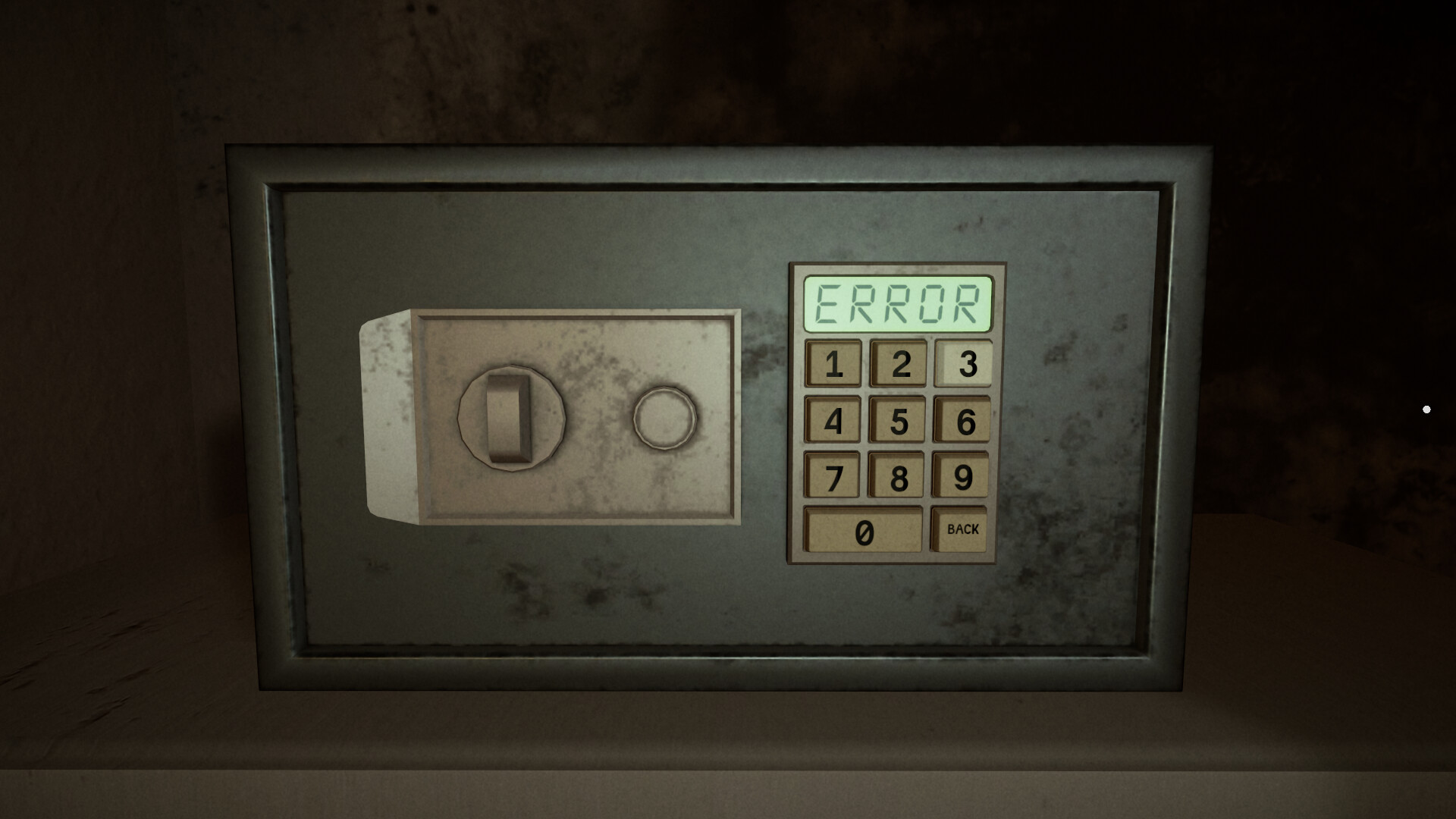
Players can pick up items and interact with the environment, using those objects to solve puzzles and reveal story pieces.
Because the game provides no weapons, progress depends on logical problem‑solving and thoughtful use of items rather than combat or timed actions.
- Test each collected item in multiple locations to discover hidden uses.
- Keep a brief note of solved puzzles to avoid unnecessary repetition.
03 / THE GUIDE
Audio and Subtitle Customization
Blasfemia offers stereo sound, custom volume controls, subtitle options, and adjustable text size, letting players tailor auditory and visual information to their comfort.
These settings can be changed without timed input, meaning you may adjust them at any moment without pressure from the game.
- Increase subtitle size if visual details become hard to read during tense moments.
- Balance volume levels so ambient sounds remain audible without overwhelming the experience.
04 / THE GUIDE
Steam Achievements, Stats, and Cloud
The title integrates Steam achievements and tracks player statistics, providing optional goals that encourage thorough exploration of the apartment.
Steam Cloud support saves progress per account, allowing you to continue your investigation across multiple sessions on the same Windows PC.
- Review achievement descriptions to identify hidden objectives before starting a session.
- Check the Steam Cloud status after major milestones to confirm your progress is saved.
05 / THE GUIDE
Platform Availability and Family Sharing
Blasfemia is released for Windows PCs only; macOS and Linux versions are not listed. The game is single‑player, focusing on a solitary experience.
Family Sharing is supported, allowing other Steam accounts on the same computer to launch the game without purchasing a separate copy.
- Verify your Windows system meets the minimum requirements before installation.
- Use Family Sharing to let a friend try the game on a shared PC.
COMMUNITY
Player discussion