 GameWiki
GET YOUR BEARINGS
About BLACK SHEEP TOWN
BLACK SHEEP TOWN is a digital novel that unfolds in the fictional District Y, a bustling downtown where immigrants converge. The city’s other side is a perilous zone ruled by gangs, offering a stark contrast to the vibrant atmosphere. The work presents a wide cast, from gangster clans to a slum‑dwelling psychic and a mutant employee, letting readers experience multiple viewpoints. Narrative flow is player‑driven, with scenario selection and a built‑in glossary to aid comprehension.
01 / THE GUIDE
District Y Setting
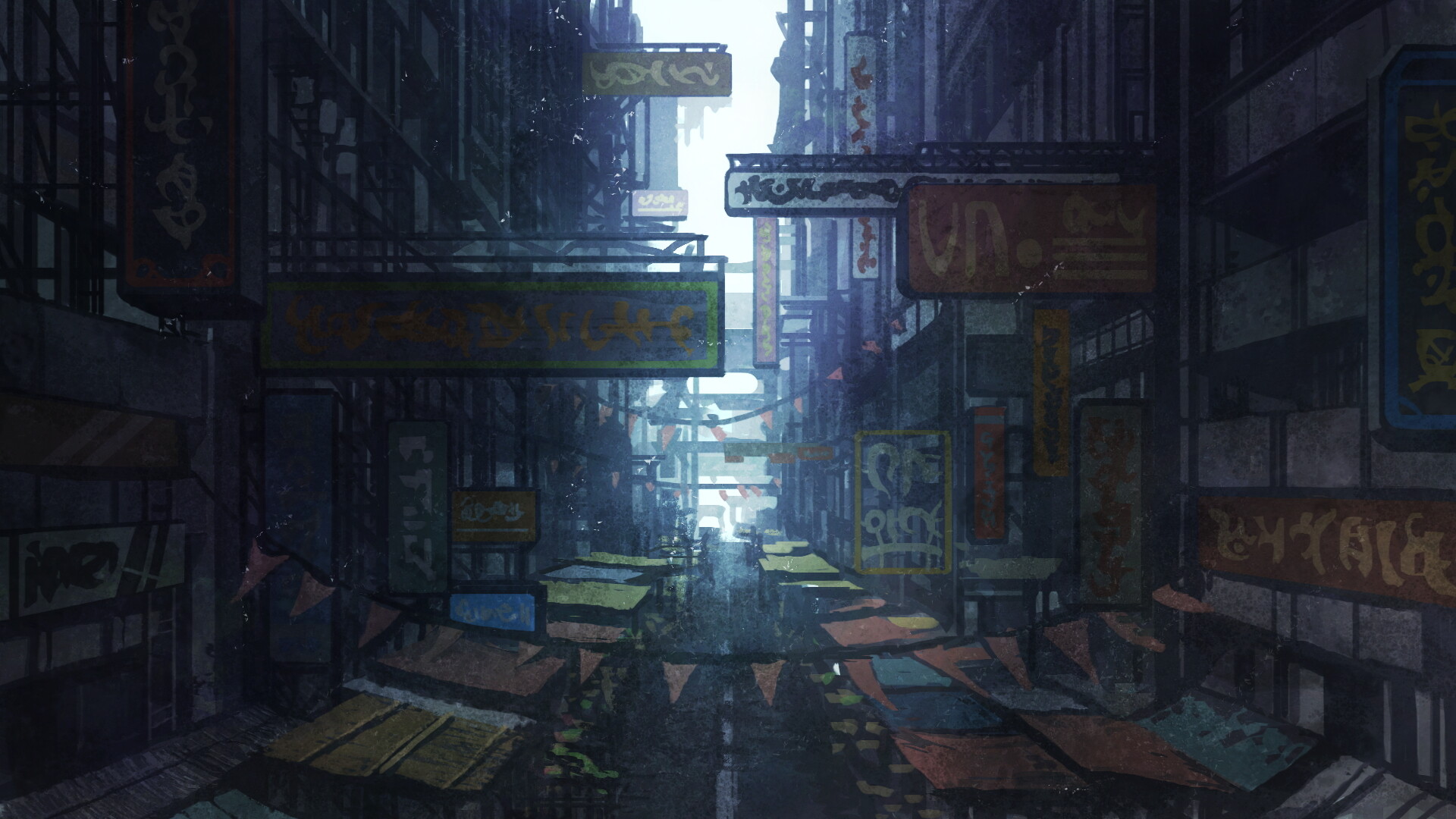
District Y is described as a cosmopolitan downtown where immigrants from around the world live, creating an energetic environment for visitors. The opposite side of the city is portrayed as dangerous, dominated by gangs with no police control.
This duality gives the story a contrasting backdrop, allowing readers to explore both lively urban life and the lawless outskirts within the same narrative.
- Notice how the description of the downtown’s energy contrasts with the gang‑ruled area to gauge tone shifts.
- Compare the immigrant‑rich atmosphere with the dangerous zones to understand character motivations.
02 / THE GUIDE
Diverse Characters
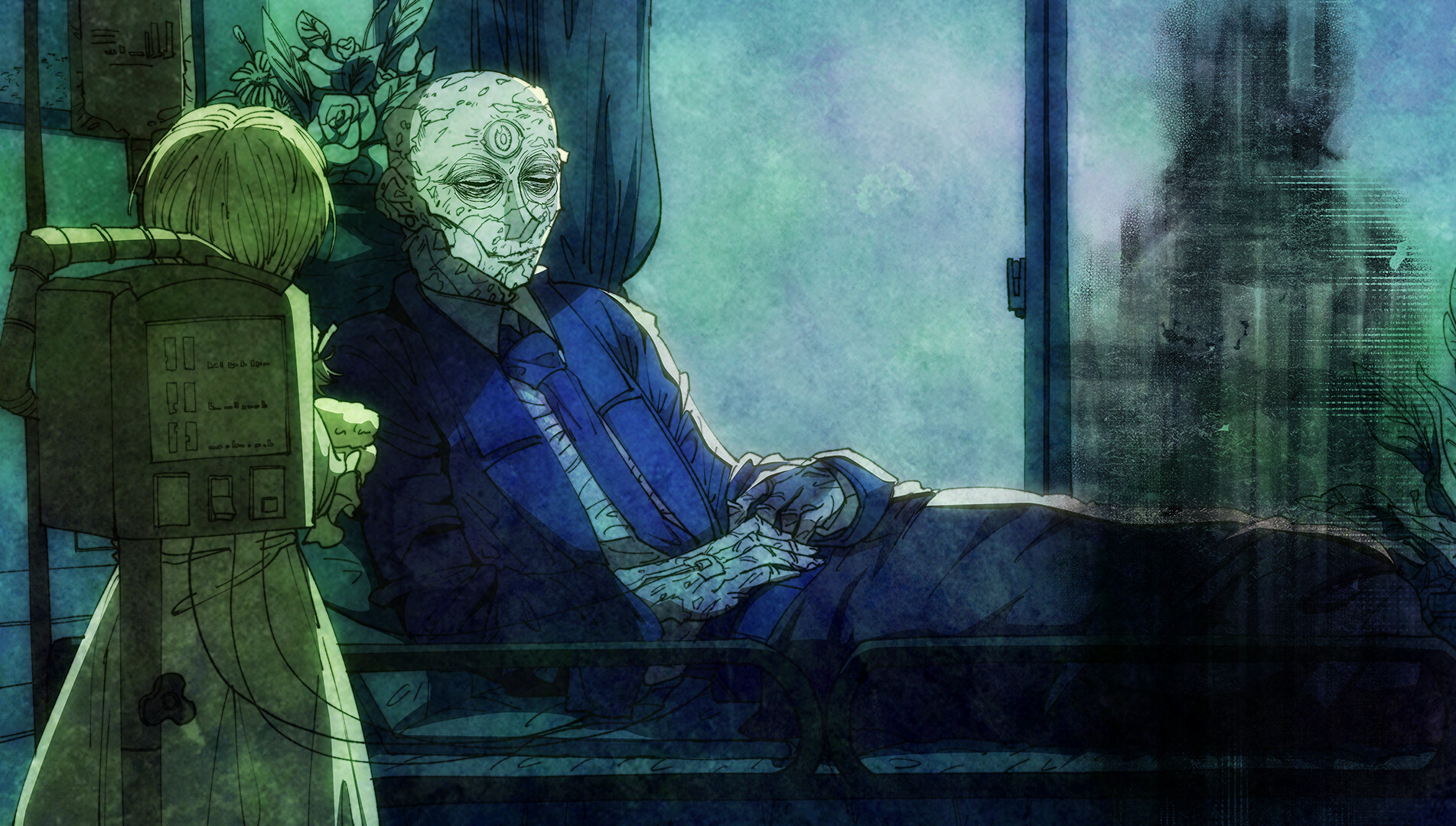
The title features a glittering clan of gangsters, a psychic residing in the slums, and a person employed by discriminated mutants, among other perspectives. These characters provide varied standpoints throughout the story.
Readers can experience the world through several of these characters, gaining insight into different social strata and personal narratives.
- Track which character’s scenario you read to see how their background influences events.
- Observe how the psychic’s location in the slums shapes their outlook compared to the gangster clan.
03 / THE GUIDE
Scenario Selection
After completing initial scenarios, multiple additional scenarios become available. Players choose which scenario to read next, allowing focus on favorite characters or interesting cases.
Scenarios can be read immediately or postponed, giving control over narrative pacing and personal interest.
- Prioritize scenarios featuring characters you find compelling for deeper immersion.
- Use the selection screen to revisit earlier scenarios for clarification.
04 / THE GUIDE
Glossary System
A built‑in glossary lets users click on terms within the text to view names or meanings at any time. The configuration screen lets players change whether terms are highlighted with color.
This system aids comprehension of the many people and incidents presented throughout the novel.
- Enable colored terms if you prefer visual cues for glossary entries.
- Refer to the glossary when unfamiliar terminology appears to maintain narrative flow.
05 / THE GUIDE
Replayability
Once a scenario has been read, it can be accessed again from the scenario selection screen. This allows players to re‑check episodes of interest.
The ability to reread scenarios supports deeper understanding and exploration of different narrative threads.
- Revisit scenarios after unlocking new ones to notice foreshadowed details.
- Use the selection screen to compare how different characters perceive the same events.


COMMUNITY
Player discussion