 GameWiki
GET YOUR BEARINGS
About Bit Buddy
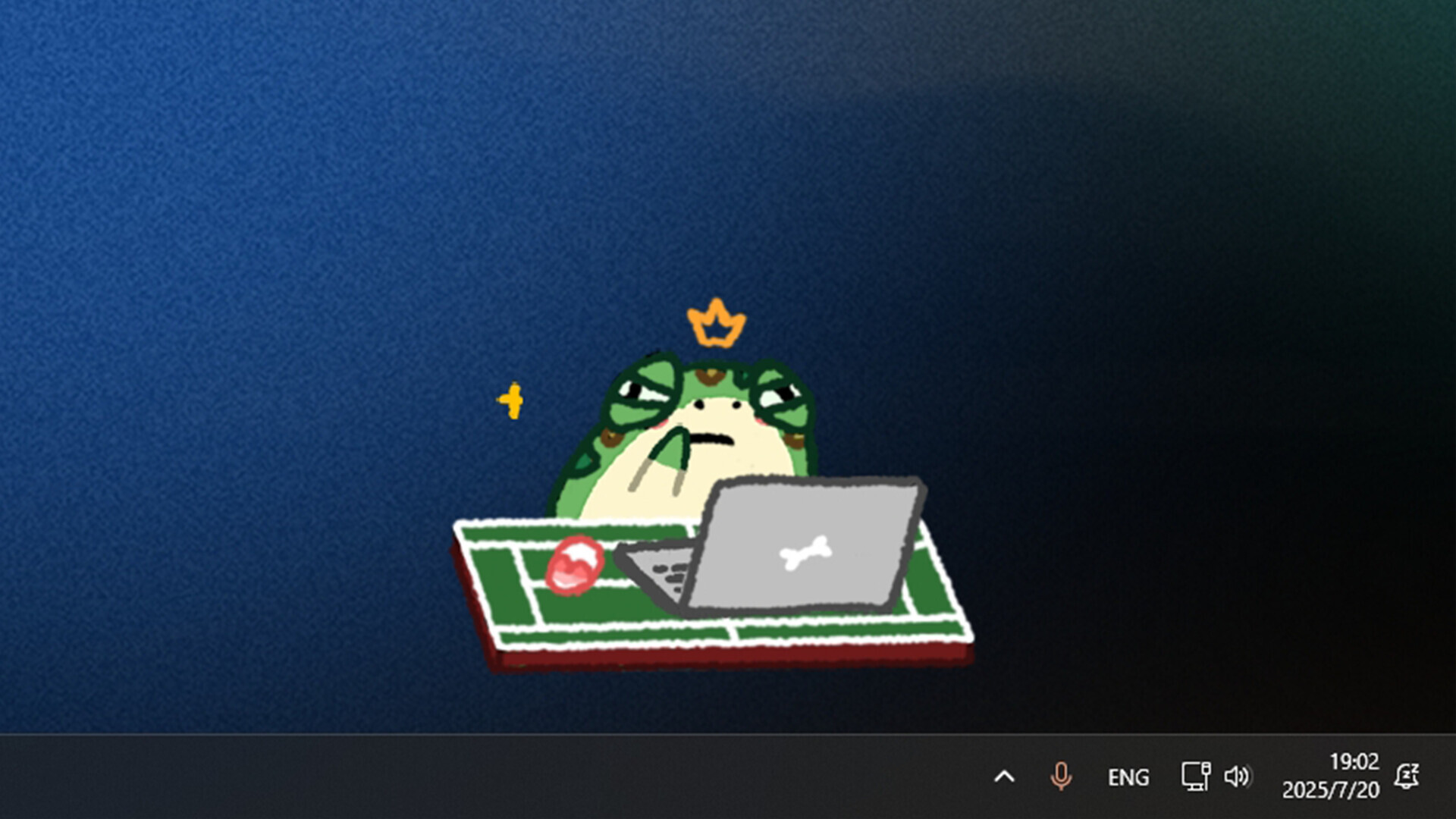
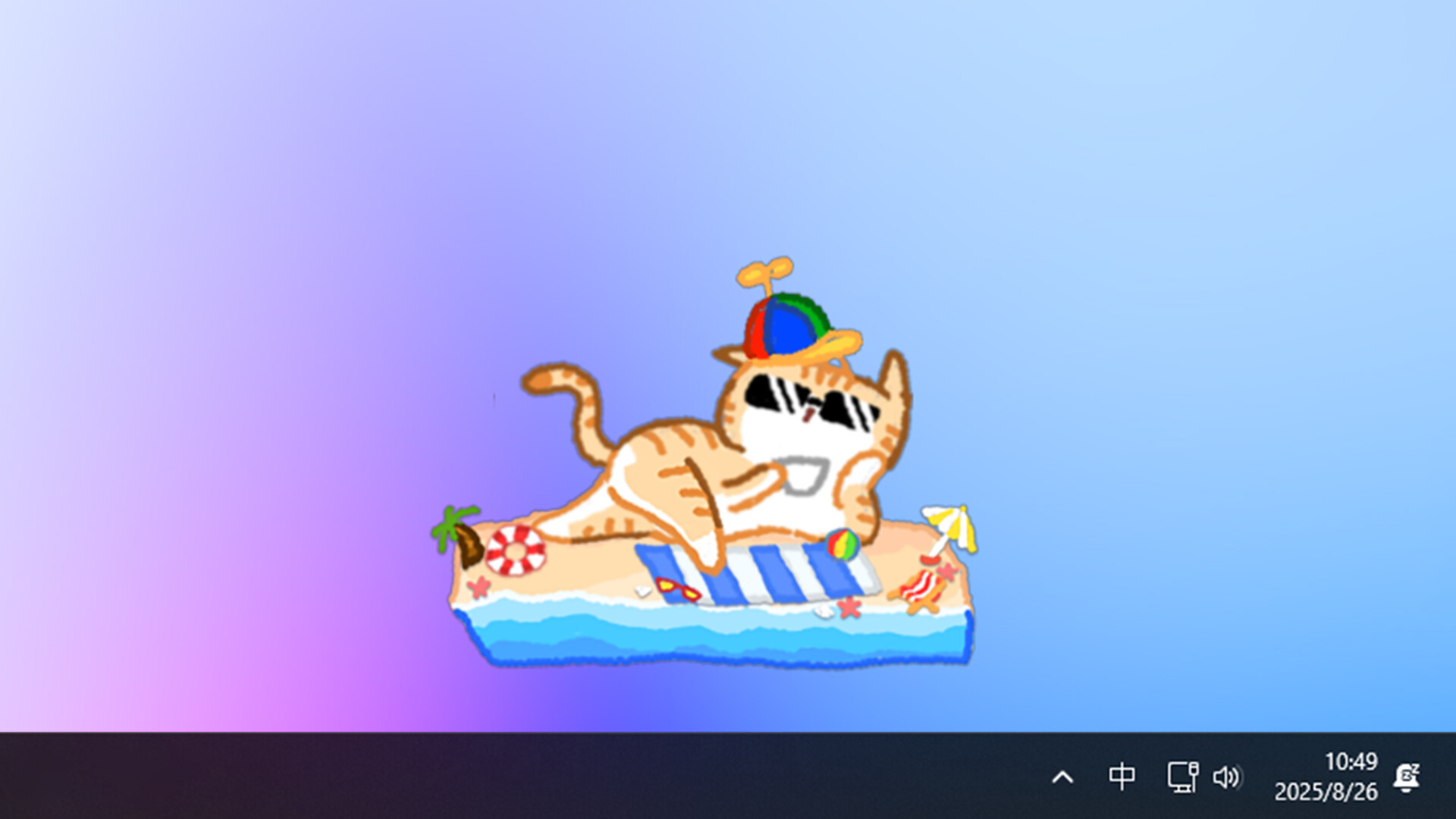
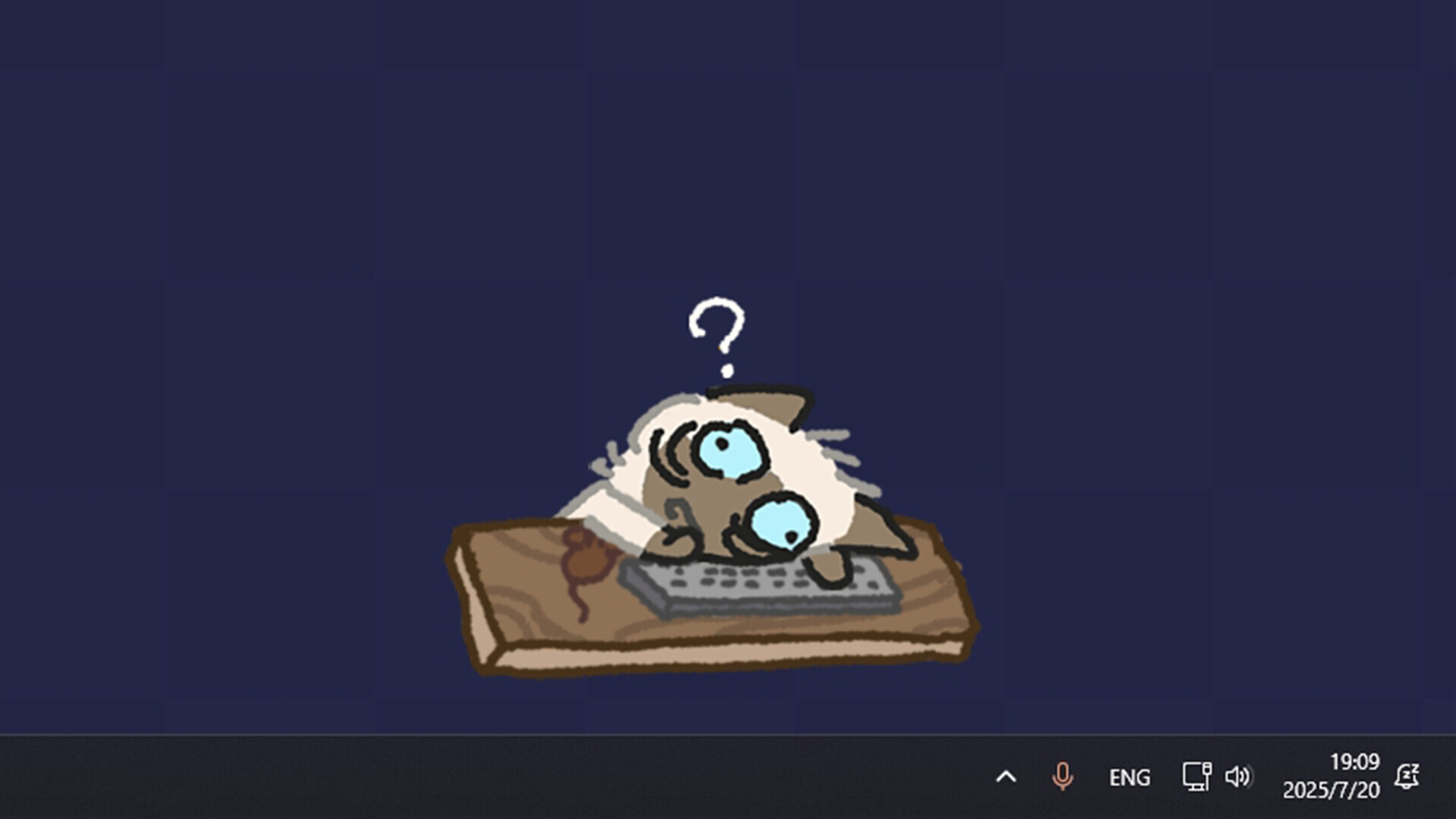
Bit Buddy is a casual on‑screen companion that reacts instantly to every keyboard, mouse, and microphone input. Each click, keystroke, or spoken cue triggers an animation, turning routine computer use into a lively visual experience.
The app also records daily and historical input statistics and offers over 600 accessories and pet skins that unlock automatically as you work or study. All data remains stored locally, and no personal information is transmitted beyond required Steam communications.
01 / THE GUIDE
Real‑time Interaction
Bit Buddy monitors every keyboard and mouse action, delivering an immediate visual response for each click or keystroke. The companion also listens to microphone input, reacting in real time to spoken sounds.
These reactions happen automatically while you use your computer, requiring no extra activation. The constant feedback keeps the Buddy present on your screen throughout work or study sessions.
- Observe how rapid typing changes the frequency of animations.
- Speak near the microphone to see how audio cues affect the Buddy’s response.
02 / THE GUIDE
Decoration Collection
Each use of your keyboard or mouse may reward you with a new decoration, adding to a pool of more than 600 unique accessories and pet skins. These items let you customize the Buddy’s appearance.
The reward system requires no extra steps beyond normal input, so decorations accumulate while you continue your regular tasks. The collection grows automatically as you type and click.
- Track which actions seem to trigger rewards most often.
- Mix and match skins to create a distinct look for your Buddy.

03 / THE GUIDE
Activity Logging
Bit Buddy automatically records both daily and historical keyboard and mouse usage. The logs are stored locally on your device, allowing you to review how much you’ve typed or clicked over time.
Since the data never leaves your computer, you can monitor your activity without any network transmission beyond Steam’s required communications for purchase verification, achievements, or cloud save.
- Periodically open the log to notice changes in typing speed.
- Use the statistics to set personal productivity goals.
04 / THE GUIDE
Steam Integration
The game lists Steam Achievements, Steam Trading Cards, Steam Workshop, and a level editor as supported features. These integrate Bit Buddy with the broader Steam ecosystem for community content and optional achievements.
Steam Cloud is also listed, indicating that save data can be stored via Steam’s cloud service. The description does not specify which data is synchronized, only that cloud saves are used where applicable.
- Check the Workshop for community‑made decorations or levels.
- Enable Steam Cloud if you want your save data backed up by Steam.
05 / THE GUIDE
Privacy and Local Data
Bit Buddy does not collect any device or personal information. All keyboard and mouse usage data is stored locally on your own device and is never uploaded.
The only network communication mentioned is the required interaction with Steam for purchase verification, achievements, or cloud save, confirming that the app respects user privacy beyond those minimal exchanges.
- Review the local data folder if you want to see raw activity logs.
- Ensure Steam is the only service communicating when you launch the game.

COMMUNITY
Player discussion