 GameWiki
GET YOUR BEARINGS
About Birdwatching Notebook
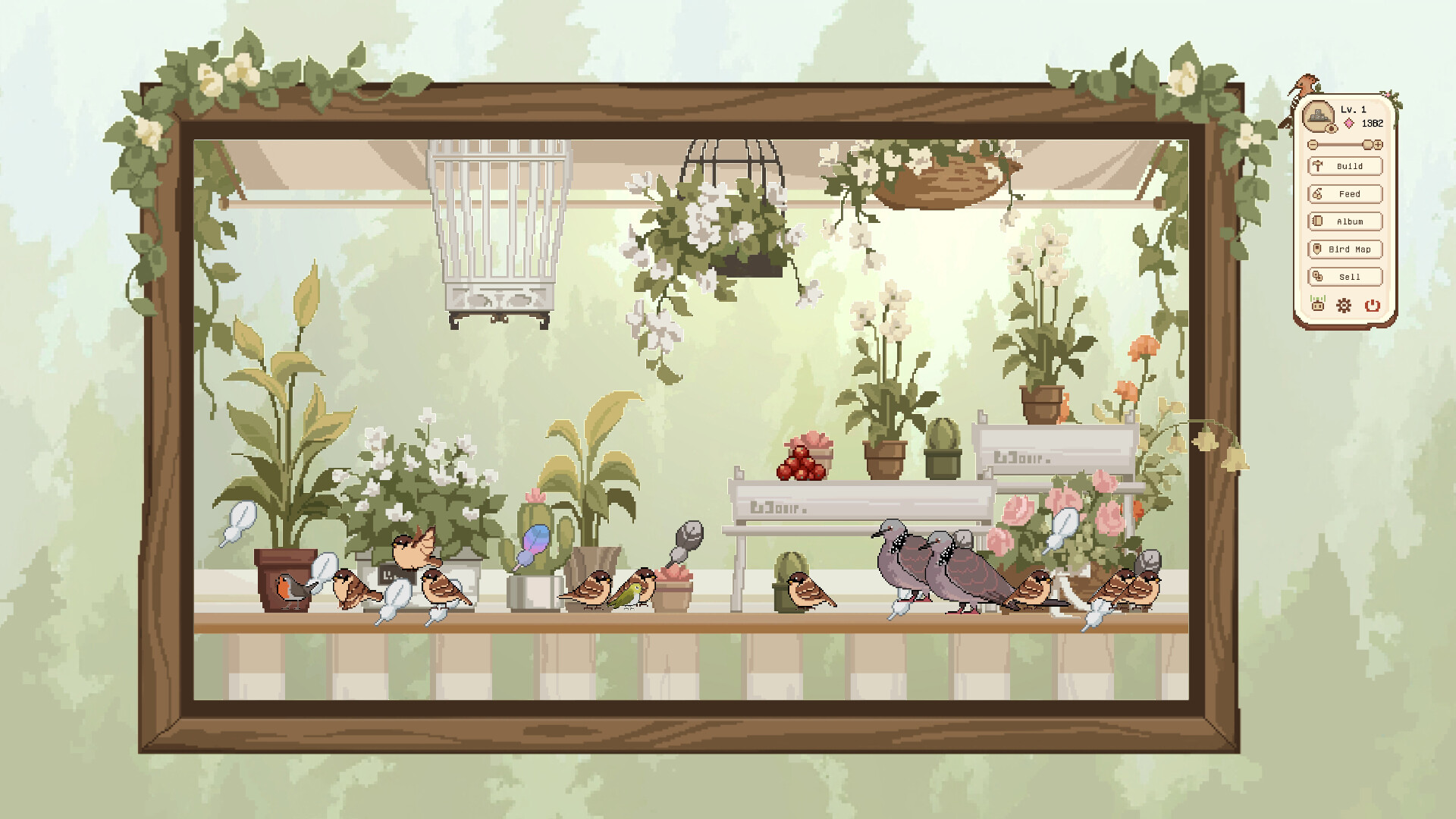
Birdwatching Notebook is a casual idle title that lets players place a decorative window on their desktop and build a personal birding area. You can choose from several themed locations, arrange scenery, and change time of day or weather while birds wander in.
The game supports solo play and online co‑op, letting friends visit each other's spots, share blueprint files, and exchange emotes, photos, and small gifts. Steam Achievements, Cloud saves and Family Sharing are included, and the title runs on Windows and macOS.
01 / THE GUIDE
Birding Spots
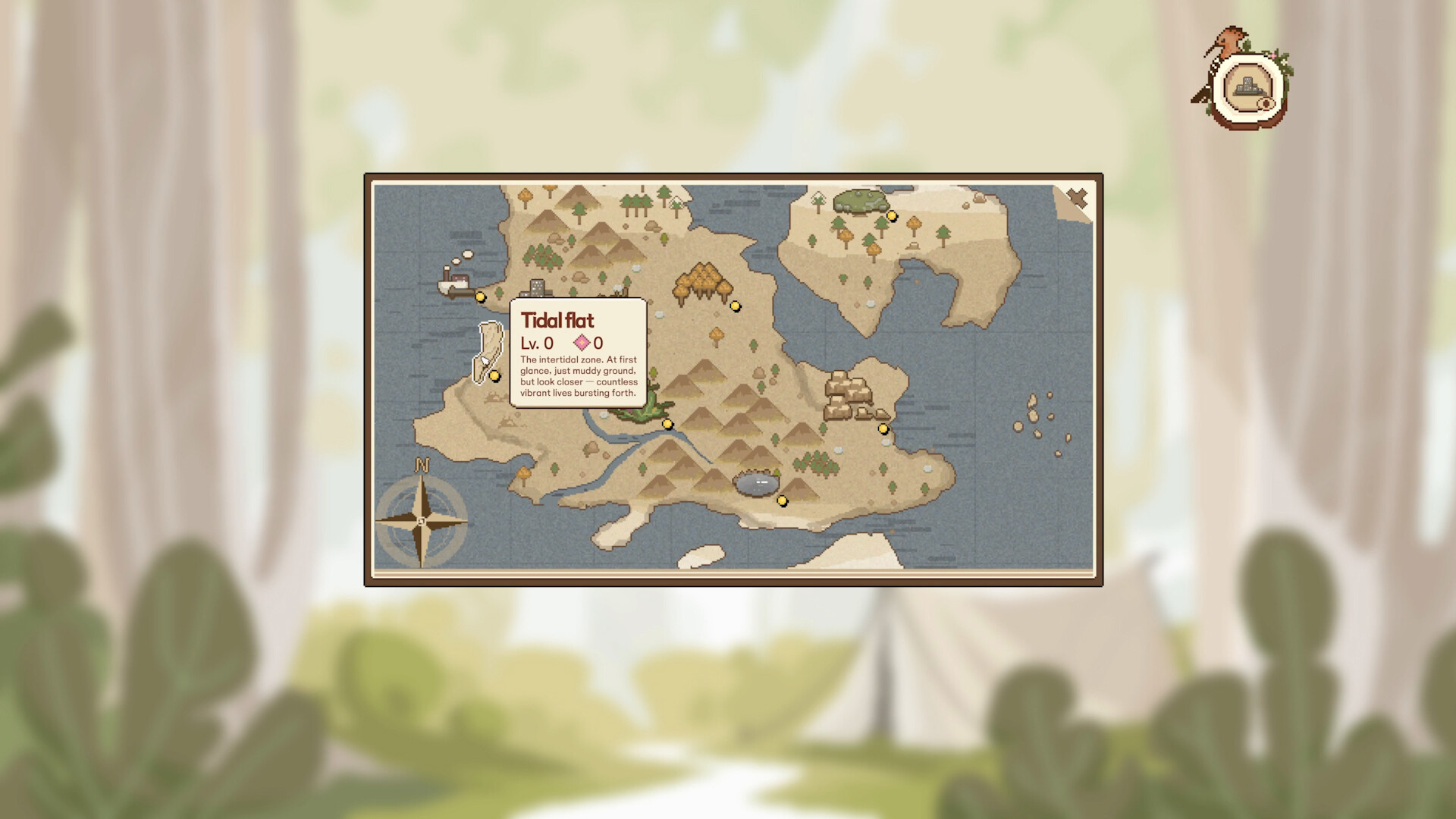
A variety of locations are available – docks, beaches, deserts and rainforests – each with its own scenery and set of bird species. Players can zoom, move, and arrange decorations inside any spot, creating a custom view that fits on the screen corner.
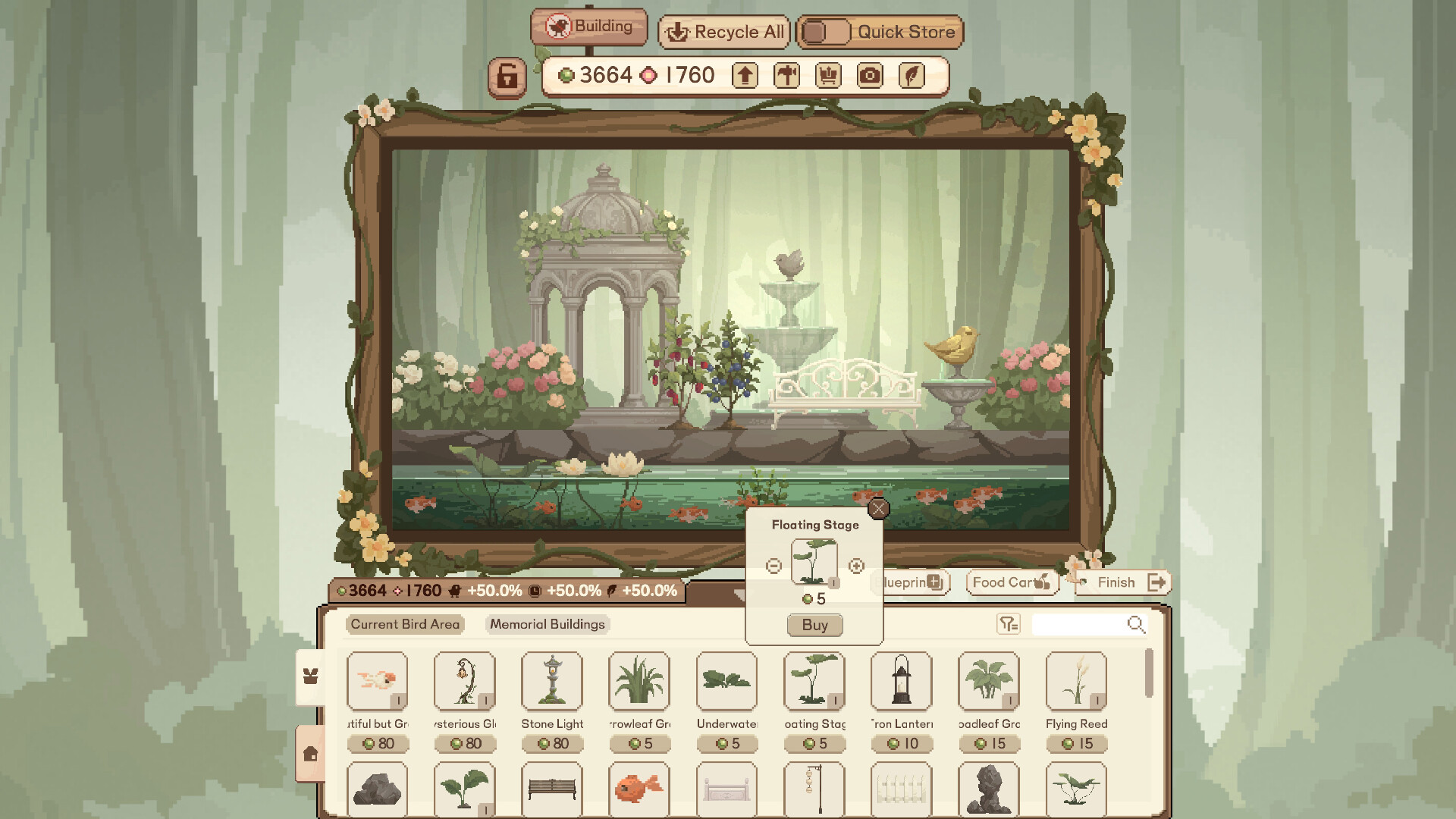
The Blueprint System lets you save a layout, share it with others, and quickly switch between designs. This makes it easy to experiment with different arrangements without losing previous work.
- Arrange perches and foliage to give birds more places to land.
- Export a blueprint before major changes so you can revert if needed.
02 / THE GUIDE
Bird Behavior
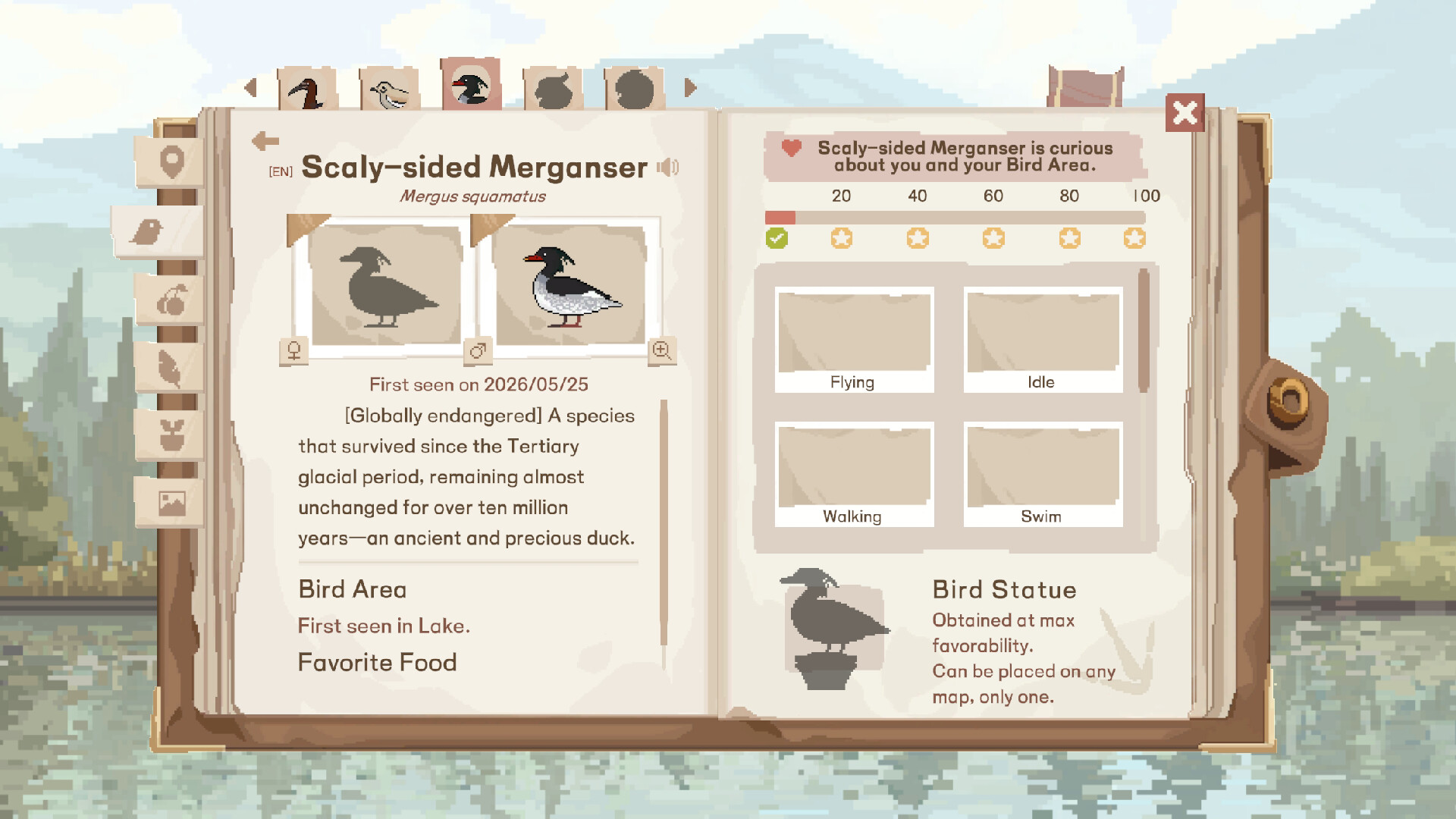
Each species has preferred visiting times; repeated visits make a bird more comfortable and may reveal new actions. When a unique behavior is captured with the in‑game camera, the game awards a statue of that bird.
Time of day and weather can be changed at any moment, influencing which birds appear. Nocturnal species become available during night settings, while other birds respond to different weather conditions.
- Switch to night mode to encounter nocturnal birds.
- Use the camera after a bird visits repeatedly to earn its statue.
03 / THE GUIDE
Multiplayer Co‑op
Friends can join a shared birdwatching session, temporarily becoming a small bird that lands in each other's spots. While there you may leave emotes, photos, and small gifts that appear as keepsakes.
Blueprints created by other players can be requested and added to your own collection, allowing you to import favorite layouts into your Birdland without rebuilding them from scratch.
- Visit an active friend's spot to see birds you haven’t attracted yet.
- Collect blueprints from community members for fresh design ideas.
04 / THE GUIDE
Collectibles and Rewards
Birds drop colorful feathers and other trinkets that are added to your inventory. The special character Boss Crow is attracted to any sparkling item and will give you Crow Coins in return.
All progress, including collected feathers, statues, and achievements, is tracked in the handbook and synced via Steam Cloud, so you can continue your birding wherever you log in.
- Gather sparkling feathers or bottle caps to trigger Boss Crow’s visit.
- Check the handbook regularly to see which statues you have earned.
05 / THE GUIDE
Technical Features
Birdwatching Notebook runs on Windows and macOS and includes single‑player, online co‑op, Steam Achievements, Steam Cloud, and Family Sharing. The game is listed under the Casual genre and encourages community interaction through a Discord server.
All saved data, including blueprints and collected items, is stored in the cloud, allowing seamless play across multiple computers owned by the same Steam account.
- Enable Steam Cloud in the settings to keep your birding progress synchronized.
- Join the official Discord for blueprint exchanges and community news.

COMMUNITY
Player discussion