 GameWiki
GET YOUR BEARINGS
About Birb
Birb lets you peck endless popcorn to trigger mutations, turning your bird into stronger forms. The amount of popcorn eaten fuels idle progression, letting you evolve at your own pace without timed input.
A portal opens to procedurally generated dungeons where you fight unique enemies and bosses in active RPG‑style combat. A separate fishing minigame lets you cast for dozens of fish, log them in a Fishdex, and display catches in an aquarium.
01 / THE GUIDE
Popcorn Feeding & Evolution
Feeding popcorn is the core loop; each bite adds to a total count that directly drives mutation. The description notes you can remain a bird or become something else, showing evolution is tied to popcorn consumption.
Because the game is marked as "playable without timed input," the popcorn count can increase while you are idle, allowing steady growth without pressure to act quickly.
- Observe how each mutation changes the birb’s silhouette; visual shifts often hint at new abilities.
- Compare total popcorn before and after upgrades to gauge which changes affect growth speed.
02 / THE GUIDE
Procedural Dungeons & Combat
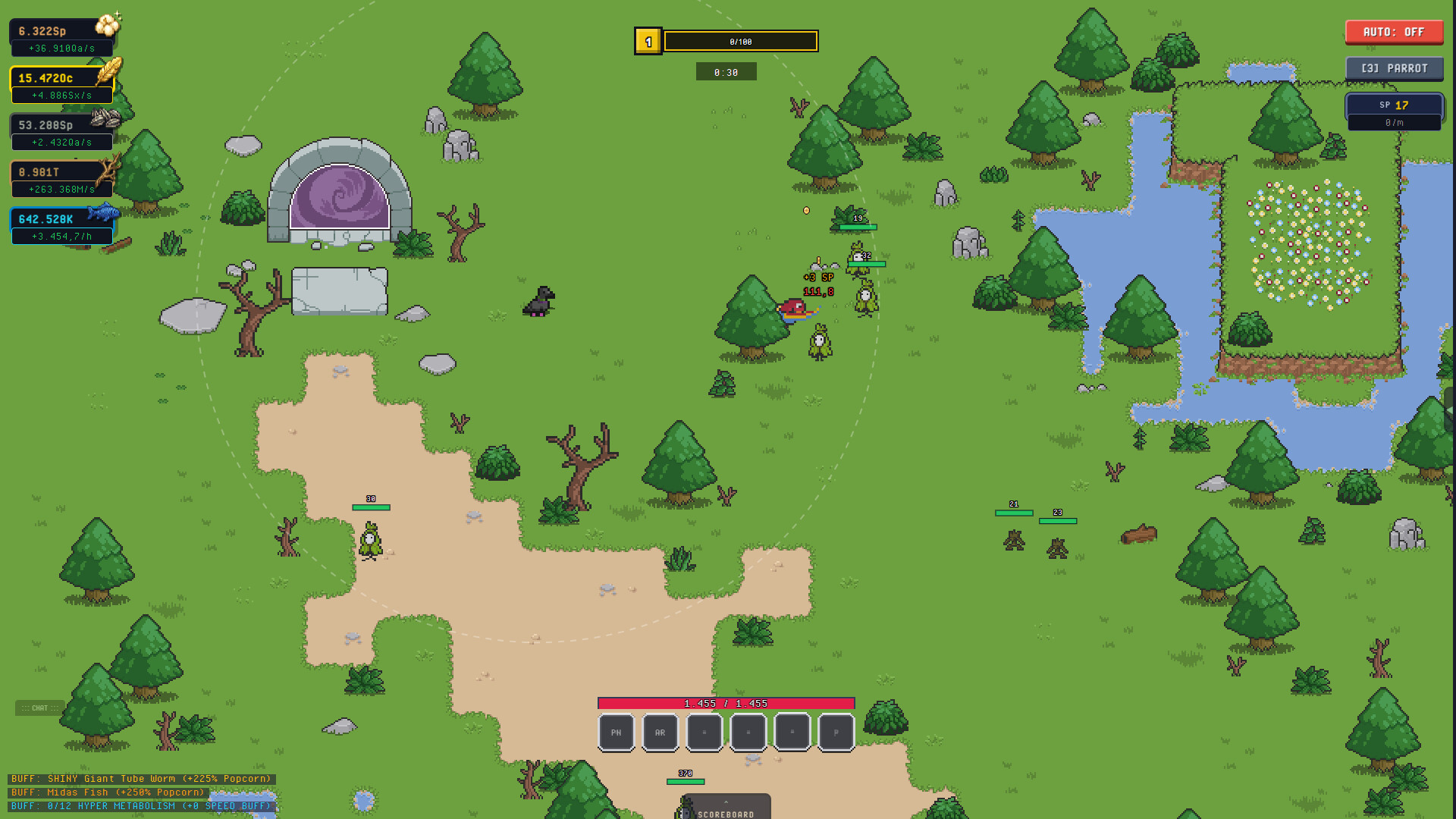
Portals transport the birb into procedurally generated dungeons where you encounter unique enemies. The combat is described as "Active RPG‑style," indicating direct player control during fights.
Boss battles are highlighted as moments to prove dominance, suggesting they serve as skill checks that reflect the birb’s current power after mutations.
- Note recurring enemy attack patterns; procedural design often reuses core behaviors.
- Use boss encounters as benchmarks for how effective recent mutations and upgrades are.

03 / THE GUIDE
Fishing Minigame & Aquarium
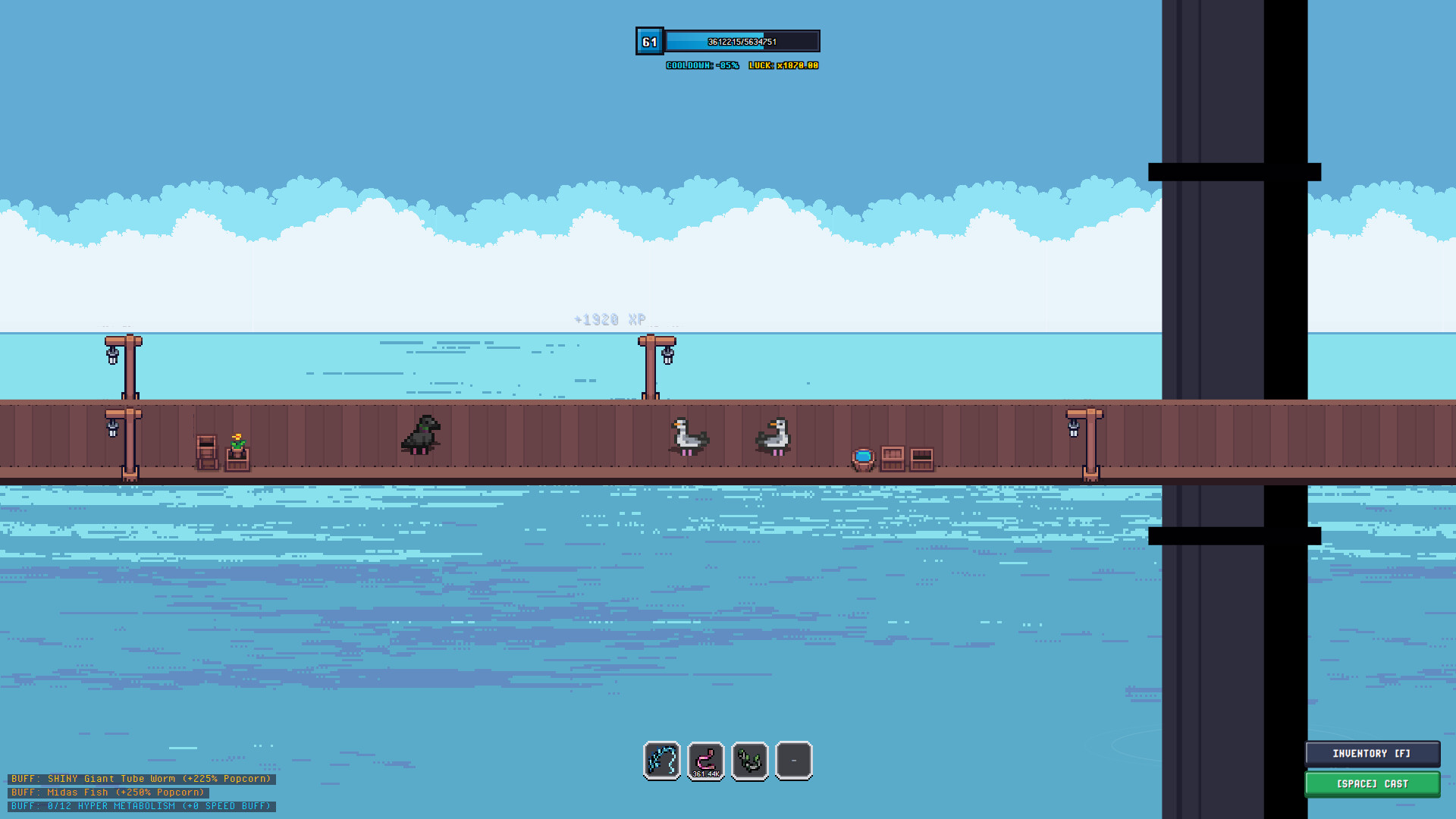
The fishing minigame lets you cast a line to catch dozens of fish, each with distinct rarities, shiny variants, and weight records. Catches are recorded in a Fishdex, providing a catalog of collected species.
Caught fish can be displayed in a personal aquarium, and the description notes they may be traded for buffs, offering a secondary progression path separate from dungeon combat.
- Review the Fishdex after each session to spot new rarity categories you haven’t collected yet.
- Compare weight records across similar fish to identify which catches yield the highest values.
05 / THE GUIDE
Progression Systems & Companions
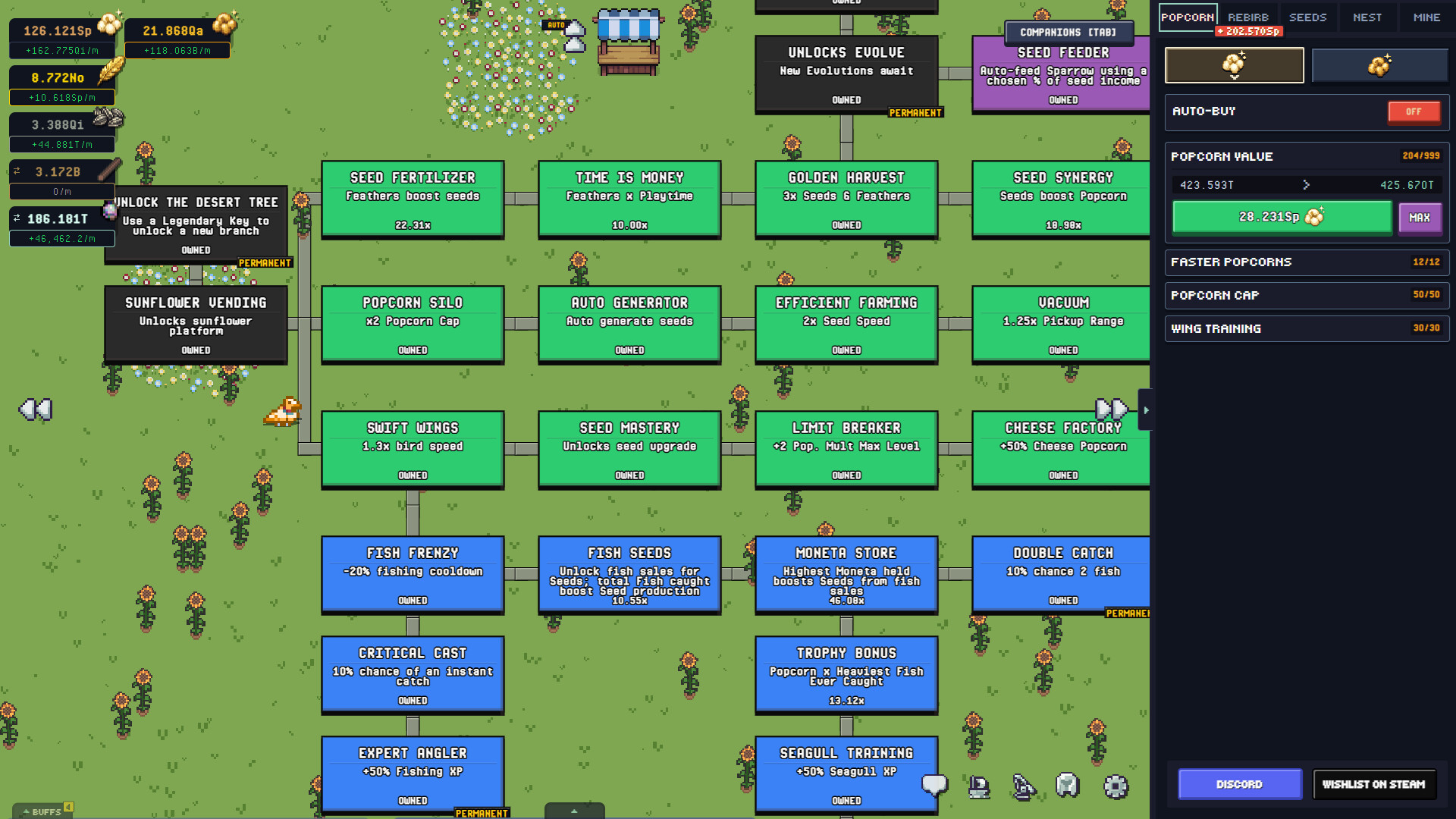
Birb blends idle progression with active RPG combat, offering hundreds of upgrades and skill trees. Passive bonuses, automation features, and companions such as the Seagull, Parrow, and Sparrow expand strategic options.
A prestige system is mentioned, offering infinite replayability and encouraging repeated loops through the core activities.
- Map out skill‑tree branches before committing large amounts of resources.
- Test each companion individually to see which passive bonuses align best with your preferred activities.
04 / THE GUIDE
Social Flock & Multiplayer
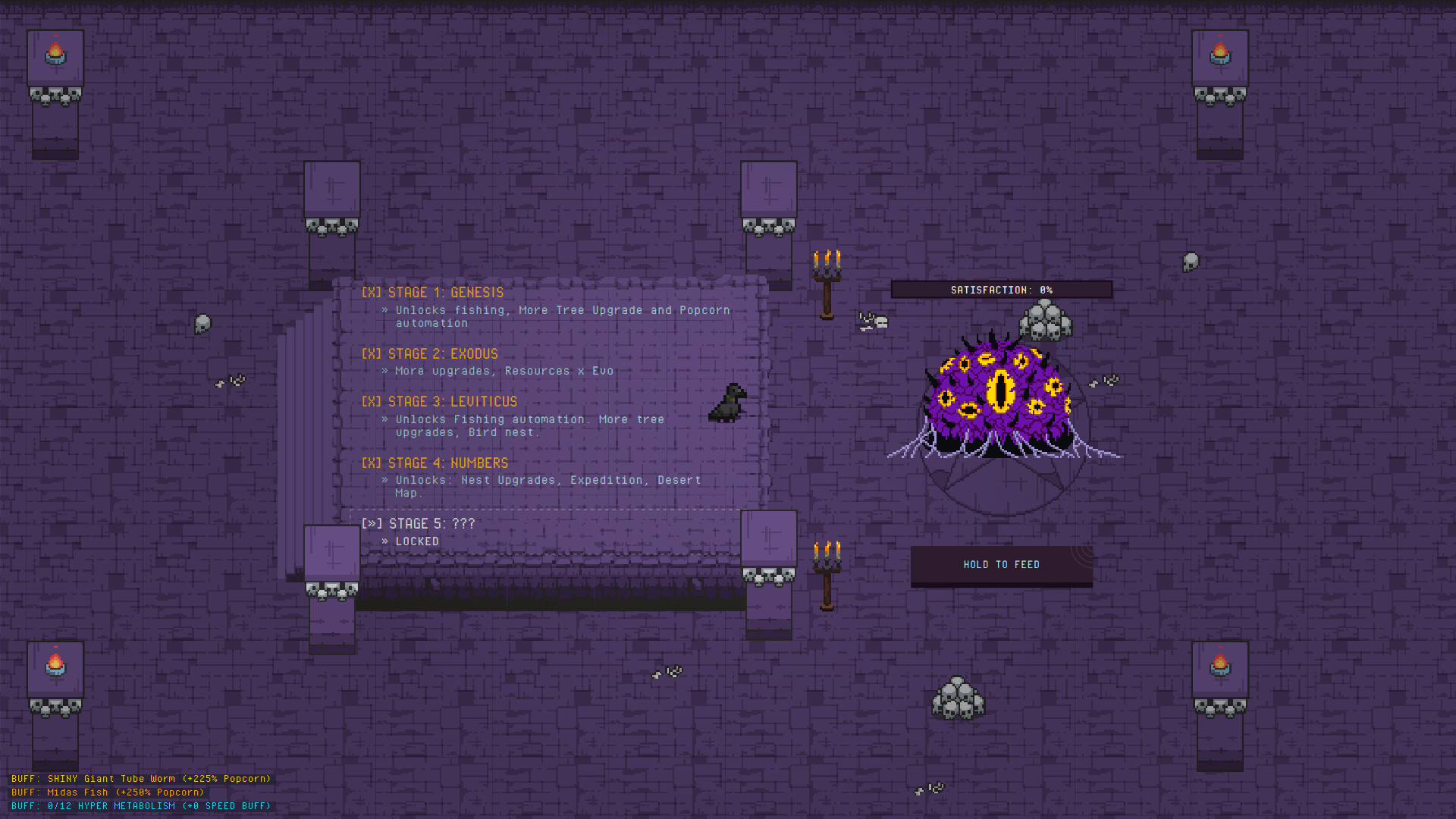
Players appear in real‑time within the park, allowing you to see other birds moving around. The game lists multiplayer modes, including co‑op and online co‑op, so you can explore dungeons together.
The "#category_playable_at_your_own_pace" tag applies here as well, meaning multiplayer sessions are not bound by timed input, letting you cooperate or simply observe at a relaxed speed.