 GameWiki
GET YOUR BEARINGS
About Biped 2
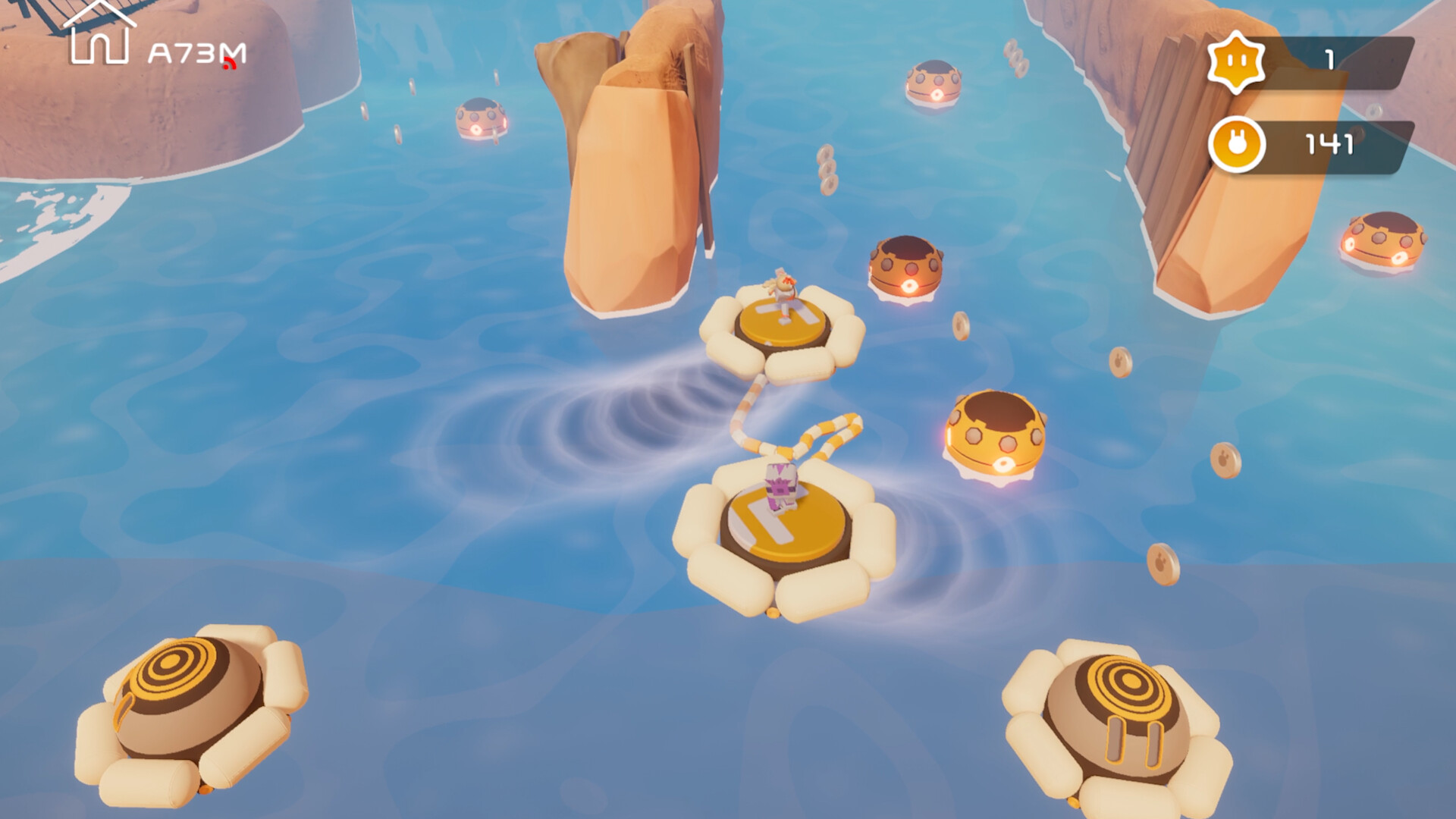
Biped 2 follows the two‑legged robots Aku and Sila as they answer a distress signal from an alien world. The sequel expands the original’s co‑op platforming with new movement tools, fresh biomes, and a level‑creation system. Players can explore solo or with up to three friends, solving paired puzzles and customizing their robots with hats and other items.
The game mixes action‑adventure puzzles with a light‑hearted tone, offering both local and online multiplayer, cross‑platform play, and Steam Workshop support for community‑made levels. Adjustable difficulty and controller options let a wide audience enjoy the experience.
01 / THE GUIDE
New Movement Tools
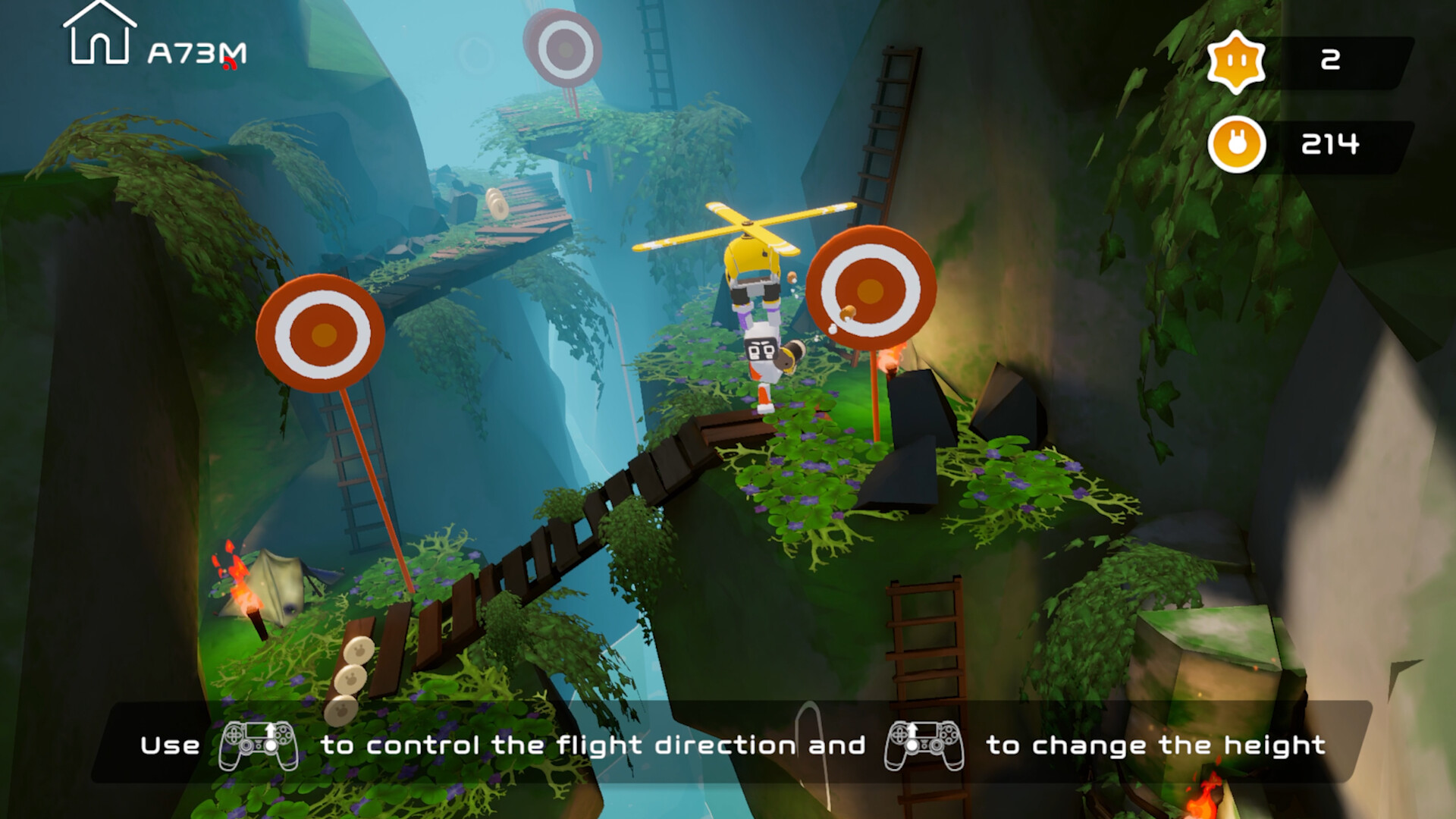
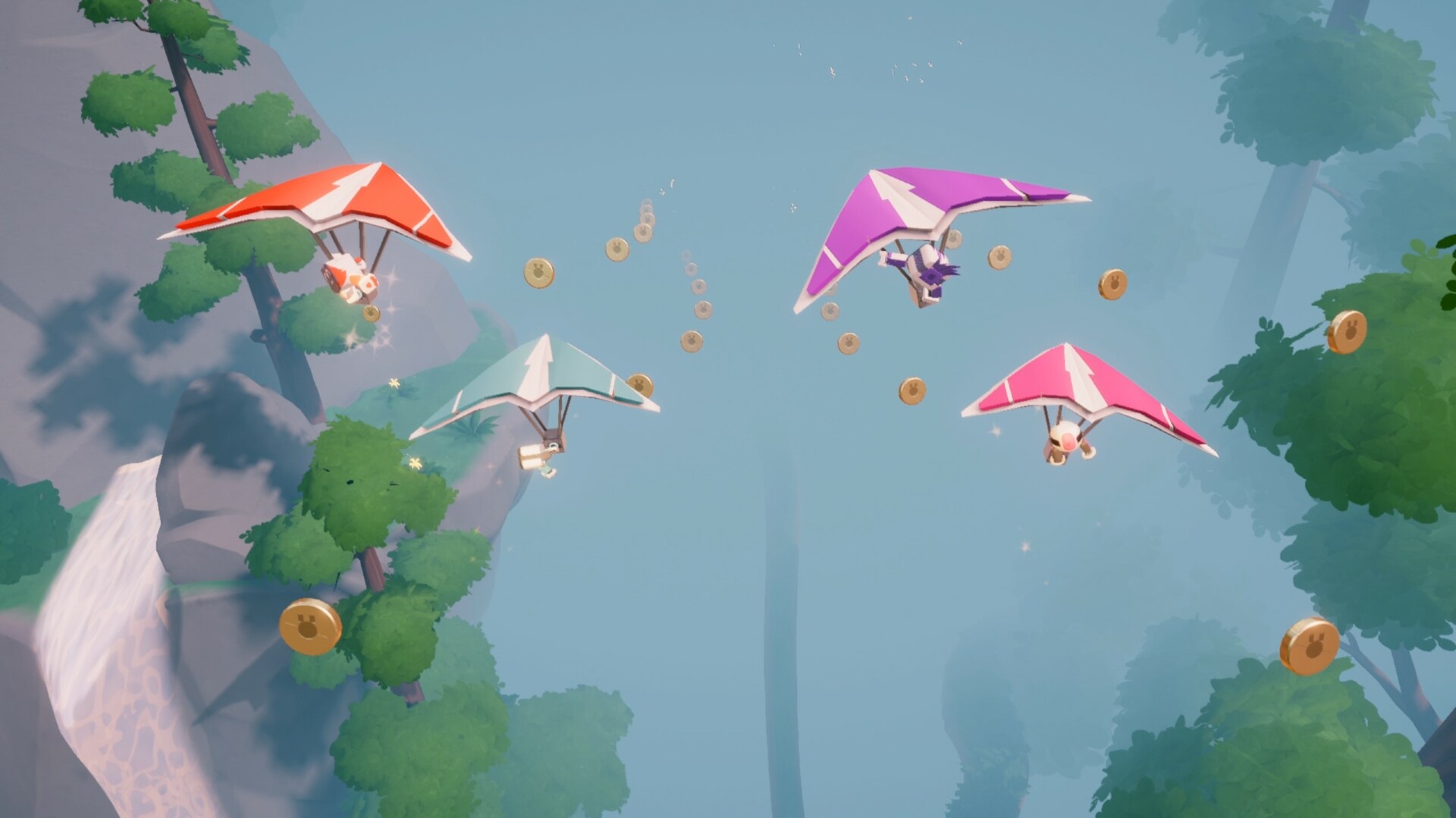
Biped 2 adds a hang glider, grappling hook, and returns sliding as core ways to traverse the world. These abilities are integrated into the platforming flow, letting players glide, swing, or slide across obstacles.
Each tool works alongside the classic two‑leg mechanics, giving players more options for reaching high platforms or crossing gaps while maintaining the game’s rhythm.
- Use the hang glider to cover long distances quickly and create visual trails.
- Combine the grappling hook with sliding to navigate tight corridors efficiently.
02 / THE GUIDE
Co‑op Pair Mechanics
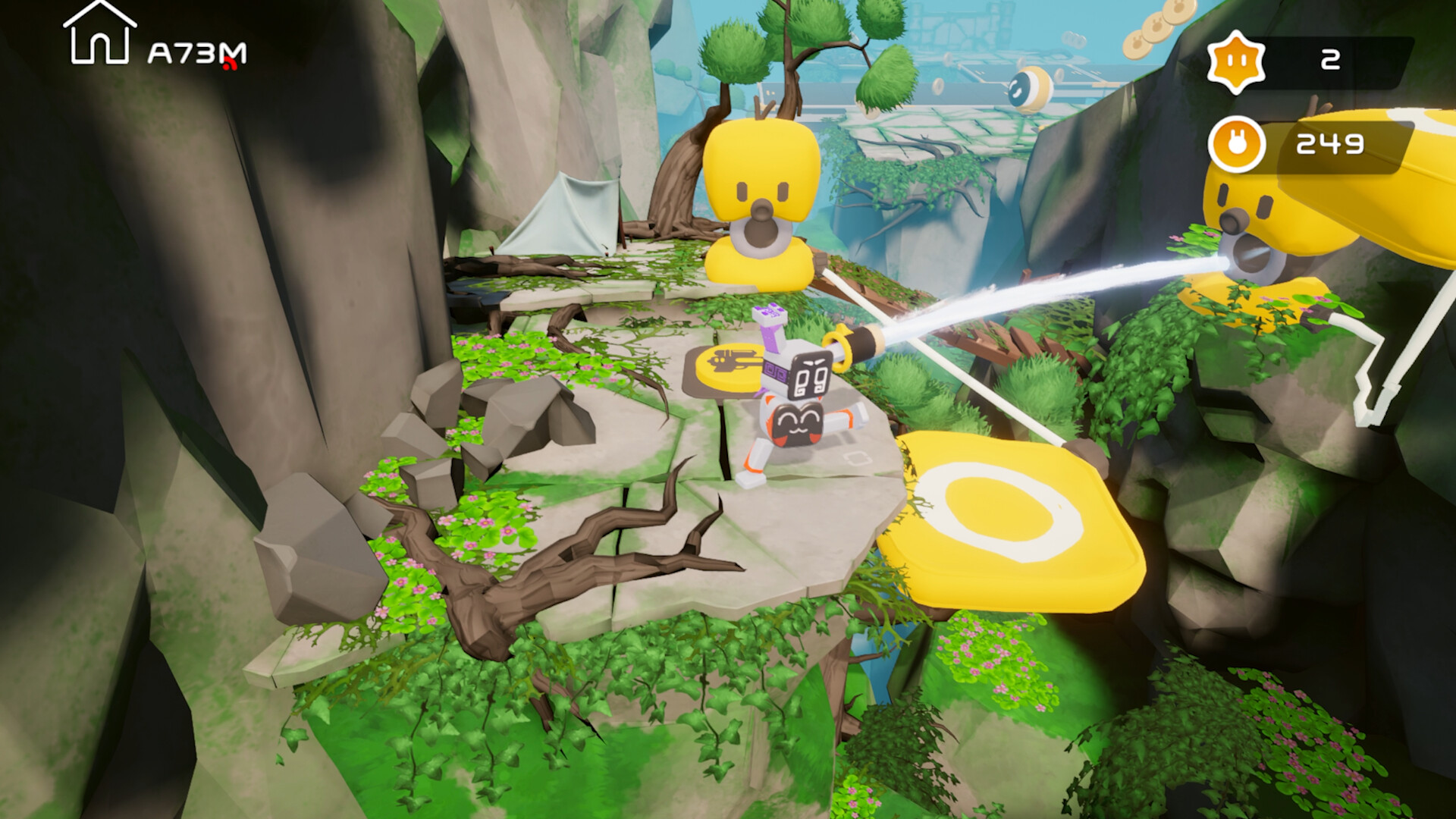
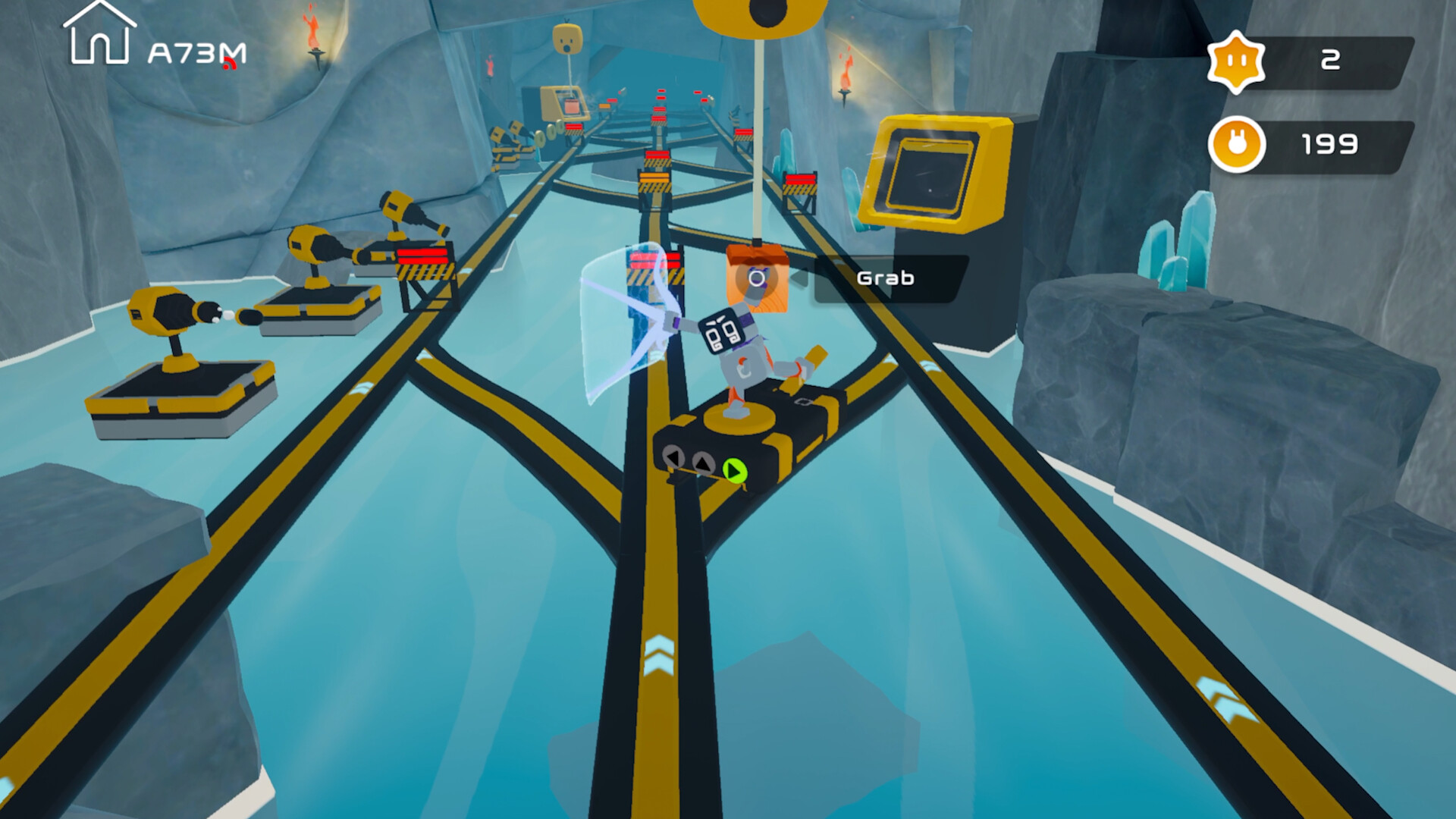
Players must coordinate as “legs” or “arms” to solve puzzles that require both robots to act as a single unit. These pair puzzles reinforce teamwork and are central to progression.
The system works in both local and online co‑op, allowing two players to synchronize actions or a larger group to assist each other in more complex challenges.
- Communicate which robot will act as legs versus arms before attempting a pair puzzle.
- Practice timing in solo mode to understand each role’s movement range.
03 / THE GUIDE
Multiplayer Options
Biped 2 supports single‑player, two‑player co‑op, and a new four‑player co‑op mode. Players can join locally via split‑screen or connect online, with cross‑platform matchmaking available.
Both cooperative and PvP modes are listed, and the game includes shared/split‑screen options for competitive play as well.
- Try four‑player co‑op for the most challenging level designs.
- Use Remote Play Together if a friend lacks the game locally.
04 / THE GUIDE
Customization and Style
Players can dress their bipeds with hats and other collectibles, allowing personal expression while exploring. Items are obtained through treasure hunts or purchases.
Styling does not affect gameplay mechanics but adds a visual flair that can be shared with friends and the community.
- Collect treasures early to unlock a wider variety of hats.
- Match your robot’s look with your partner for a cohesive team appearance.
05 / THE GUIDE
Steam Workshop Level Creation
The game includes a level editor that lets players design, share, and play community‑made stages via Steam Workshop. This extends replayability beyond the built‑in campaign.
Creators can upload their levels for others to download, fostering a continuous flow of new content.
- Start with the provided templates to learn the editor’s basics.
- Test your level in single‑player before publishing.
COMMUNITY
Player discussion