 GameWiki

GET YOUR BEARINGS
About Bionic Bay
Bionic Bay revolves around a swap mechanic paired with a realistic physics system. Players can shift gravity, exchange places with objects or adversaries, and use those actions to move, defend, or attack while avoiding burns, breaks, freezes, explosions, or vaporization.
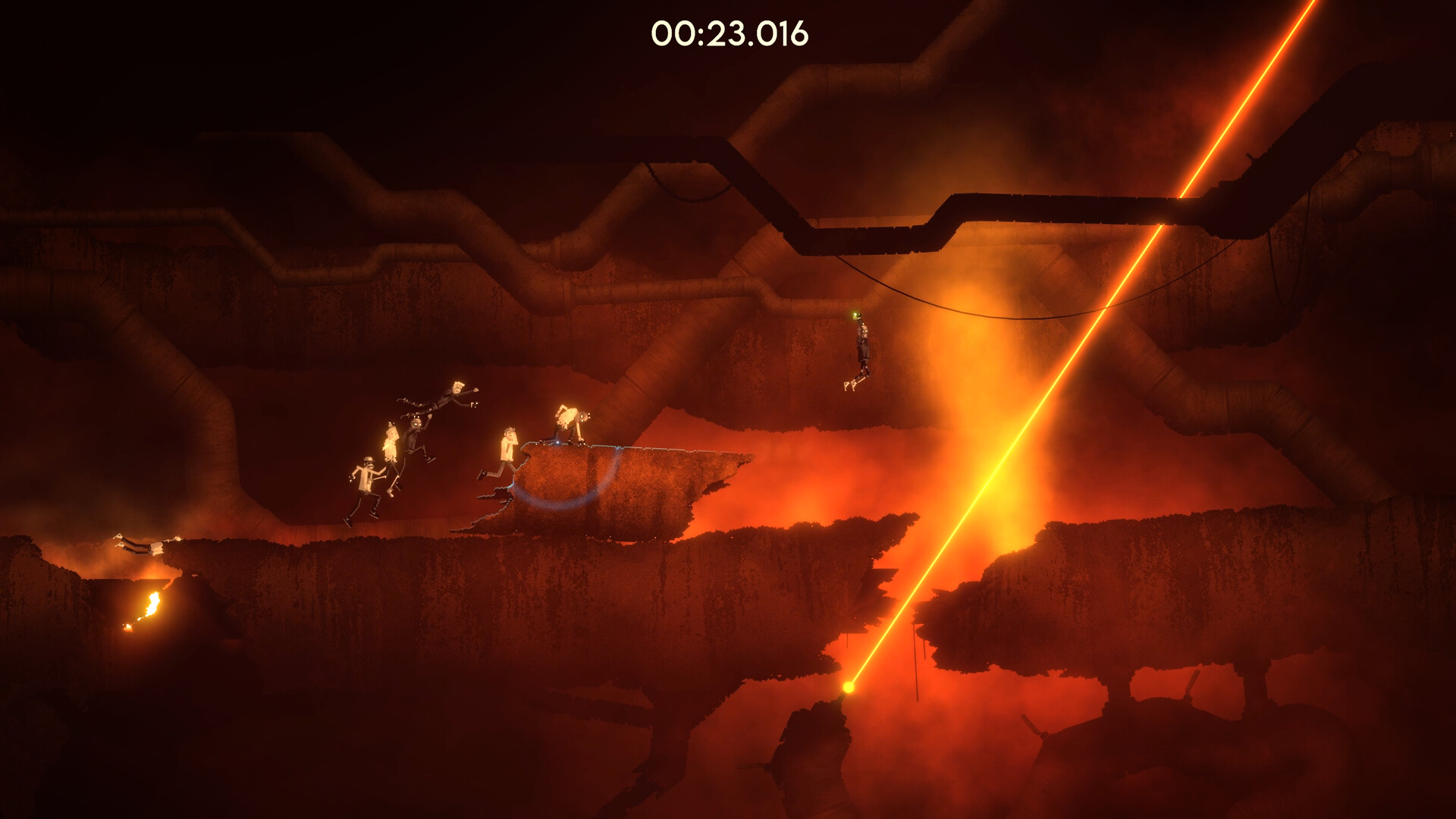
The game is set in an ancient biomechanical world rendered in gritty high‑density pixel art, with each biome distinguished by its own sound design. Levels are built for speedrunning, encouraging fluid movement, precise swaps, and competitive online races with leaderboards and character customization.
01 / THE GUIDE
Swap Mechanic
Swapping lets you interchange positions with objects or adversaries, directly affecting gravity and spatial relationships. This core interaction is described as a way to move, defend, or attack within the environment.
When performing a swap, the description warns that you must avoid outcomes such as burning, breaking, freezing, exploding, or vaporizing, making careful timing essential.
- Practice swaps on static platforms before tackling moving hazards.
- Watch for visual cues that indicate a hazardous result.
02 / THE GUIDE
Realistic Physics System
The physics system reacts to swaps, creating high‑adrenaline moments as objects respond realistically. Fluid movement and reactive physics are highlighted as central to each uniquely designed level.
Because physics behaves realistically, mistimed swaps can cause the destructive outcomes warned about, reinforcing the need for observation and precise input.
- Observe how objects bounce after a swap to plan follow‑up moves.
- Use momentum generated by physics‑driven swaps to clear larger gaps.

03 / THE GUIDE
Online Speedrun Mode
Online Mode pits you against ghosts of other players in timed races, with leaderboards tracking the fastest completions. New events are added regularly, keeping competition fresh.
Character customization lets you create a scientist avatar, providing a recognizable visual for leaderboard entries and personal style.
- Study top ghosts to learn efficient swap sequences.
- Enter new events to test your skills against fresh leaderboards.
04 / THE GUIDE
Visual and Audio Design
The game uses gritty, high‑density pixel art to depict vast sci‑fi landscapes. Each biome’s distinct sound design enhances immersion and signals environmental cues.
The artistic direction emphasizes an ancient biomechanical theme, populated by imaginative devices and peculiar inhabitants, reinforcing the world’s narrative tone.
- Listen for audio cues that indicate upcoming hazards.
- Notice visual patterns that mark safe swap zones.
05 / THE GUIDE
Platform and Controller Support
Bionic Bay runs on Windows and offers full controller support, including DualShock and DualSense devices. Gamepad usage is recommended for precise swapping.
Steam integration provides Achievements, Cloud saves, Leaderboards, and Family Sharing, allowing progress to follow you across multiple PCs.
- Enable Steam Cloud to keep saves synchronized.
- Use a gamepad for smoother swap inputs.



COMMUNITY
Player discussion