 GameWiki
GET YOUR BEARINGS
About Big Dig
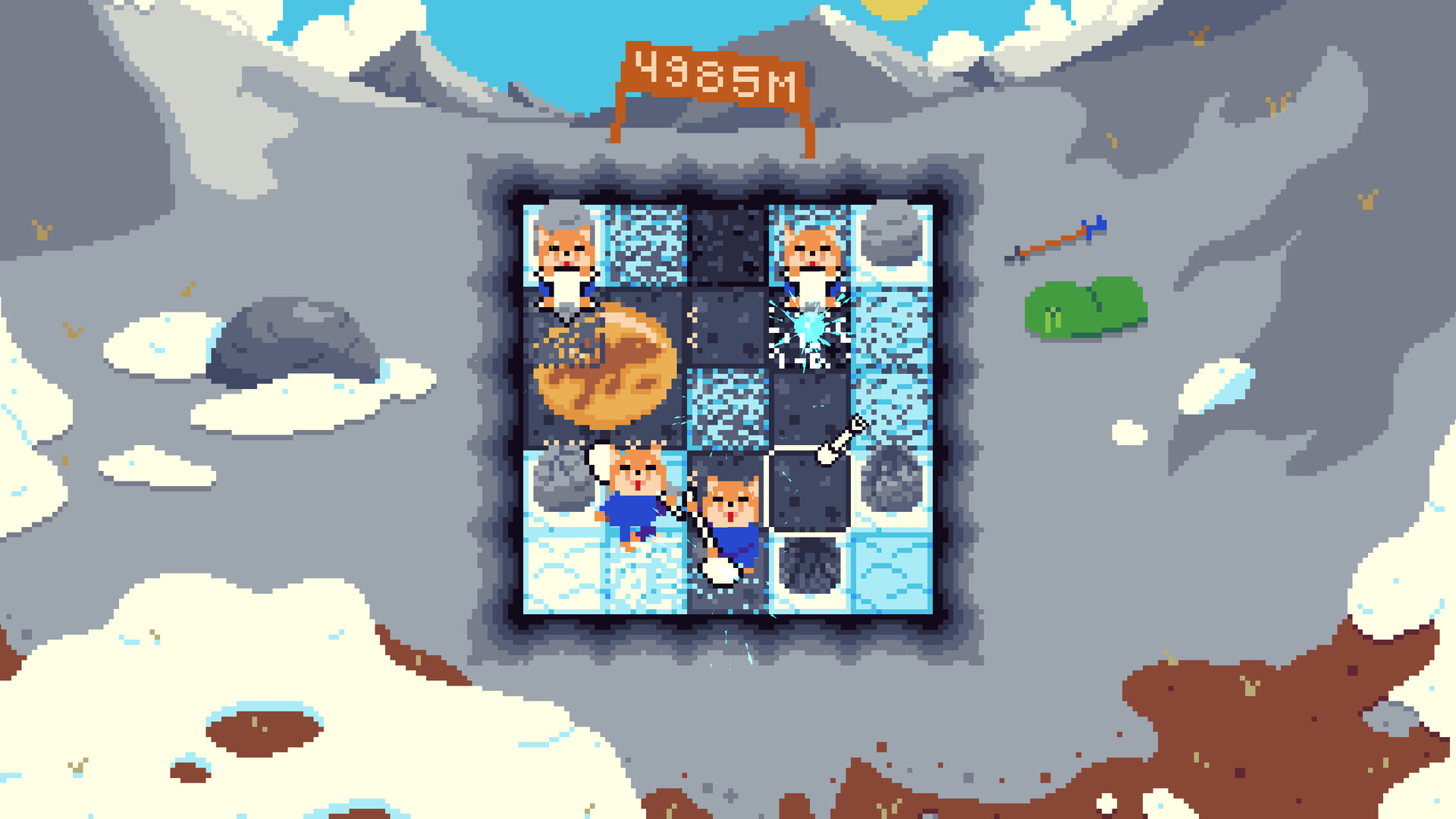
Big Dig is a short incremental narrative game where you excavate artifacts to clear a highway for Mayor Dog’s campaign across the Animal Republic. The road passes beaches, suburbs, lakes, and schools, and each new segment requires more digging.
As you progress you can hire helpers, acquire equipment such as an excavator, and expand a museum to display the finds. The experience is designed for a single 3‑4 hour playthrough and includes multiple input options, save‑anytime, and Steam Cloud support.
01 / THE GUIDE
Incremental Digging
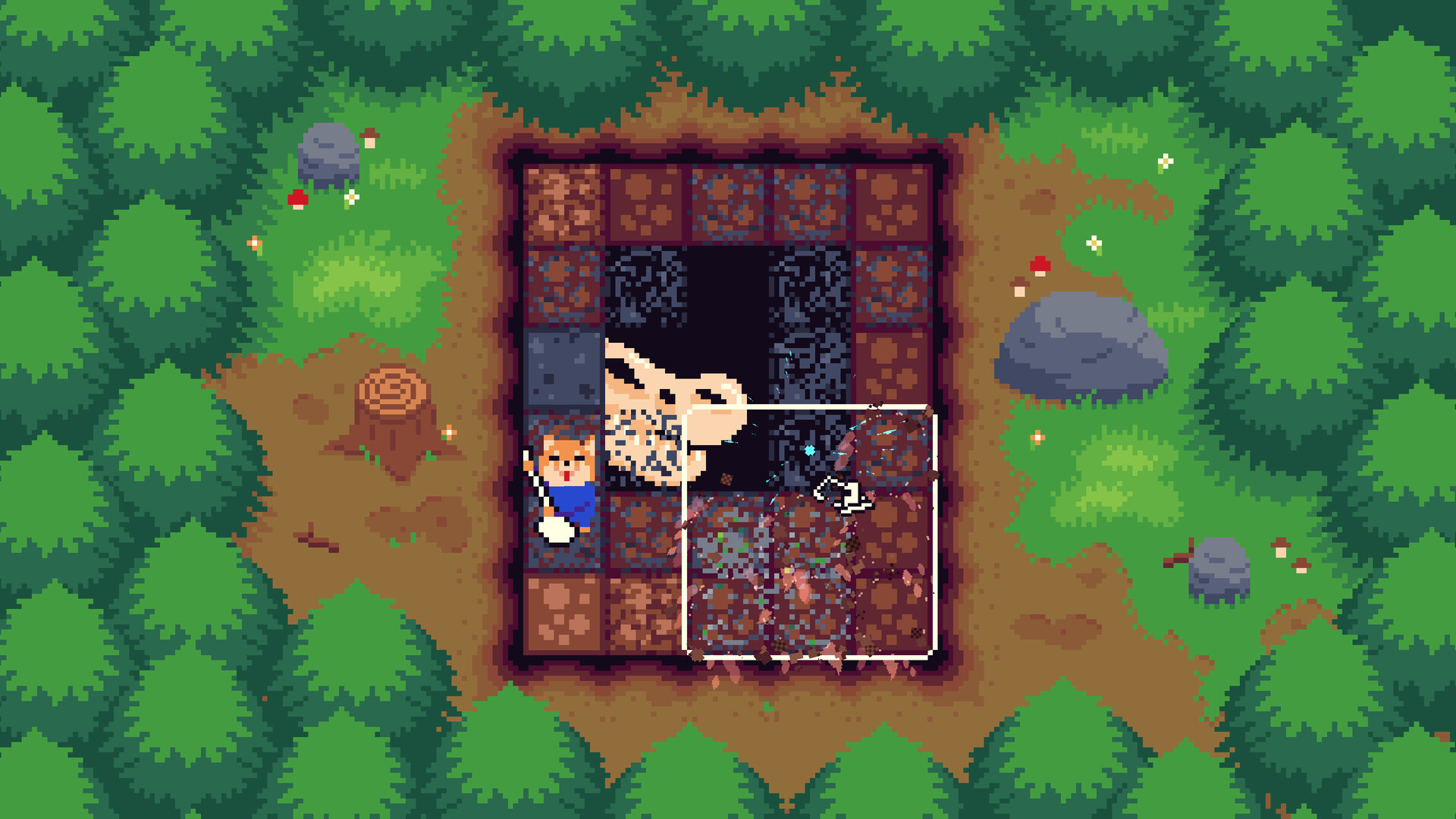
The core loop consists of digging up artifacts to remove obstacles for the highway. Each dig yields an item and contributes to the road’s length, while the amount of digging needed rises as the highway expands.
Because the digging requirement scales, the game encourages you to consider more capable tools later in the session. The incremental nature provides a clear sense of progress without endless loops.
- Watch how the required dig count changes after each road segment.
- Note which artifacts appear most frequently early on.
02 / THE GUIDE
Crew and Equipment
You can hire a crew of helpers and obtain new equipment, including an excavator, to increase digging efficiency. These upgrades become relevant as the road stretches through varied environments.
Upgrading tools directly reduces the time needed to clear land, which in turn speeds up museum expansion and overall story progression.
- Compare the cost of a helper versus a piece of equipment before purchasing.
- Observe which tool feels most appropriate for the current terrain.
03 / THE GUIDE
Museum Development
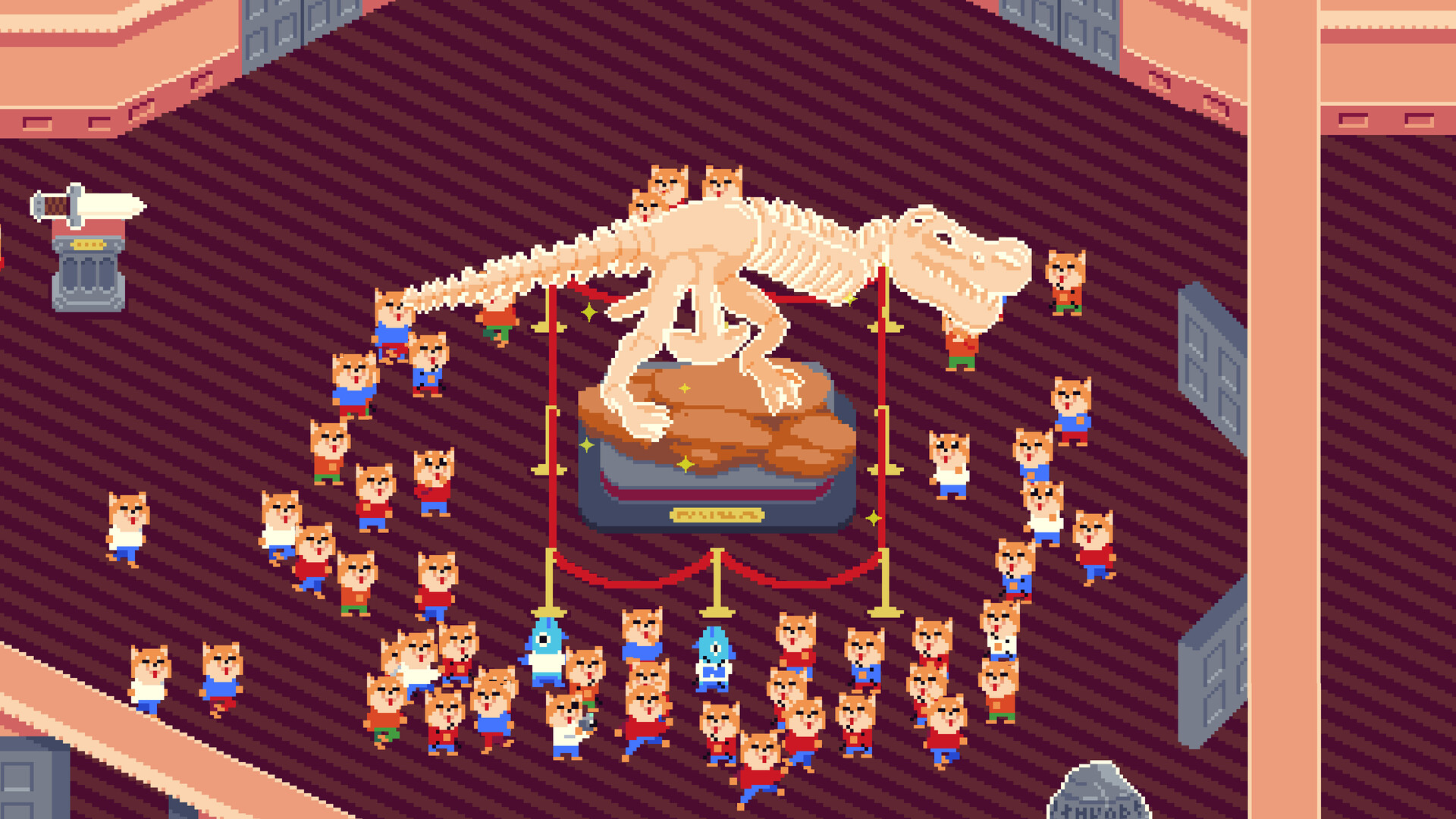
Collected artifacts are displayed in a museum that you can renovate and expand. Adding new rooms and decorations is part of the game's progression.
The museum serves as a visual record of your excavations and ties directly to the game's profit system, linking excavation success to financial growth.
- Track which artifacts you have displayed to avoid duplicates.
- Consider adding rooms after a major digging milestone.
04 / THE GUIDE
Input Options and Accessibility
Big Dig offers Mouse Only, Touch Only, and Full Controller support for DualShock and DualSense devices. Players can select the method that best fits their comfort.
Custom volume controls and the ability to play without timed input provide a relaxed pacing that matches the game's short, self‑contained design.
- Try the mouse‑only mode if precise clicking feels natural.
- Switch to controller support for a more relaxed hand position.
05 / THE GUIDE
Saving and Cloud Features
The game allows you to save at any time, ensuring you can pause and resume without losing progress. This flexibility supports the intended single‑sitting experience.
Steam Cloud integration backs up your save data, and Family Sharing is supported, letting multiple accounts access the same installation.
- Save before major upgrades to create a fallback point.
- Check Cloud sync after a session if you plan to switch computers.


COMMUNITY
Player discussion