 GameWiki
GET YOUR BEARINGS
About Berzerk Flashback
Berzerk Flashback is a Windows‑only anthology that gathers the Flash titles whose source code the studio still owns. The collection removes the original micro‑transactions and ads, presenting each game in a pure, ad‑free state.
The bundle spans Action, Adventure, Casual, Indie, RPG, Sports and Strategy, delivering a single‑player experience that can be shared through Steam’s Family Sharing feature, so multiple accounts can access the same library without extra purchase.
01 / THE GUIDE
Game Collection
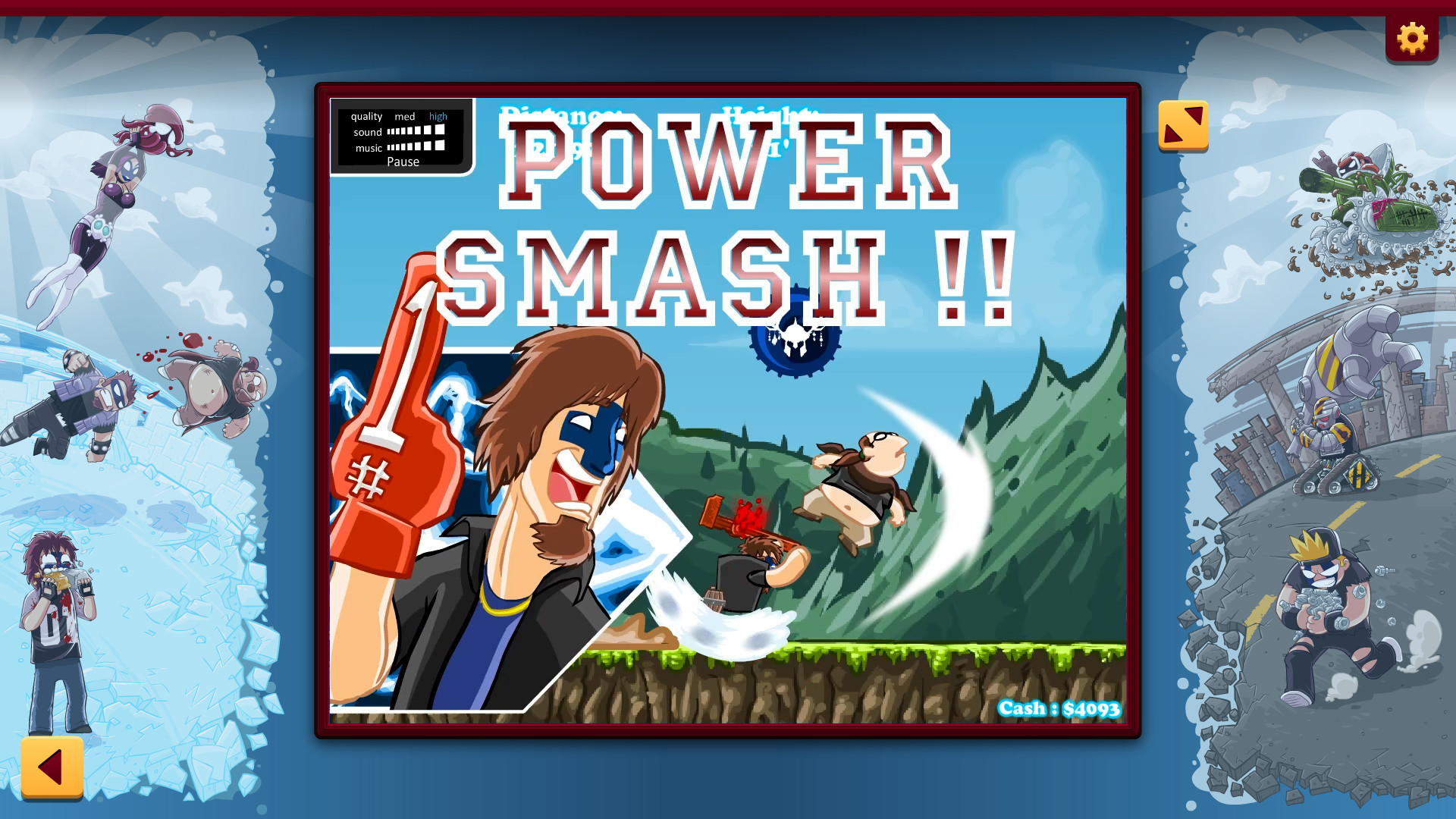
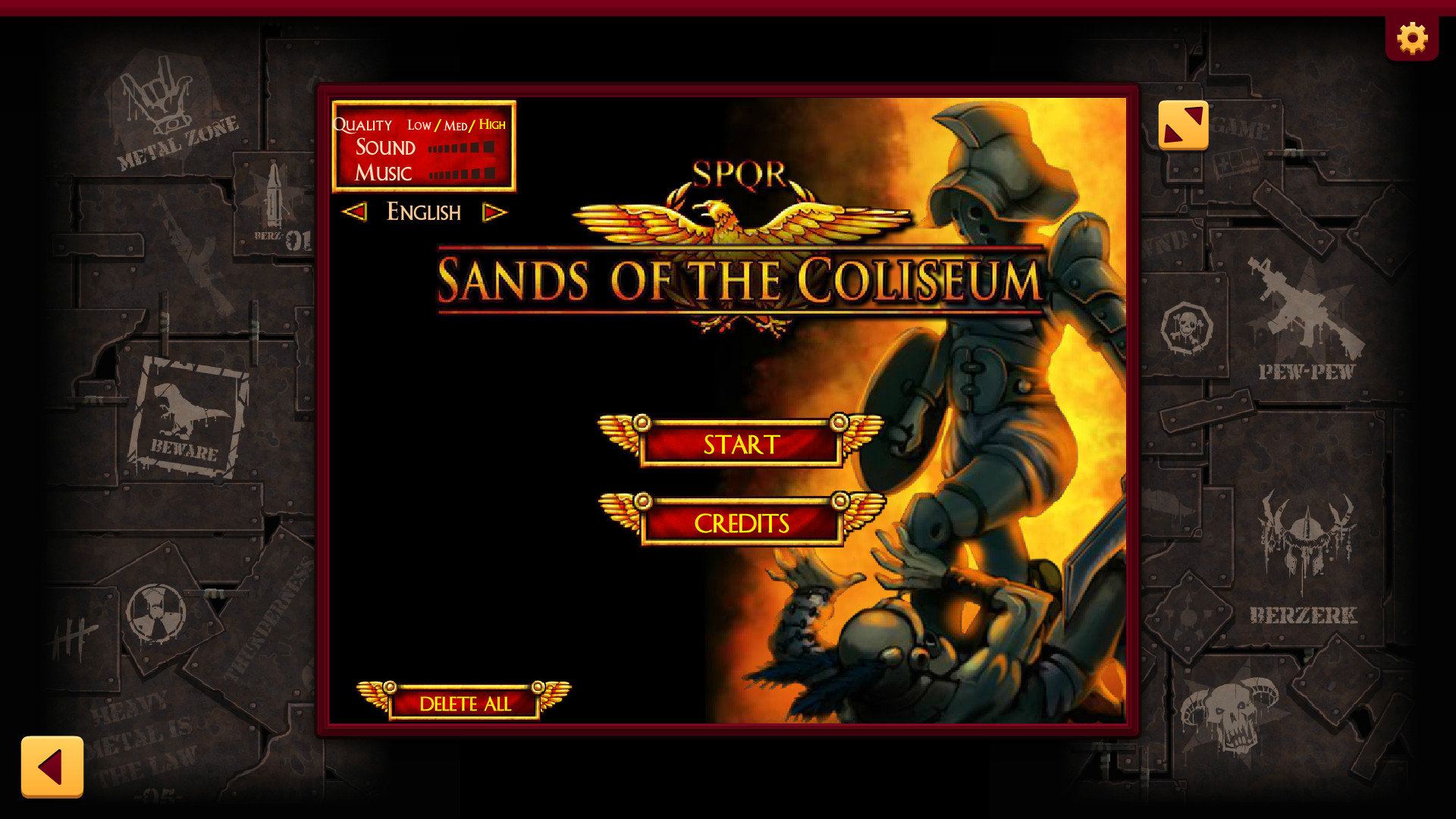
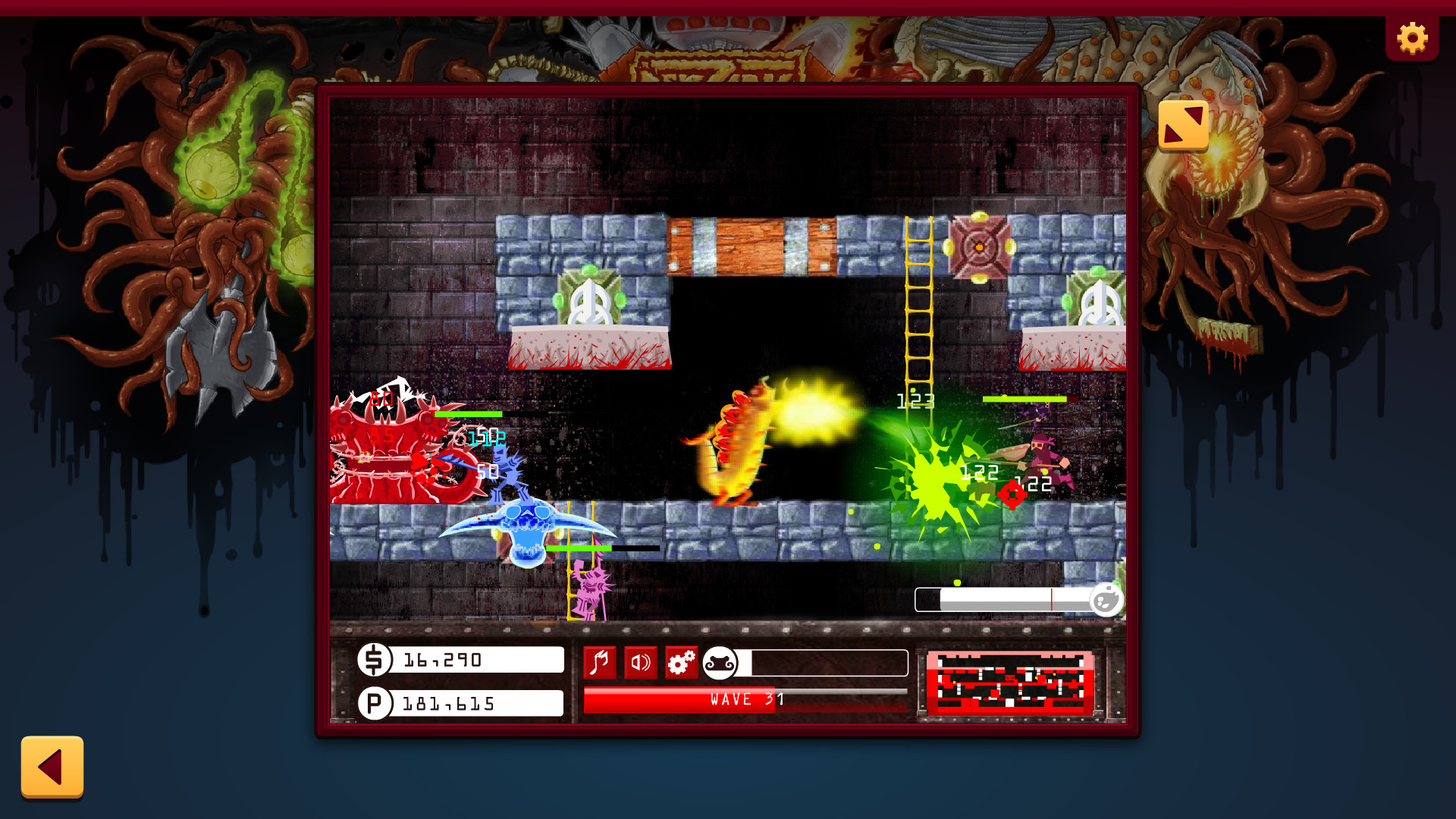
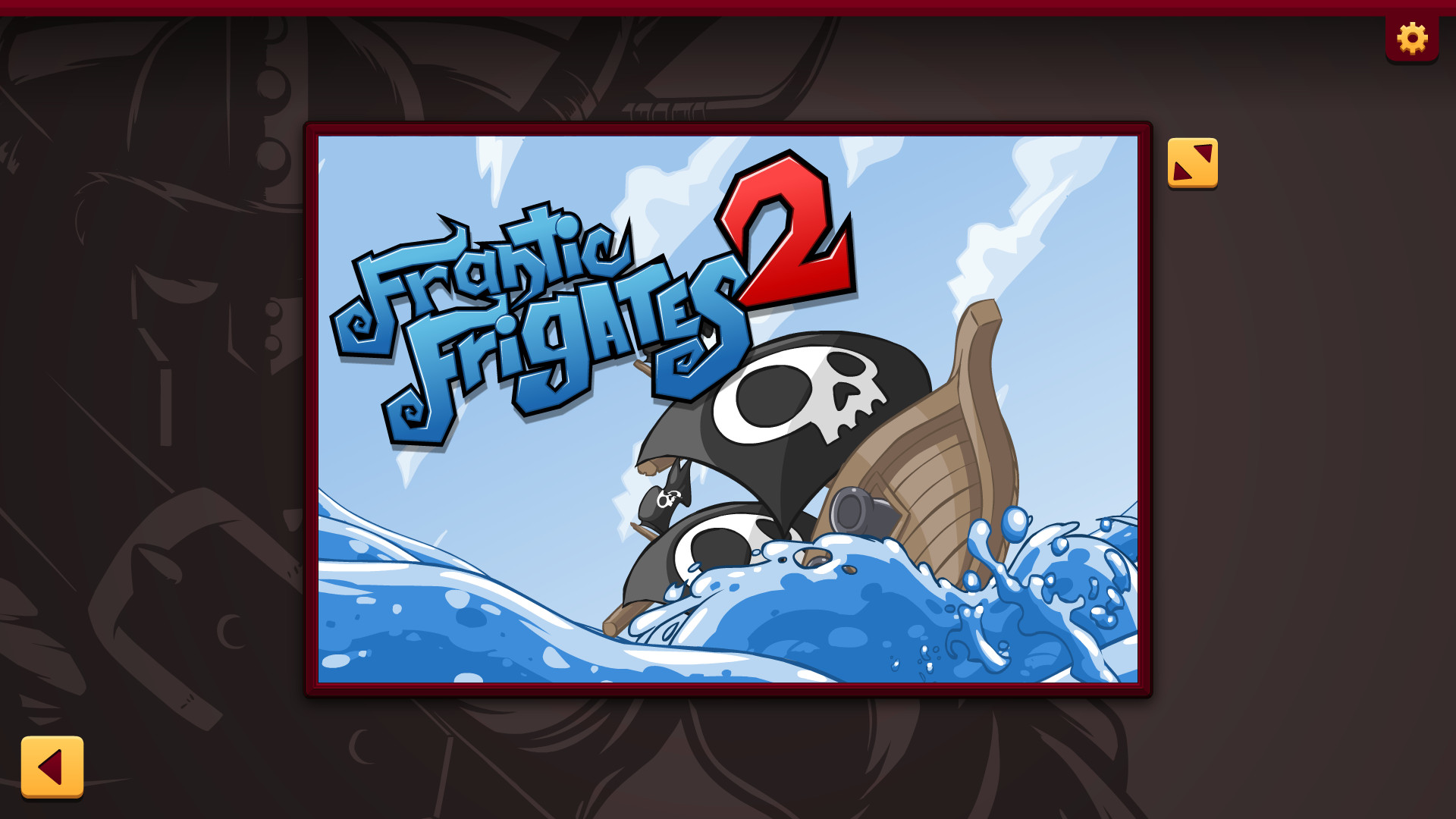
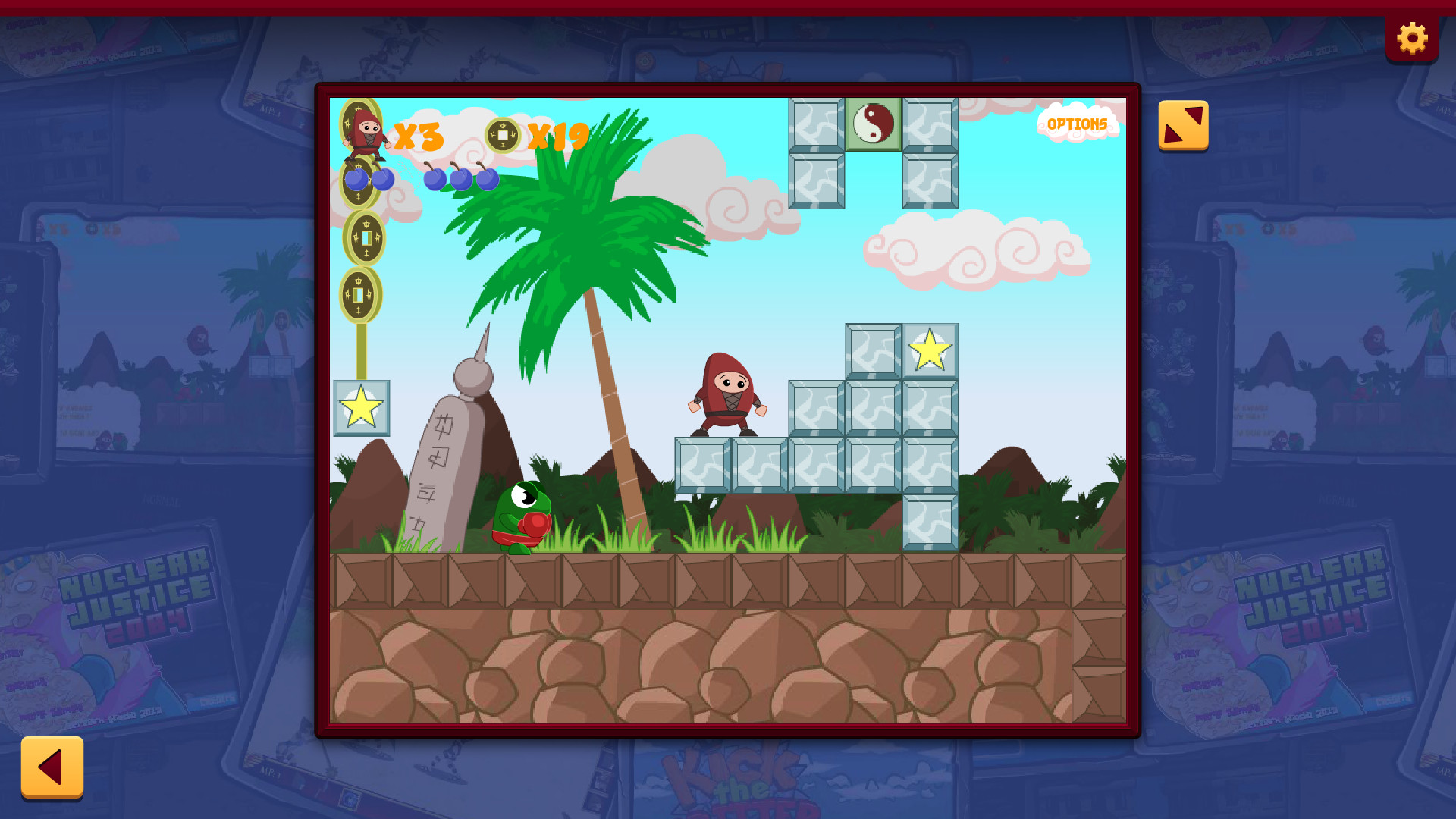
The anthology lists dozens of titles, including Berzerk Ball, Sands of the Coliseum, Frantic Frigates, Gunbot, Mechanical Commando, and many more. Unreleased prototypes such as the Just Shapes & Beats demo and Frantic Frigates 2 are also included, expanding the catalog beyond published releases.
The games keep their original content and mechanics, with the embedded advertisements and microtransactions of the original Flash versions removed.
- Try a released title and its prototype counterpart to notice development changes.
- Explore the lesser‑known side projects for unexpected gameplay twists.
02 / THE GUIDE
Genre Variety
Berzerk Flashback lists Action, Adventure, Casual, Indie, RPG, Sports and Strategy as its genres. This range lets players move from fast‑paced shooters to turn‑based strategy without leaving the application.
Each genre is represented by multiple titles, so a single session can showcase distinct gameplay loops while staying within the same nostalgic framework.
- Group games by genre for smoother pacing during a marathon.
- Use the genre list to plan a varied play schedule.
03 / THE GUIDE
Platform Availability
The anthology is officially released for Windows only; macOS and Linux are marked as unsupported. This limits the playable audience to Windows users who own the Steam client.
As with any Steam release, check that your Windows setup meets the store listing’s requirements before installing.
- Check your Windows version meets the minimum Steam requirements before installing.
- If visual glitches appear, experiment with Windows compatibility settings.
04 / THE GUIDE
Family Sharing
Family Sharing appears as a listed feature, meaning the same library can be accessed by multiple Steam accounts on the same device without additional purchases.
Since all titles are single‑player, each user can launch any game independently, keeping the experience personal while still using the shared library.
- Enable Family Sharing in Steam to let other household members launch the anthology.
- Use separate Steam accounts to keep each player's play history distinct.
05 / THE GUIDE
Single‑Player Experience
The collection is listed as single‑player, centering the experience on solo play. This design emphasizes personal skill and replayability.
With microtransactions and ads removed, each session relies solely on the game's original mechanics, providing a consistent experience across playthroughs.
- Track personal high scores to gauge improvement over time.
- If a game offers difficulty options, experiment with them to extend longevity.
COMMUNITY
Player discussion