 GameWiki

GET YOUR BEARINGS
About Berry Bury Berry
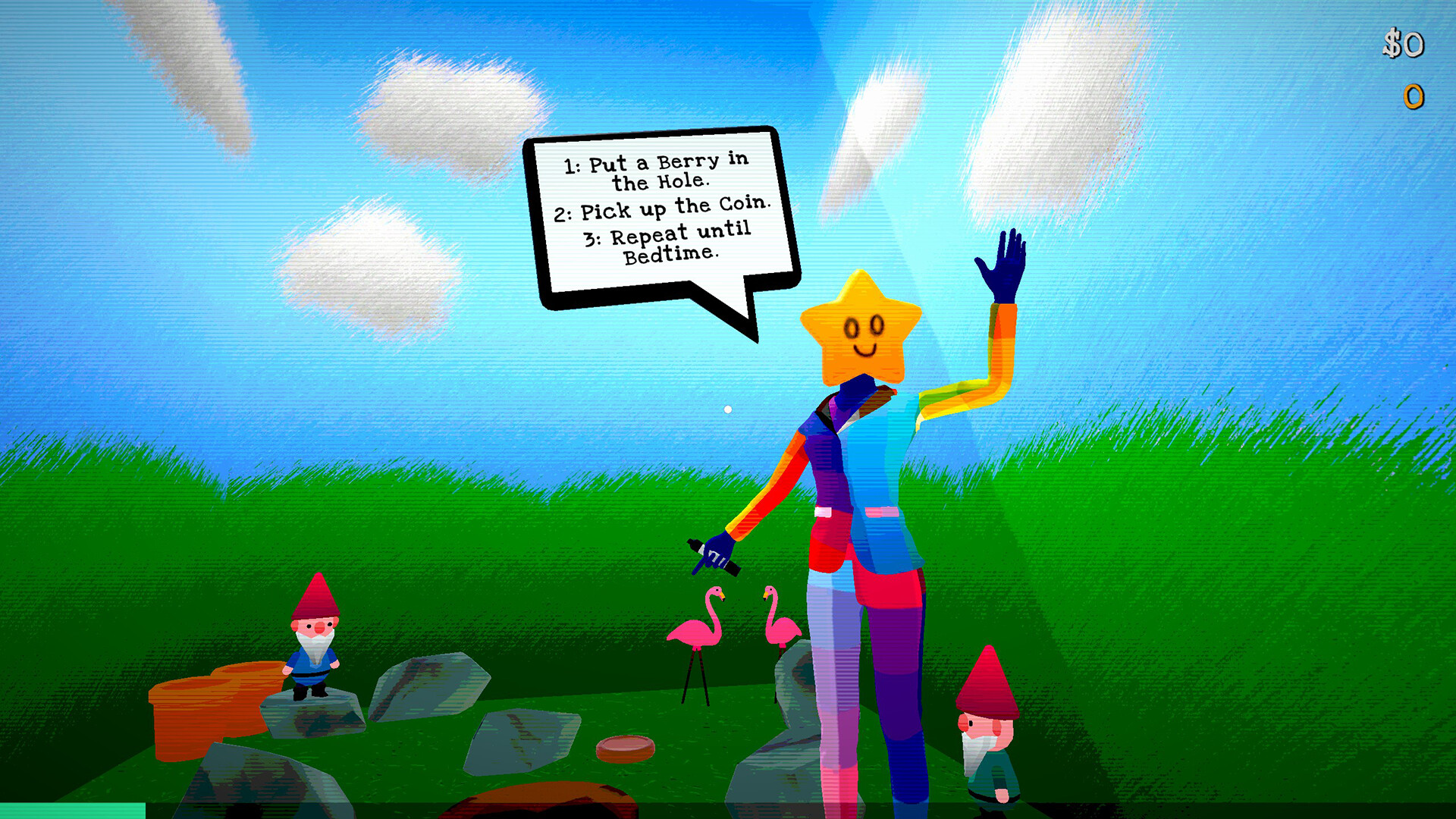
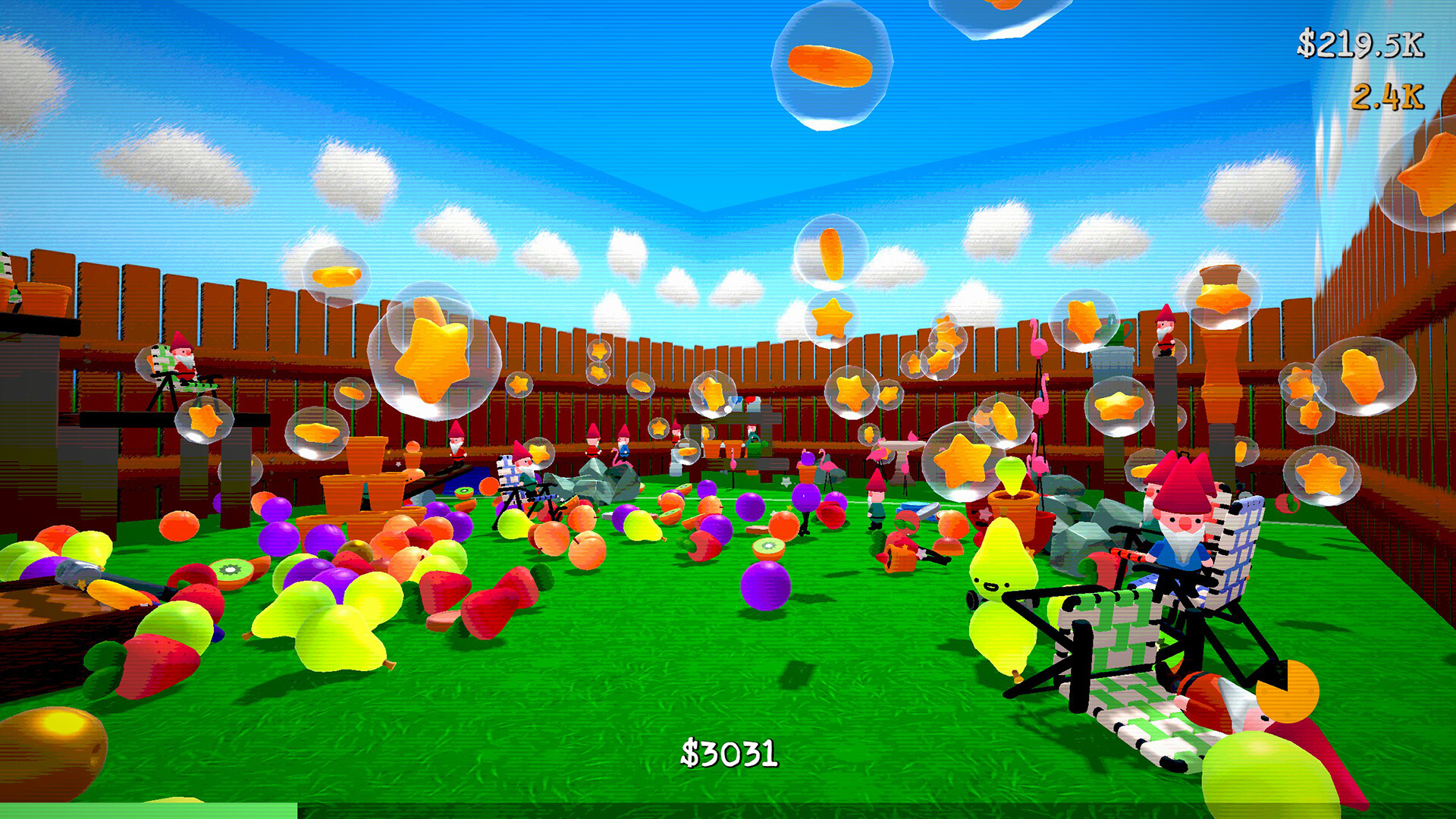
Berry Bury Berry is a surreal first-person incremental game where players grow berries, upgrade Berry Buddies, and manage a mysterious hole. The core loop revolves around berry production, earning money, and spending that money on upgrades and tools that expand the accursed garden.
The game runs on Windows, and the Steam listing advertises full controller support along with accessibility options such as subtitles, custom volume controls, camera-comfort settings, and playable-without-timed-input support. Steam Cloud saves and Family Sharing are also listed.
01 / THE GUIDE
Berry Growth and Money Loop
Berries are grown continuously and each berry generates money, the primary resource in the game. Money can be spent on new Berry Buddies or upgrades, creating a feedback loop that increases future berry output.
Higher tiers of berries become available as players accumulate enough money from earlier tiers. Advancing to a new tier requires the cost shown for that tier, after which the new berries contribute their own earnings.
- Prioritize upgrades that raise berry output early.
- When you can afford a higher-tier berry, purchase it to unlock its earnings.
02 / THE GUIDE
Upgrade Tree and Unlockable Gadgets
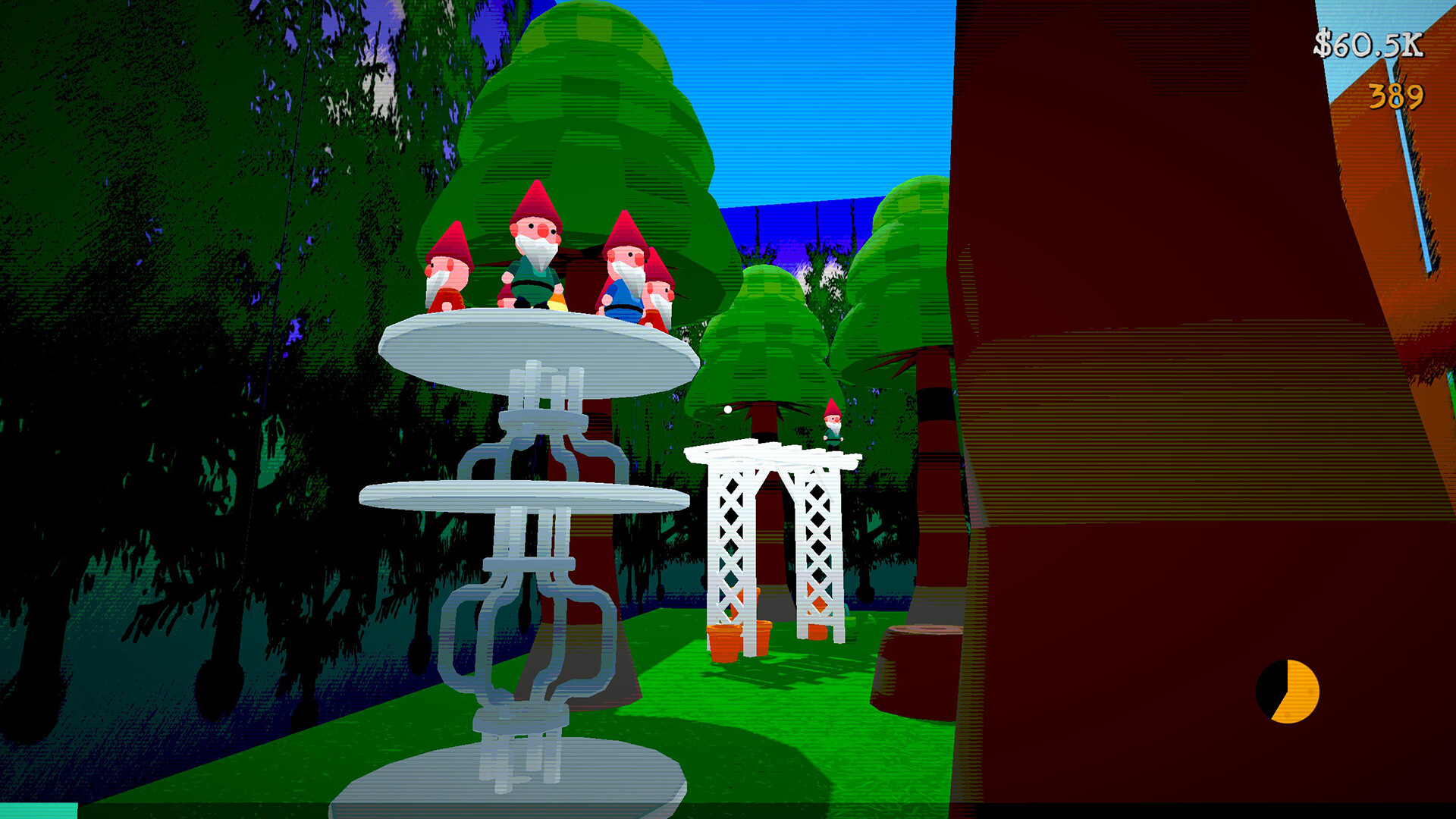
An expansive upgrade tree provides gadgets and tools that raise profits and open new garden areas. Each unlocked upgrade adds a concrete benefit, such as faster berry growth or additional money per berry.
The tree is structured for gradual exploration; later upgrades build on earlier ones, encouraging players to plan spending to reach deeper parts of the tree.
- Check the tree regularly for upgrades that directly affect berry yield.
- Consider unlocking tool upgrades before purely cosmetic options.
03 / THE GUIDE
The Hole and Burial System
Players gain control of a hole where items can be buried deep beneath the garden. The description emphasizes that buried objects remain hidden where nobody will ever find them, adding a secretive layer to gameplay.
Burial is presented as a separate activity from berry growth, letting players manage garden space or simply explore the act of hiding objects.
- Use burial to clear visible garden space for new items.
- Experiment with different objects to see how burial feels.
04 / THE GUIDE
Multiple Endings and Narrative Secrets
The game includes several endings, encouraging players to explore the garden's hidden lore and its inhabitants. The description notes that uncovering secrets is part of reaching an ending.
Endings are presented as distinct conclusions that can be discovered through continued play, without specifying any particular condition that triggers a specific outcome.
- Explore different garden areas to encounter narrative clues.
- Keep playing after unlocking new upgrades to see if new story elements appear.
05 / THE GUIDE
Accessibility Features and Platform Support
Berry Bury Berry runs on Windows, and the Steam listing advertises full controller support, subtitle options, custom volume controls, and camera-comfort settings, with play at a personal pace and no timed input required.
Steam features such as Cloud saves and Family Sharing are listed, providing convenience for returning players and those who share the game with family members.
- Adjust subtitle and volume settings early for comfortable long sessions.
- The Steam listing advertises full controller support, so a gamepad is an option if you prefer one.


COMMUNITY
Player discussion