 GameWiki
GET YOUR BEARINGS
About Bento Blocks
Bento Blocks is a cozy single‑player puzzle game where players slice and pack ingredients into lunch boxes. The goal is to use the fewest cuts, earning stars for each efficient solution. Over 180 hand‑crafted levels offer quirky twists and a calm, timer‑free experience. Live‑recorded music and hand‑painted art create a soothing atmosphere, while full controller and mouse‑only options let you play at your own pace.
01 / THE GUIDE
Puzzle Mechanics
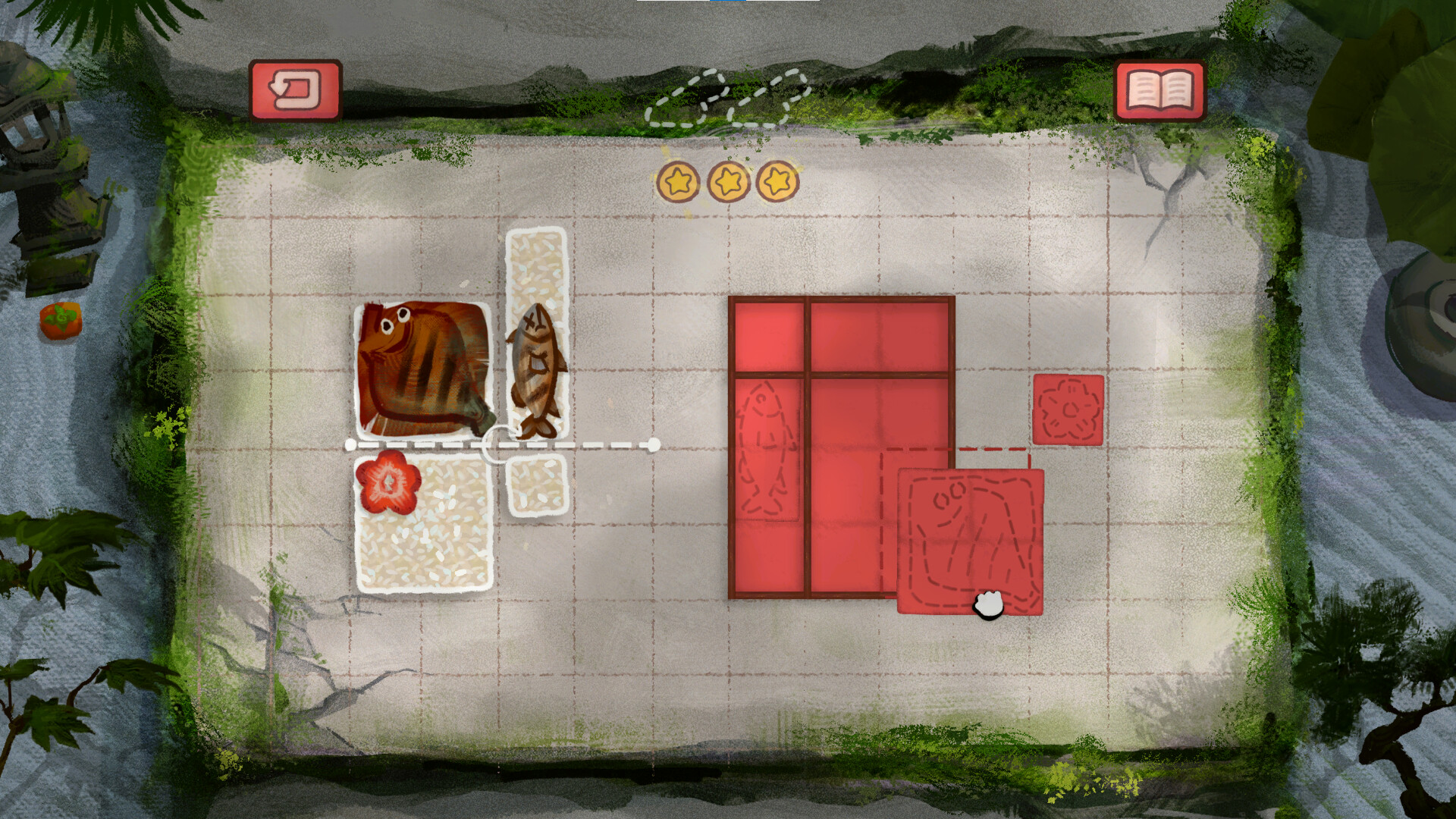
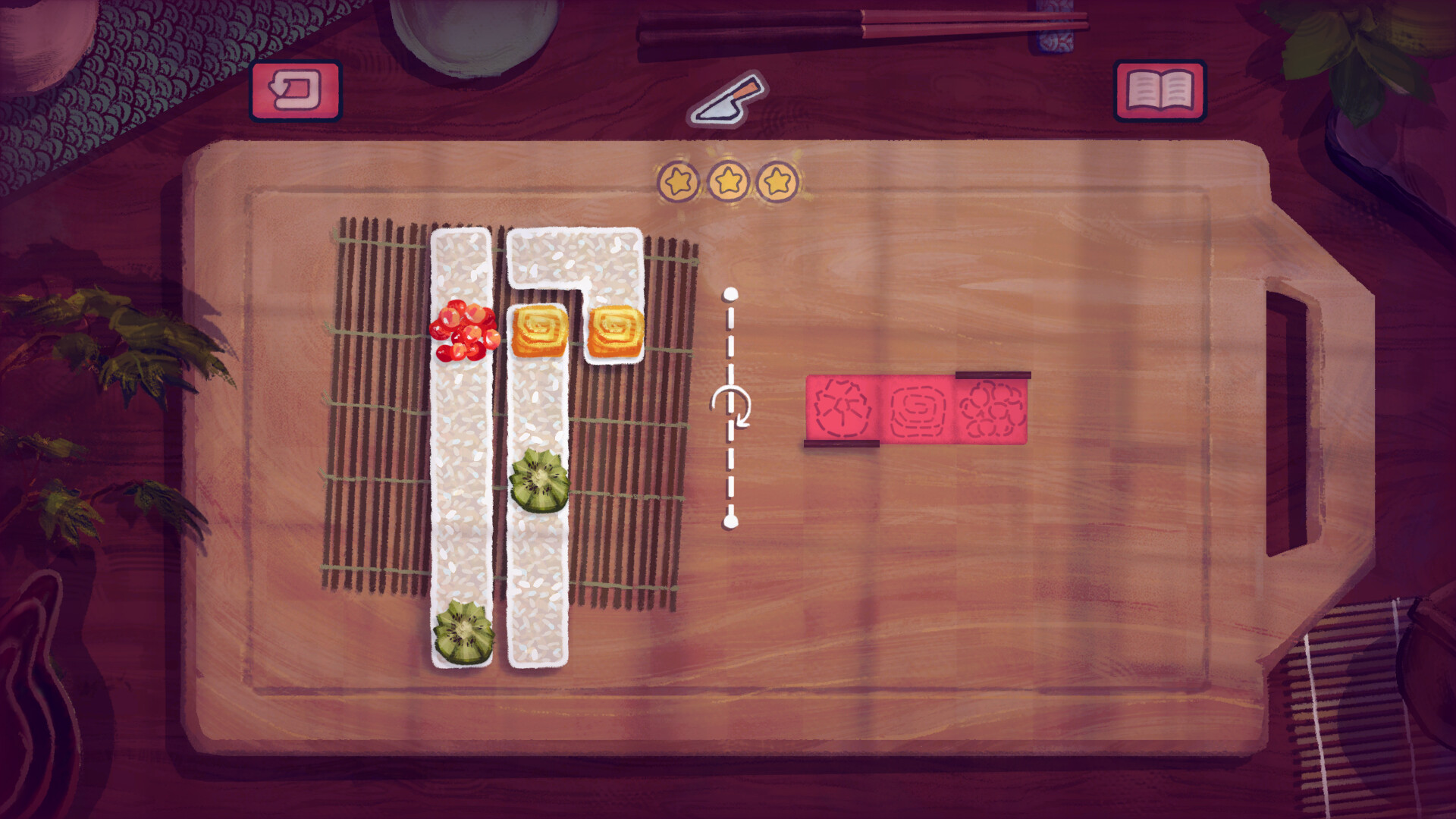
Each level challenges you to slice ingredients and arrange them neatly inside a bento box. The core objective is to minimise the number of cuts, rewarding precision with stars for your recipe book. Solutions vary, but the game encourages finding the most efficient arrangement.
The puzzles are designed to be bite‑sized, allowing quick sessions without pressure. There is no timer, so you can think through each cut and placement at leisure.
- Plan your cuts before slicing to reduce unnecessary moves.
- Look for patterns in ingredient shapes that fit together naturally.
02 / THE GUIDE
Level Design
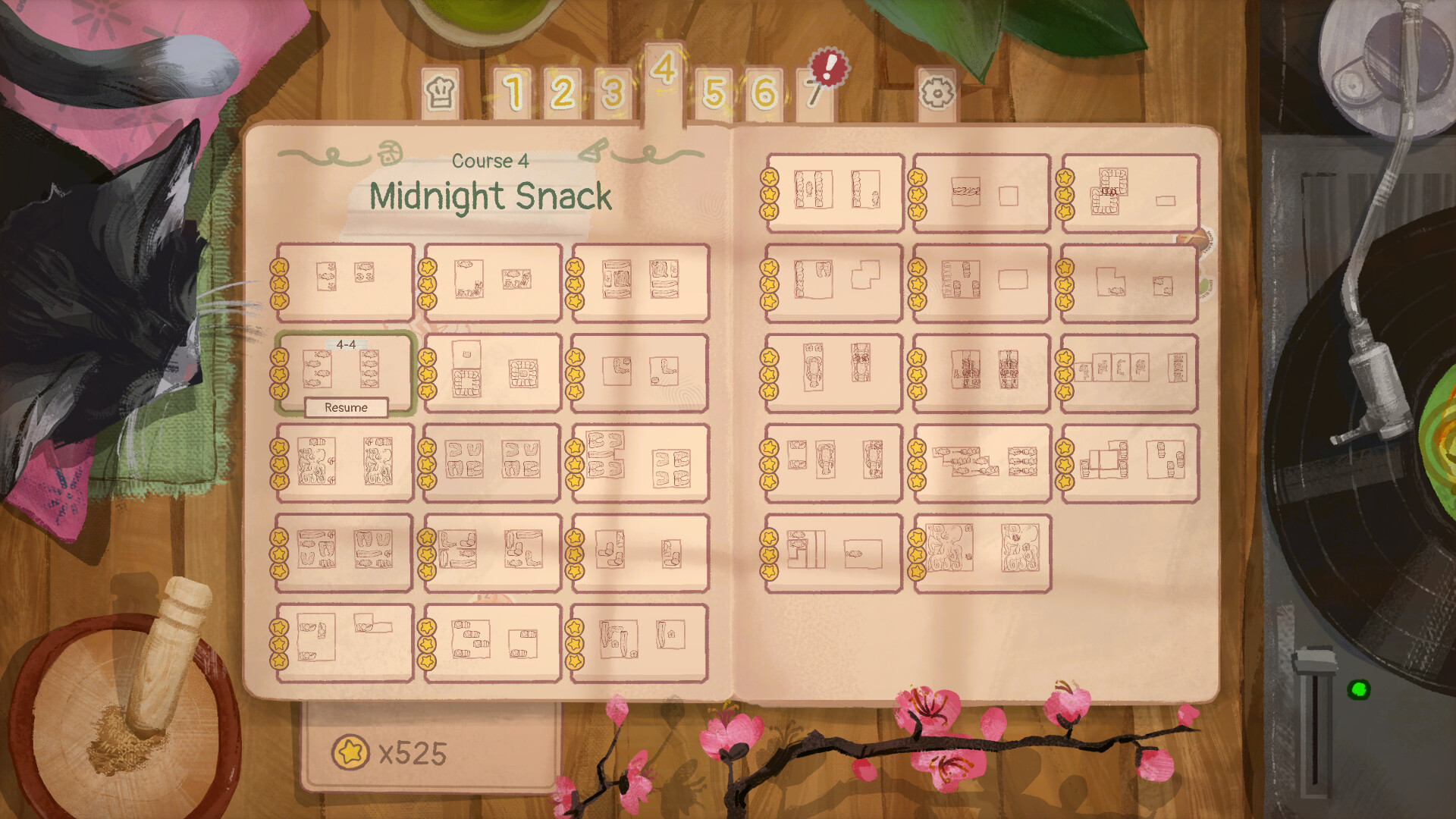
The game features over 180 hand‑crafted levels, each with its own quirky twist. New scenery unlocks as you progress, giving visual variety while maintaining the core packing challenge.
Levels are structured to provide a satisfying solution, encouraging players to experiment with different cutting strategies to achieve higher star counts.
- Explore each level fully before committing to cuts; hidden spaces may improve efficiency.
- Revisit earlier levels after unlocking new scenery for fresh inspiration.

03 / THE GUIDE
Audio & Visuals
Bento Blocks uses soothing hand‑painted art and live‑recorded music to create a calming environment. The visuals are designed to be gentle and inviting, matching the relaxed pacing of the puzzles.
The audio tracks loop subtly, providing background ambiance without distracting from the puzzle focus.
- Adjust the custom volume controls to balance music and game sounds to your preference.
- Play with the visual settings at a comfortable brightness for extended sessions.
04 / THE GUIDE
Controls & Accessibility
The game supports full controller input, including DualShock and DualSense, as well as a mouse‑only option. Players can choose their preferred method without any timed input requirements.
Save Anytime and Steam Cloud ensure progress is retained across sessions, and Family Sharing lets multiple accounts enjoy the game.
- Try the controller mode for a more tactile slicing experience.
- Use the mouse‑only option if you prefer precise point‑and‑click cuts.
05 / THE GUIDE
Progress & Rewards
Stars earned from efficient cuts populate your recipe book, serving as a visual record of mastery. Higher star counts reflect better slicing strategies across the level set.
Achievements on Steam provide additional milestones, encouraging players to revisit puzzles for perfect solutions.
- Aim for three stars per level to fully complete your recipe book.
- Check the Steam Achievements list for optional challenges.

COMMUNITY
Player discussion