 GameWiki

GET YOUR BEARINGS
About Beer Factory
Beer Factory is a business‑simulation game where you run every stage of a brewery, from importing raw ingredients to delivering bottled beer. You recruit staff, manage a realistic economy, and expand your plant with new machinery. Developed by MyceliumGames, the title is single‑player, supports Steam Cloud saves, and is available for Windows and Linux.
01 / THE GUIDE
Production Chain Management
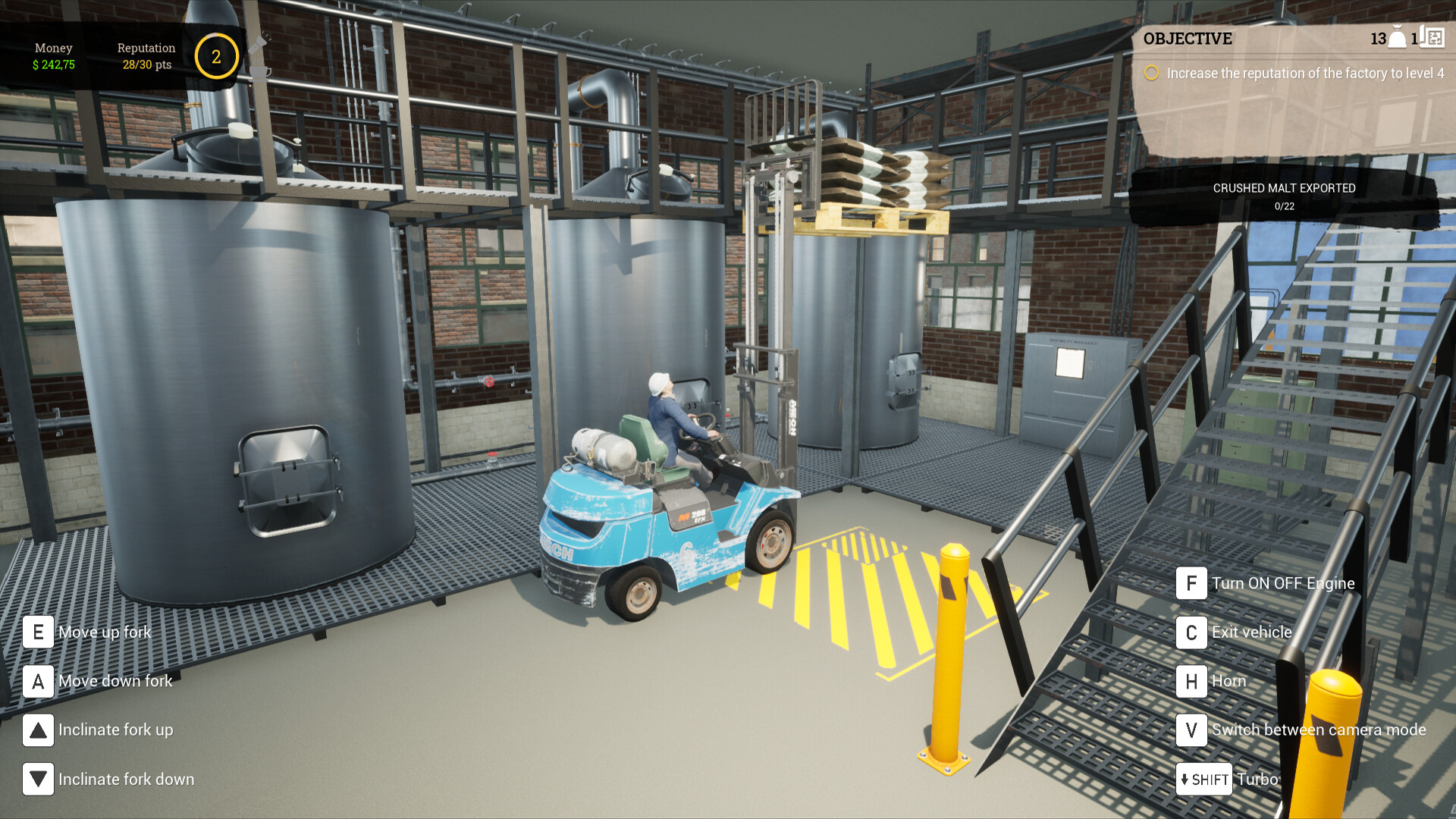
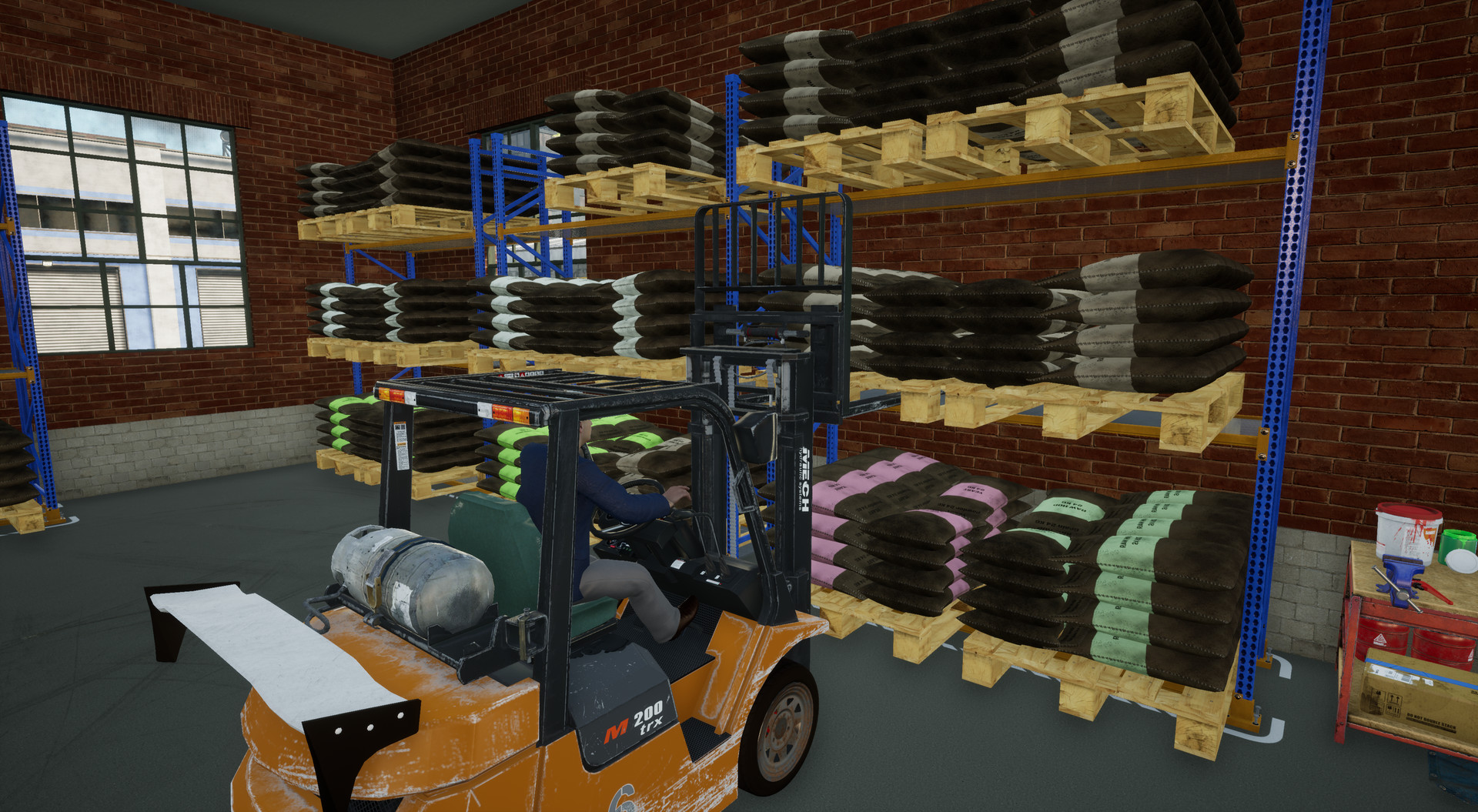
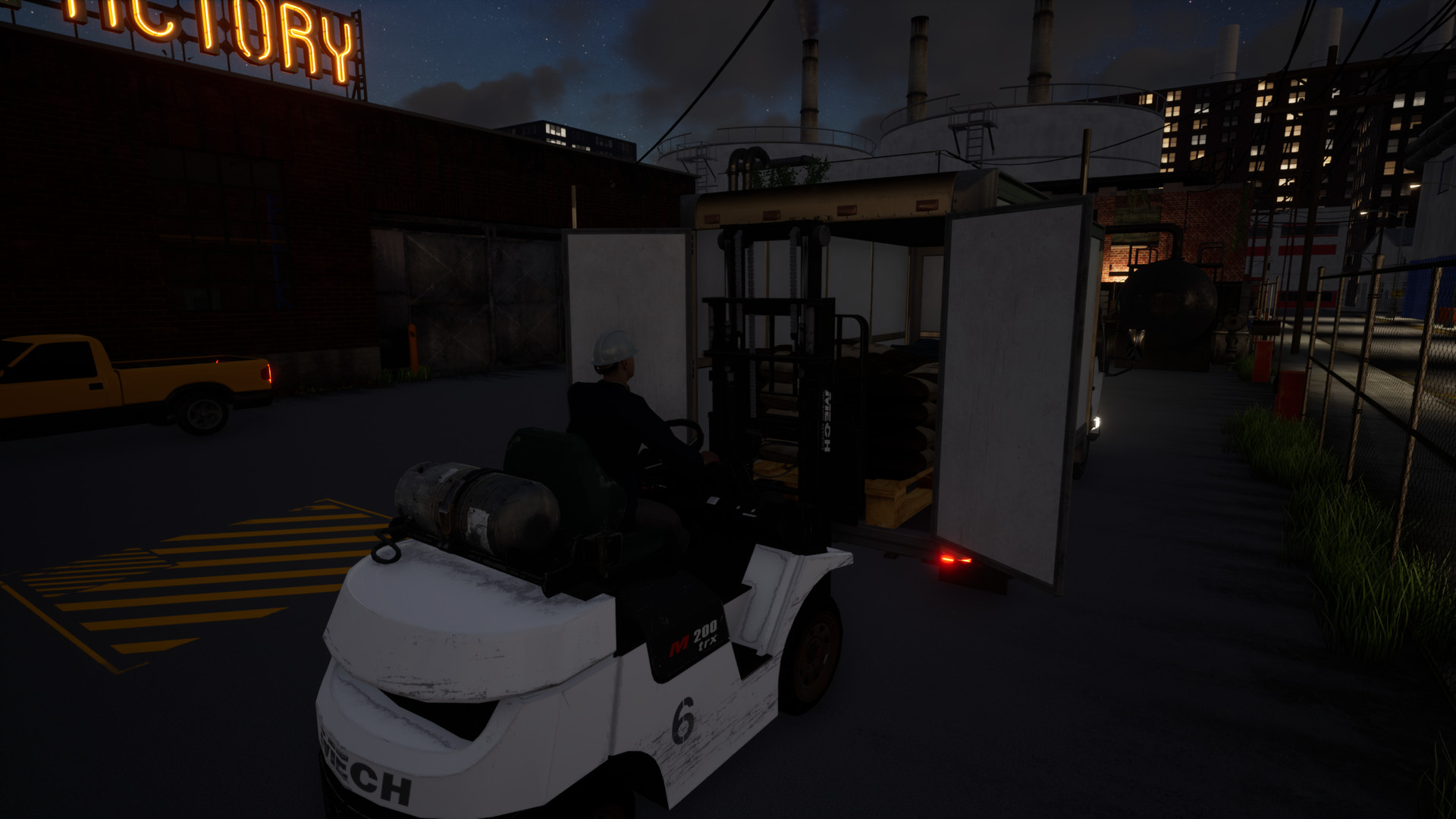
The core loop requires you to import raw materials, store them, refine, brew in tanks, store the finished beer, bottle it, and finally ship the product to clients.
Adding new machines or storage expands capacity but also introduces more logistical steps to monitor.
- Follow the documented sequence of steps when planning new batches.
- Watch for mismatches between brewing and bottling capacity that could slow output.
02 / THE GUIDE
Employee Management
Hiring staff lets you delegate day‑to‑day tasks across the factory. Employees can perform most jobs, but you assign specific duties and monitor their progress.
Effective supervision keeps production flowing and avoids costly delays.
- Assign employees to tasks that match the current production needs.
- Periodically review each worker’s assigned role to ensure coverage.
03 / THE GUIDE
Financial Economy
Every action carries a cost, from hiring workers to transporting goods and paying taxes. The finance system mirrors real‑world economics, requiring careful budgeting.
Balancing expenses against revenue is essential to keep the brewery solvent.
- Keep an eye on the cost of each action you take.
- Adjust spending when revenue dips to stay financially healthy.
04 / THE GUIDE
Factory Upgrades
Investing in new machinery unlocks higher production potential. Upgraded machines can be exploited for greater efficiency and output.
Expanding the factory lets you grow the business toward an empire‑scale operation.
- Consider new machines that address the slowest stage of your current line.
- Pair production upgrades with appropriate storage capacity.
05 / THE GUIDE
Platform Features
Beer Factory runs on Windows and Linux, offering a single‑player experience with Steam Cloud saves.
Family Sharing is listed as a supported feature, allowing the game to be shared with other accounts.
- Enable Steam Cloud in the client settings to keep saves synchronized.
- Use the shared library option to let other family members launch the game.

COMMUNITY
Player discussion