 GameWiki
GET YOUR BEARINGS
About Beatblock
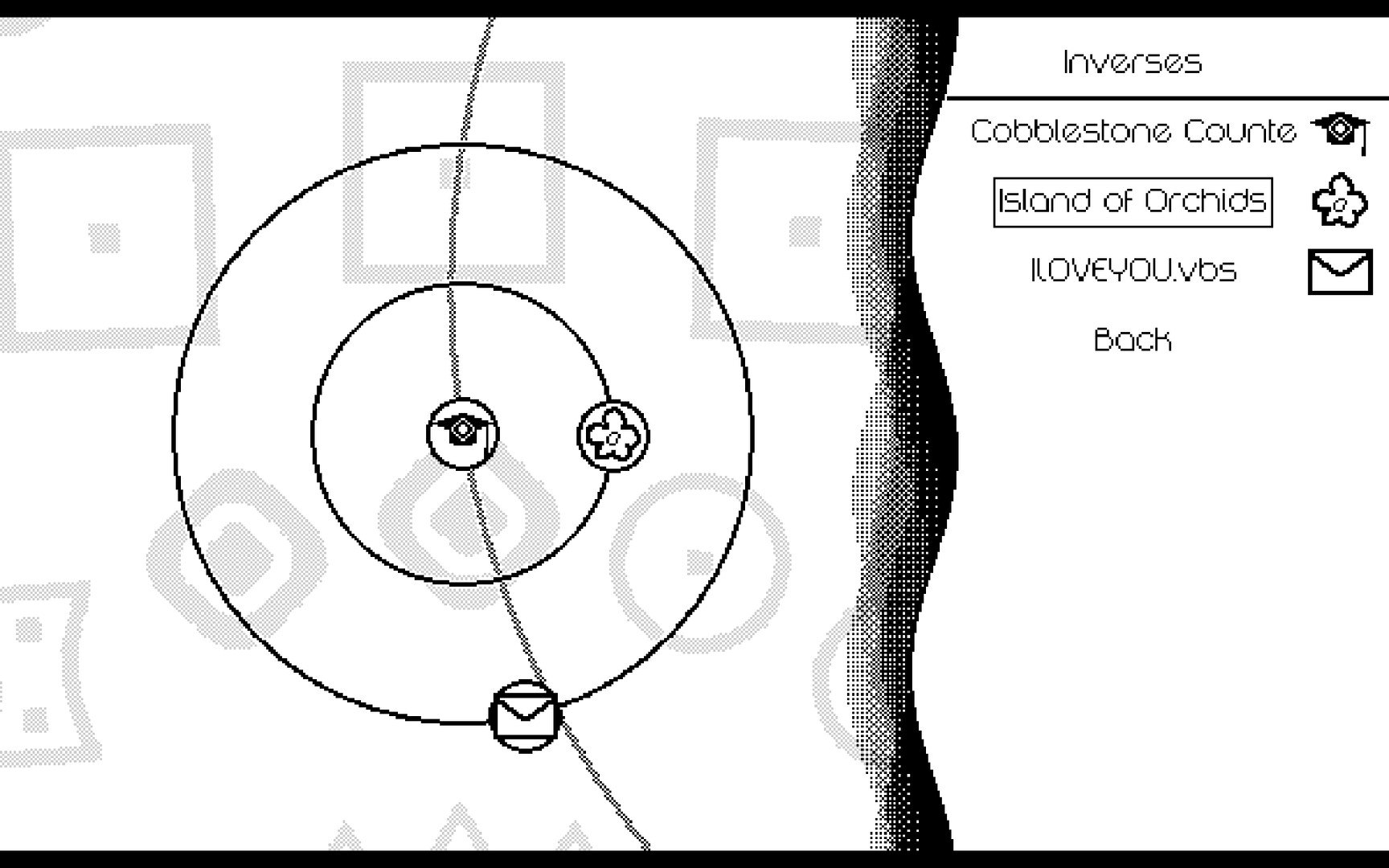
Beatblock is a rhythm game where you guide the paddle‑wielding Cranky to hit blocks in time with each song. The Atom Map shows every track, its visual style, and the block types you will encounter, letting you learn the basics before tackling harder challenges.
The title includes a built‑in level editor, a Marathon mode that strings songs together, unlockable costumes for Cranky, and a range of accessibility options such as controller support and mouse‑only play. Steam Cloud saves your progress across sessions.
01 / THE GUIDE
Atom Map Overview
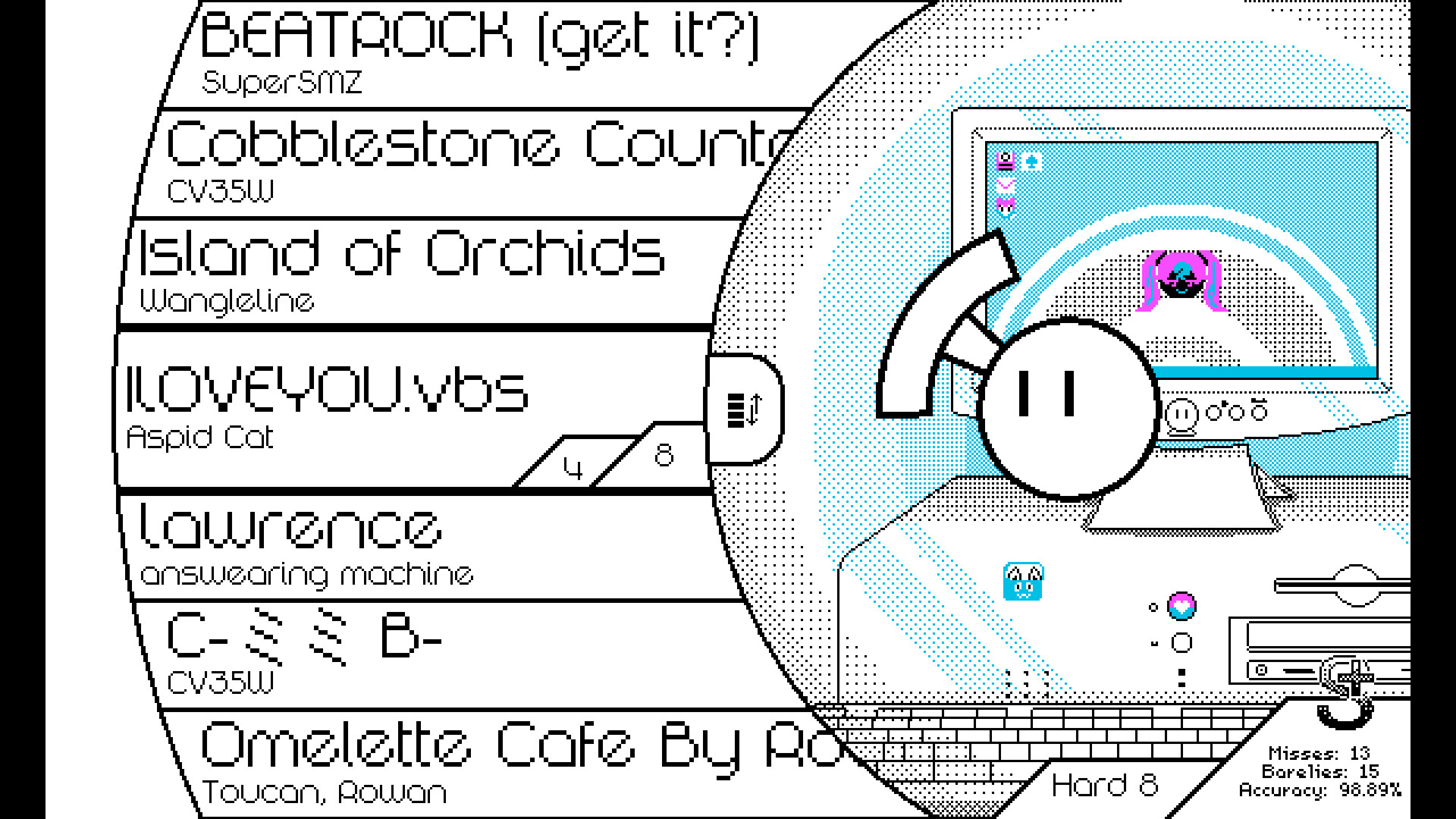
The Atom Map lists each of the 40+ songs, pairing a unique visual theme with the block types that appear in that track. Starting with the Intro song lets you learn the basic mechanics before moving on to the rest of the map.
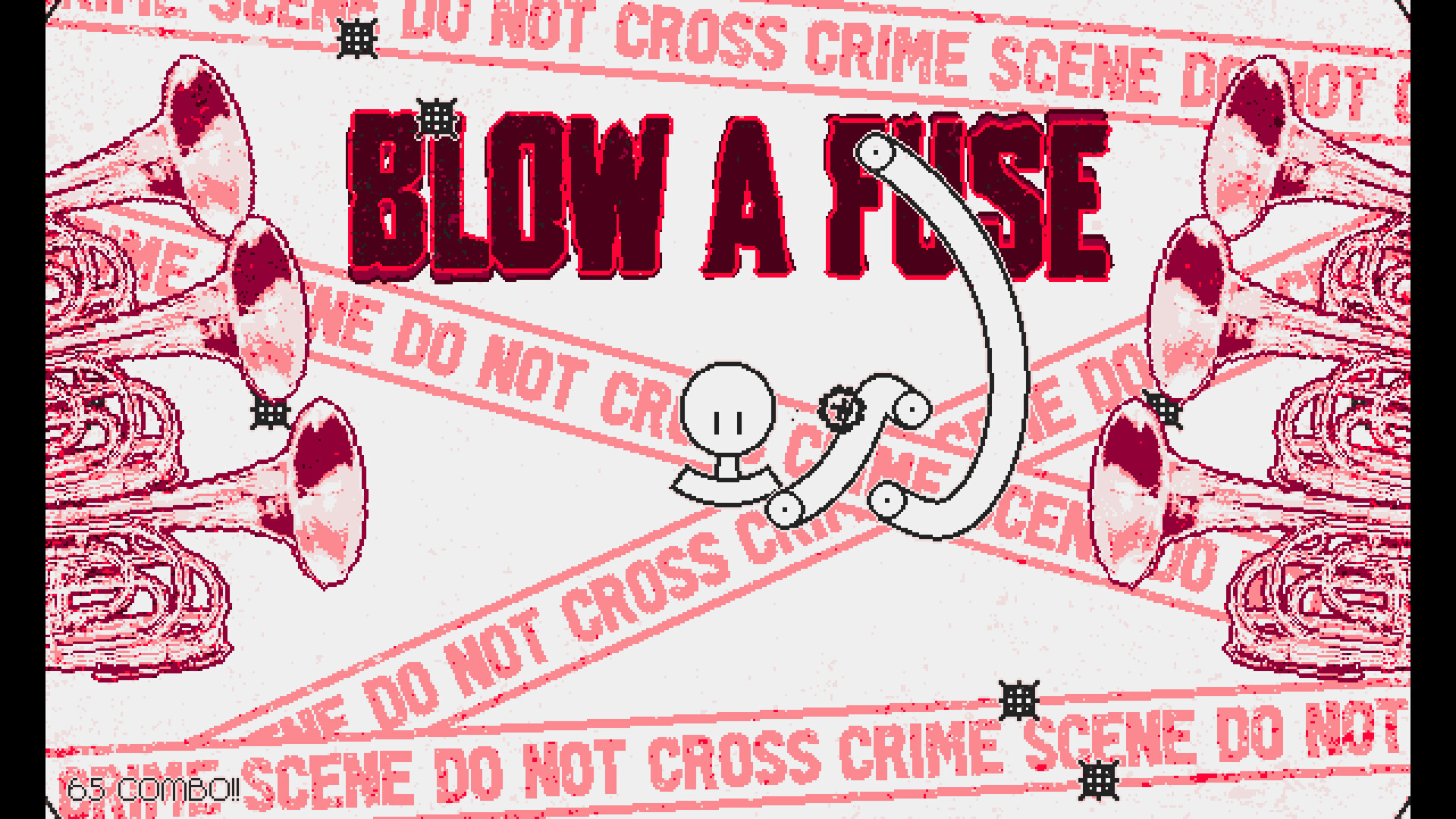
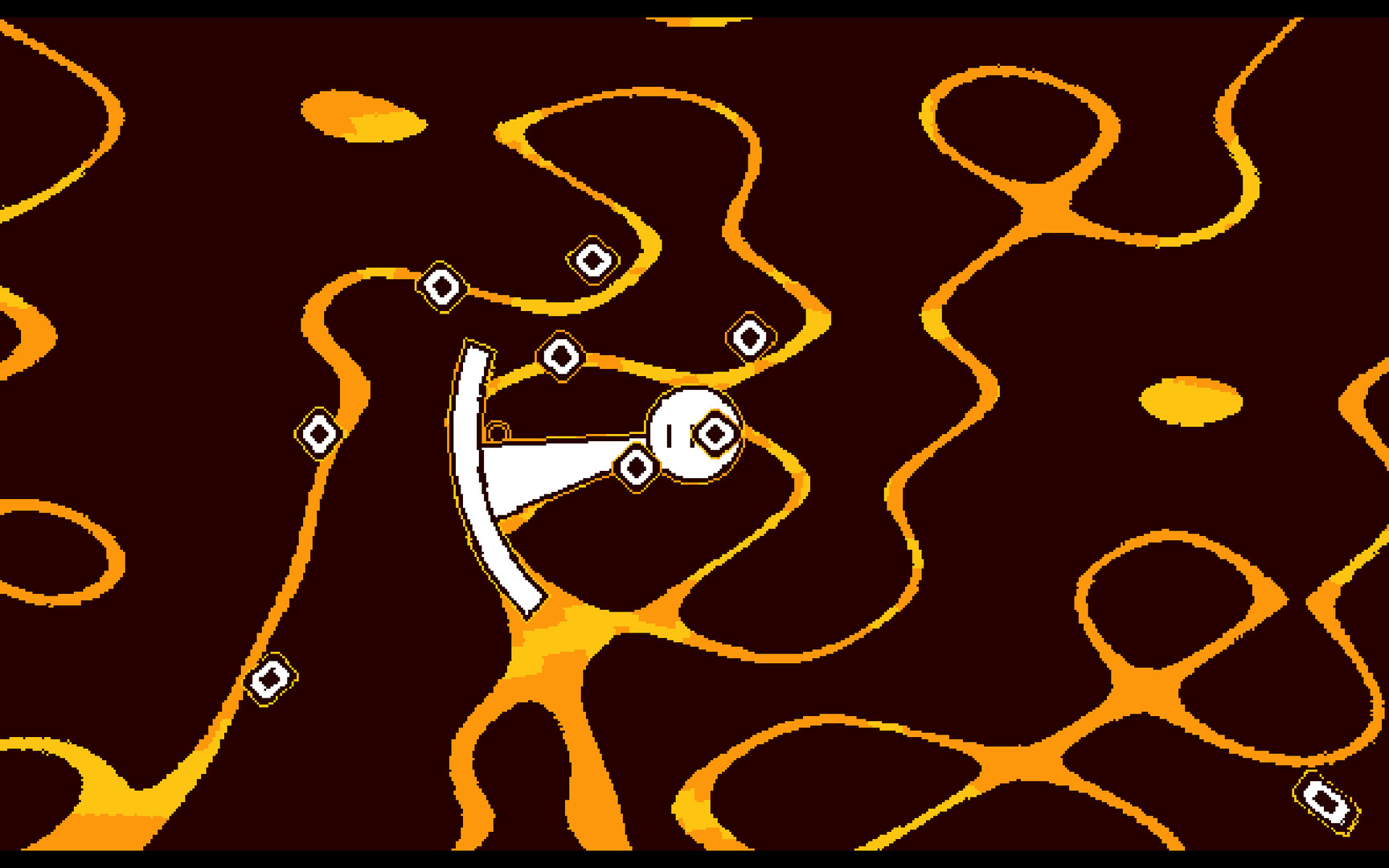
Because every song has its own visual style, the map serves as a preview that helps you anticipate rhythm changes and decide which tracks to practice first.
- Open the map before selecting a song to note its visual cues.
- Begin with the Intro to become familiar with the block‑type icons.
02 / THE GUIDE
Block Types and Fusion Levels
Four distinct block types are introduced early in the game, each requiring a specific timing technique. Practicing each type separately builds the skill set needed for later challenges.
Fusion levels combine these block types, creating mixed patterns that increase difficulty and test precise rhythm execution across the same song.
- Play songs that feature only one block type to master its timing.
- Watch how block combinations shift the rhythm in Fusion stages.

03 / THE GUIDE
Marathon Mode
Marathon mode strings a back‑to‑back selection of songs, measuring endurance and consistency across multiple tracks without interruption. The mode presents a continuous flow of beats and visuals.
The varied visuals and block patterns in each song make Marathon a showcase of the game's breadth while challenging sustained performance.
- Take short breaks between attempts to keep focus sharp.
- Use Marathon runs to compare how different songs feel in succession.
04 / THE GUIDE
Built‑in Level Editor
The editor lets you chart your own songs using the same tools the developers used for the main levels. Robust effects and functions let you align blocks with any music you choose.
Created levels can be shared through Steam Workshop, expanding the community’s song pool beyond the built‑in catalog.
- Start with a short track to learn the editor’s workflow.
- Experiment with effects to highlight key musical moments.
05 / THE GUIDE
Costume Customization
Cranky’s appearance can be altered with unlockable costumes, offering visual variety as you progress through songs. Costumes are unlockable as you play through the game.
Costumes let you personalize Cranky's look while you focus on timing.
- Mix and match costumes for a fresh look each session.
- Track which costumes you unlock to see your progression.
COMMUNITY
Player discussion