 GameWiki
GET YOUR BEARINGS
About Beat Hazard 2
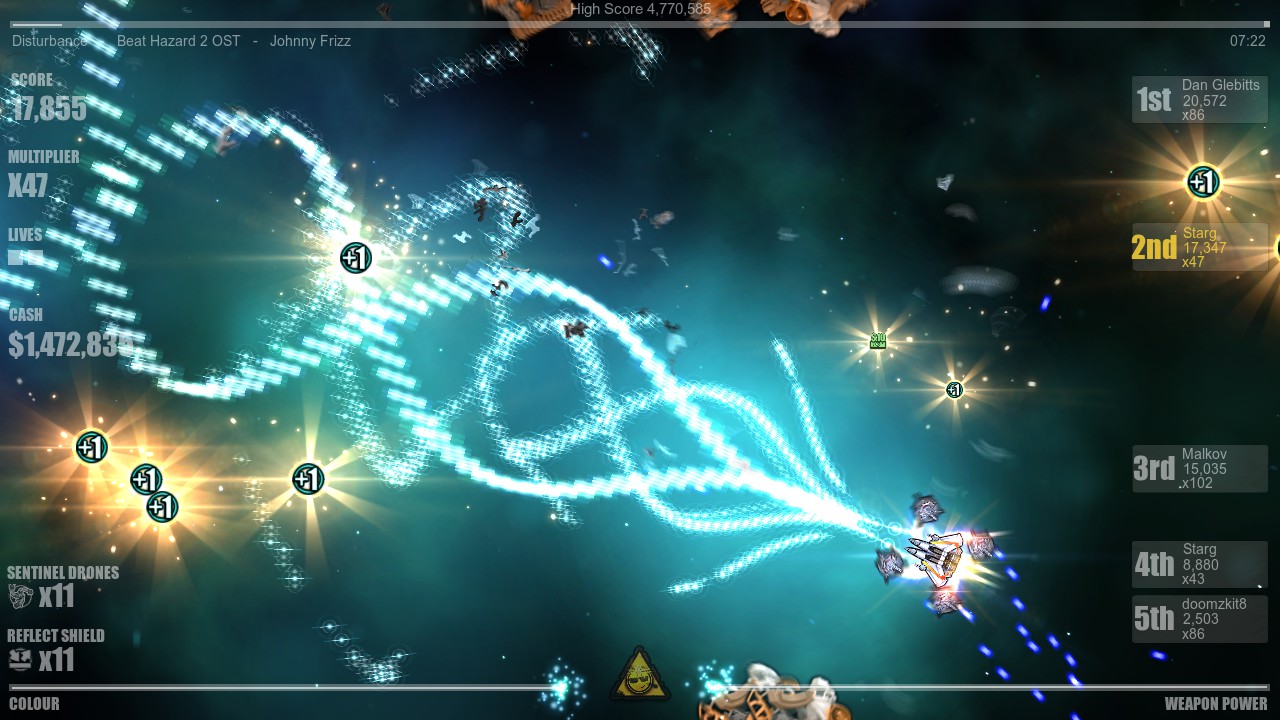
Beat Hazard 2 turns any music library into a fast‑paced arcade shooter, letting each song dictate the flow of enemies and power‑ups. Your tracks shape both the enemy formations and the ship you pilot, ranging from tiny “Mosquito” craft to massive “Brute” vessels.
The sequel adds streaming support for major services, procedurally generated boss ships, and both solo and multiplayer modes, including split‑screen co‑op and PvP. It also offers VR support, Steam achievements, and cloud saves, making the music‑driven combat accessible across many play styles.
01 / THE GUIDE
Music Integration
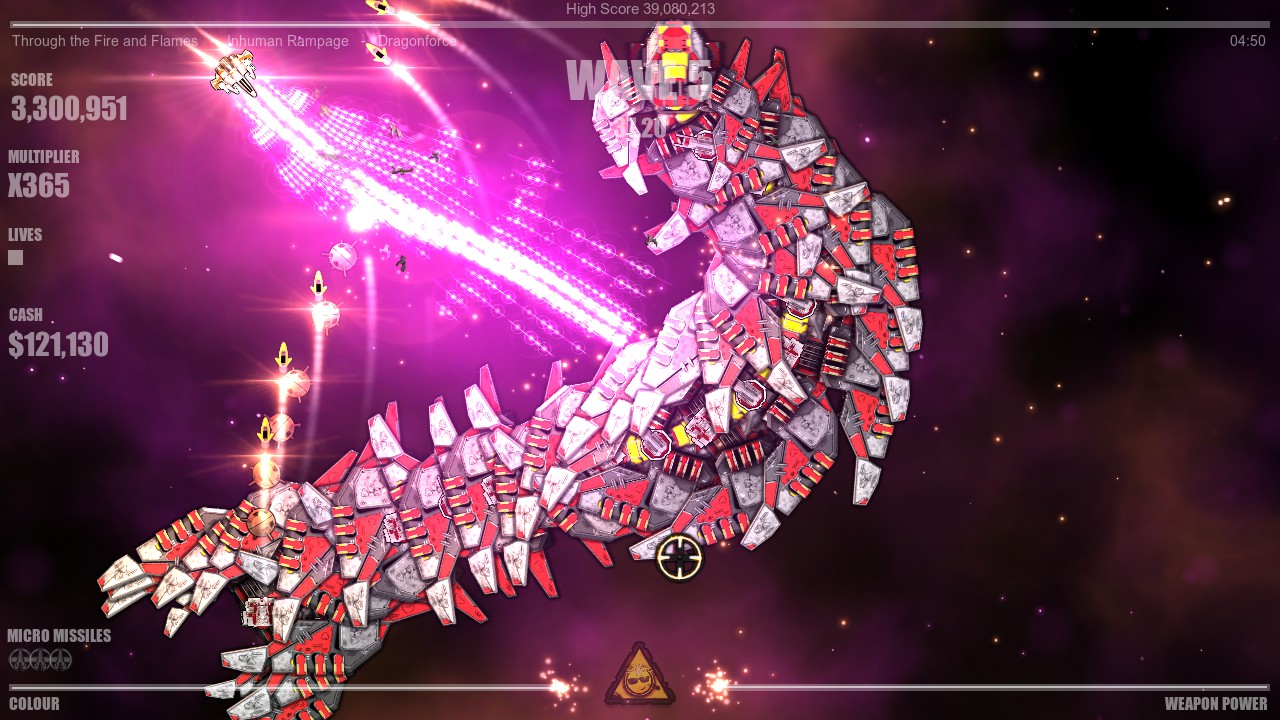
Every song you play creates a unique level, influencing enemy patterns, weapon pickups, and the shape of your ship. The system reads the audio in real time, so the intensity of the music directly affects gameplay pacing.
An “Open Mic” feature lets the game listen to any external source, so you can stream from Spotify, Amazon Music, Apple Music, YouTube, or other providers, turning any playlist into a shooter stage.
- Try tracks with strong beats to experience how different songs create their own pacing and intensity.
- Experiment with different streaming services to see how each handles the Open Mic input.
02 / THE GUIDE
Ship Variation
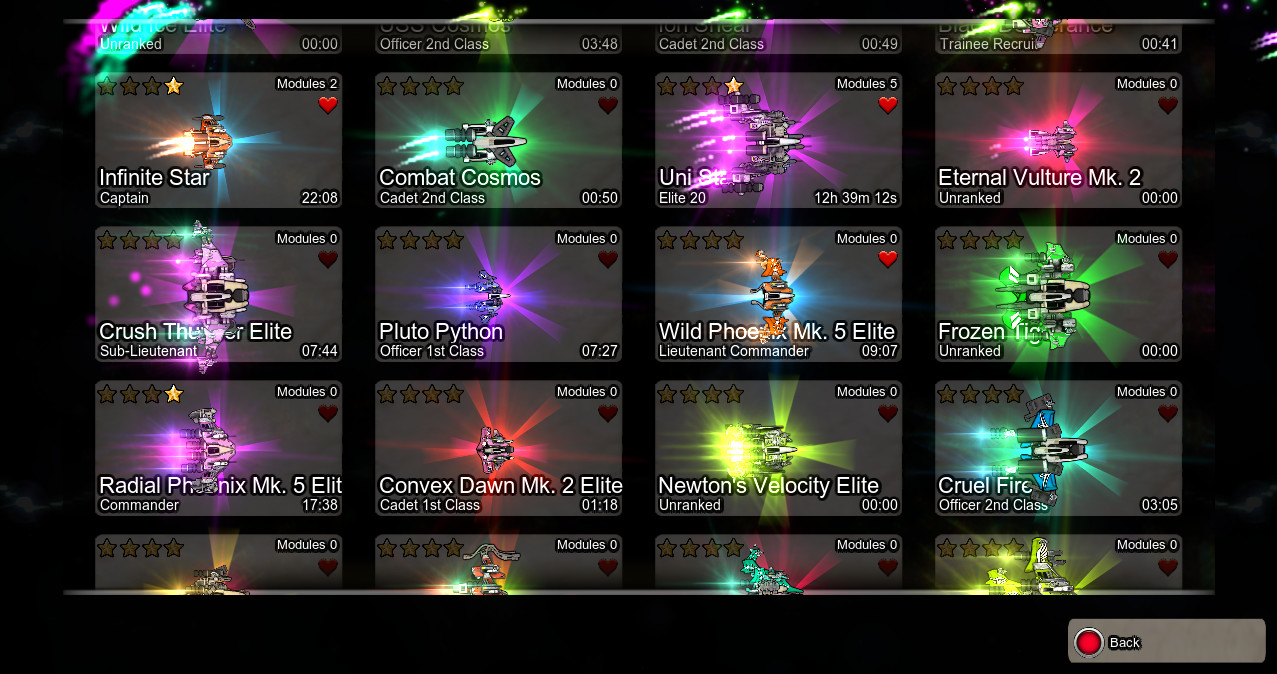
Each track generates a distinct player ship, from the nimble “Mosquito” to the heavy‑armed “Brute”. The ship type remains consistent for a given song, allowing you to share discoveries with friends.
Because ships are tied to the music, switching tracks changes your vessel, offering a different ship for each song you play.
- Play a song you enjoy repeatedly to become familiar with its specific ship.
- Share the name of a favorite track with friends so they can unlock the same ship.
03 / THE GUIDE
Procedural Boss Generation
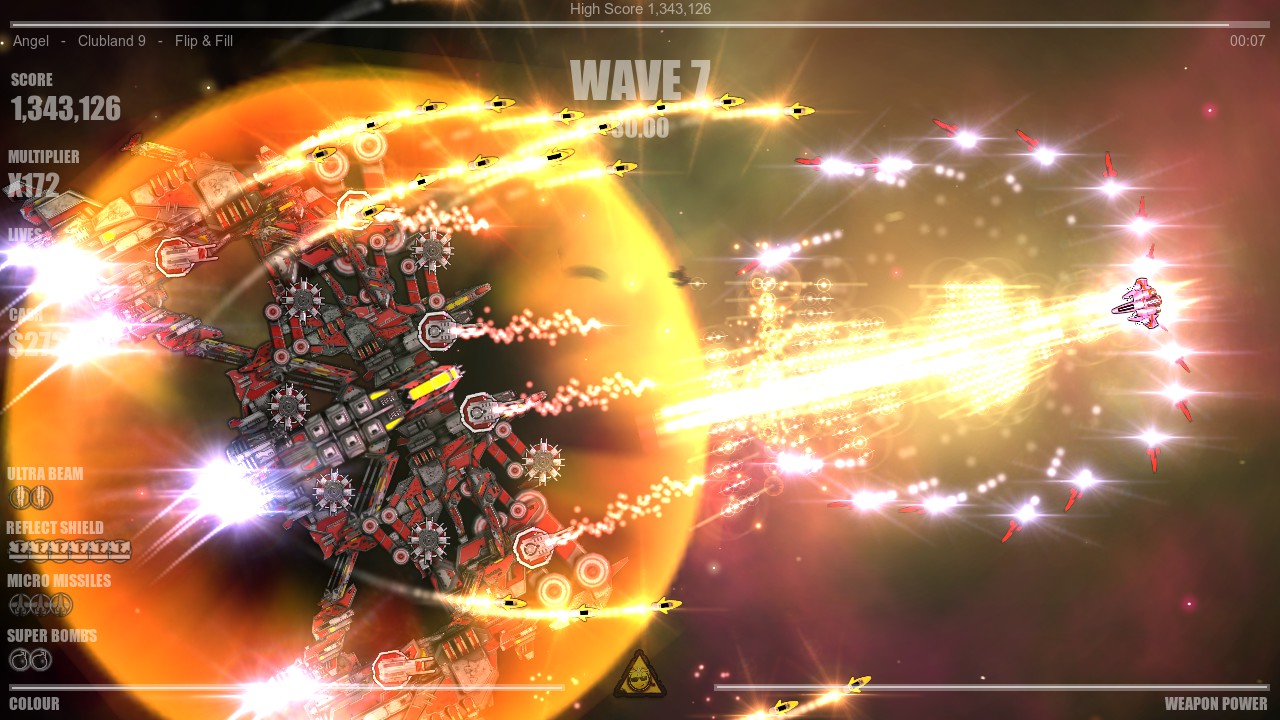
Each track creates a unique archenemy boss ship for you to vanquish, generated from the music itself.
Because each track creates its own unique archenemy ship, different songs bring different bosses, encouraging players to adapt their tactics.
- Listen for changes in the music as you face each track’s unique boss.
- Use weapon pickups aggressively before the boss appears to maximize firepower.
04 / THE GUIDE
Multiplayer Modes
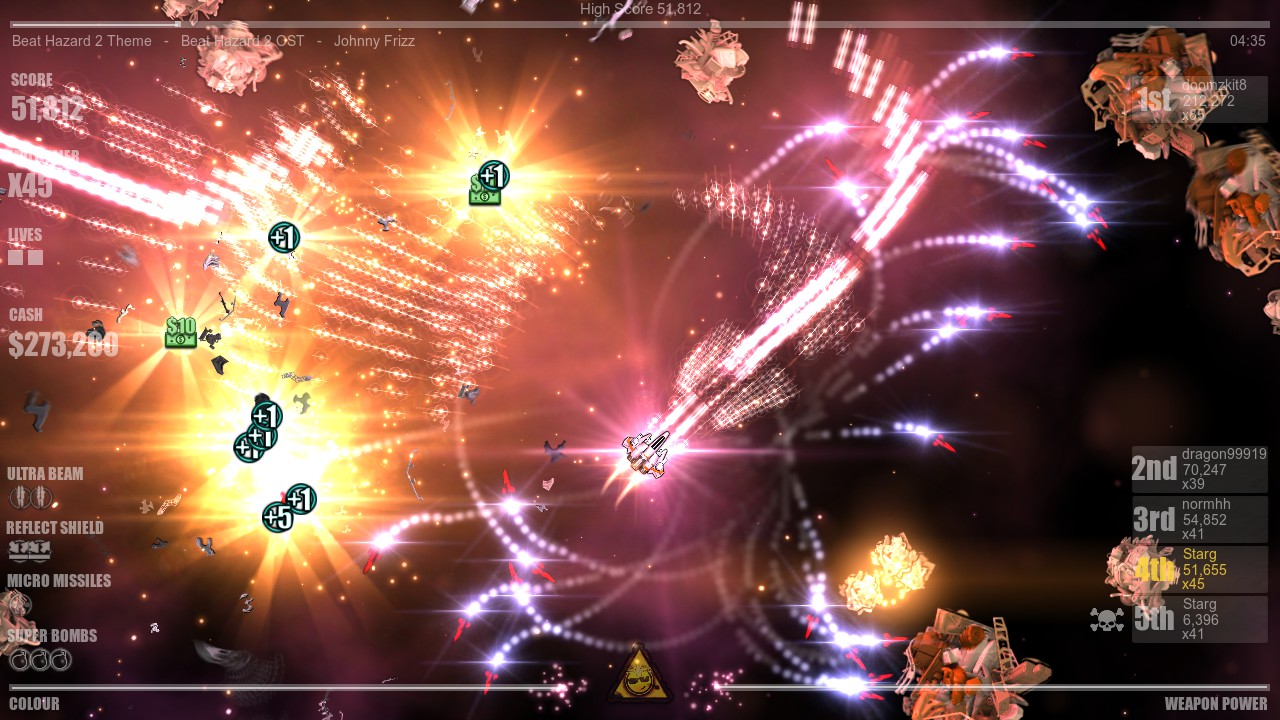
Beat Hazard 2 supports both cooperative and competitive play, with options for split‑screen and online Remote Play Together. Players can team up to tackle waves or face off in PvP battles using the same music‑driven levels.
Shared/Split Screen modes let two players share a single screen, while Remote Play Together enables online friends to join without needing a second console.
- Coordinate song choices with a co‑op partner to shape the music you both play to.
- In PvP, select tracks with contrasting tempos to create varied combat dynamics.
05 / THE GUIDE
Platform Features
The game runs on Windows and includes Steam-specific features such as achievements, trading cards, and workshop support for community content. It also offers VR compatibility, custom volume controls, adjustable difficulty, and partial controller support.
Save Anytime and Steam Cloud let you pause and resume sessions without losing progress, while Camera Comfort options help reduce motion discomfort during intense moments.
- Enable Custom Volume Controls to balance music and sound effects for clearer gameplay cues.
- Use Adjustable Difficulty to match the intensity of your chosen playlist.
COMMUNITY
Player discussion