 GameWiki
GET YOUR BEARINGS
About Beat Aim - Rhythm FPS Trainer
Beat Aim fuses rhythm and first‑person shooting, letting players fire at AI‑generated targets that move to any chosen song. The map generator creates a fresh layout each run, so success depends on reflexes rather than memorisation. The game includes four target styles, three firearms, an infinite difficulty slider, daily quests, and a Beat Coin progression that unlocks additional guns. Community maps are shared via Steam Workshop, and monthly competitions offer prizes across several leagues.
Beat Aim is listed as Early Access and runs on Windows with single‑player, multiplayer, PvP, and online PvP modes. It supports Steam Cloud, Steam Leaderboards, and includes a level editor. The developer Kamyker plans future updates, possibly adding multiplayer modes.
01 / THE GUIDE
Map Generator
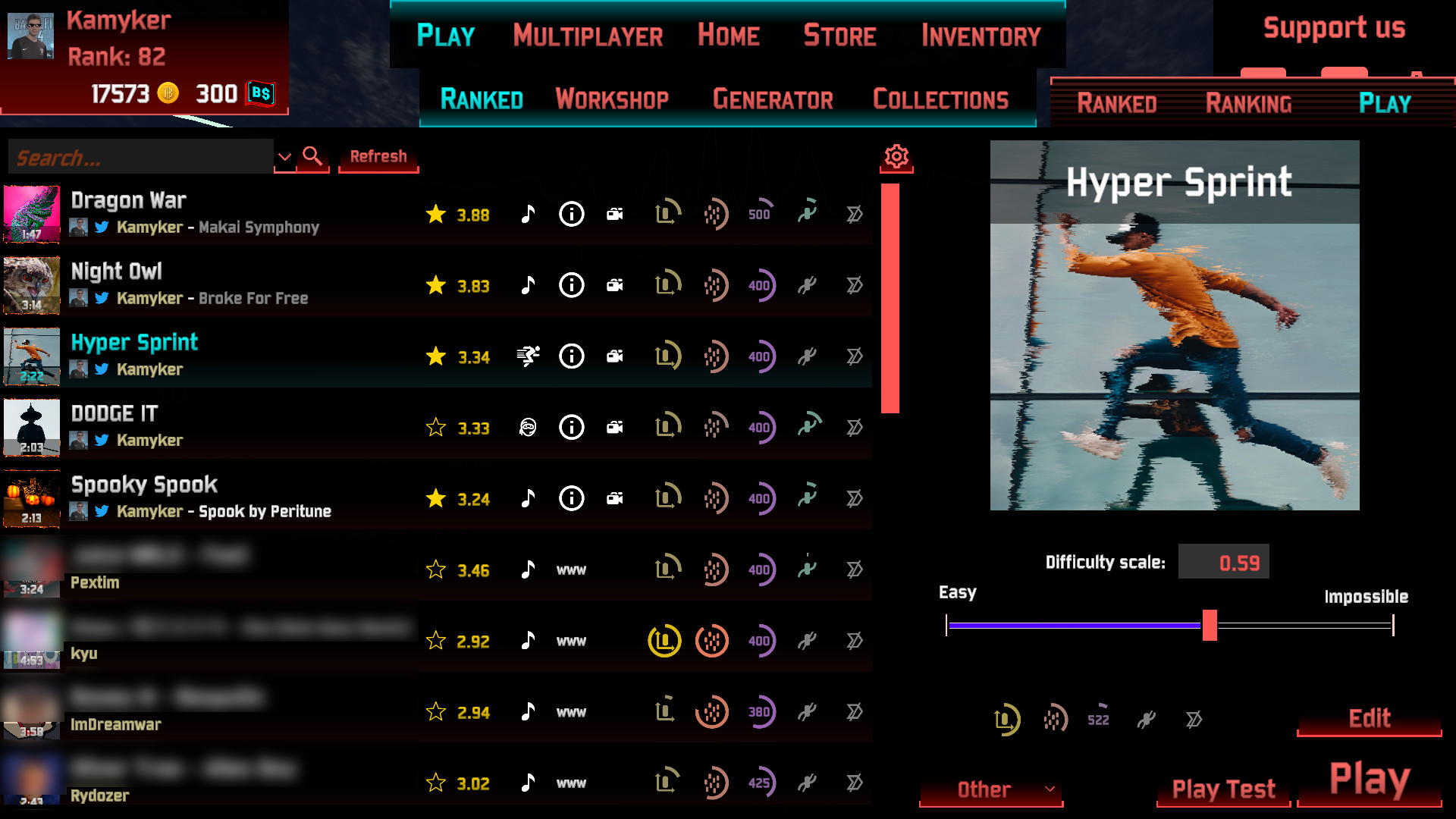
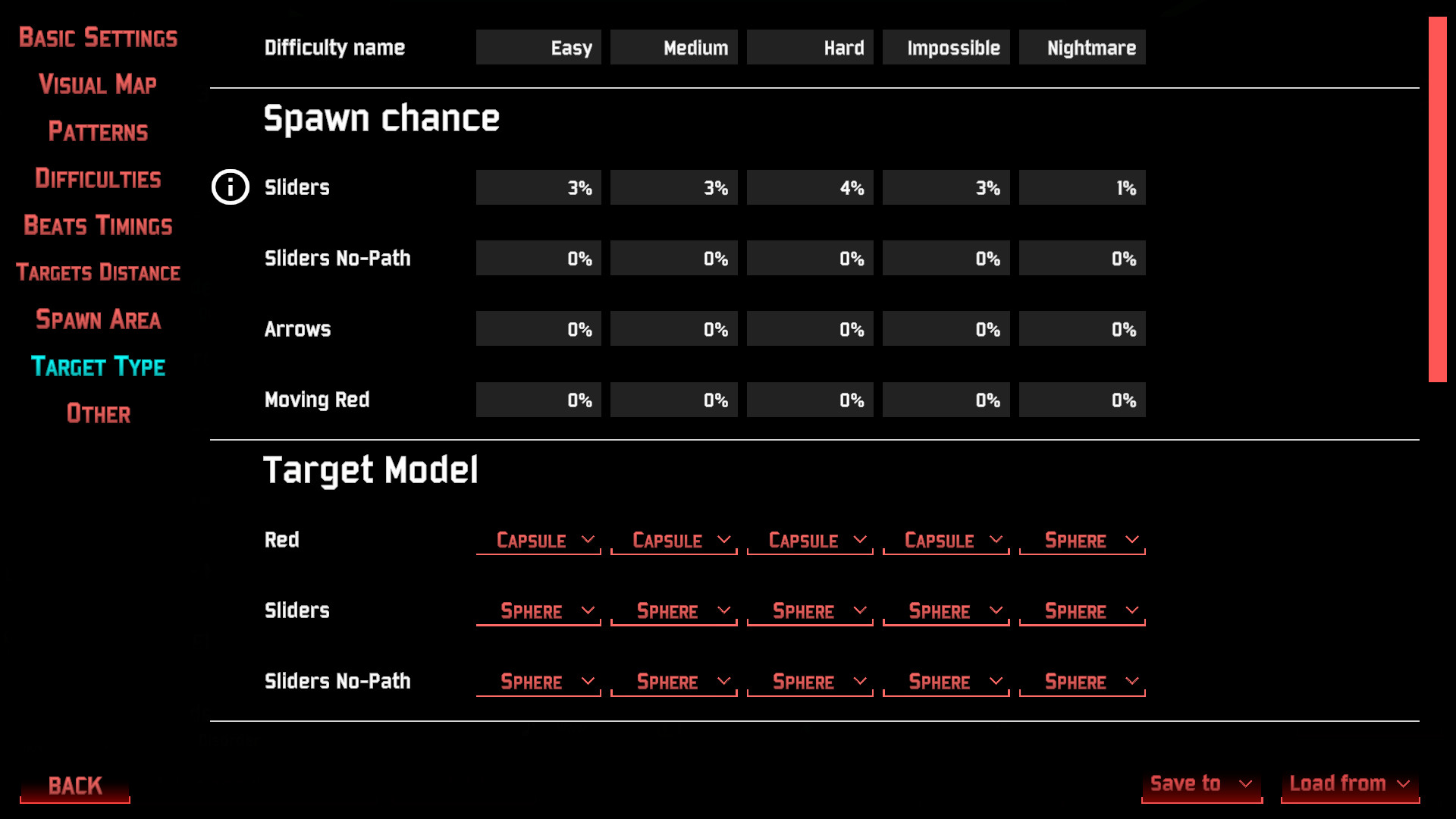
The map generator accepts any wav, ogg, or mp3 file and converts the audio into a playable level. Users can adjust over twenty‑five parameters and set background visuals, allowing deep customization of each map.
Generated maps are unique for each playthrough, preventing reliance on memorised patterns. In addition to user‑created maps, the Steam Workshop provides thousands of community‑made levels that can be downloaded and played.
- Try different parameter presets to see how they affect target timing.
- Browse the Workshop for maps that showcase varied visual themes.
02 / THE GUIDE
Target Types
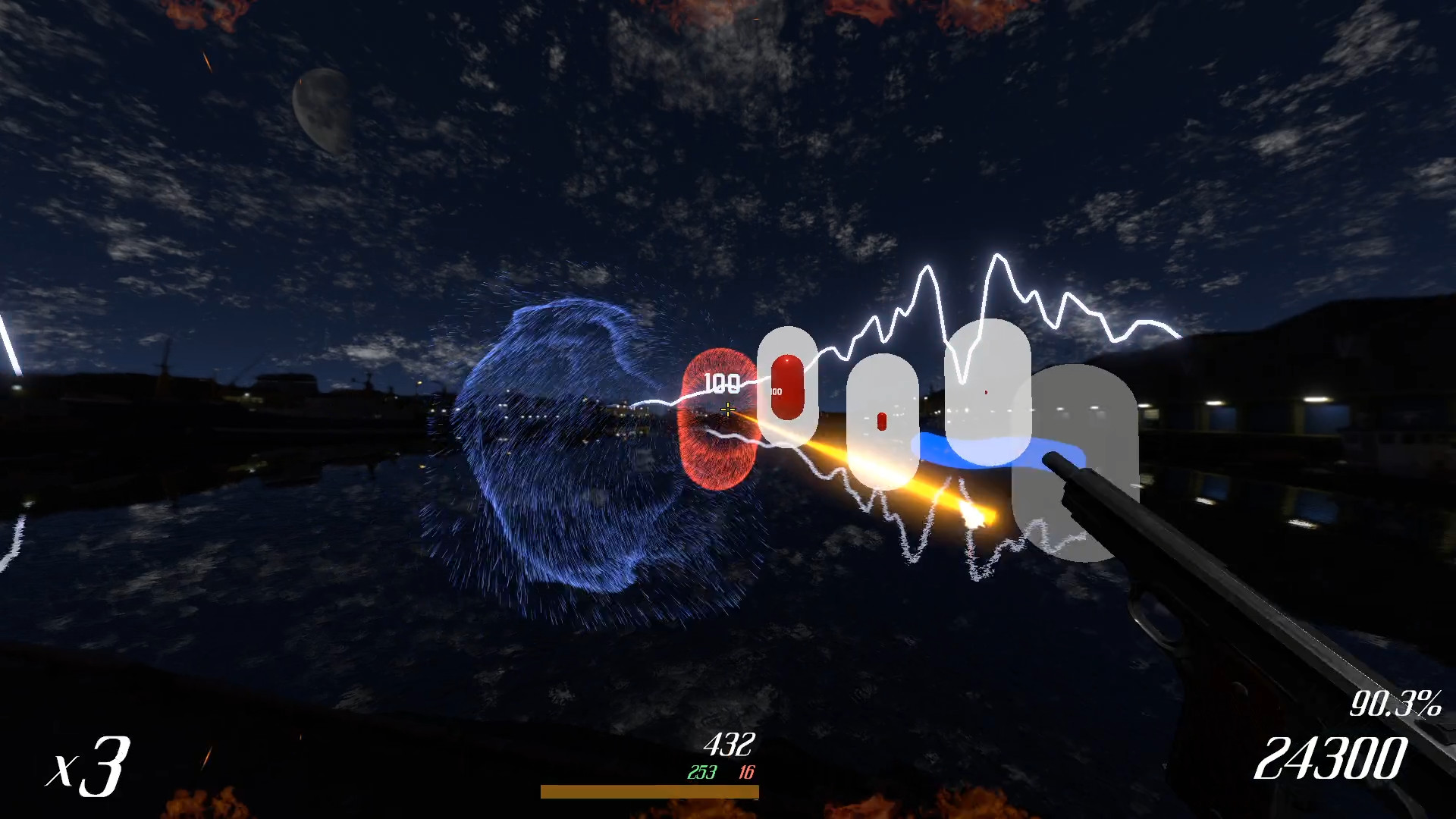
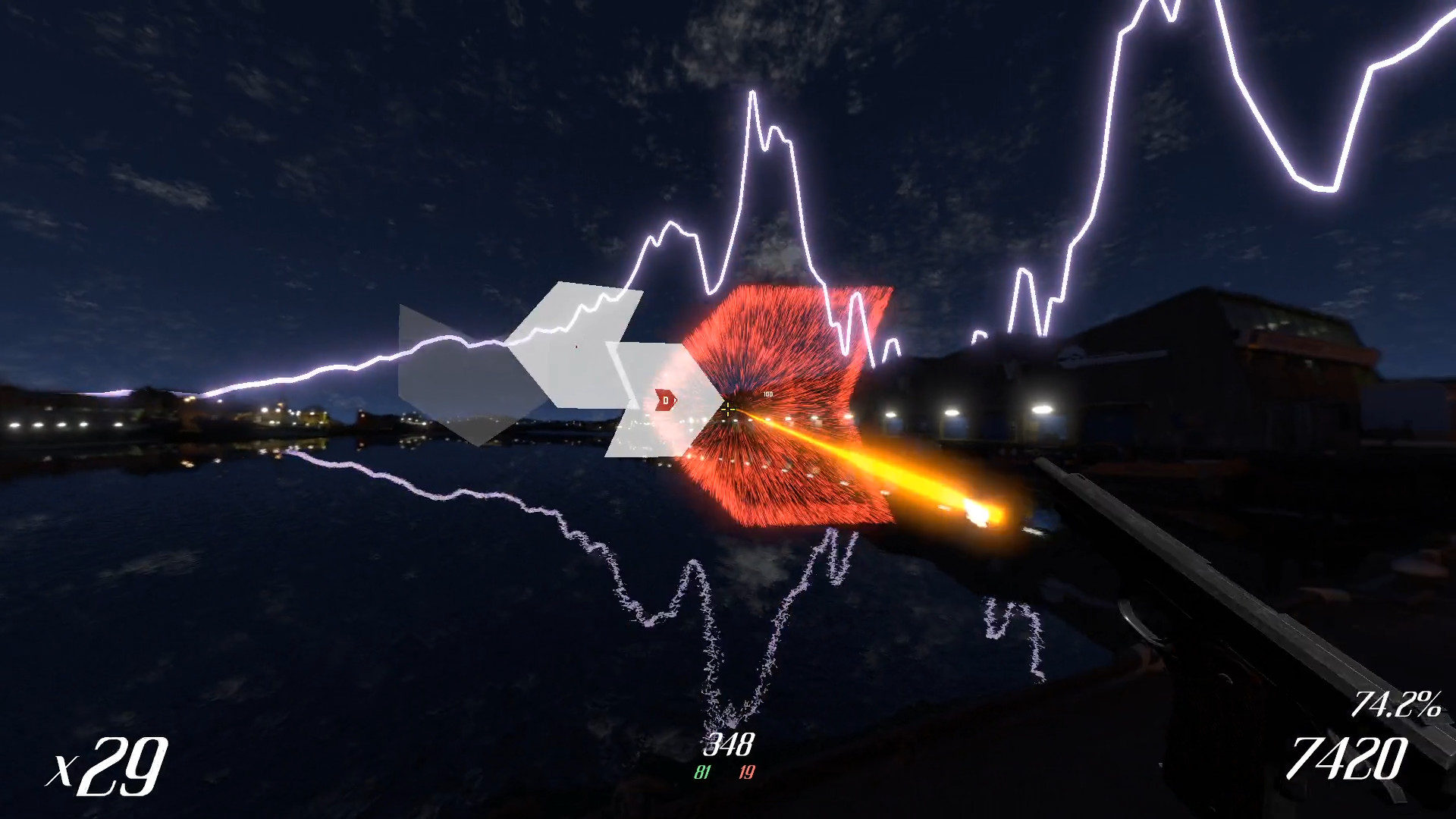
Four target categories appear in each map: click targets, sliders that require tracking, sliders with invisible paths, and WASD arrows that prevent keyboard shooting. Each type demands a distinct response from the player.
The variety keeps aim and reaction skills engaged. Click targets test speed, sliders test smooth tracking, invisible sliders add uncertainty, and WASD arrows add positional awareness.
- Practice slider targets first to improve smooth aim movement.
- Use WASD arrows to train avoiding automatic keyboard fire.

03 / THE GUIDE
Guns
Players can select from three firearms: two pistols and one light‑machine gun (LMG). The game offers three distinct firearms to choose from while playing.
New guns are unlocked through the Beat Coin progression system, encouraging repeated play to expand the arsenal by playing the game.
- Try pistols on faster songs to exploit quick fire.
- Reserve the LMG for slower tracks where sustained fire matches the beat.
04 / THE GUIDE
Difficulty Slider
Every generated map includes an infinite difficulty slider, letting players choose a challenge that matches their skill. The slider lets players pick a difficulty that matches their skill level.
Because difficulty is continuous, players can gradually raise the challenge as their reflexes improve, keeping the experience fresh over many sessions.
- Start at low difficulty to learn the song’s pattern before scaling up.
- Increase the slider to match the tempo of particularly fast tracks.
05 / THE GUIDE
Progression System
Playing maps awards Beat Coins, a currency used to unlock additional guns. Daily quests grant extra materials that can be spent on crafting new weapons, adding a layer of repeatable goals.
Leaderboards track scores, and linking a YouTube video of a run can place the player on custom leaderboards, providing a competitive showcase for progression.
- Complete daily quests regularly to accumulate crafting materials faster.
- Record high‑score runs and link them to display progress on leaderboards.
COMMUNITY
Player discussion