 GameWiki
GET YOUR BEARINGS
About 獣王/BEAST KING
BEAST KING is a pachislot simulation released on Steam, originally a hit in 2000. Players insert tokens, stop reels, and aim for matching symbols such as “7” to earn more tokens. The game features several bonus systems, including the newer SAVANNA CHANCE that can span multiple games.
The title runs on Windows, supports single‑player sessions, offers partial controller input, and can be accessed through Steam Family Sharing. Gameplay focuses on timing reel stops and responding to visual cues during bonus sequences rather than narrative or character development.
01 / THE GUIDE
Savanna Chance
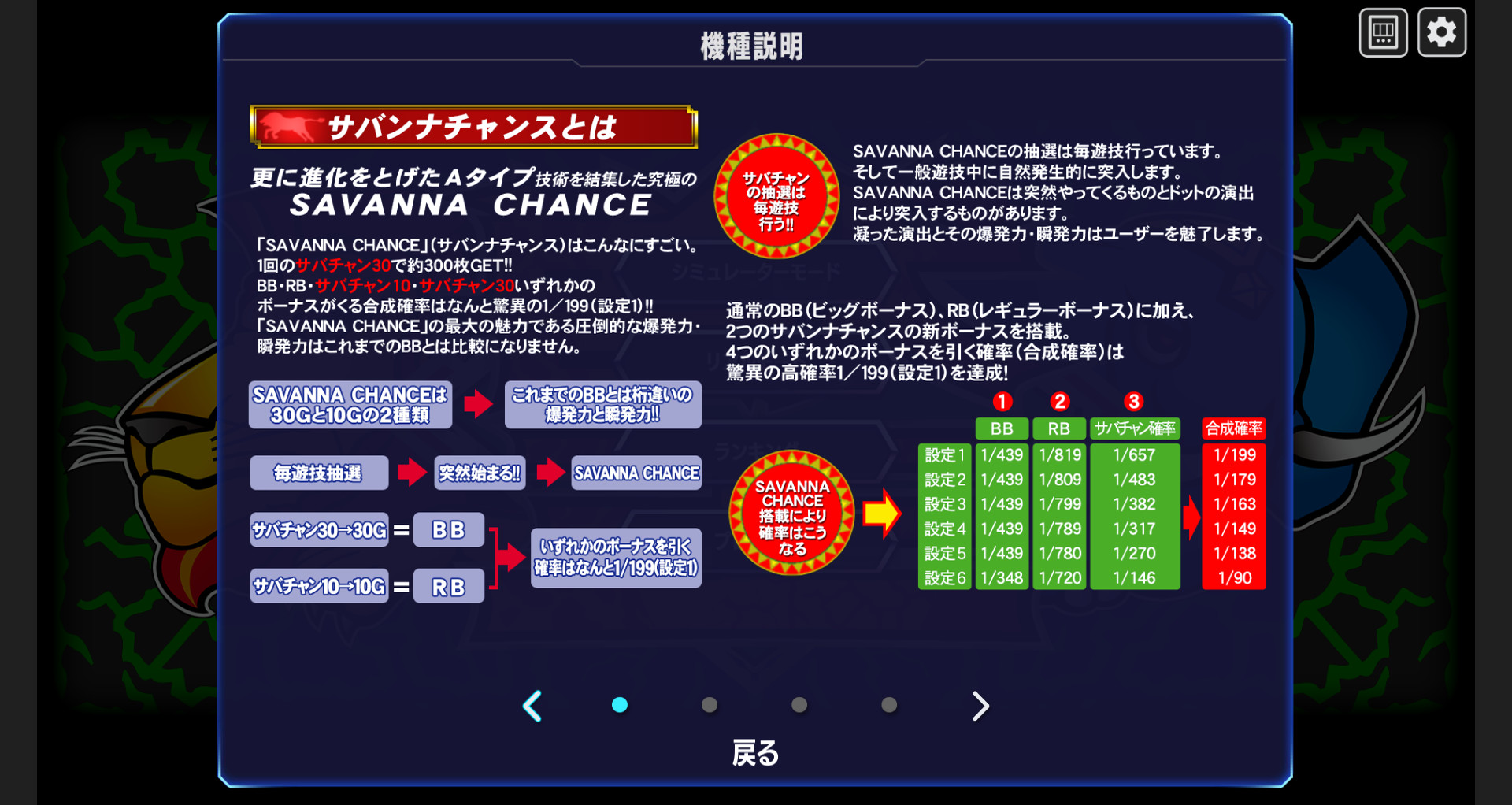
Savanna Chance activates when a pixel‑image of the letter “A” appears on the screen. Once triggered, the bonus runs for either 30 games or 10 games, giving a high‑probability chance to win tokens.
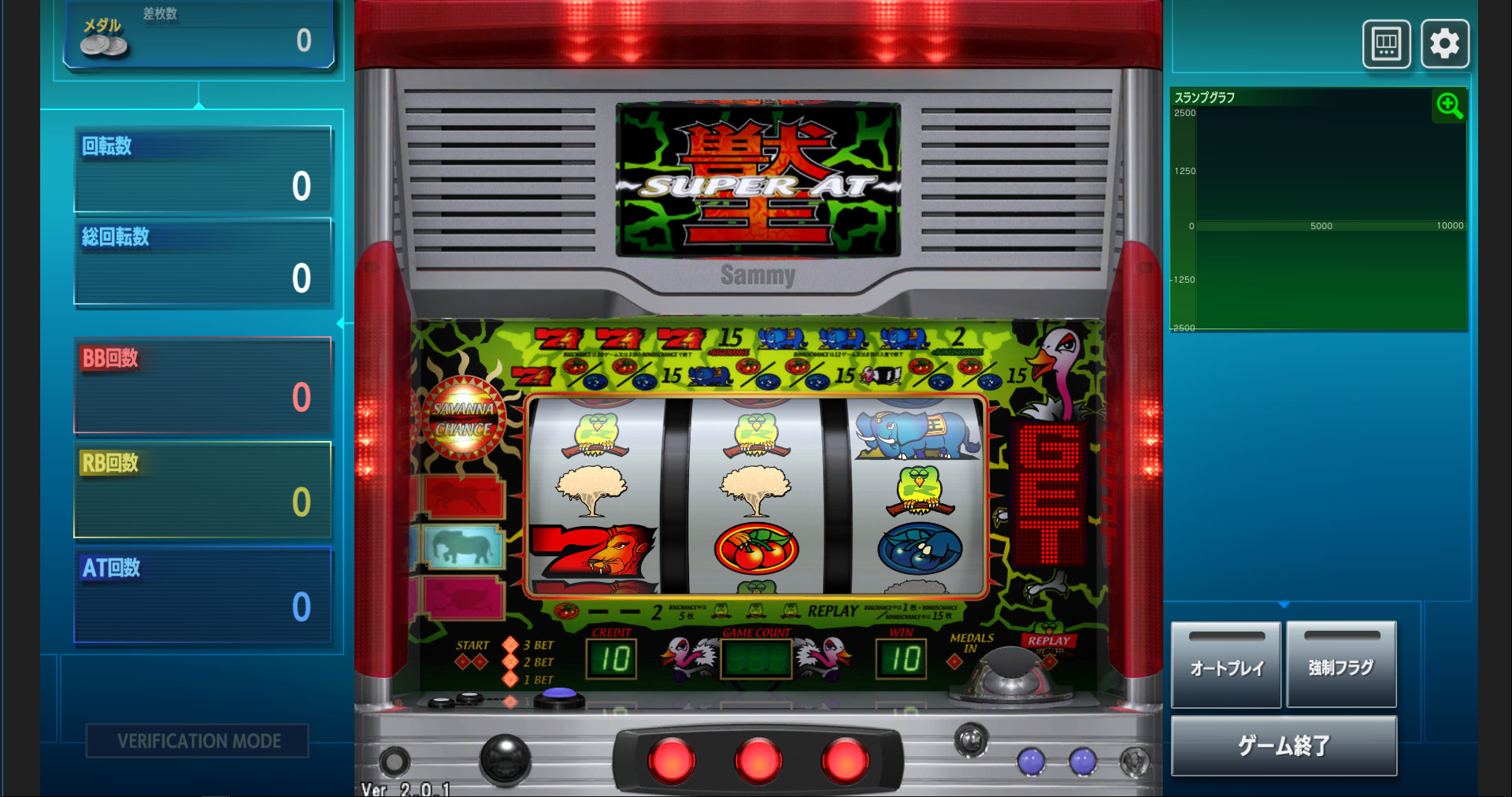
During the Savanna Chance sequence, a button must be pressed in time with pixel images or lamps on the left side. Correct timing awards 15 tokens at once, and the bonus may continue after the mini‑games end.
- Observe the left‑side lamp patterns to gauge the timing window.
- Listen for the sound stopping mid‑sequence as an indicator of a bonus win.
02 / THE GUIDE
Bonus Types
BEAST KING includes three documented bonuses: BB (Big Bonus), RB (Regular Bonus), and the newer Savanna Chance. Each can be won with a high probability according to the description.
BB and Savanna Chance can award large token amounts, while RB is a separate regular bonus whose payout details are not described here. The game signals a bonus win through specific sounds and visual cues.
- Pay attention to distinct bonus sounds to confirm a win.
- Notice visual differences that separate BB from RB.
03 / THE GUIDE
Token and Reel Mechanics
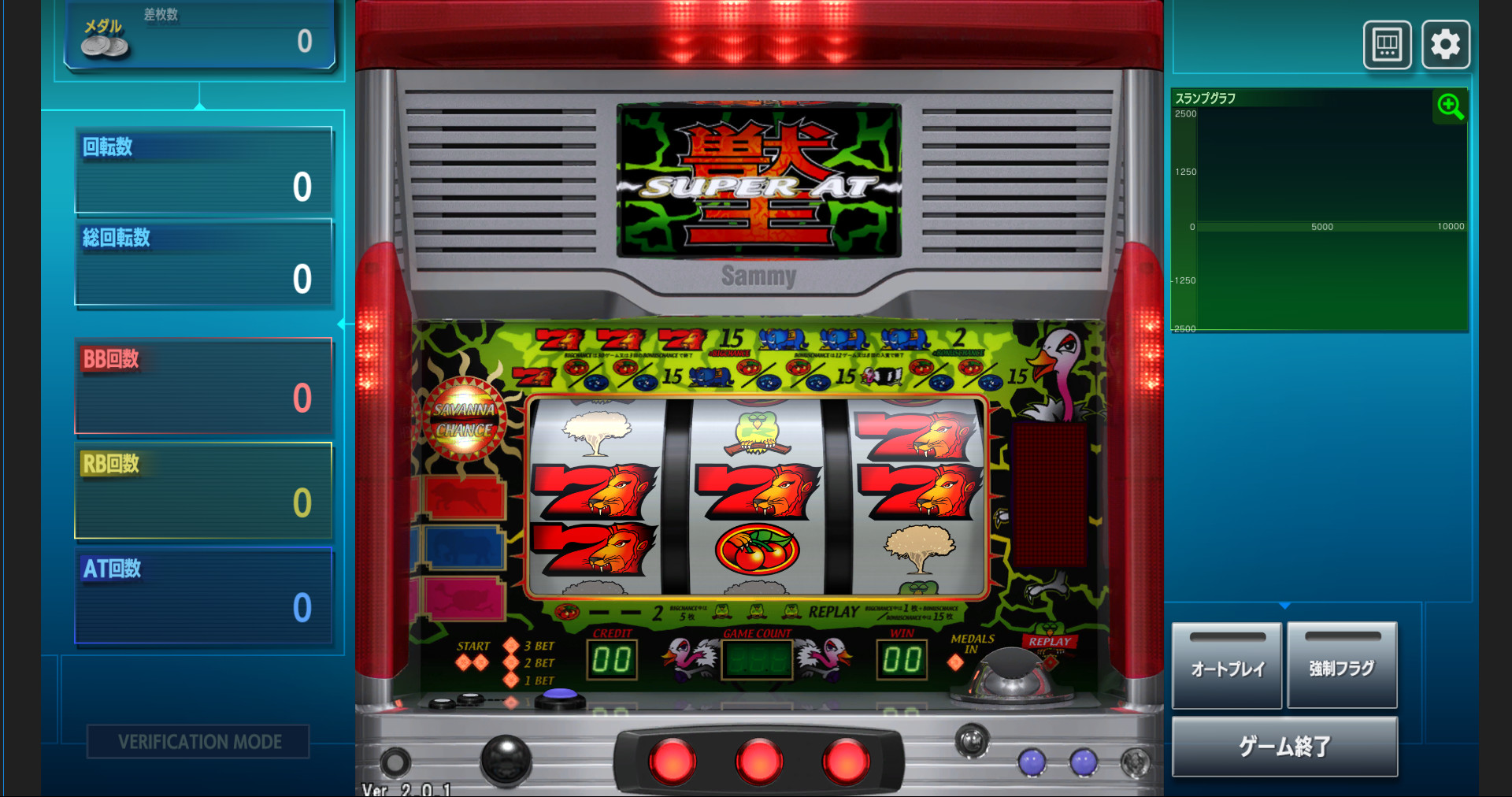
Players begin by inserting tokens into the token slot. After insertion, they push buttons to stop the reels, aiming to line up figures such as “7”.
When the stopped reels display matching figures, additional tokens are awarded. The core skill is stopping the reels at any desired position to maximize matches.
- Practice stopping reels at varied positions to learn timing.
- Focus on aligning high‑value symbols like “7” for larger token gains.
04 / THE GUIDE
Partial Controller Support
The game lists Partial Controller Support, meaning some controller inputs are recognized, though the listing does not specify which actions are covered.
Because support is partial, not every in‑game function may be mapped to the controller, but the documented actions can be performed without requiring additional hardware.
- Test which controller buttons respond before starting a session.
- If a function does not respond, switch to another input method for that action.
05 / THE GUIDE
Family Sharing
BEAST KING supports Family Sharing on Windows, allowing multiple Steam accounts to access the same installed copy of the game.
Sharing does not alter the single‑player nature of the title; each user can launch and play independently while using the shared library.
- Enable sharing in the primary account’s Steam settings.
- Confirm that each shared account can start the game without errors.
COMMUNITY
Player discussion