 GameWiki
GET YOUR BEARINGS
About Bear and Breakfast
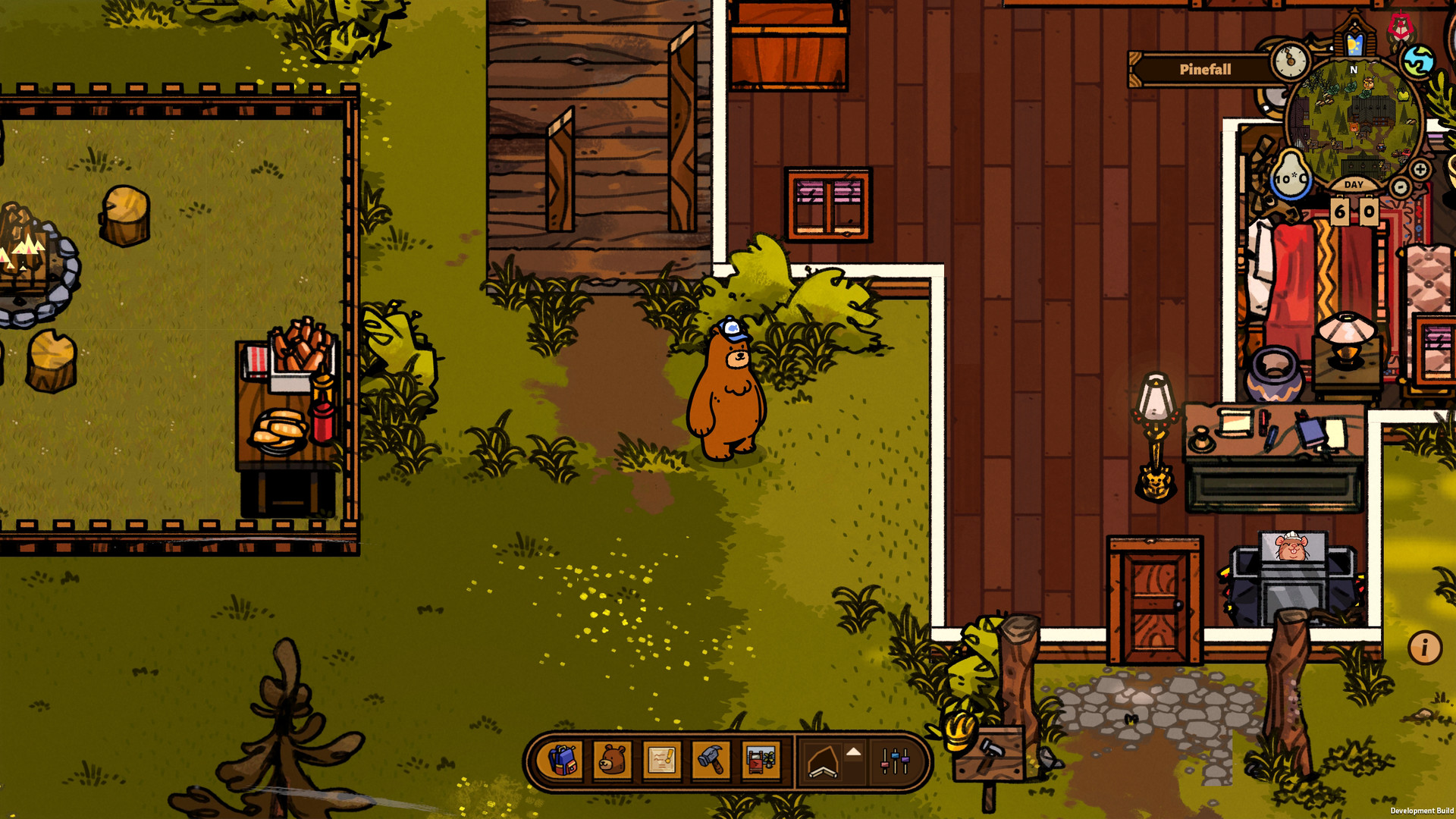
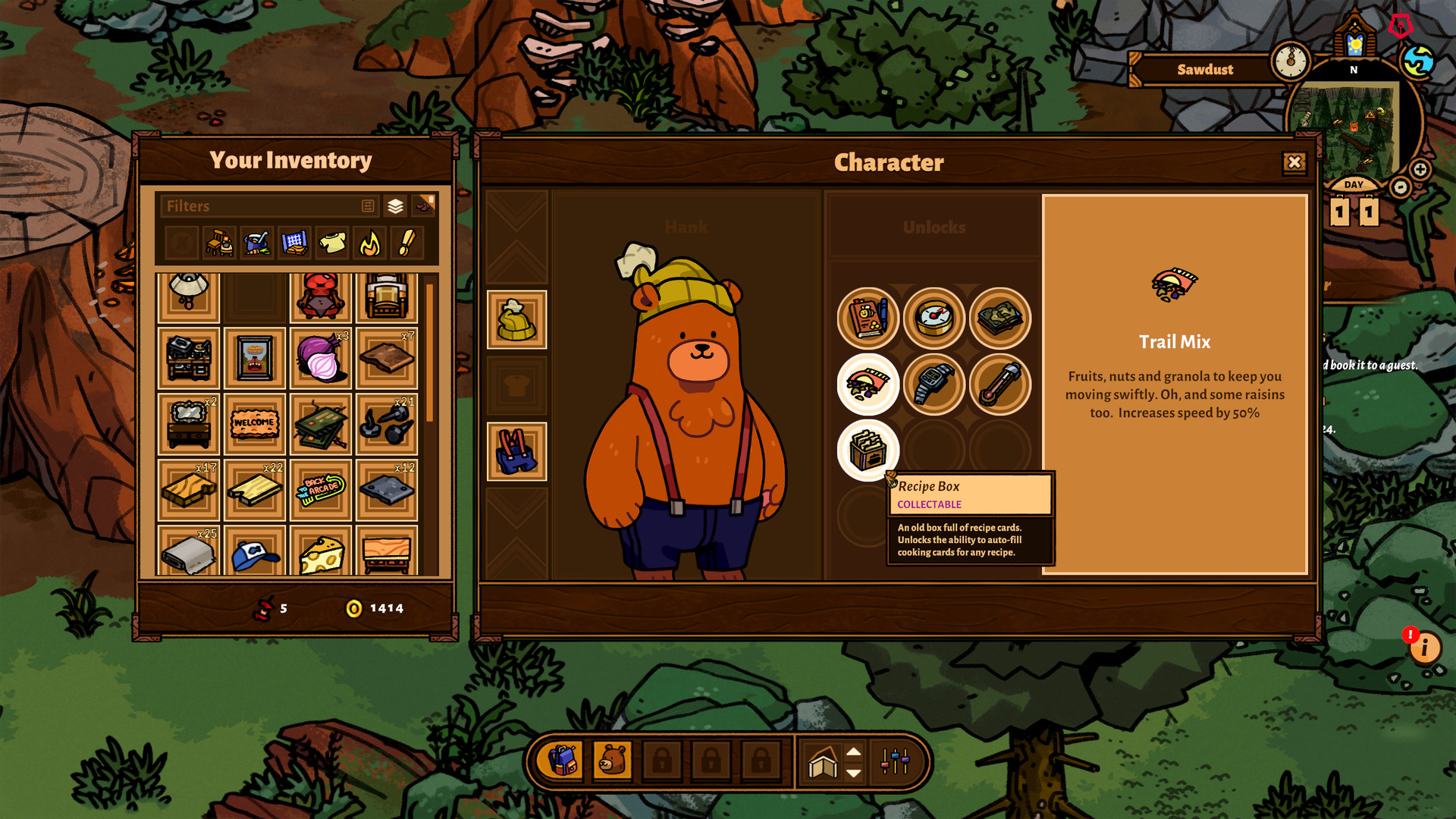
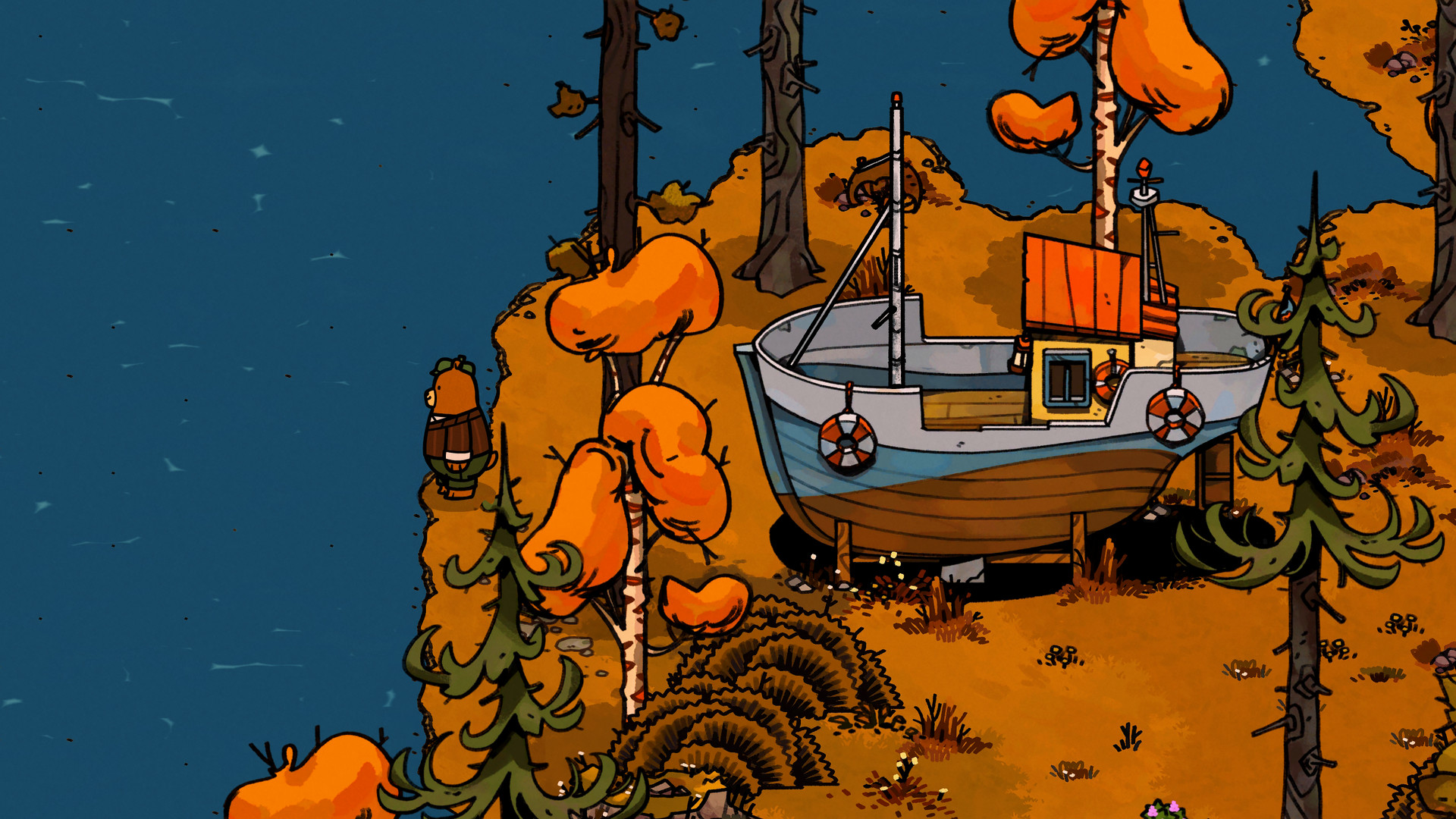
Bear and Breakfast is a laid‑back management adventure where you control a friendly bear who discovers an abandoned shack and turns it into a forest bed‑and‑breakfast. The game blends building, guest care, and a story that deepens as the inn expands and forest mysteries surface. You can customize every room, earn money by keeping guests happy, and follow quests that unlock new items and perks. The experience is single‑player, runs on Windows, and includes full controller support along with Steam features such as achievements, cloud saves, and trading cards.
01 / THE GUIDE
Gameplay Overview
The core loop follows a bear managing a B+B, balancing construction, guest satisfaction, and story progression. Players explore a story‑rich world filled with quirky characters who may offer help or challenges.
Success hinges on maintaining reputation, earning money, and attracting new visitors while uncovering deeper forest plots. The game is presented as a casual adventure with RPG and simulation elements.
- Prioritize guest happiness early to boost reputation quickly.
- Listen to NPC dialogue; it can provide useful building ideas.
02 / THE GUIDE
Building & Customization
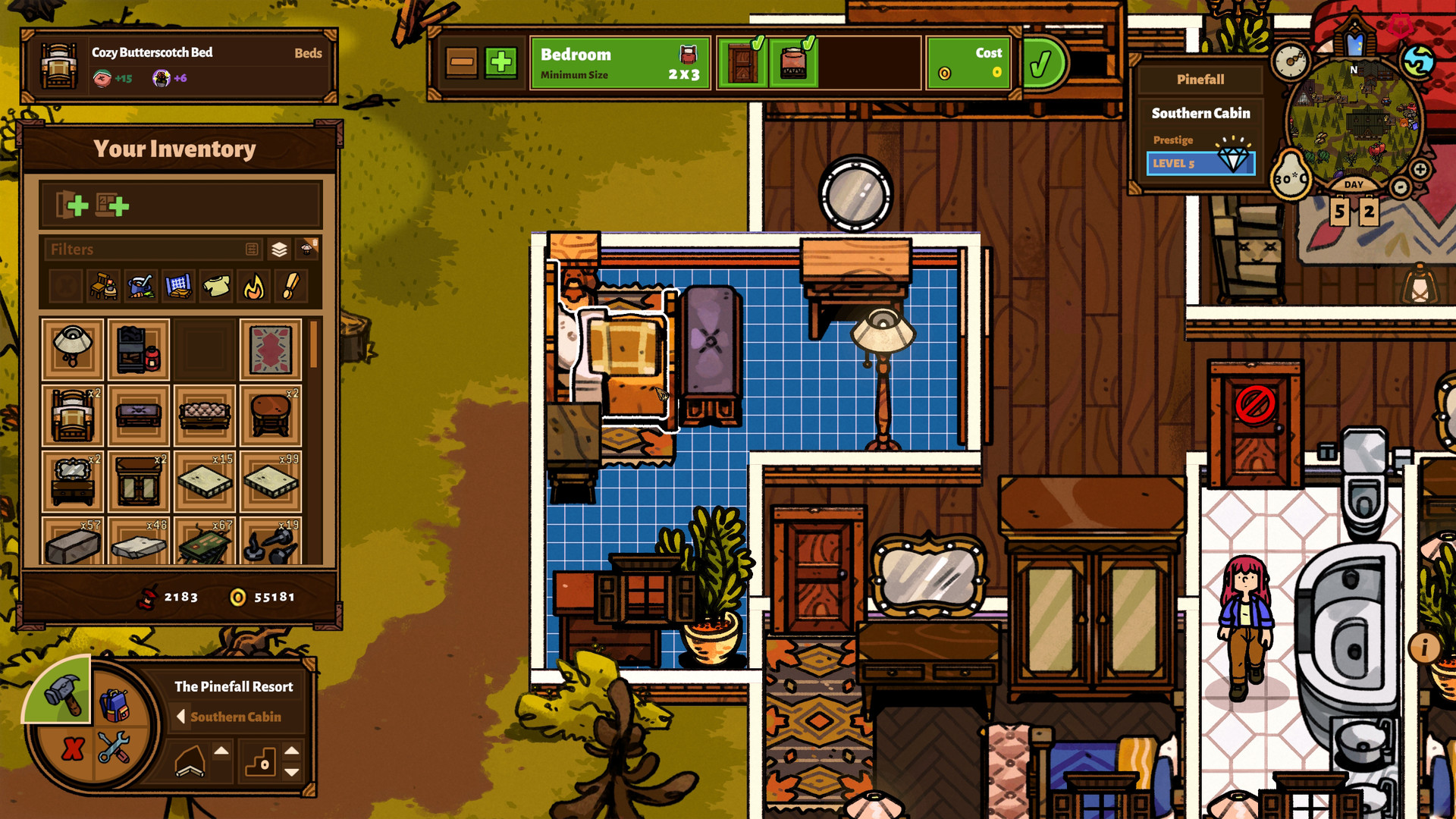
Players can build and personalize the inn with dozens of rooms, bathrooms, parlors, and entertainment spaces. Each area is fully customizable from furniture to fixtures.
Customization directly influences guest comfort and can unlock new decorative items as quests are completed, expanding the inn’s visual variety.
- Start with essential rooms before adding entertainment spaces.
- Mix and match furniture styles to keep the inn visually fresh.
03 / THE GUIDE
Guest Management
Keeping guests happy is essential for reputation, income, and attracting fresh customers. Satisfied visitors also increase the likelihood of positive word‑of‑mouth within the forest.
Reputation impacts the flow of new tourists, while earnings allow further expansion and upgrades to the inn’s facilities.
- Check guest feedback regularly to spot recurring issues.
- Upgrade key amenities first to improve overall satisfaction.
04 / THE GUIDE
Quests & Story
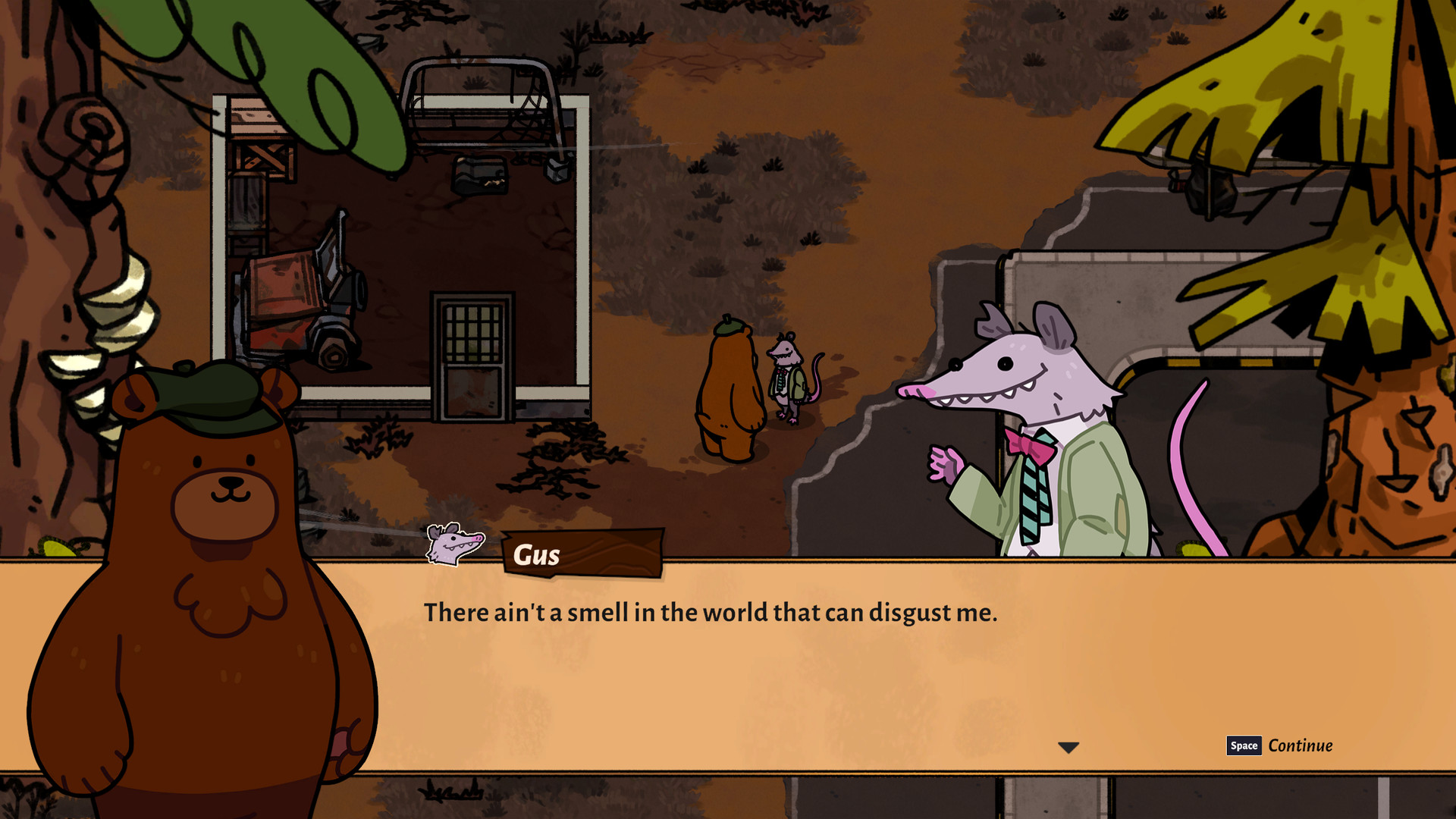
The game offers story‑driven quests that reward new items and perks for the inn. Completing these lines deepens the narrative and reveals forest mysteries.
Characters you meet often have side dialogues that can guide you toward hidden objectives or provide building tips.
- Follow quest markers to ensure you don’t miss reward opportunities.
- Talk to every NPC; some may unlock optional quests.
05 / THE GUIDE
Platform & Support Features
Bear and Breakfast runs on Windows and includes full controller support, allowing play with DualShock or other compatible devices. Steam integration adds achievements, cloud saves, and trading cards.
Family Sharing is also supported, letting multiple accounts access the game on the same device.
- Enable Steam Cloud to store your progress in the cloud.
- Use a controller if you prefer a couch‑friendly experience.
COMMUNITY
Player discussion