 GameWiki
GET YOUR BEARINGS
About Beach Island Deluxe
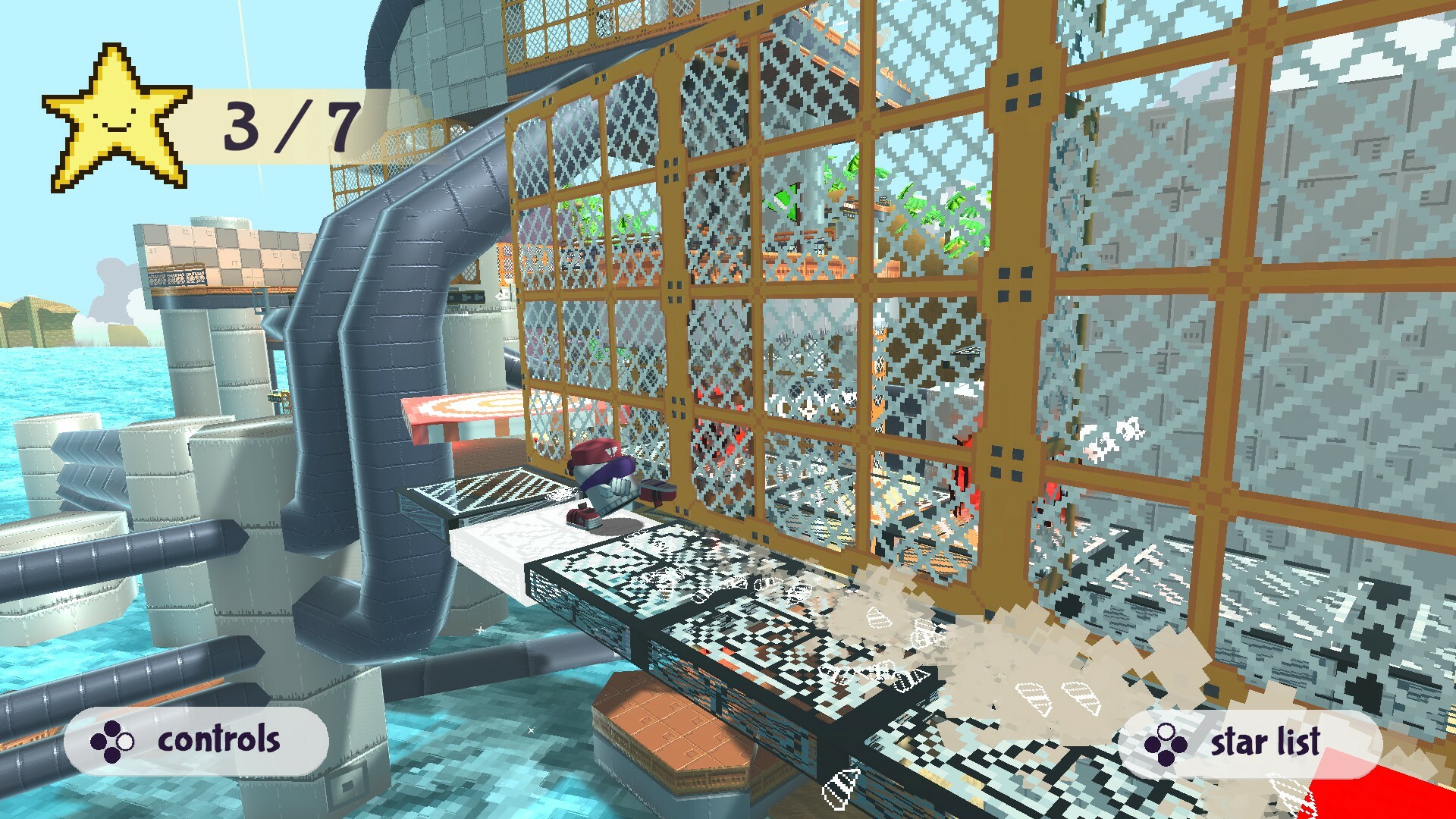
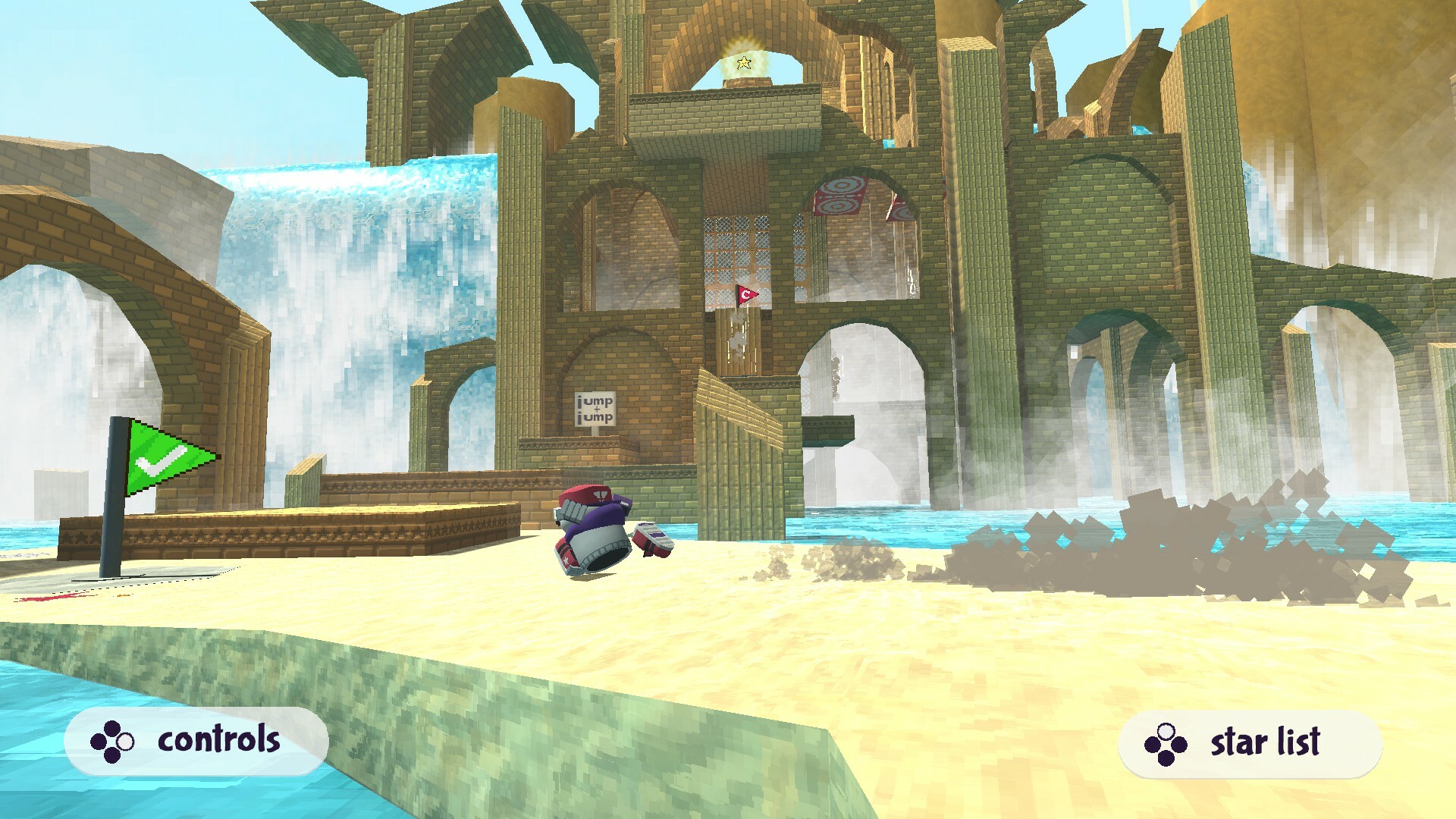
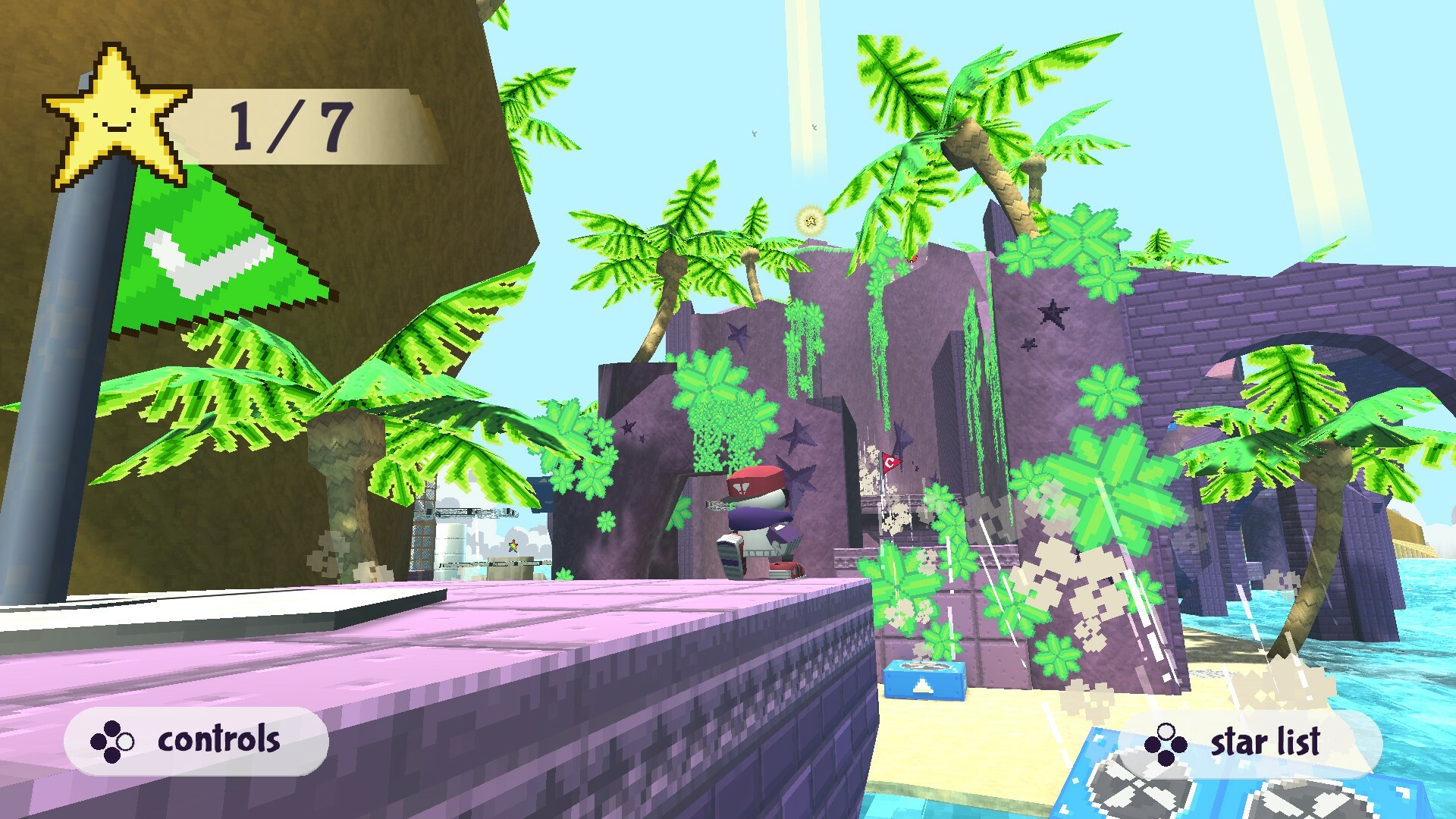
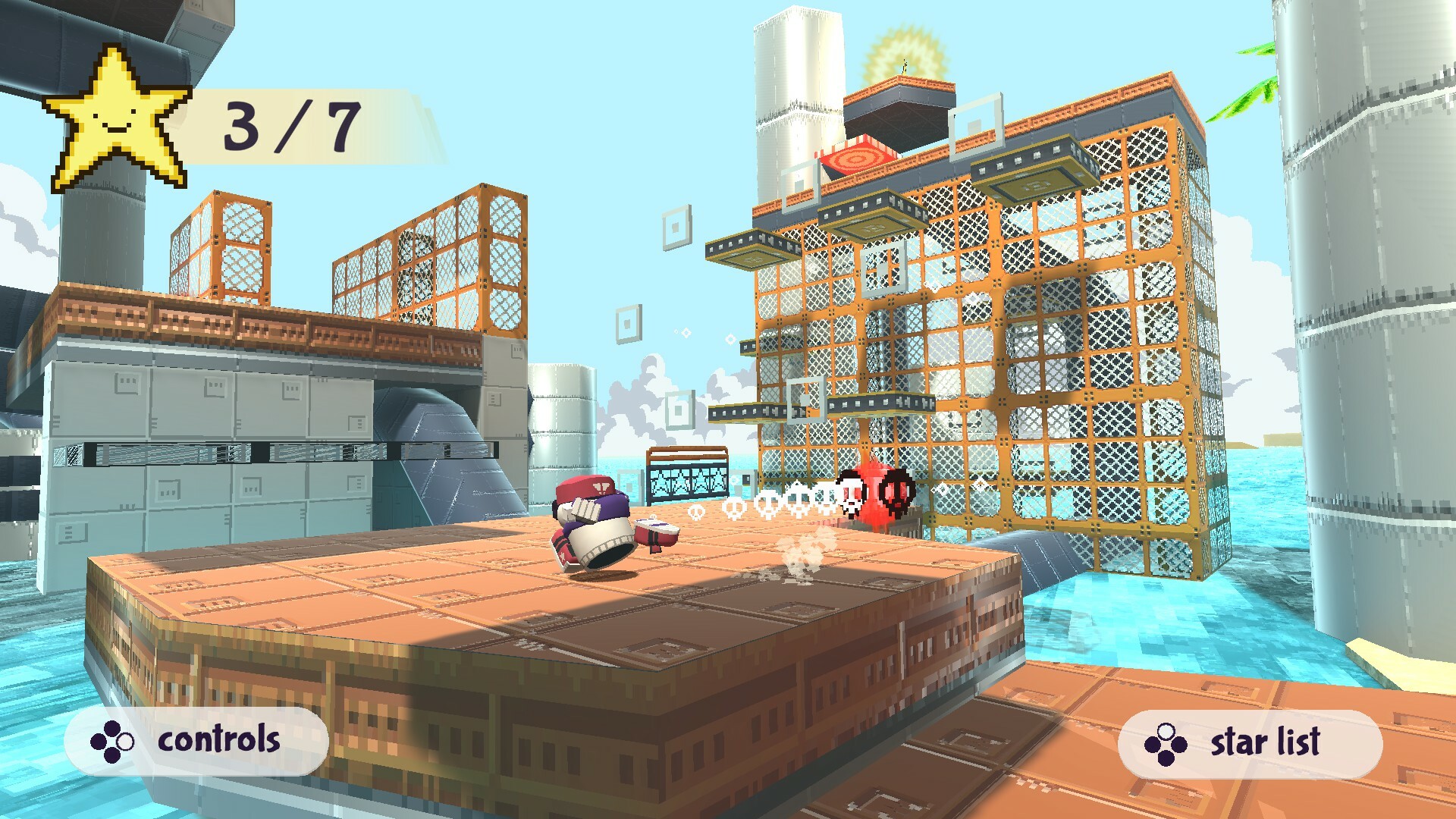
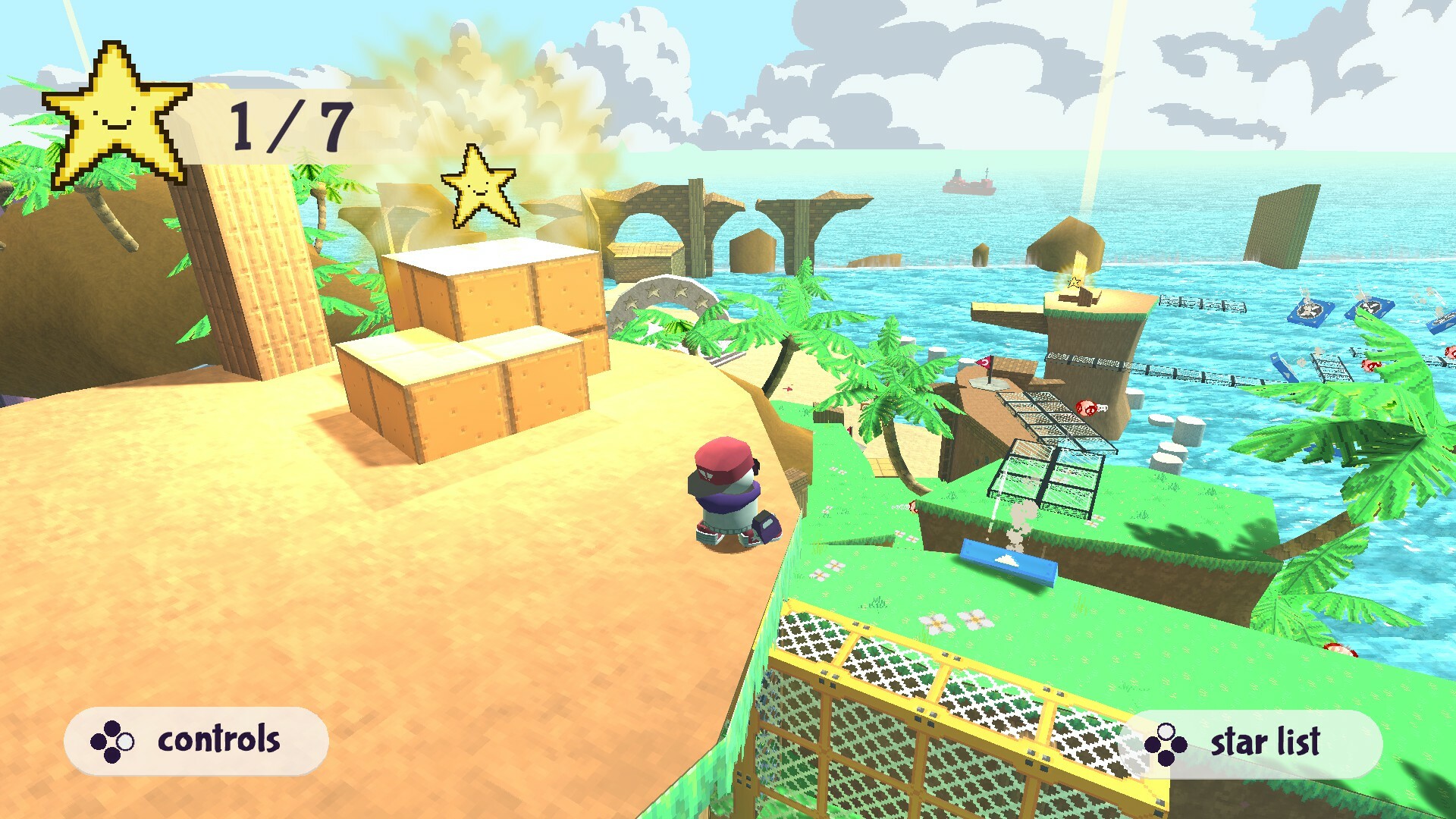
Beach Island Deluxe lets you roam a retro‑styled open world as Beach Guy, hunting 15 stars scattered across the mysterious island. The game welcomes both beginners and veterans, letting you set your own pace and choose how to tackle challenges.
It is free‑to‑play and includes a timed Speedrun Mode, full controller support with dynamic switching to mouse/keyboard, and Steam services such as achievements, Cloud saves, and Family Sharing.
01 / THE GUIDE
Open World Exploration
The island is presented as a completely open and non‑linear environment, allowing travel to any location at any time. No prescribed order exists for visiting areas, so discovery drives progress.
The retro 90’s aesthetic frames the adventure, and the lack of a forced path means players can approach challenges in whatever way feels comfortable, whether leisurely or focused.
- Observe shoreline details; the visual style often hints at hidden routes.
- Try different entry points to see which feels most natural for your navigation.
02 / THE GUIDE
Star Collection
Collecting stars is the core objective; 15 primary stars are placed throughout the island. An additional three stars exist, raising the total to at least 18 and encouraging thorough exploration.
Stars are required to open the mysterious Gateway, providing a clear end point while still letting players decide when and how to collect each star.
- Mark the first star you find; revisiting that area can help locate the extra three.
- Notice any visual patterns in star placement to anticipate hidden locations.
03 / THE GUIDE
Speedrun Mode
Speedrun Mode mirrors the standard experience but adds a timer, turning the open‑world run into a timed challenge. The same islands, stars, and obstacles remain.
Because the game is short, the timer encourages repeated attempts to improve personal bests, offering a distinct way to engage with the same content.
- Practice a route without the timer first to learn star locations.
- Compare timed runs with earlier attempts to spot efficiency gains.
04 / THE GUIDE
Full Controller Support
The game includes full controller support, allowing players to switch between gamepad and mouse/keyboard on the fly. This flexibility lets you choose the input method that feels best for each moment.
Dynamic control support means you can start a session with a controller, pause, and continue using a keyboard without restarting.
- Experiment with swapping inputs during a run to see which feels smoother for star collection.
- If you prefer precision, try the mouse for navigation and the controller for action segments.
05 / THE GUIDE
Steam Features
Beach Island Deluxe integrates several Steam services: achievements track milestones, Steam Cloud and Family Sharing are listed among the game’s Steam features. These features operate alongside core gameplay.
Being free‑to‑play, the game does not require purchase, but the Steam ecosystem records your accomplishments and saves.
- Check the achievement list to see which achievements you’ve unlocked while exploring.
- Steam Cloud is listed as a feature, so check your Steam settings if you want to use cloud functionality.
COMMUNITY
Player discussion