 GameWiki
GET YOUR BEARINGS
About BAZOOKA: Rhythm Game
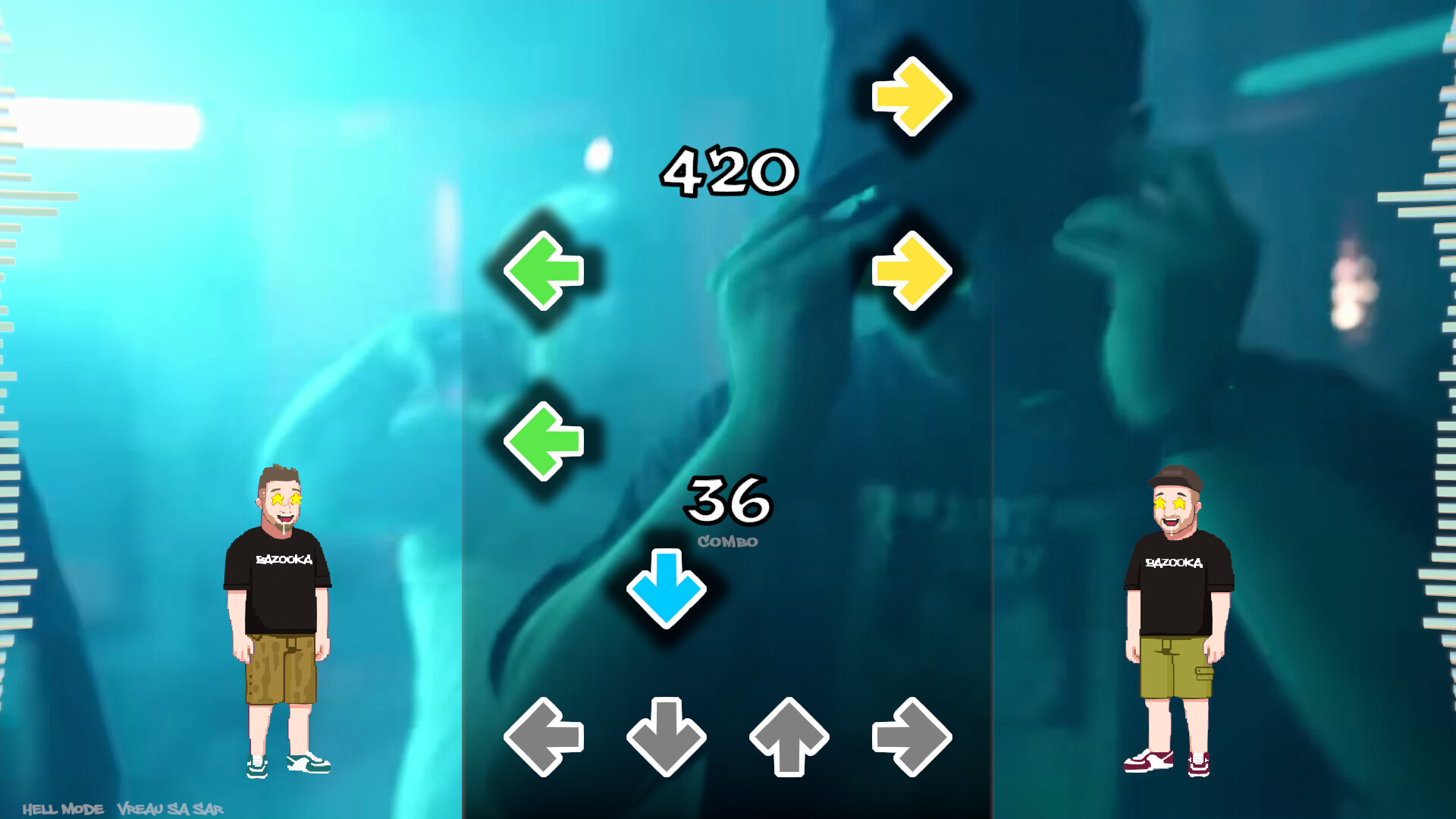
Bazooka: Rhythm Game is a four‑lane rhythm title that pairs original music tracks with accompanying music videos. Players tap arrows in time with the beat, progressing through a series of songs while tracking performance on leaderboards.
The game offers three difficulty tiers—Baby Mode, Canon, and Hell Mode—plus a points shop for unlocking additional songs and backgrounds. Full controller, keyboard‑only, and mouse‑only inputs are supported on Windows and Linux, and progress is saved via Steam Cloud.
01 / THE GUIDE
Gameplay Basics
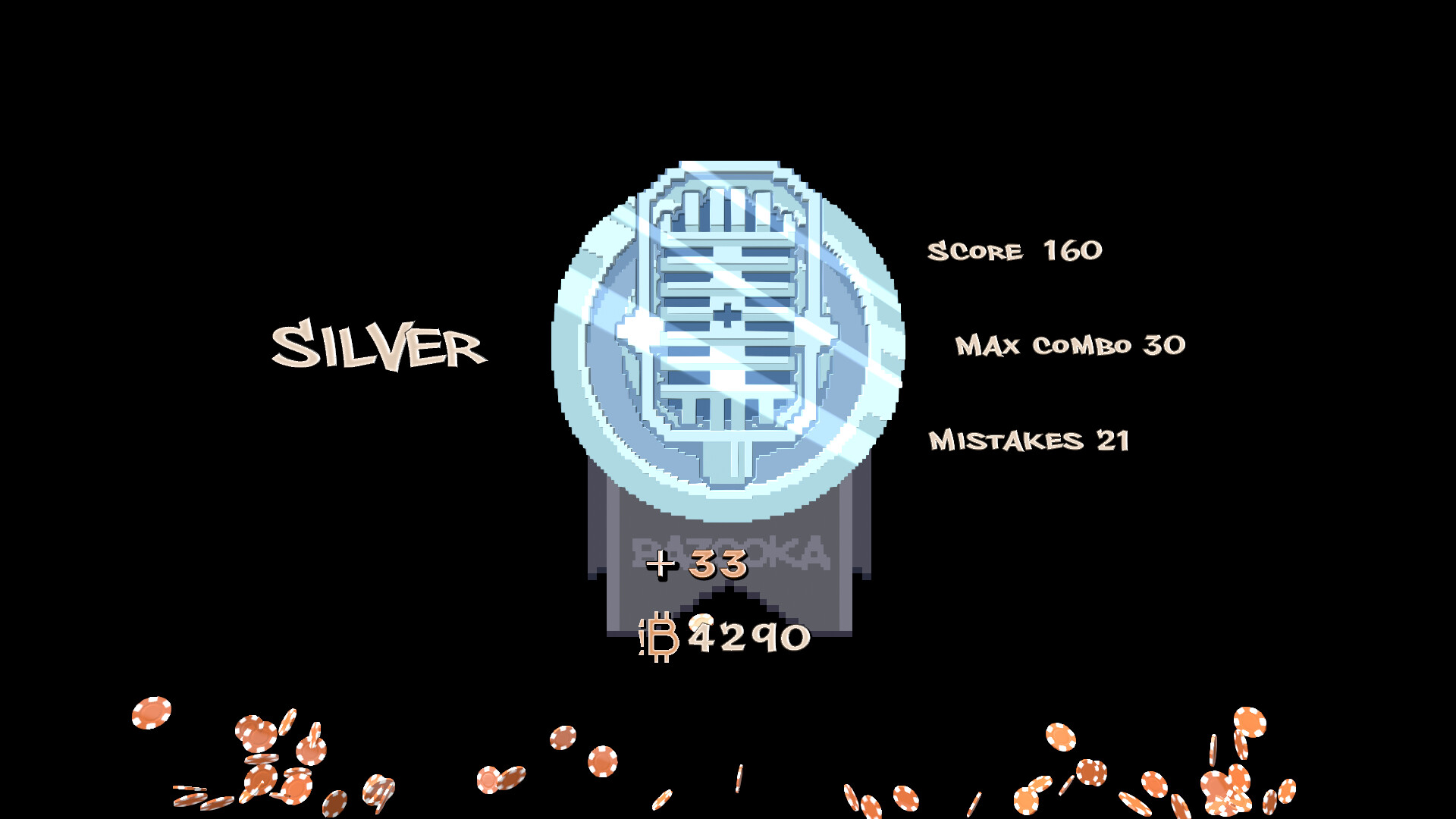
The core loop involves hitting scrolling arrows across four lanes in sync with the music. Successful timing contributes to a score that is recorded for each song. A points shop lets players unlock new songs, backgrounds, and other features.
- Observe the visual cue timing early in a track to gauge the rhythm before aiming for high scores.
- Compare your score trends across songs to identify which difficulty feels most comfortable.
02 / THE GUIDE
Difficulty Levels
Three difficulty settings are provided: Baby Mode (👶), Canon, and Hell Mode. Each level adjusts the density and speed of arrows, offering a progressive challenge. Players can select any difficulty for each song, allowing them to match their skill level or seek a tougher experience.
- Start with Baby Mode to become familiar with lane patterns before moving to Canon.
- Switch to Hell Mode on songs you have mastered to test eye‑finger‑ear coordination.

03 / THE GUIDE
Points Shop
Players can use the shop to unlock additional content. Unlockable content includes new songs, background visuals, and additional features. The shop makes it easy to browse the available unlockable content.
- Prioritize unlocking songs you enjoy listening to for a more rewarding practice loop.
- Check the shop regularly; new songs may appear as the developers release updates.
04 / THE GUIDE
Leaderboards & Achievements
Scores are posted to Steam Leaderboards, letting players compare performance with others worldwide. Steam Achievements are available for players to earn. Climbing the leaderboards encourages repeated play and refinement of timing skills.
- Review your leaderboard rank after each song to gauge improvement.
- Aim for achievement criteria that align with your current difficulty to maintain motivation.
05 / THE GUIDE
Input Options
The game supports Full Controller, Keyboard Only, and Mouse Only options, including DualShock and DualSense controller compatibility. Players can choose their preferred method without needing additional configuration. The game includes a Save Anytime feature and Steam Cloud support.
- Experiment with both keyboard and controller inputs to see which feels more natural for arrow timing.
- Use the Custom Volume Controls to balance music and sound effects for clearer cue perception.


COMMUNITY
Player discussion