 GameWiki
GET YOUR BEARINGS
About Battlefleet Gothic: Armada 2
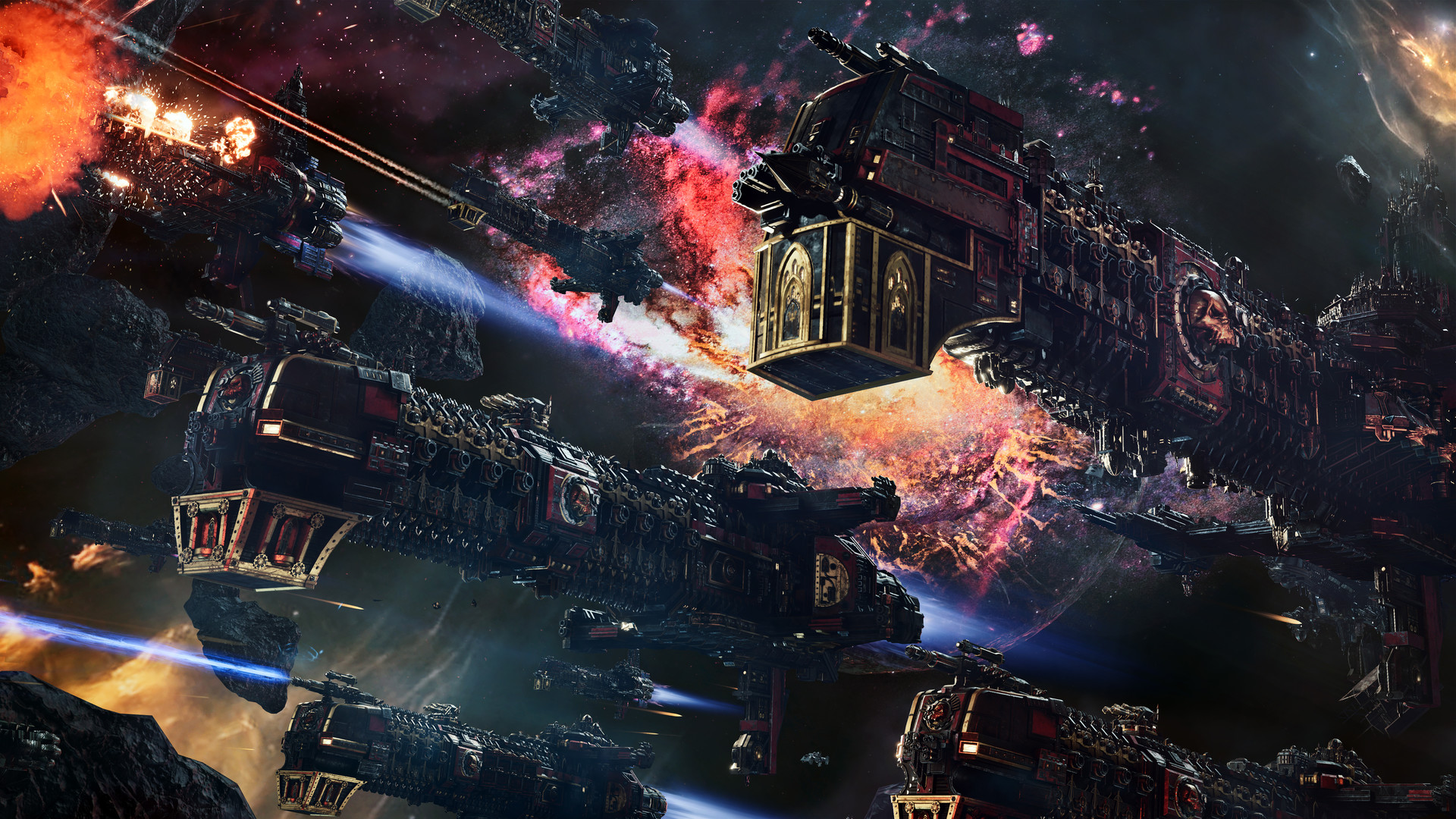
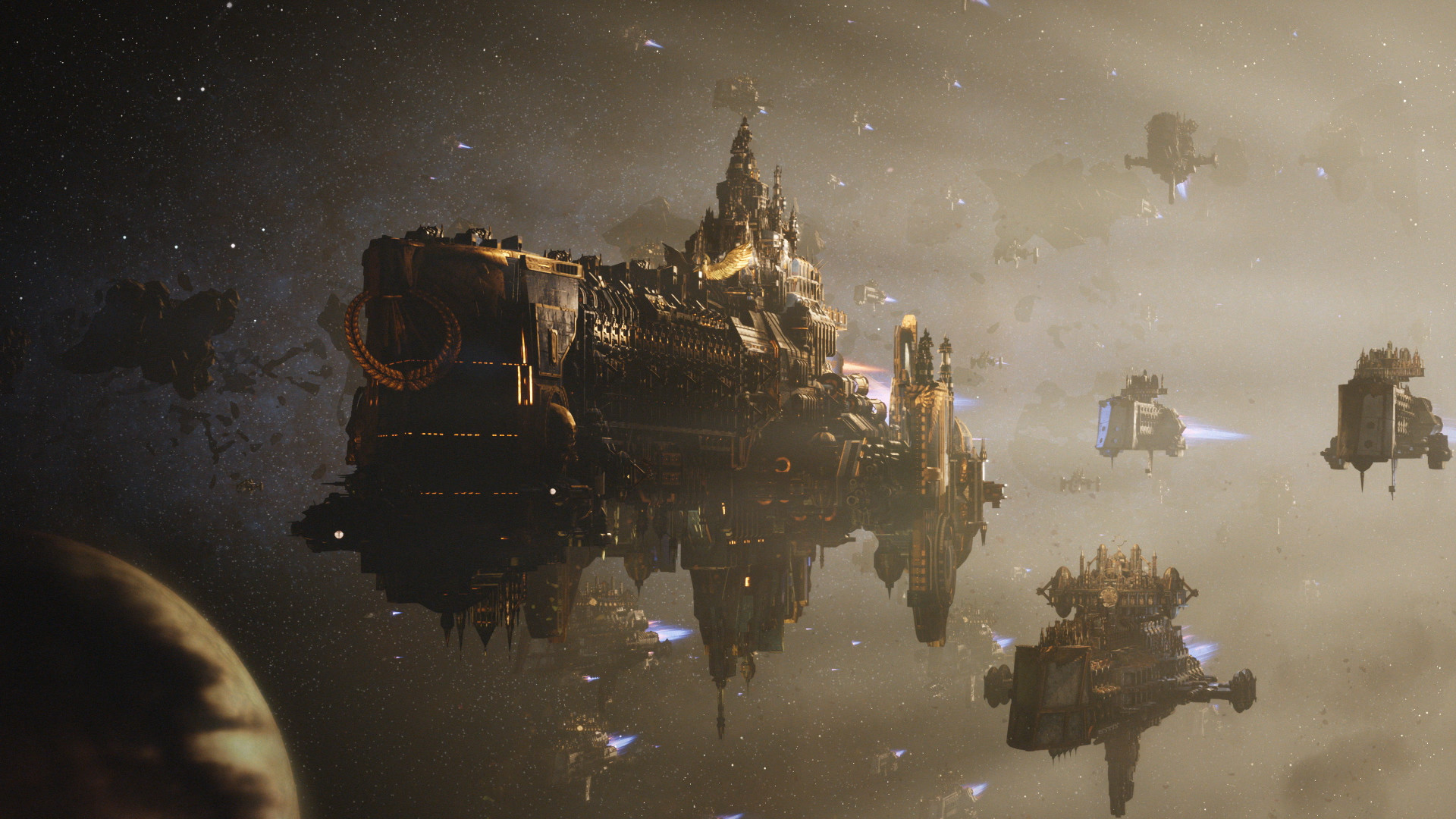
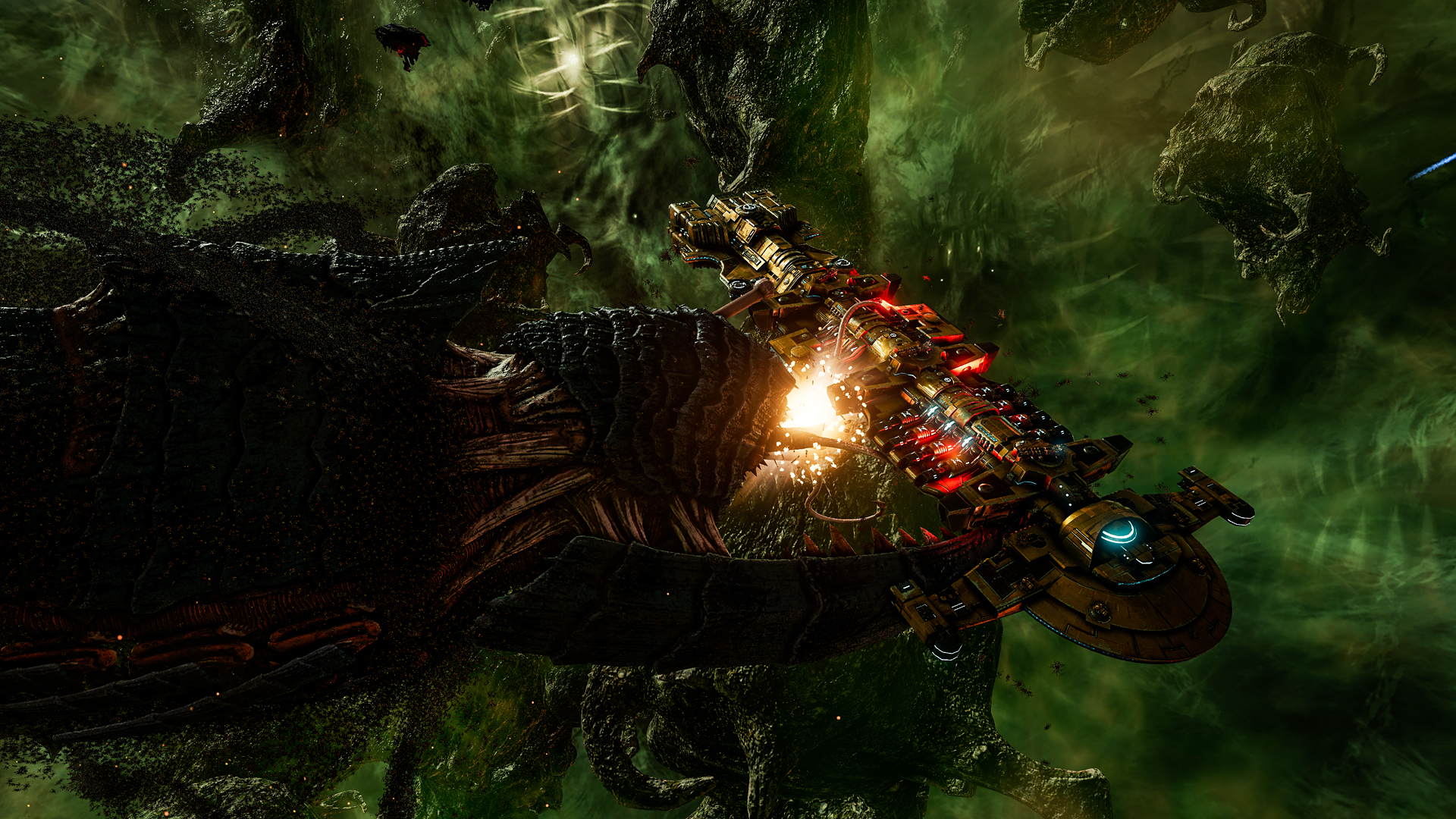
Battlefleet Gothic: Armada 2 translates the Warhammer 40,000 tabletop’s massive space battles into a real‑time strategy experience, building on the first game with larger fleets and deeper content.
At launch it offers all twelve factions, three solo campaigns set in the Gathering Storm era, and cross‑platform multiplayer linking Steam, GOG, and Windows Store players for competitive and cooperative matches.
01 / THE GUIDE
Factions
The launch roster includes every faction from the Warhammer 40,000 tabletop and its expansions, totaling twelve distinct forces.
Each faction provides its own ship designs and lore, allowing players to build fleets that reflect Imperial, Chaos, Ork, Aeldari, Necron, Tyranid, and other iconic armies.
- Review each faction’s ship list before selecting a fleet.
- Consider visual style when matching narrative preferences.
02 / THE GUIDE
Solo Campaigns
Three narrative‑driven solo campaigns focus on the Tyranids, the Necrons, and the Imperium, set against the Gathering Storm and 13th Black Crusade events.
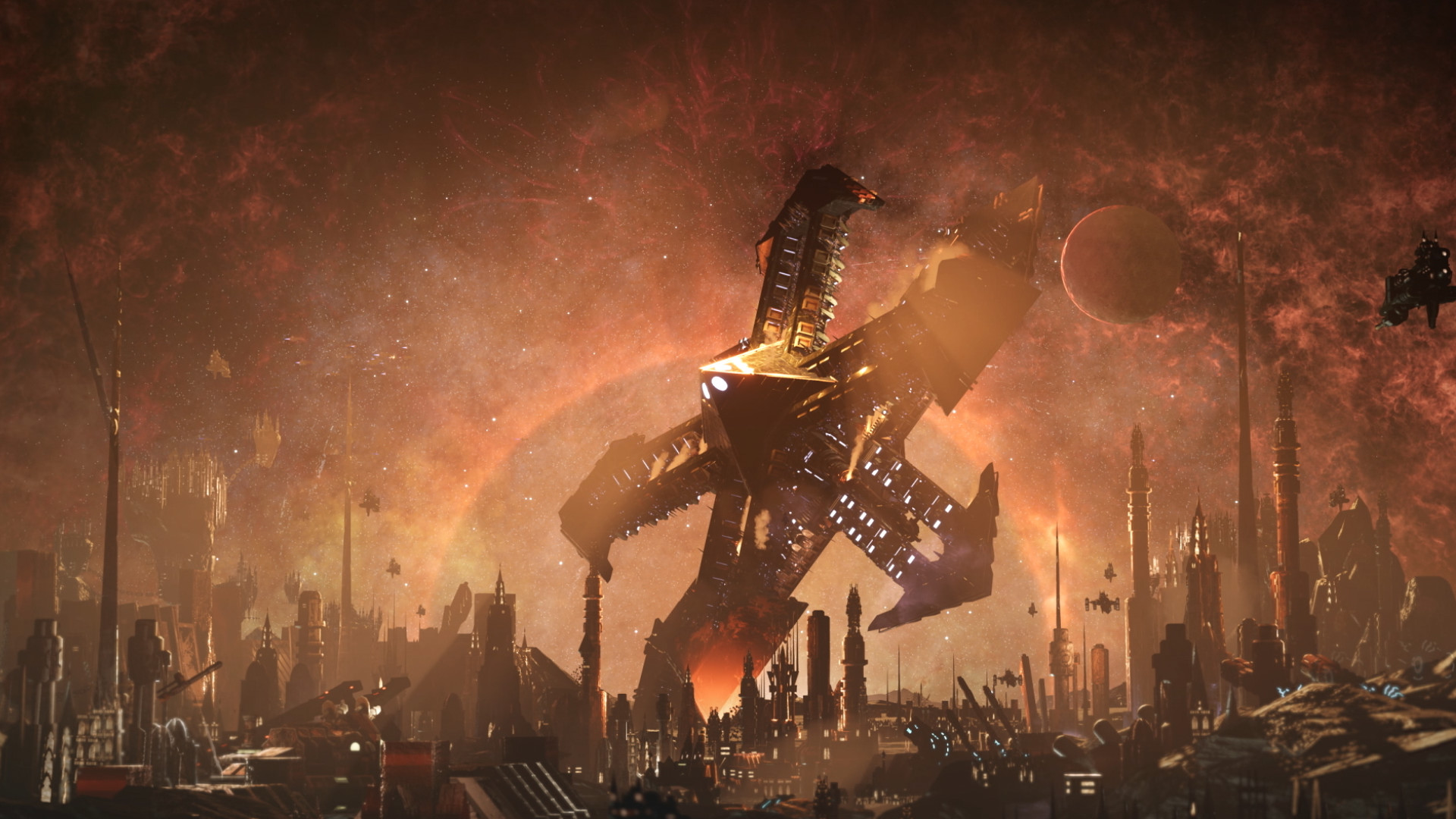
Missions take place in the Eye of Terror, where players may encounter notable figures such as Belisarius Cawl and Gulliman.
- Read mission briefings to understand objectives.
- Note which characters appear for narrative context.
03 / THE GUIDE
Ship Customization
The sequel adds new choices for ship customization, letting players adjust load‑outs and visual details before battle.
These options influence fleet identity and can affect balance, encouraging strategic planning for each engagement throughout the match.
- Experiment with different load‑outs in skirmish mode.
- Save preferred configurations for quick access.
04 / THE GUIDE
Multiplayer Modes
Improved multiplayer modes and features aim for a better online experience, supporting both PvP and co‑op play.
Players can join matches across Steam, GOG, and Windows Store thanks to cross‑platform play, expanding the available opponent pool.
- Check latency settings before starting a match.
- Coordinate with friends using the same platform for smoother sessions.
05 / THE GUIDE
Steam Features
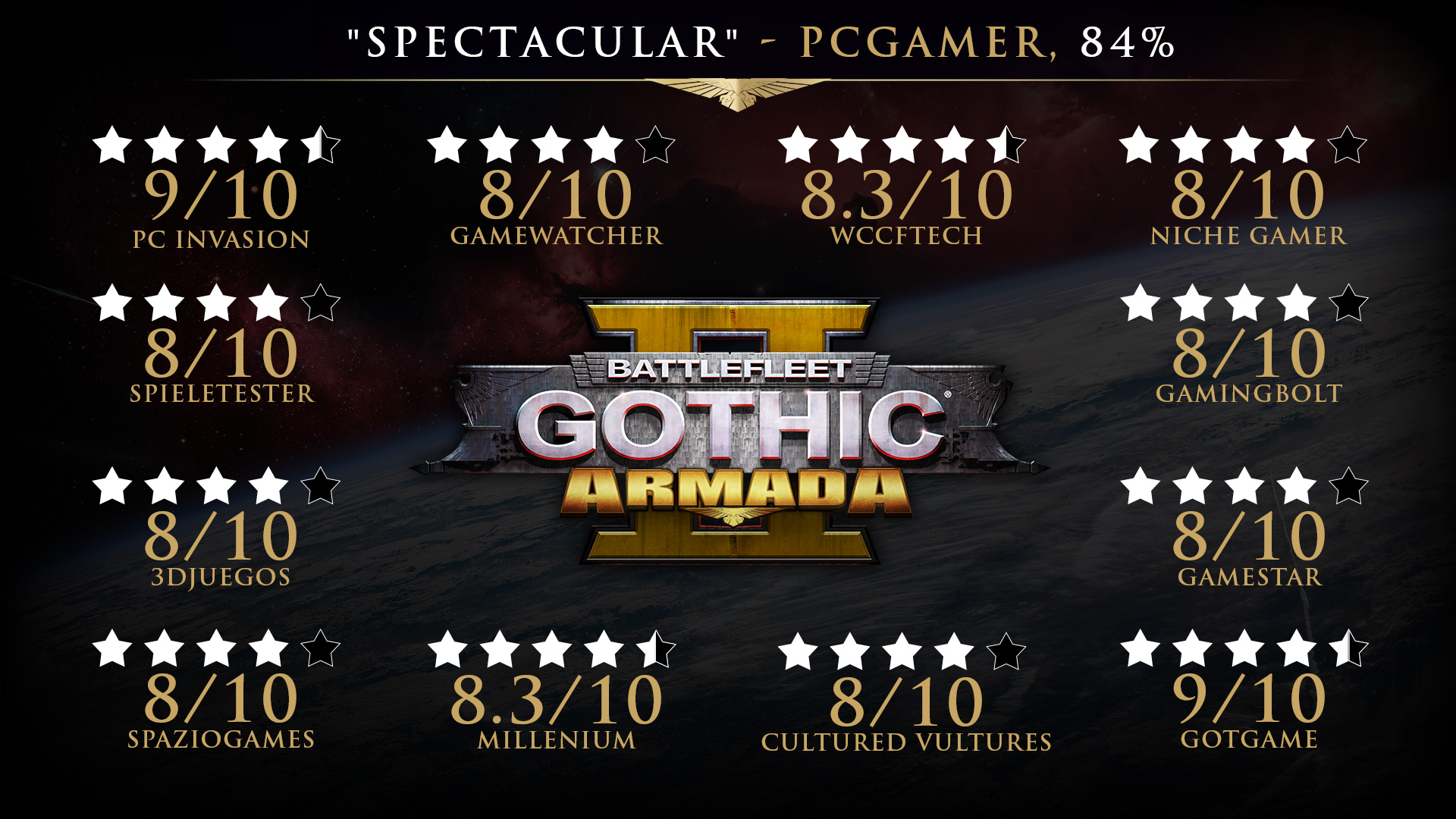
The game integrates Steam achievements, trading cards, and cloud saves, allowing progress to be recorded and shared within the Steam ecosystem.
Family Sharing is also supported, enabling multiple accounts on a single device to access the same installation.
- Earn achievements to track milestones.
- Enable cloud sync to keep saves across reinstallations.
COMMUNITY
Player discussion