 GameWiki

GET YOUR BEARINGS
About Battlefield 6
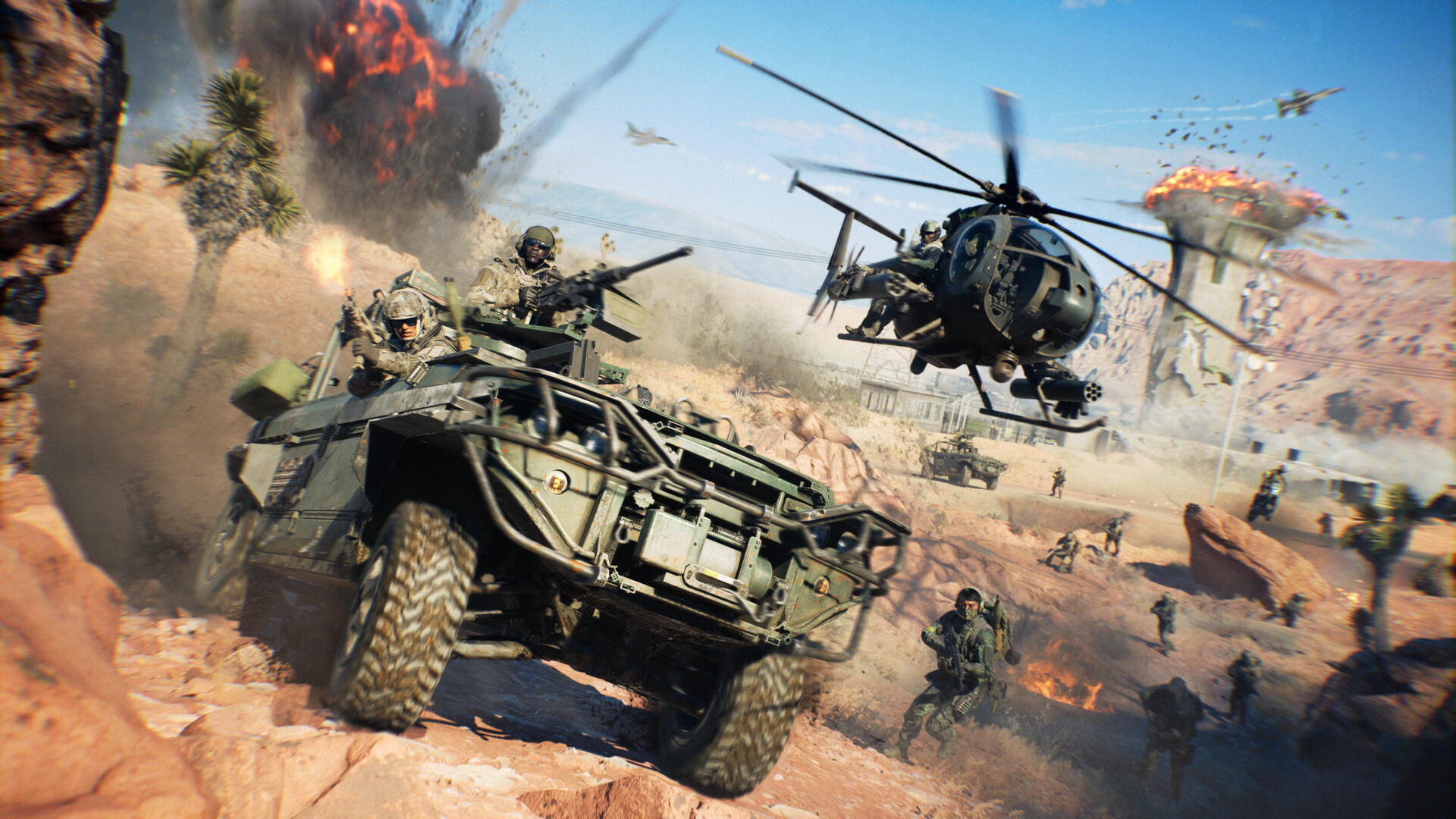
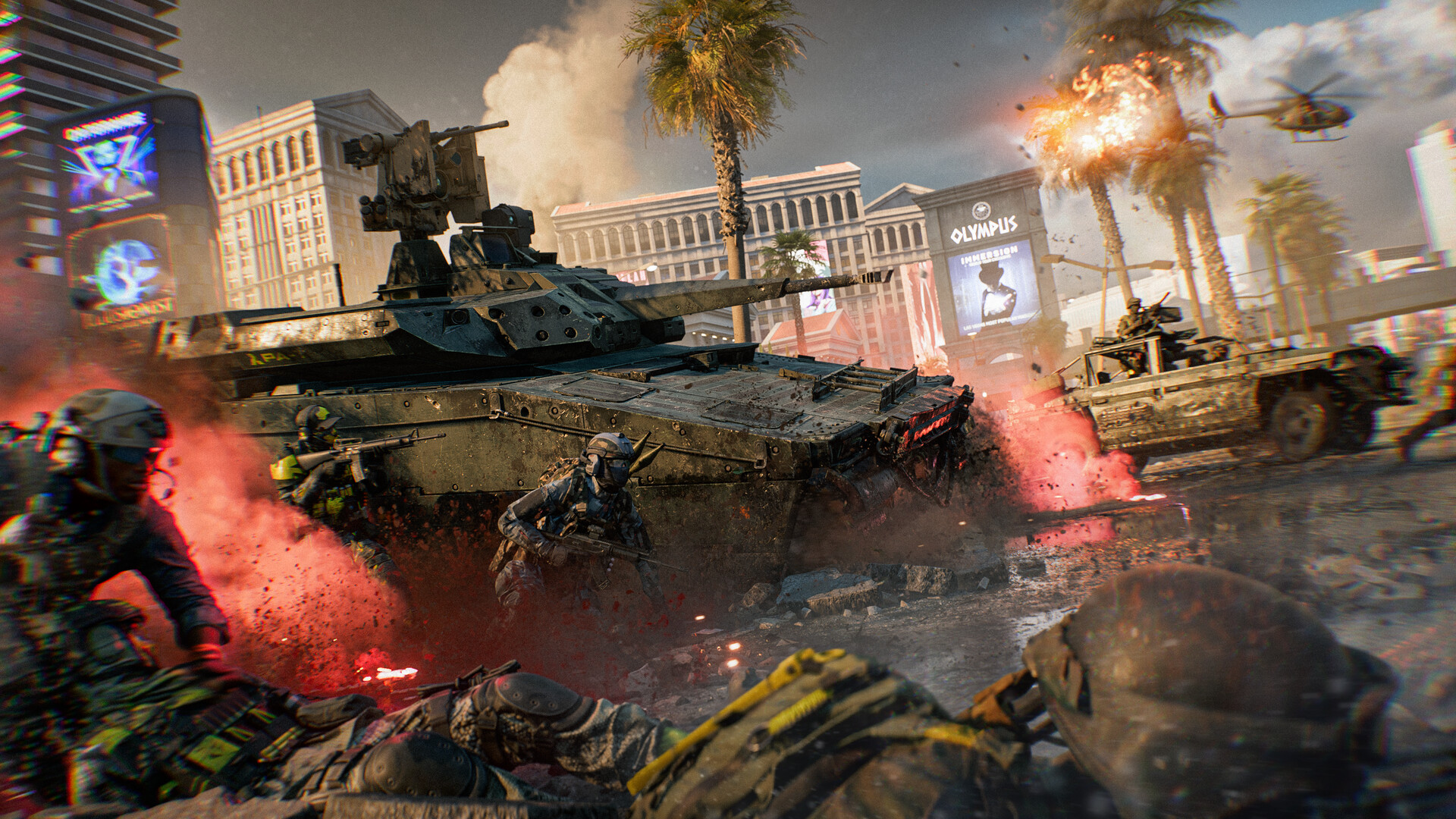
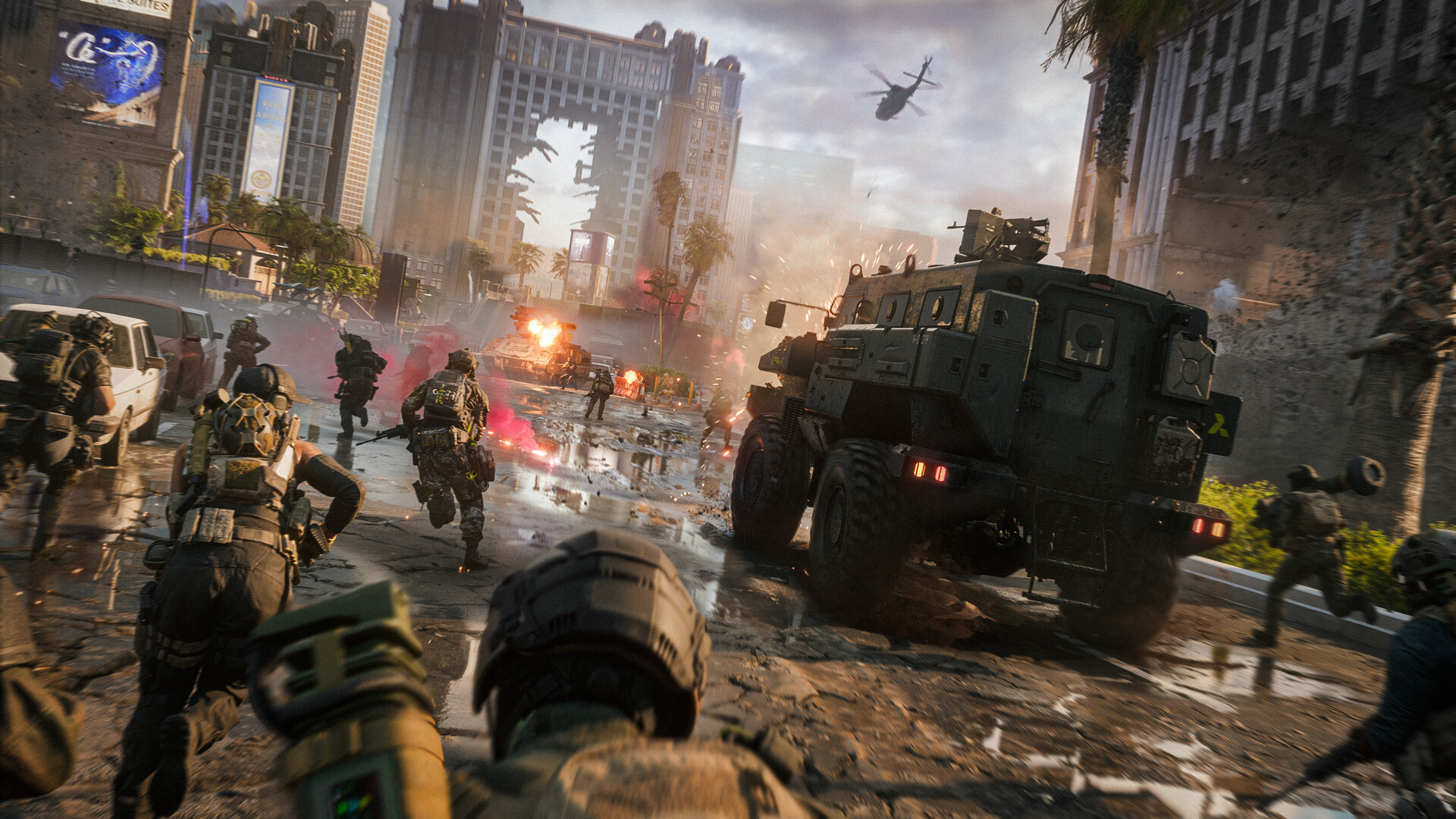
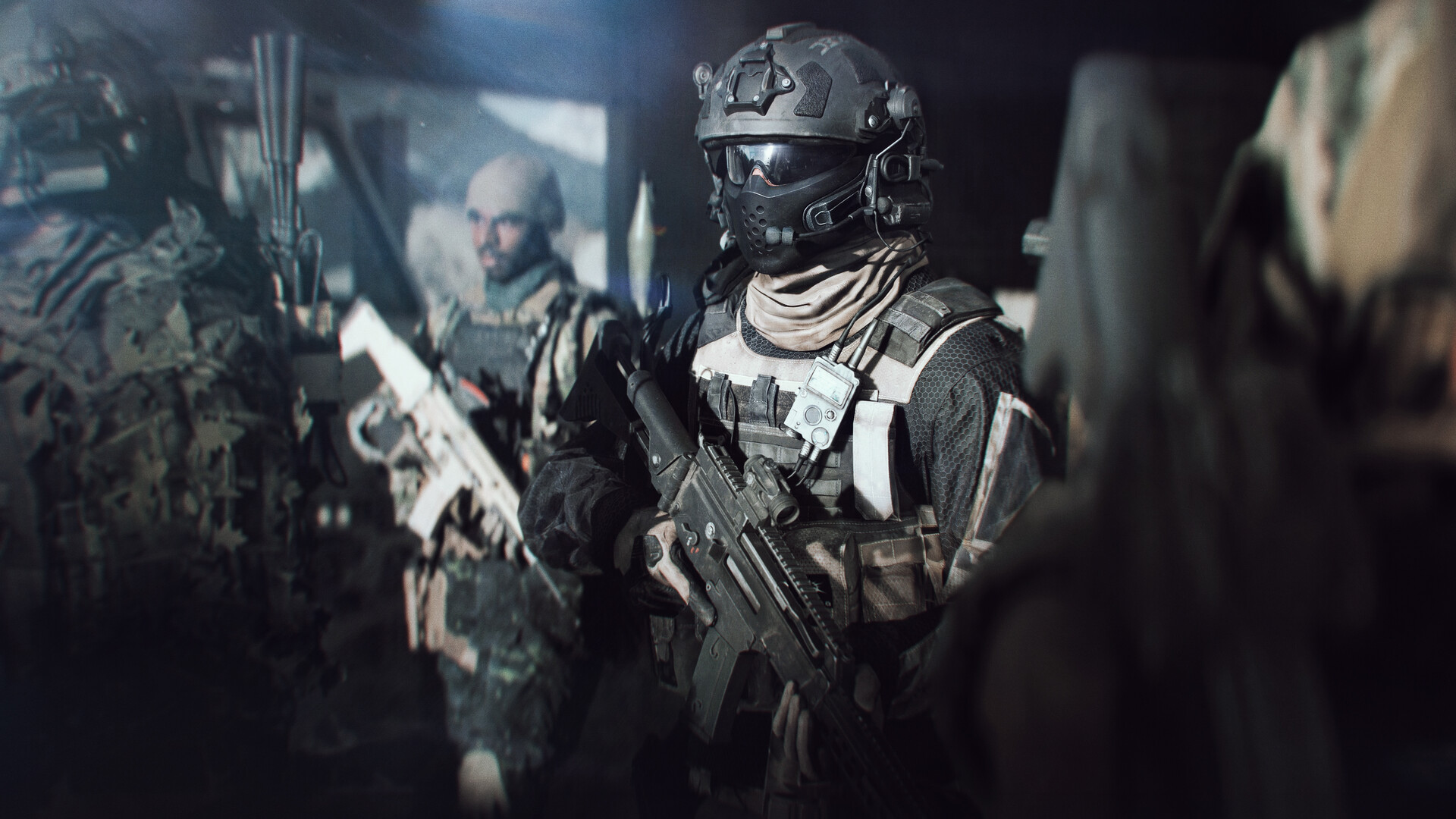
Battlefield™ 6 delivers an all‑out warfare experience that blends high‑intensity infantry combat, aerial dogfights, and massive vehicle battles. Players can destroy environments, control tanks, jets, and naval vessels, and coordinate with squads across iconic locations such as Cairo, Brooklyn, Gibraltar, and Japan. The game’s Kinesthetic Combat System ties movement and gunplay to instinctual actions, while the Battlefield Portal sandbox lets creators script NPCs, duplicate objects, and design custom UI for unique modes. Cross‑platform multiplayer, full controller support, and a range of accessibility options round out the experience.
01 / THE GUIDE
Kinesthetic Combat System
The Kinesthetic Combat System links every action and movement to the player’s physical input, making gunfire, crouch‑sprint, drag, and revive feel instinctual. This system is highlighted as a core way the game connects soldiers to their environment.
Audio‑visual cues are described as more reactive, informing players how close objects are to destruction, reinforcing the system’s focus on precise, tactile combat.
- Use crouch‑sprint to close distances quickly while maintaining cover.
- Pay attention to audio cues to gauge when structures are about to collapse.
02 / THE GUIDE
Battlefield Portal Sandbox
Battlefield Portal is a sandbox where creators can move, scale, and duplicate objects, script NPCs, and customize UI to craft unique game modes. It is presented as a way to push Battlefield’s limits.
The portal encourages players to design legendary experiences, offering unprecedented control over the environment and gameplay rules.
- Experiment with object duplication to create new cover opportunities.
- Use NPC scripting to add dynamic challenges to custom maps.
03 / THE GUIDE
Environmental Destruction
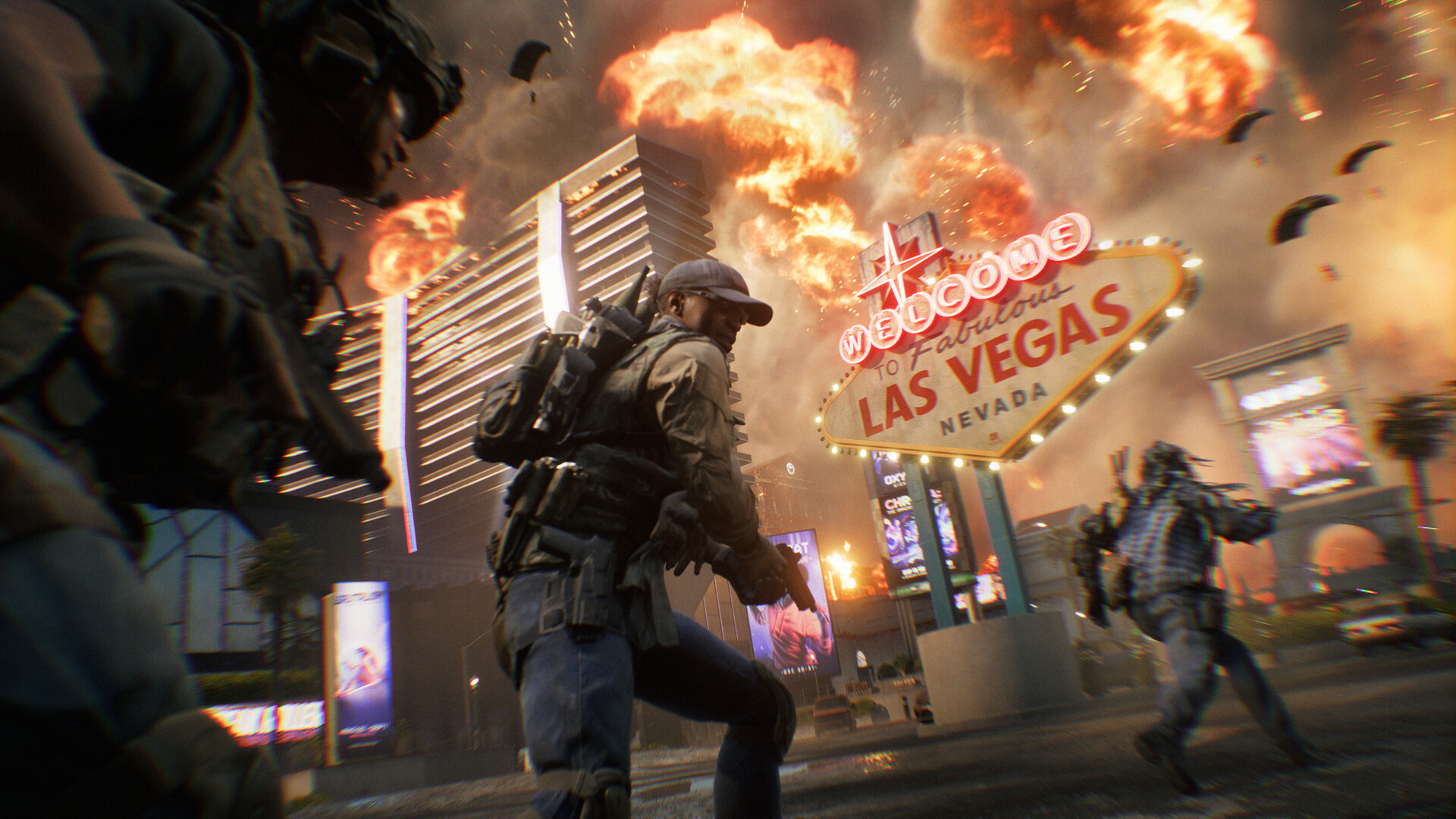
Destruction is a tactical weapon: vehicles can become wrecking balls, ceilings can bury squads, and surroundings can be demolished for advantage. Audio‑visual cues indicate proximity to collapse.
The game emphasizes that mastering the environment gives squads an edge in combat.
- Target structural weak points to create new pathways.
- Coordinate with teammates to use collapsing debris as cover.
04 / THE GUIDE
Multiplayer Modes and Maps
Players can fight on massive maps like Sahara, Gibraltar beaches, and New York, engaging in land, air, and sea battles. Modes include close‑quarters combat and large‑scale engagements.
Squad‑based, class‑based play is highlighted, with options to drive tanks, pilot jets, and operate naval vessels.
- Choose a class that complements your preferred vehicle type.
- Utilize the map’s verticality for aerial advantage.
05 / THE GUIDE
Accessibility and Platform Features
The game supports full controller use, DualShock and DualSense compatibility, keyboard‑only mode, and a suite of audio‑visual options such as subtitles, HDR, and custom volume controls.
Additional features include speech‑to‑text chat, text‑to‑speech chat, and adjustable difficulty, ensuring a flexible experience across Windows platforms.
- Enable subtitle options for clearer communication in noisy environments.
- Adjust difficulty settings to match personal skill level.
COMMUNITY
Player discussion