 GameWiki
GET YOUR BEARINGS
About BatteryNote
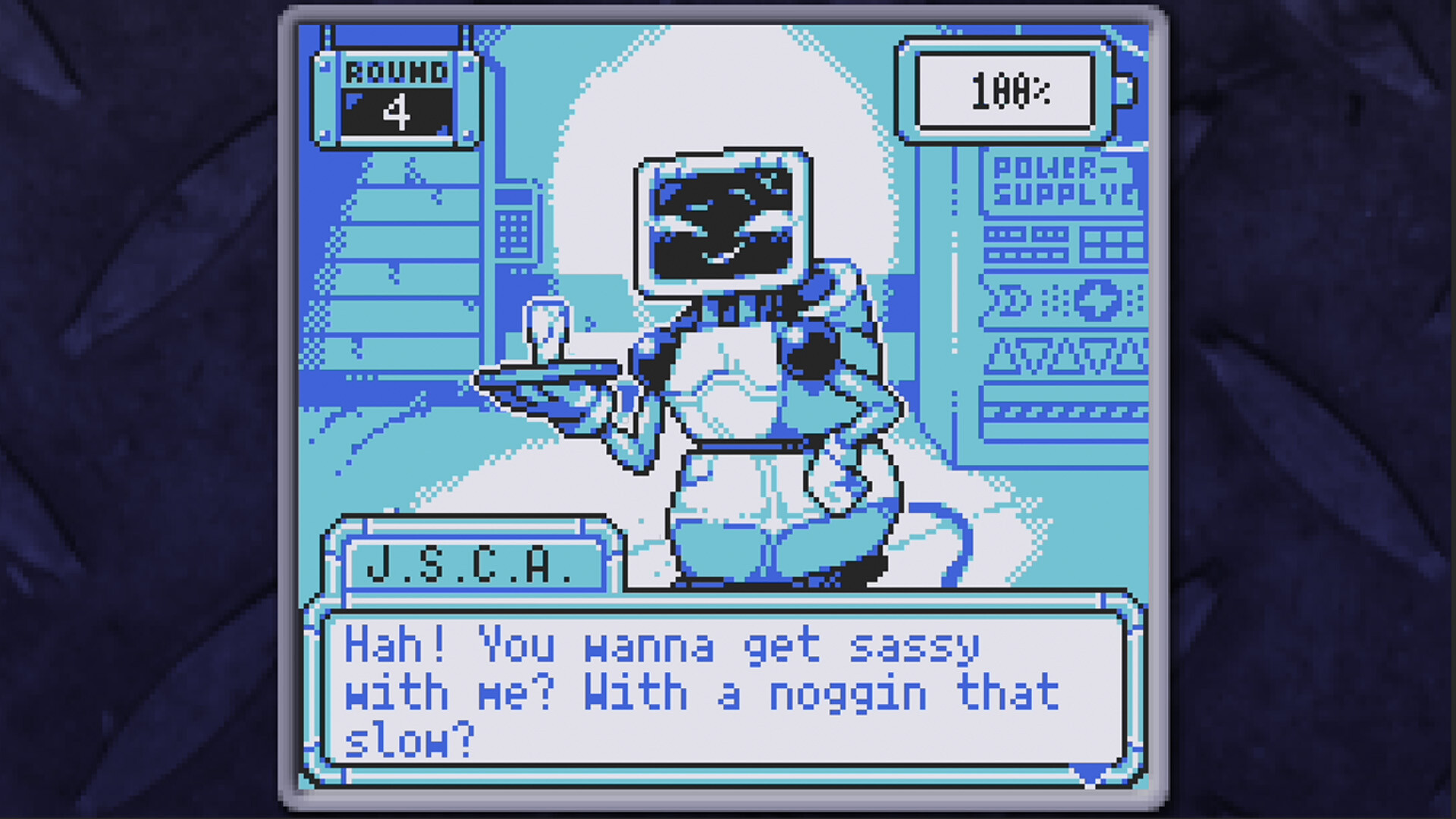
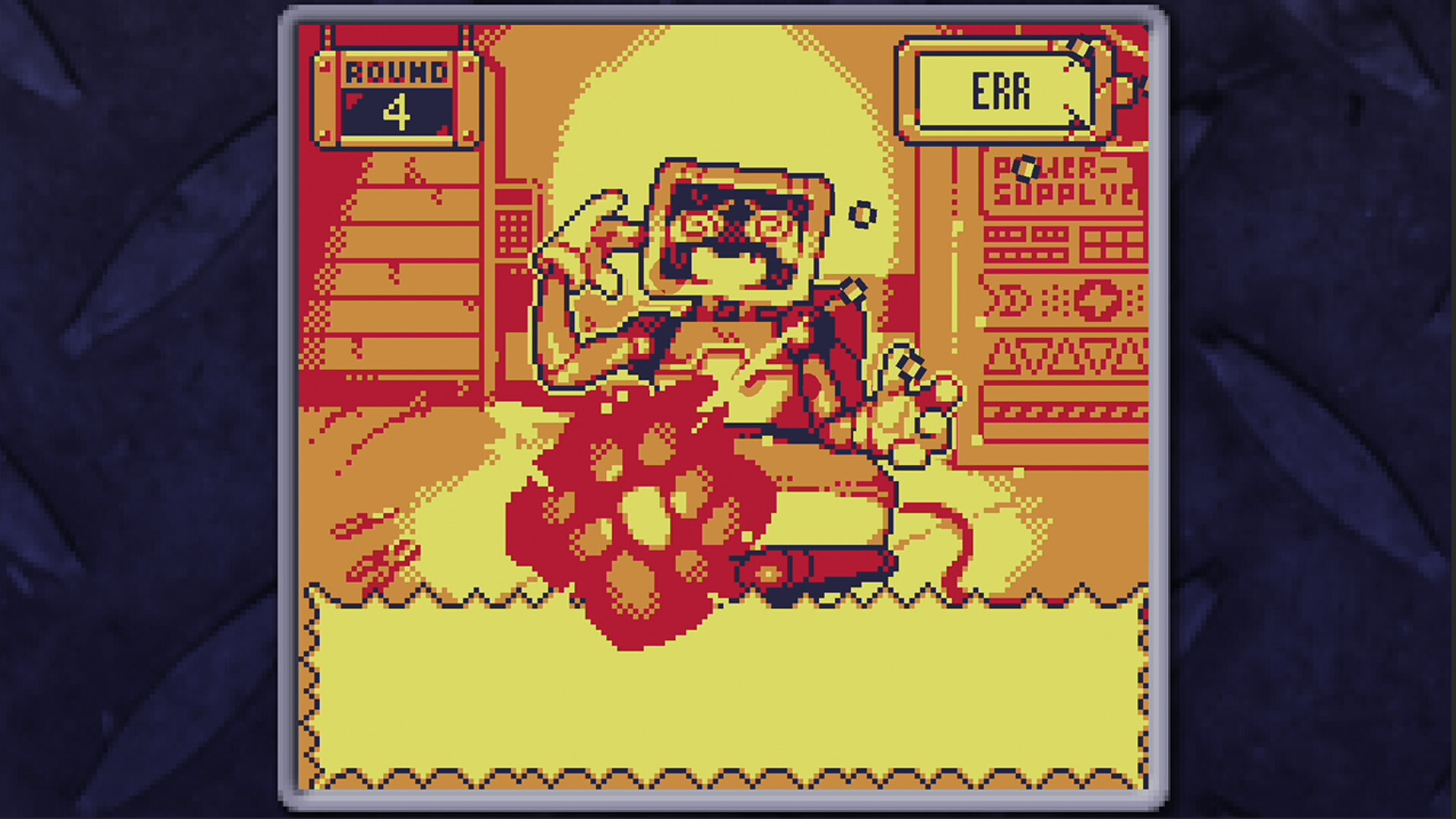
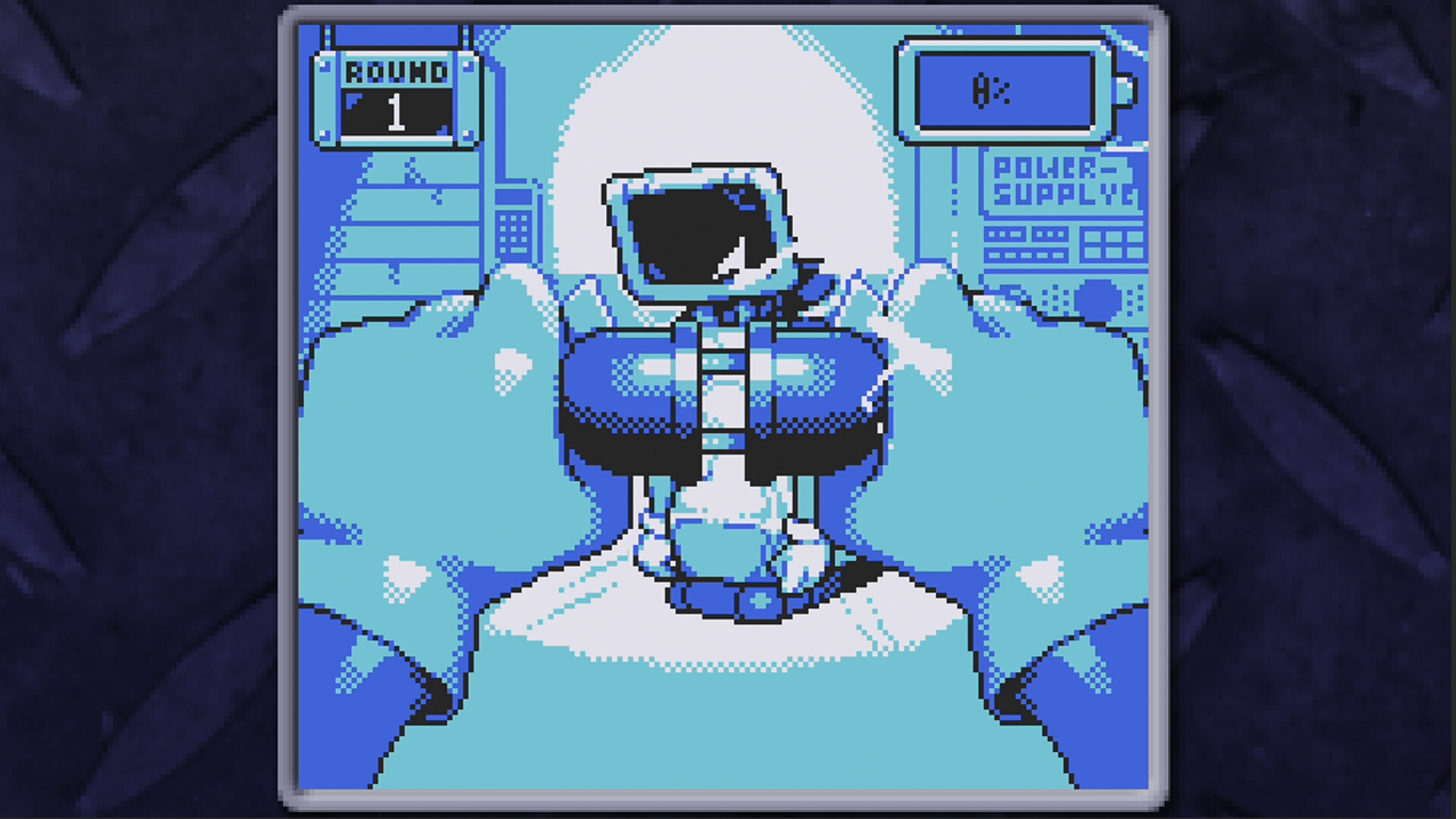
BatteryNote is a single‑player adventure where you, a mechanic, revive three distinct robots in a dim garage. After charging each unit you can converse through dialogue or apply high voltage, observing how the robots react.
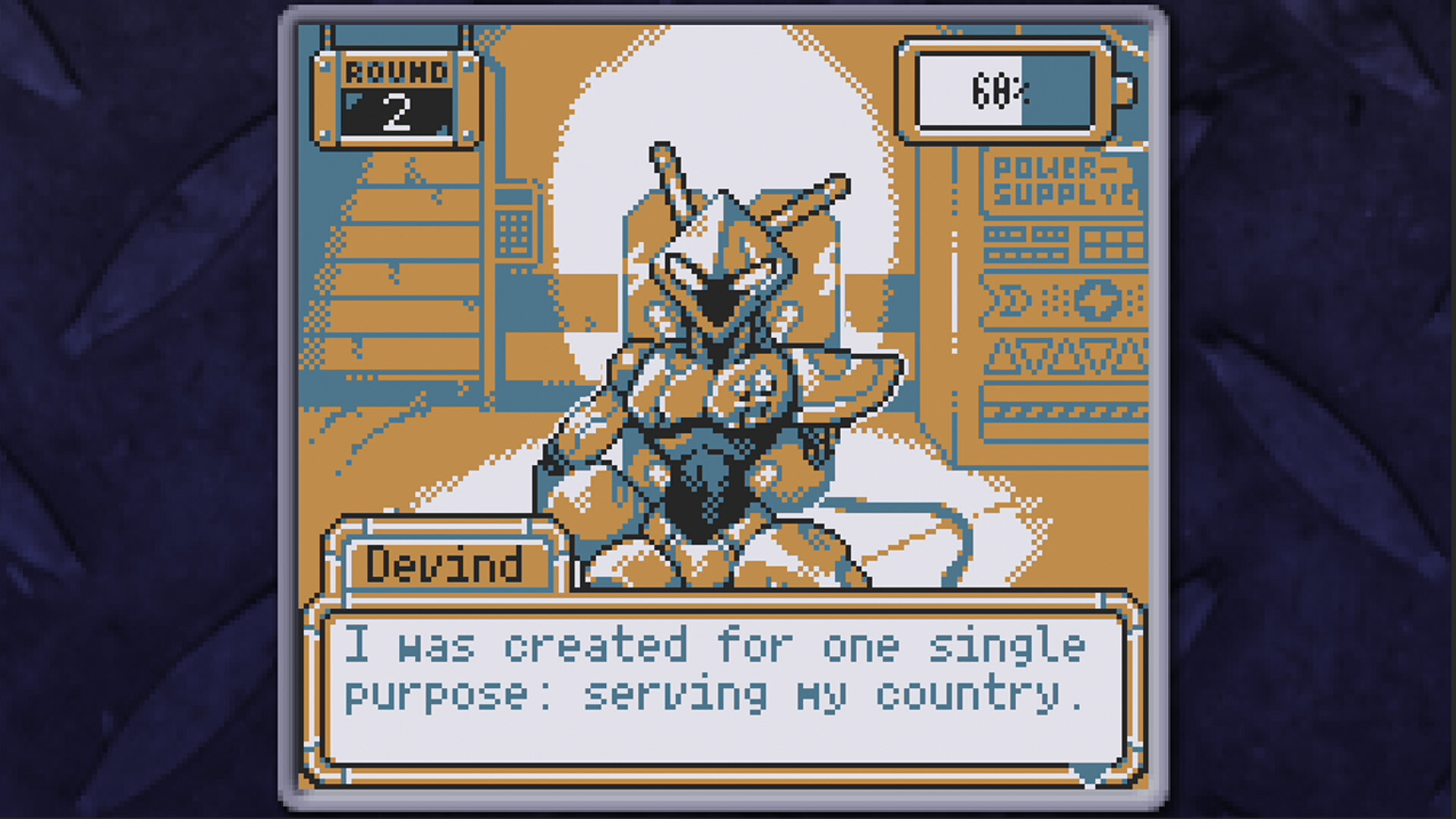
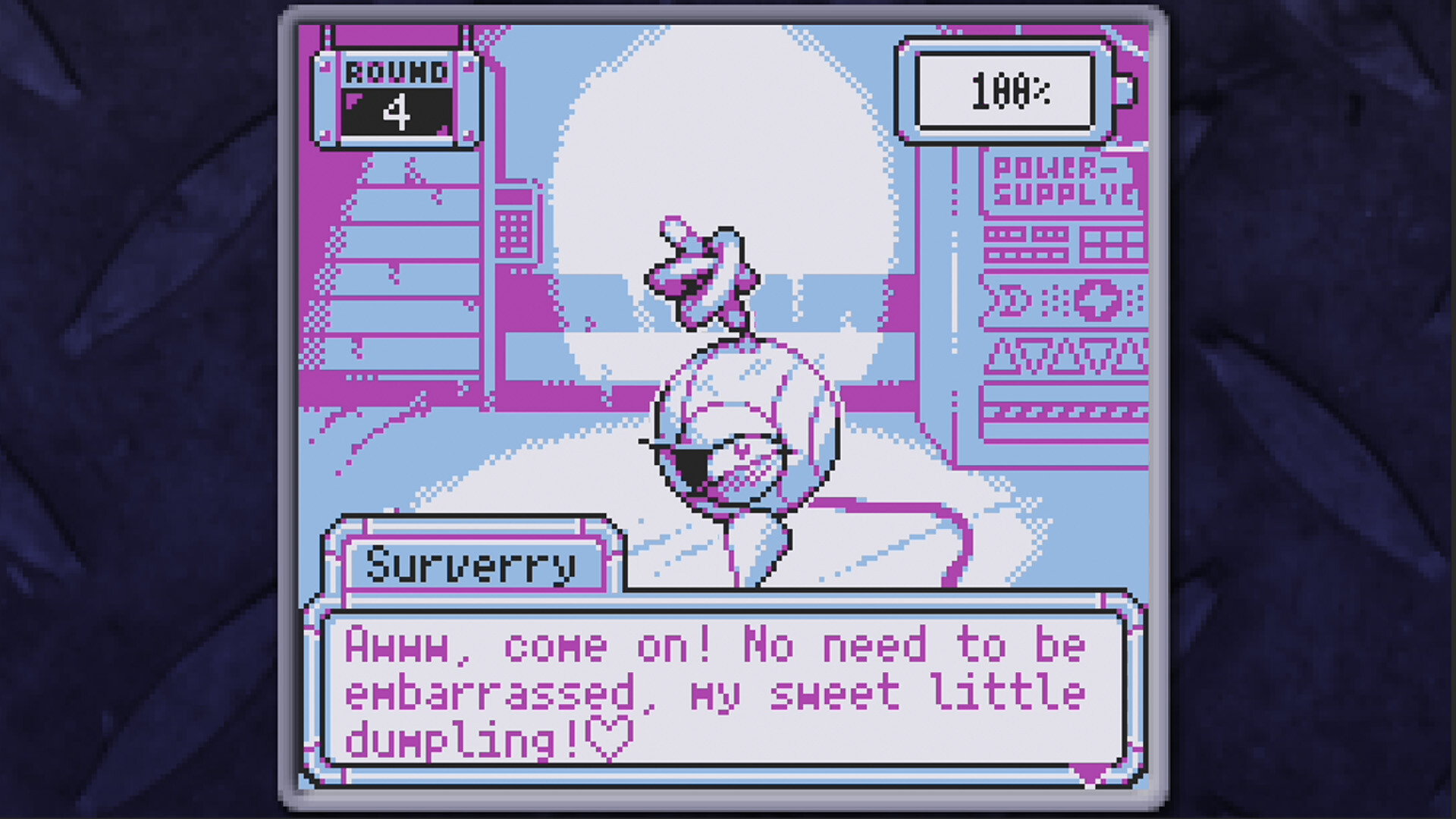
The three robots—J.S.C.A the diner waitress, Surverry the office security unit, and Devind R7 the combat model—offer various conversations. Your treatment of each robot subtly shifts their reactions and gradually alters the game’s ending.
01 / THE GUIDE
Robot Characters
The game presents three robot personalities: J.S.C.A, described as a robot waitress at a diner; Surverry, a security robot for monitoring offices; and Devind R7, a combat robot that appears to have been developed for military use. Each character has its own dialogue that becomes accessible after you revive them.
Their reactions evolve based on how you interact with them, and these changes accumulate over multiple sessions, influencing the ending in small increments.
- Listen for tone shifts after repeated high‑voltage use.
- Compare the dialogue themes of the waitress and combat robots for narrative contrast.
02 / THE GUIDE
Gameplay Mechanics
You select one robot, charge it, and then choose to converse or apply high voltage. The game does not enforce a timed input, allowing you to explore each interaction at your own pace.
You may repeat interactions with the same robot multiple times; each encounter can shift the robot’s reactions and gradually affect the overall ending.
- Try both conversation and high‑voltage options to see distinct reaction paths.
- Observe how the ending shifts after each session with a robot.
03 / THE GUIDE
Visual and Audio Style
BatteryNote uses nostalgic 4‑color pixel art reminiscent of 1990s portable consoles, giving the game a retro visual identity. This limited palette emphasizes silhouettes and simple animation.
Stereo sound accompanies the visuals, reinforcing the garage atmosphere and providing audio cues that match robot activity.
- Notice how the limited color palette highlights character outlines.
- Listen for subtle stereo cues that indicate robot actions.
04 / THE GUIDE
Accessibility Options
The title offers several input methods: Keyboard Only, Mouse Only, Touch Only, and Partial Controller Support, letting players choose the scheme that best fits their hardware.
Adjustable Text Size is also provided, allowing you to increase or decrease dialogue size for comfortable reading.
- Experiment with Touch Only mode if you prefer direct screen interaction.
- Increase text size for clearer dialogue during longer sessions.
05 / THE GUIDE
Achievements and Sharing
BatteryNote includes Steam Achievements that track progress such as unlocking various endings. These achievements give players concrete milestones without requiring complex controls.
Family Sharing is supported, allowing multiple accounts to access the game from the same library, which can be useful for friends who want to explore different robot paths.
- Check the achievement list to set personal goals for each robot.
- Use Family Sharing to let a friend experience a different robot route.
COMMUNITY
Player discussion