 GameWiki
GET YOUR BEARINGS
About Bakahazard 1+2
Bakahazard 1+2 is a traditional turn‑based RPG that follows ordinary high‑school students from Breakfast High School as they battle a virus‑turned monster city called Gongtong. The story mixes absurd humor with settings ranging from school grounds to otherworldly hyperspace.
The game offers two separate titles—Bakahazard and Bakahazard 2—selectable via Steam launch options. Players can enjoy classic RPG combat, explore varied locations, and experience quirky encounters such as fighting a toilet or a floodgate, all within a single‑player experience.
01 / THE GUIDE
Old‑School Turn‑Based RPG
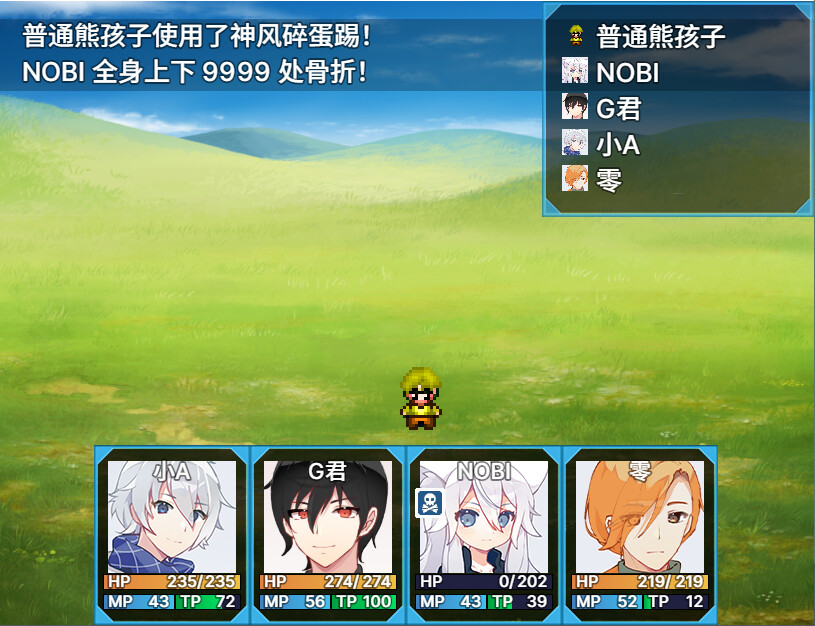
Combat follows a traditional turn‑based system, letting players issue commands for each character before enemies act. This style emphasizes planning and character skill usage without real‑time pressure.
The design aims to capture the “unique joy that belongs to old‑fashioned games,” offering a straightforward experience that focuses on strategy rather than fast reflexes.
- Observe enemy patterns before committing to a full attack sequence.
- Consider saving frequently to experiment with different skill combos.
02 / THE GUIDE
Varied Locations
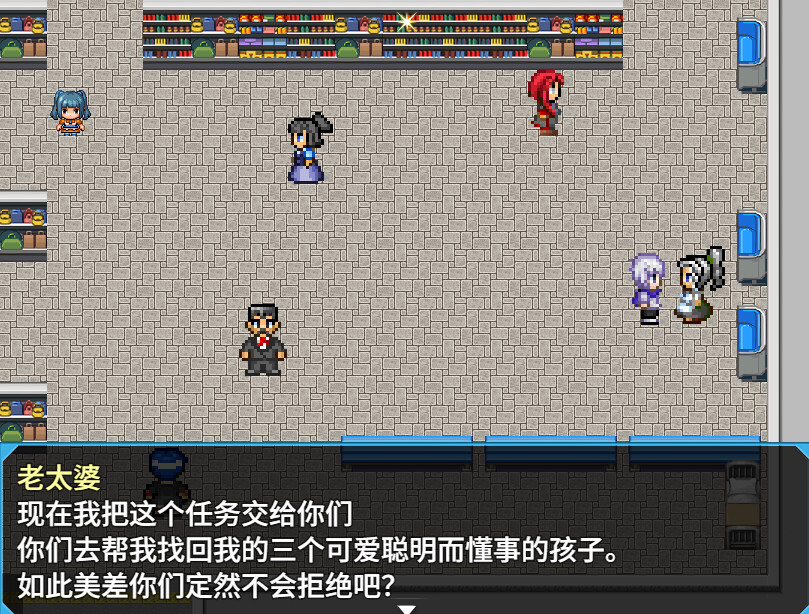
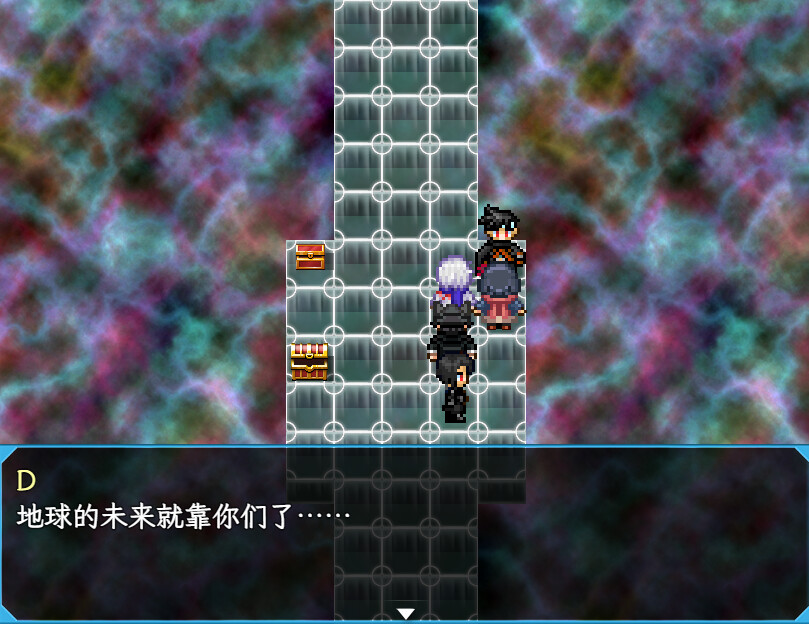
Players explore a wide range of areas, from the familiar high‑school campus to the surreal hyperspace. Each locale presents its own visual style and enemy types, adding diversity to the journey.
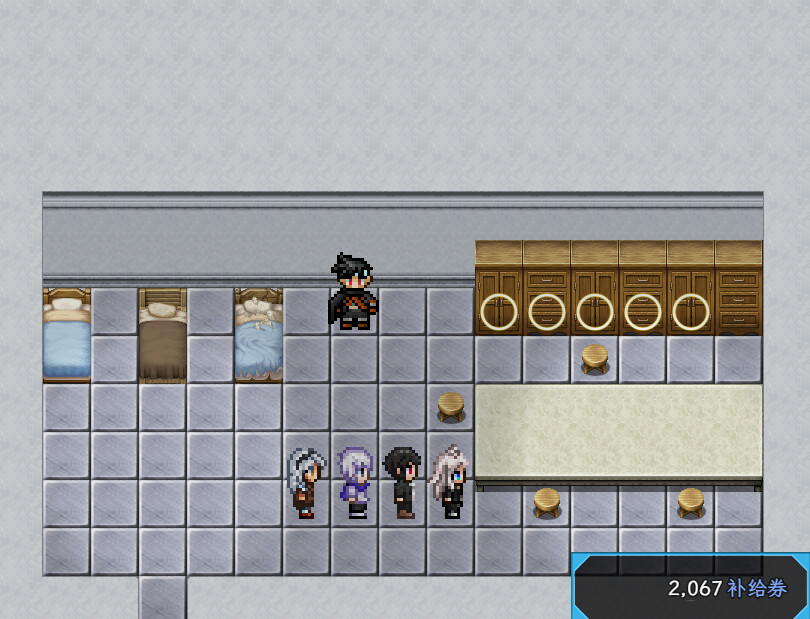
Key settings also include infected city streets and corporate employee dormitories, providing a mix of everyday and fantastical environments for the party to traverse.
- Take note of environmental cues that hint at upcoming enemy types.
- Compare how combat feels in mundane versus otherworldly settings.
03 / THE GUIDE
Quirky Battles
The game includes unconventional opponents such as a toilet and a floodgate, reinforcing its absurd humor. These battles retain the same turn‑based mechanics despite the odd adversaries.
Facing such oddities highlights the game’s willingness to blend comedy with classic RPG combat, making each encounter memorable beyond standard monster fights.
- Treat each odd enemy as a regular combat scenario; focus on skill synergy.
- Use these fights to gauge how the game balances humor with difficulty.
04 / THE GUIDE
Input Options
Bakahazard 1+2 supports multiple input methods, including Keyboard Only, Mouse Only, Touch Only, and Partial Controller Support. Players can choose the method that best fits their play style.
These options are listed as distinct features, meaning the game can be operated without requiring a specific device, allowing flexibility for different hardware setups.
- Experiment with Touch Only if you prefer a more direct interface.
- Switch between Keyboard and Mouse to find the most comfortable control scheme.
05 / THE GUIDE
Steam Features
The title integrates several Steam‑related features: Achievements, Custom Volume Controls, Adjustable Difficulty, Save Anytime, Stereo Sound, Steam Cloud, and Family Sharing. These enhance the single‑player experience without altering core gameplay.
Steam Cloud is listed among the game's Steam features, and Family Sharing is also included in the official feature list.
- Enable Adjustable Difficulty to match your preferred challenge level.
- Use Steam Cloud to safeguard your save files across reinstallations.
COMMUNITY
Player discussion