 GameWiki
GET YOUR BEARINGS
About Backyard Soccer '98
Backyard Soccer ’98 brings the beloved 1990s backyard sports vibe to modern PCs. Players coach a team of iconic kid athletes, guiding them through pick‑up matches, league seasons, and the ultimate Astonishingly Shiny Cup of All Cups tournament.
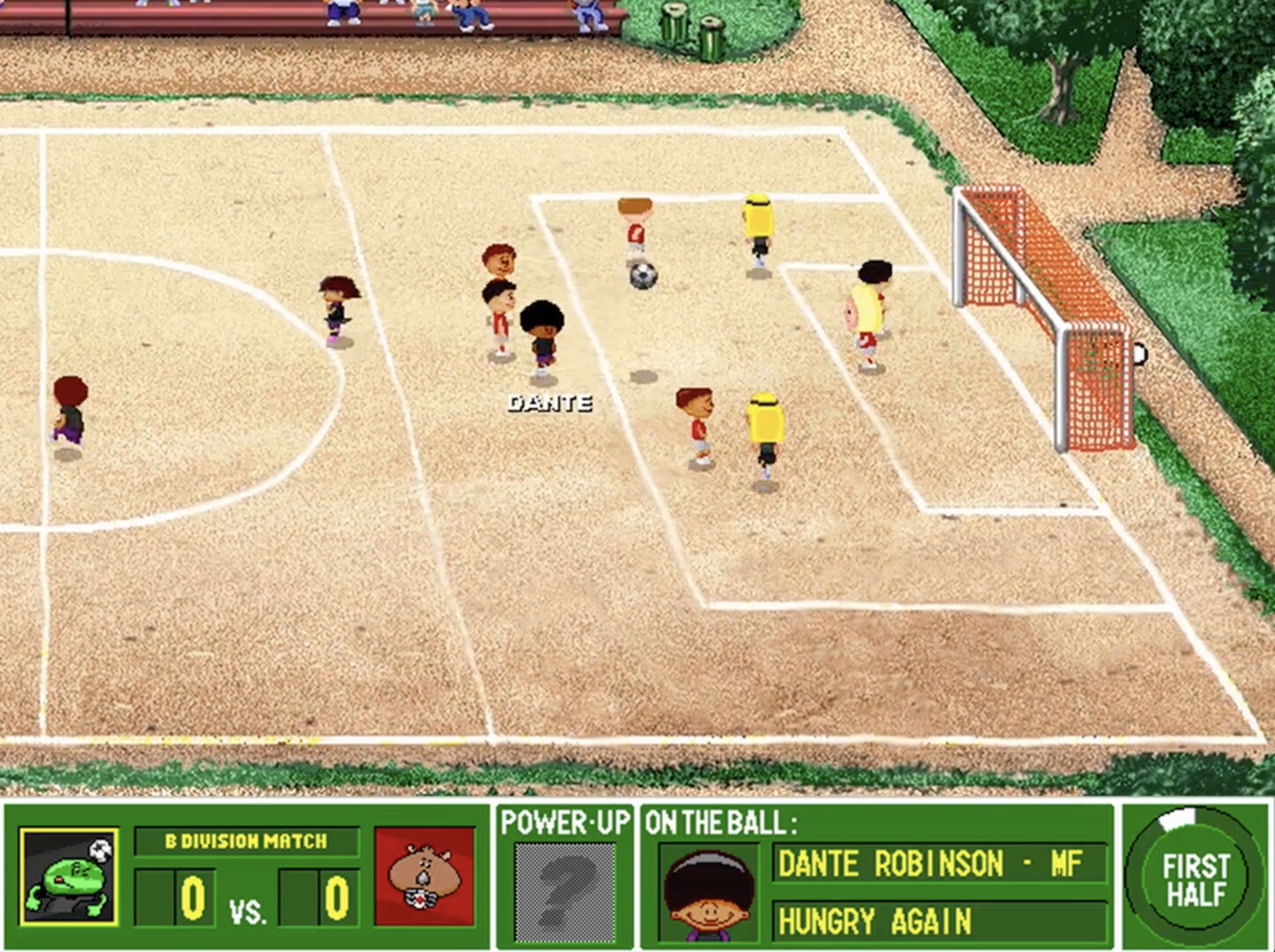
The game features point‑and‑click controls for passing, defending and scoring, lively commentary from Sunny Day and Earl Grey, and a variety of fields, power‑ups and tie‑breaking shoot‑outs. Single‑player modes include Pick‑up Game, Friendly Match, Spectator, Penalty Kicks and League Play, all supported by Steam achievements and Family Sharing.
01 / THE GUIDE
Game Modes
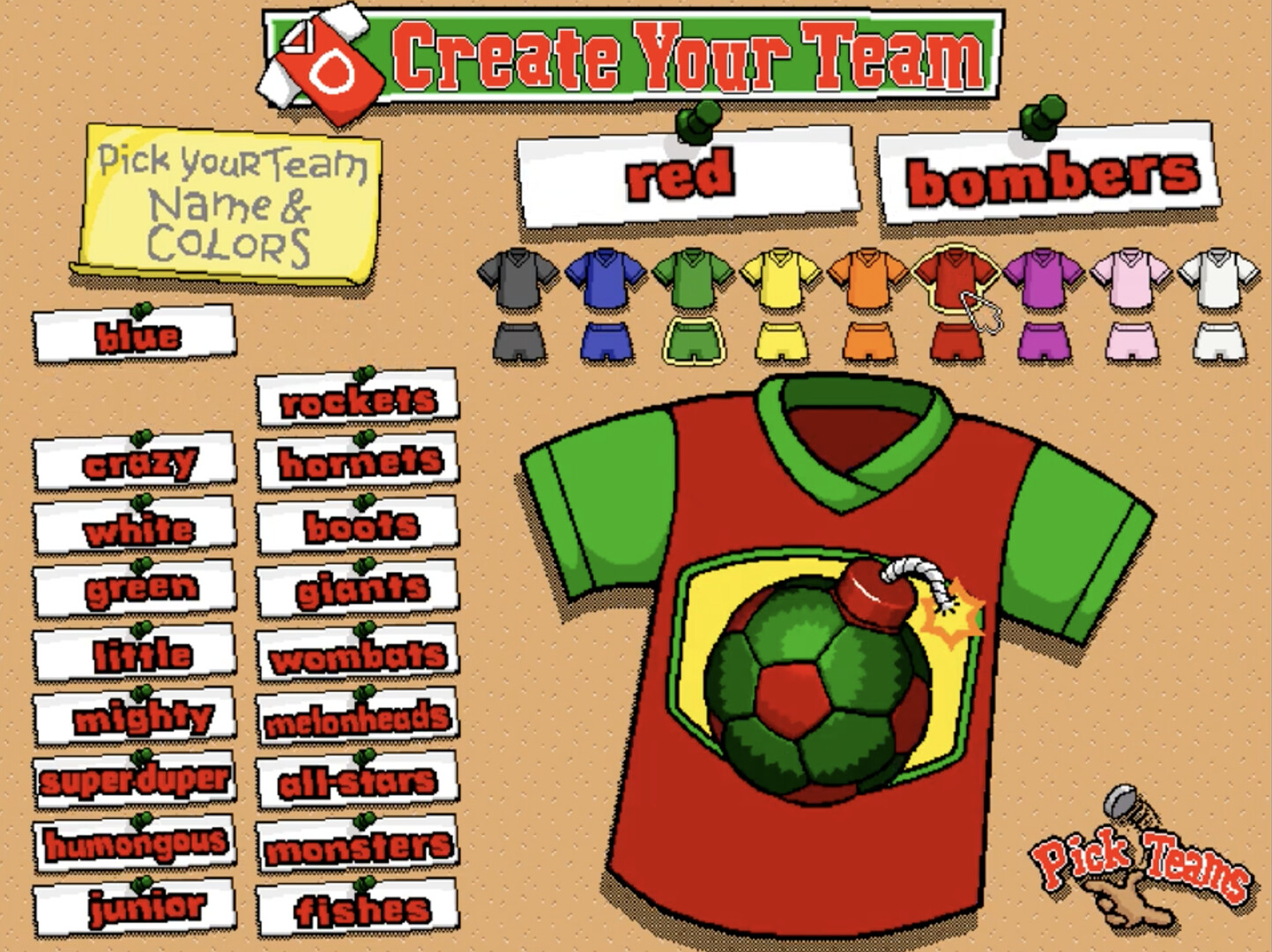
Backyard Soccer ’98 offers several single‑player experiences. Pick‑up Game starts instantly with random teams, while Friendly Match lets you build a roster for a single showdown. Spectator mode lets you watch two computer‑controlled teams play. League Play lets you create a team name, colors and select eight kids, competing through divisions. Success can earn an invite to the Off‑The‑Wall Indoor Invitational and eventually the Astonishingly Shiny Cup of All Cups.
- Try Spectator mode to learn opponent strategies before building your own roster.
- Focus on reaching the top four by mid‑season to unlock the indoor invitational.
02 / THE GUIDE
Player Roster
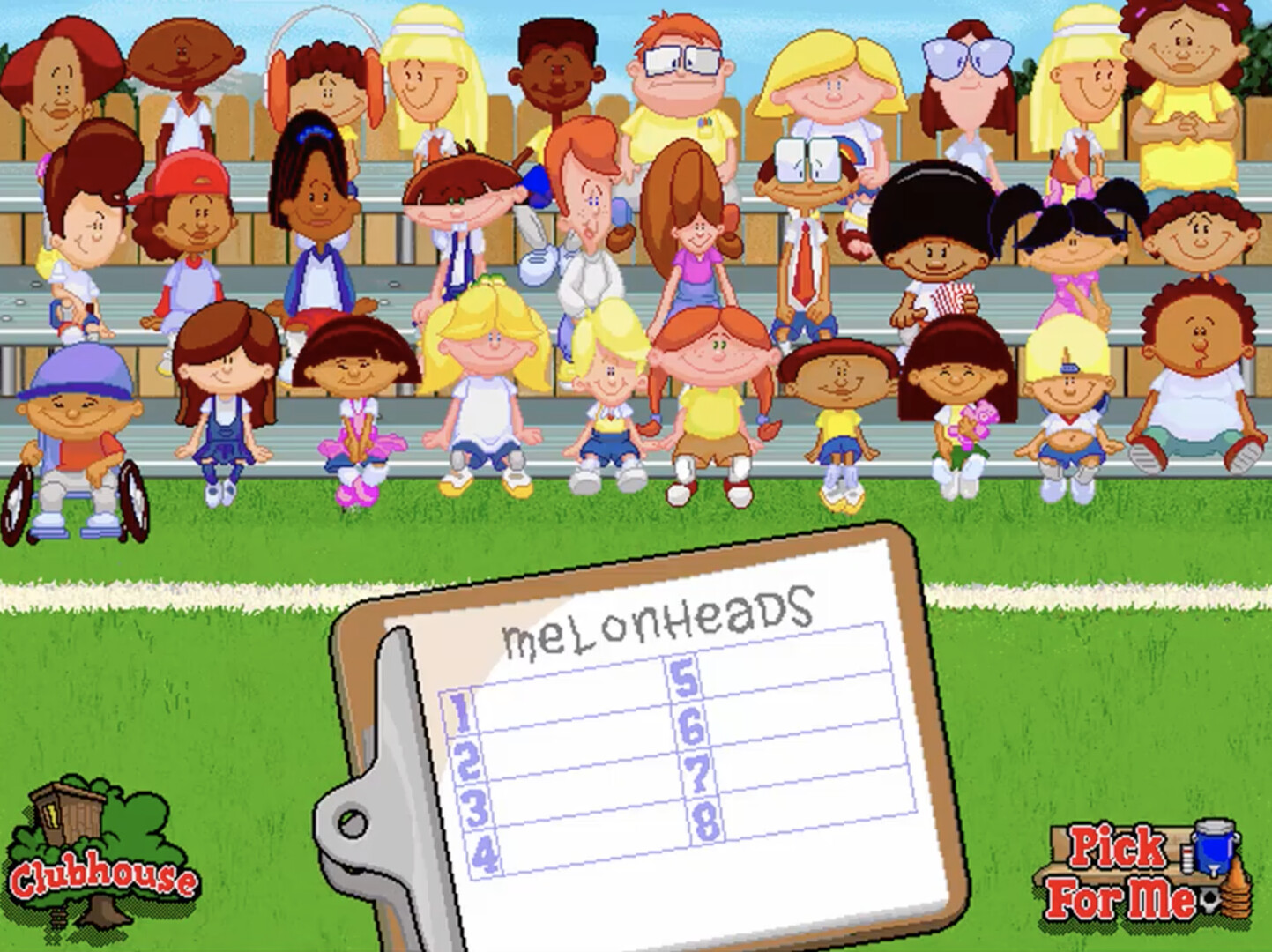
You can choose from 30 iconic kid athletes, including series legend Pablo Sanchez. In League Play you select eight kids to form your squad, customizing team colors and name. Your roster’s performance determines division placement; finishing in the top two moves you to a stronger division, while top‑four mid‑season grants special tournament invites.
- Mix players with varied strengths to handle different field challenges.
- Keep an eye on division standings to plan roster upgrades before promotion.
03 / THE GUIDE
Fields and Power‑Ups
The game includes 20 unique soccer fields, each providing a distinct visual backdrop for matches. Throughout play, comical power‑ups appear, adding unpredictable twists to the action. Tie‑breaking shoot‑outs decide close games, and the fields contribute to the playful, youthful atmosphere emphasized by the commentary.
- Watch for the comical power‑ups that appear during play to anticipate game flow.
- Practice shoot‑outs in practice mode to improve clutch performance.
04 / THE GUIDE
Penalty Kick Practice
Before diving into matches, you can face Mr. Clanky in a dedicated penalty kick session. This mode lets you practice both shooting and defending crucial spot‑kick situations. Mastering this skill is useful for shoot‑outs and tight game endings, providing a focused environment to refine accuracy and reaction time.
- Use the practice mode to experiment with different aiming techniques.
- Track your success rate to gauge improvement over time.
05 / THE GUIDE
Audio Commentary
Throughout matches, commentators Sunny Day and Earl Grey deliver lively, humorous commentary that enhances the backyard atmosphere. Their commentary adds personality to each game, reinforcing the light‑hearted tone of the title alongside the game’s hilarious bloopers.
- Listen to the commentary to enjoy how it complements the on-field action.
- Enjoy the blooper moments as a fun break between competitive play.
COMMUNITY
Player discussion