 GameWiki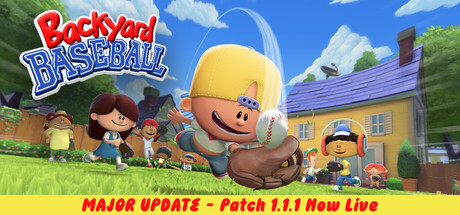
GET YOUR BEARINGS
About Backyard Baseball
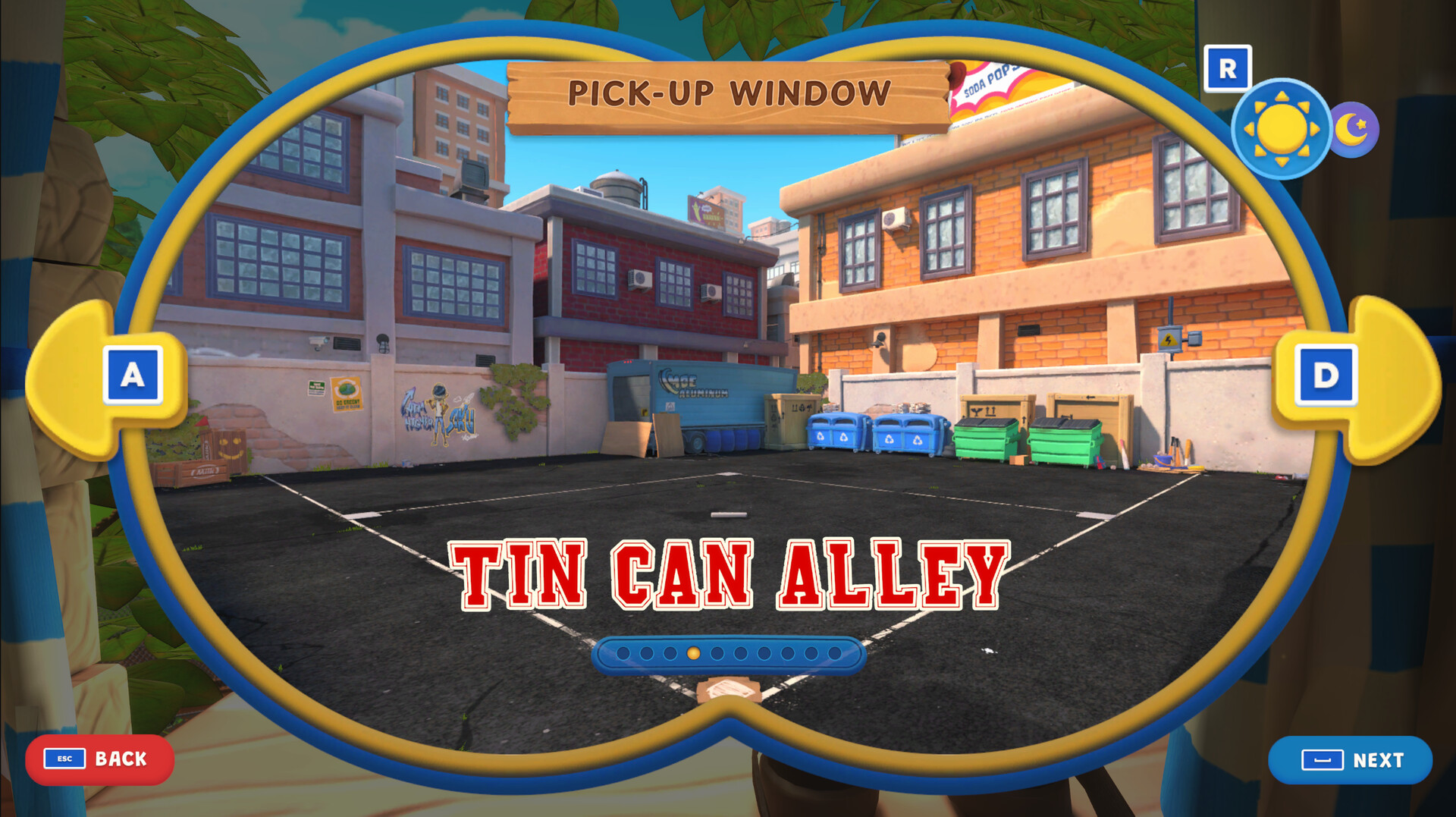
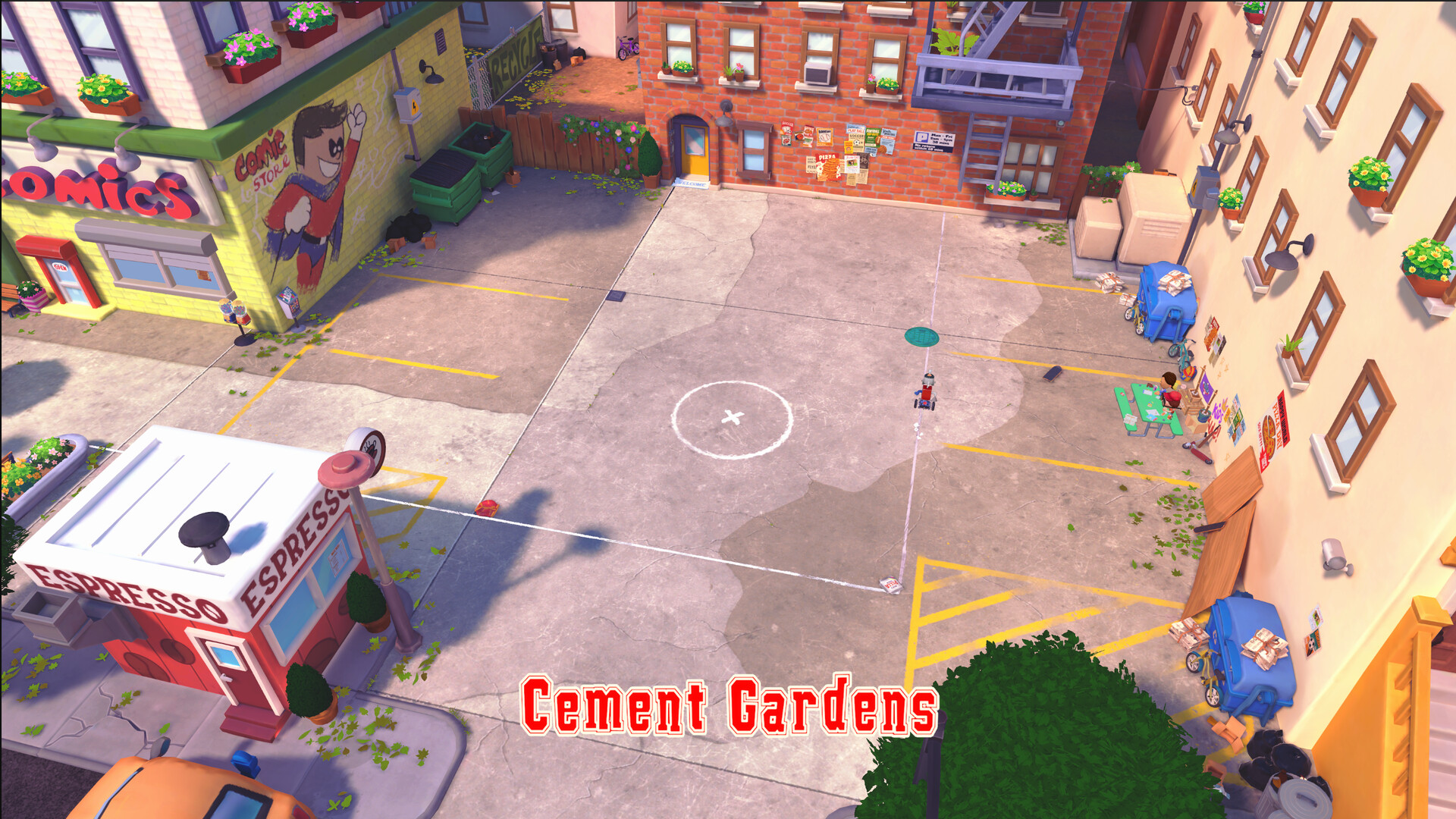
Backyard Baseball returns as a reimagined classic, offering modern gameplay while preserving its timeless charm. Players can explore 11 remastered stadiums, pick from 24 original teams, and enjoy six distinct game modes featuring 30 beloved backyard characters.
The title emphasizes earn‑only rewards—no microtransactions—alongside tutorials, adjustable difficulty, and accessibility options that welcome newcomers and seasoned players alike. Power‑ups add chaotic fun, and full controller, keyboard, and mouse support ensure flexible play on Windows and macOS.
01 / THE GUIDE
Game Modes
Backyard Baseball includes six unique modes, ranging from classic pick‑up games to a reimagined batting practice. Each mode offers a different pacing and objective, letting players choose the experience that fits their skill level.
New modes are described as “instant hits,” expanding the variety beyond traditional baseball play. All modes support both single‑player and multiplayer, including split‑screen PvP.
- Try the simpler T‑ball mode if you’re new to baseball mechanics.
- Experiment with each mode to discover which pacing best matches your play style.
02 / THE GUIDE
Teams & Roster
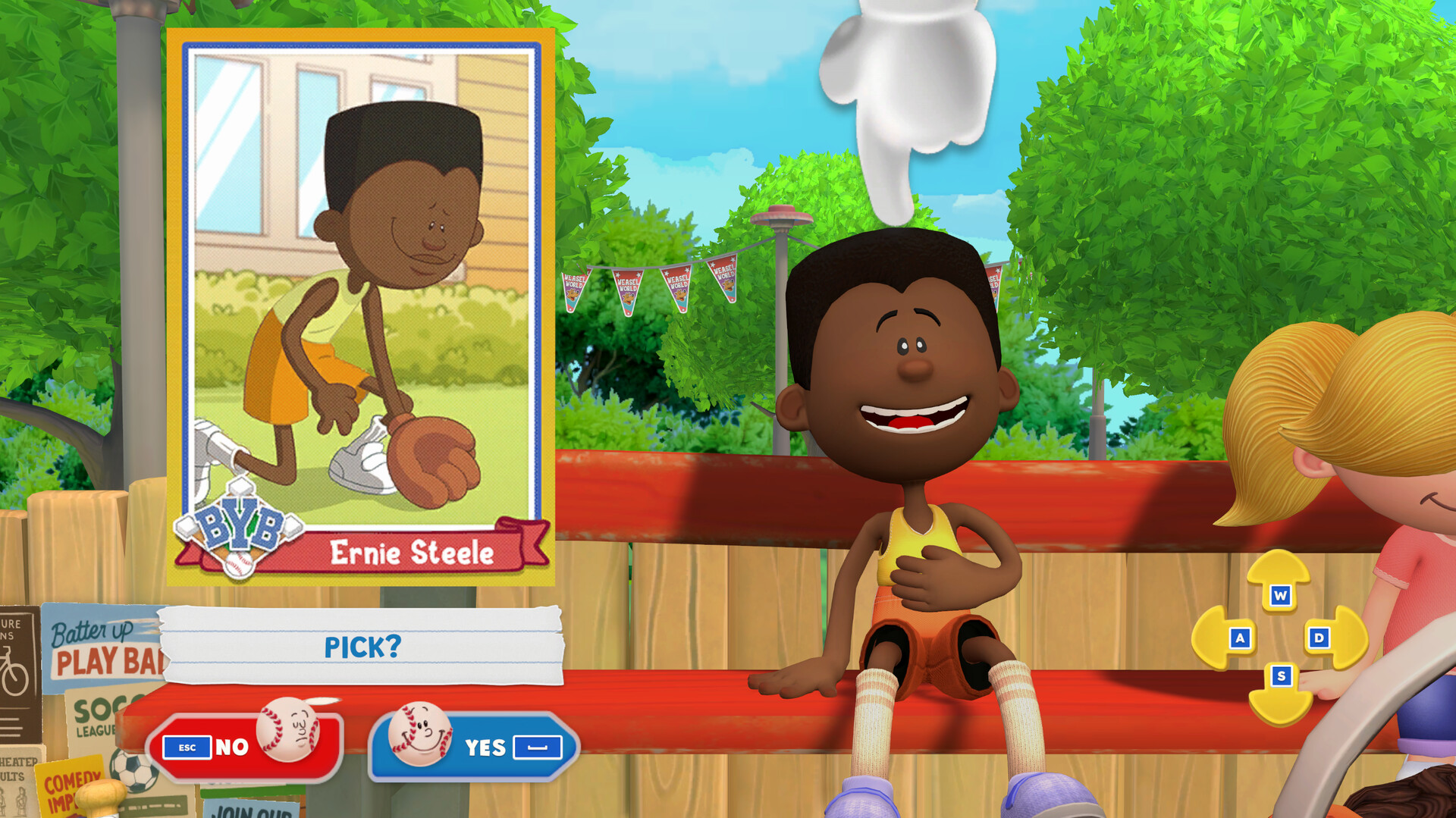
Players can select from 30 beloved backyard kids to build their roster, assigning positions and batting order as they see fit. The roster customization lets you tailor strategies for each game mode.
The description notes that you “choose wisely” when setting line‑ups, emphasizing the impact of player selection on gameplay.
- Balance your lineup with a mix of strong pitchers and hitters.
- Consider the strengths of each character when assigning defensive positions.

03 / THE GUIDE
Power‑Ups
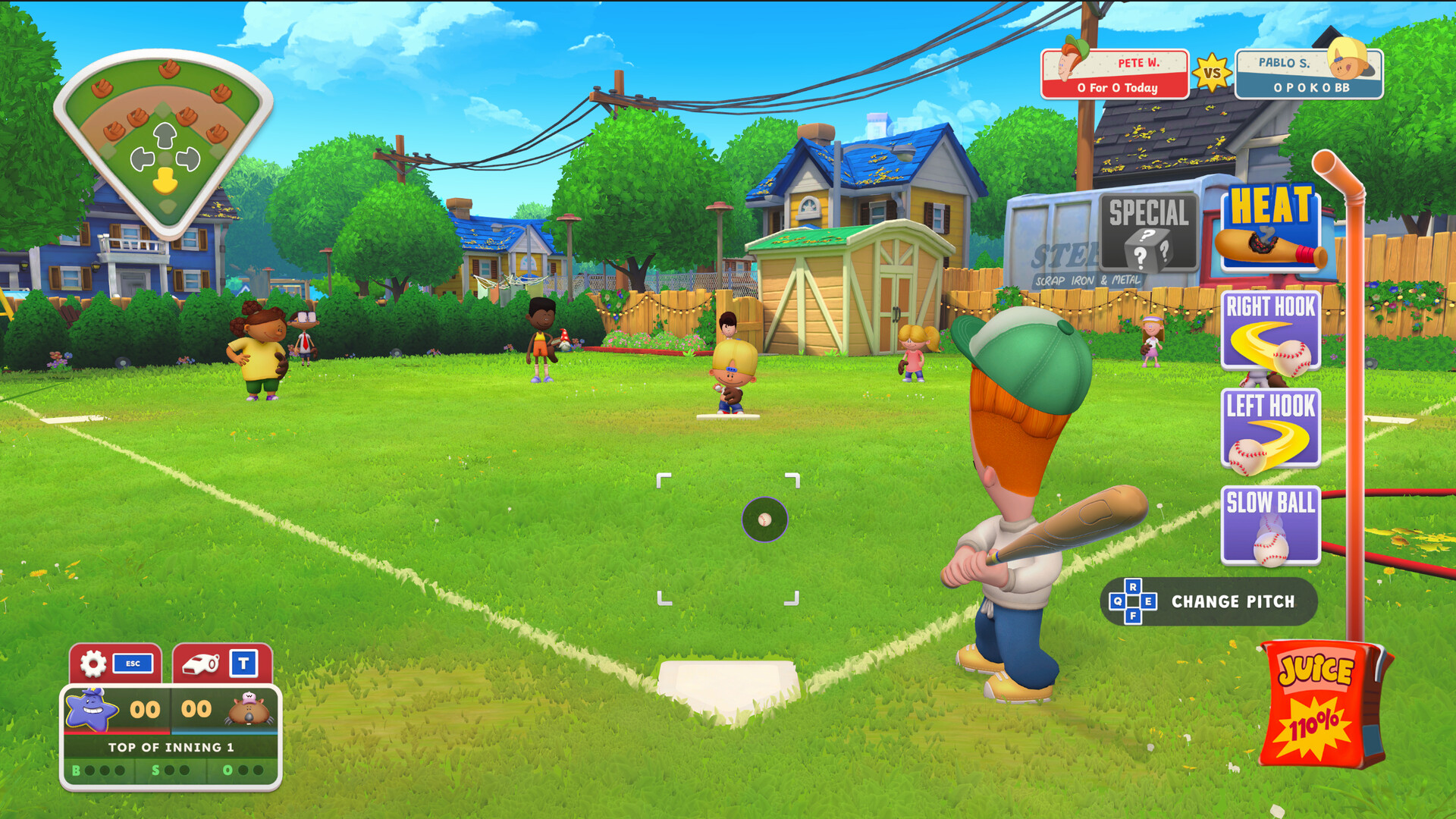
Power‑ups return in a crazier form, allowing pitchers to unleash fire balls, crazy balls, and freezeballs, while batters can use crazy bunts, undergrounders, and the legendary aluminum power bat to boost scoring.
These abilities add chaos and fun, creating unpredictable moments that can turn the tide of any match.
- Use fire balls sparingly to surprise opponents.
- Combine the aluminum power bat with aggressive batting for high‑run innings.
04 / THE GUIDE
Accessibility Features
The game includes tutorials, adjustable difficulty, and options such as adjustable text size, subtitle options, and custom volume controls, making it approachable for players of any age or ability.
Additional settings let you toggle errors, use a tee, and switch between keyboard, mouse, or full controller input.
- Enable larger text if you find on‑screen information hard to read.
- Turn off errors for a more relaxed, kid‑like experience.
05 / THE GUIDE
Platform & Save Features
Backyard Baseball is available on Windows and macOS, supporting Steam Cloud for saved progress and offering “Save Anytime” so you can pause and resume at will.
Family Sharing and split‑screen options let multiple users enjoy the game on the same device or account.
- Take advantage of Save Anytime to experiment with different line‑ups without penalty.
- Use Family Sharing to let friends try the game without purchasing a separate copy.
COMMUNITY
Player discussion