 GameWiki
GET YOUR BEARINGS
About Backyard Baseball '97
Backyard Baseball ’97 returns on Steam, preserving the nostalgic charm that made the original a hit in 1997. The game mixes simple, intuitive controls with realistic baseball statistics, letting players of all ages enjoy quick pick‑up matches, batting practice, or a full season campaign.
A roster of 30 child athletes, including the iconic Pablo Sanchez, is available along with several play modes and Steam‑specific features such as achievements, cloud saves, and a global leaderboard. It runs on Windows and offers partial controller support for flexible input.
01 / THE GUIDE
Game Modes
Backyard Baseball ’97 provides three core modes. Random Pick‑up instantly matches you against a computer‑chosen team, allowing immediate play without pre‑selection. This mode is designed for quick sessions and introduces the basic flow of a match.
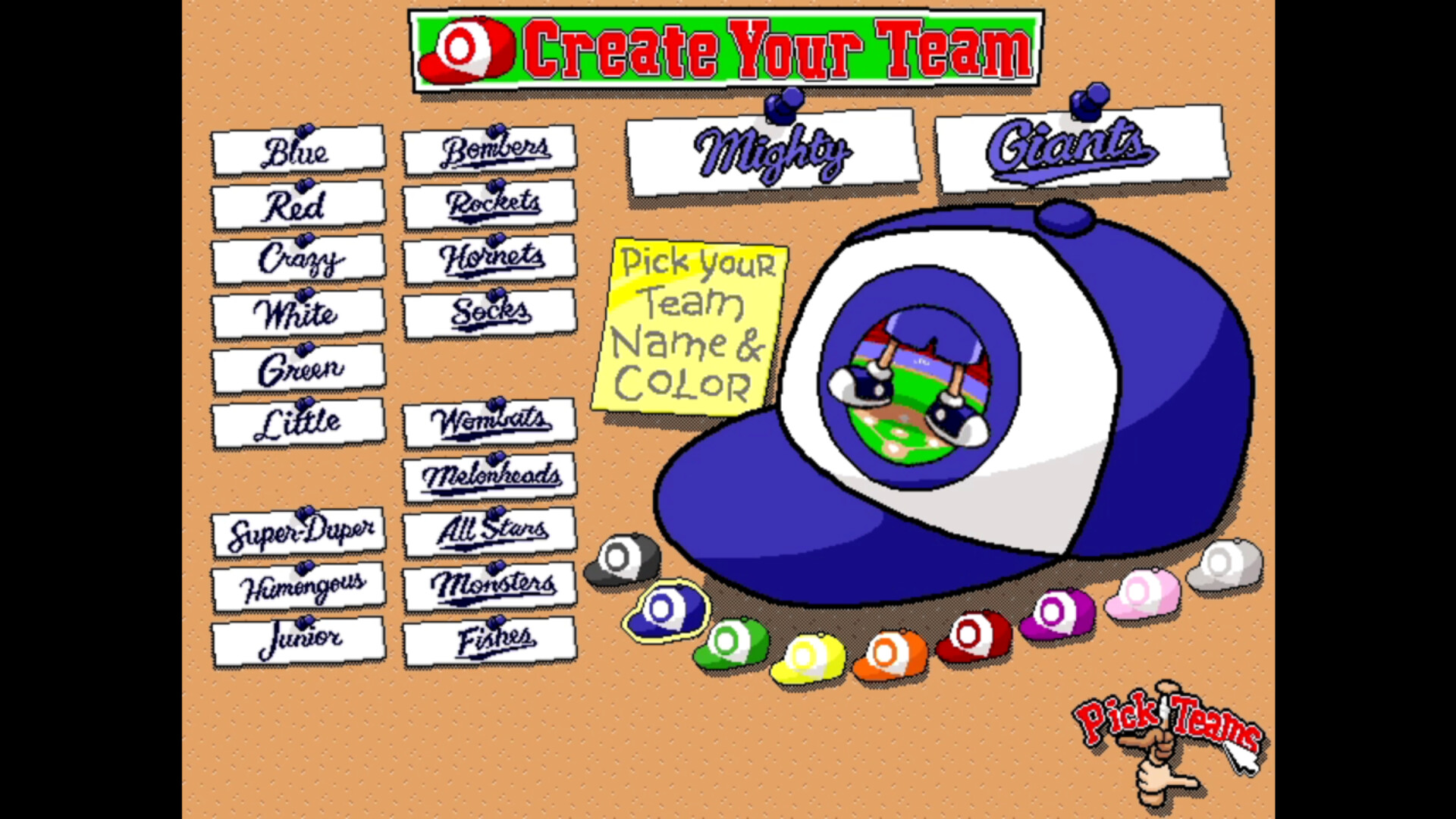
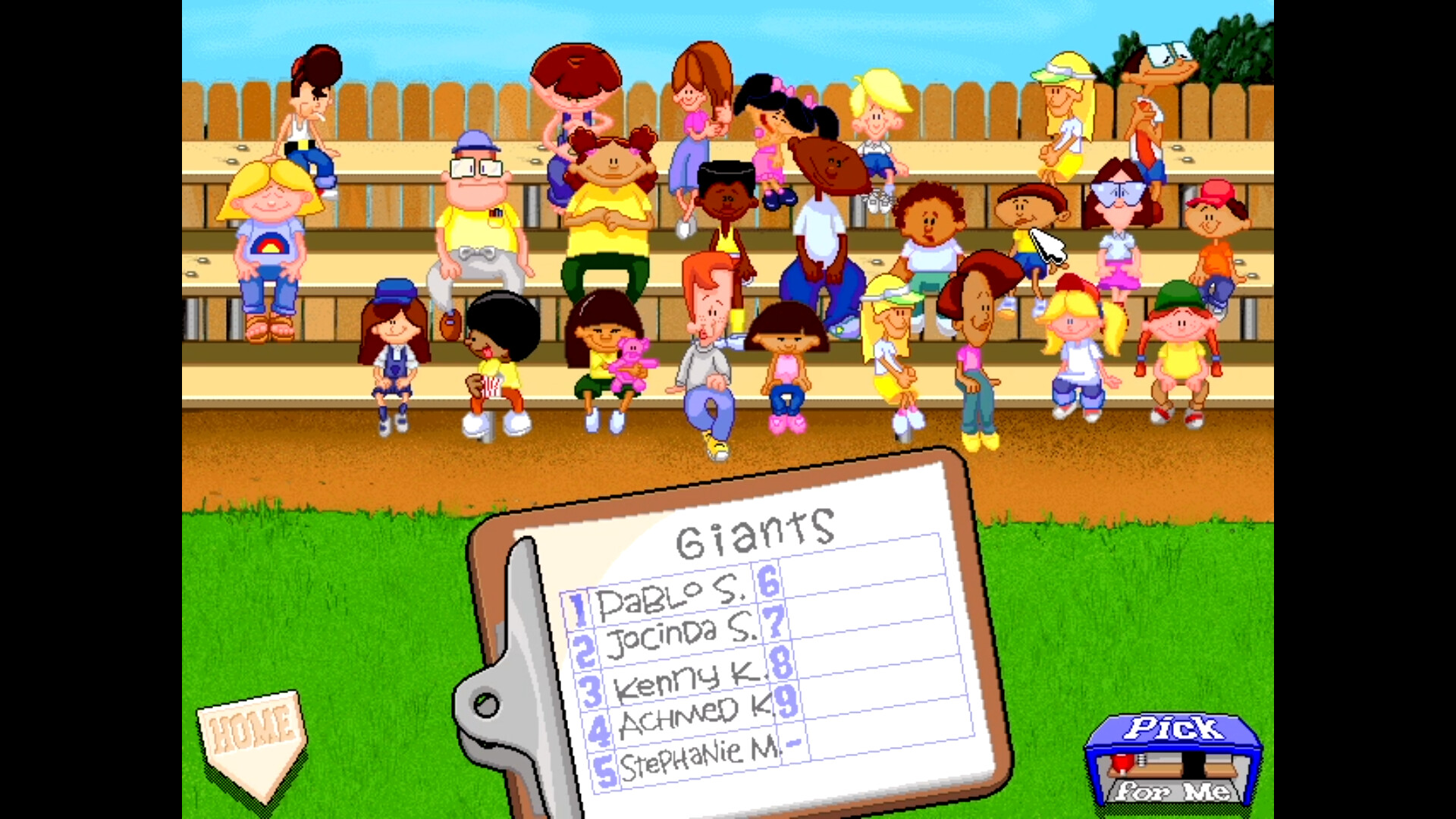
Single Game lets you and the computer each pick players from a random pool, while Season mode lets you build a team and guide it through a 14‑game series. The season concludes with playoffs and a championship series as described in the store text.
- Try Random Pick‑up first to become comfortable with the basic controls before tackling longer modes.
- Use Single Game to experiment with different player combinations without committing to a full season.
02 / THE GUIDE
Global Leaderboard
Steam’s Leaderboard system lets you compete with friends and players worldwide, providing a way to see how your performance stacks up against others across multiple metrics such as home runs and season wins.
The leaderboard updates in real time as you play, offering a persistent comparison point that reflects your current standing without requiring additional in‑game actions.
- Check the leaderboard after each session to gauge overall standing.
- Regular play will show gradual movement on the rankings, helping you track improvement.
03 / THE GUIDE
Backyard Baseball Rules
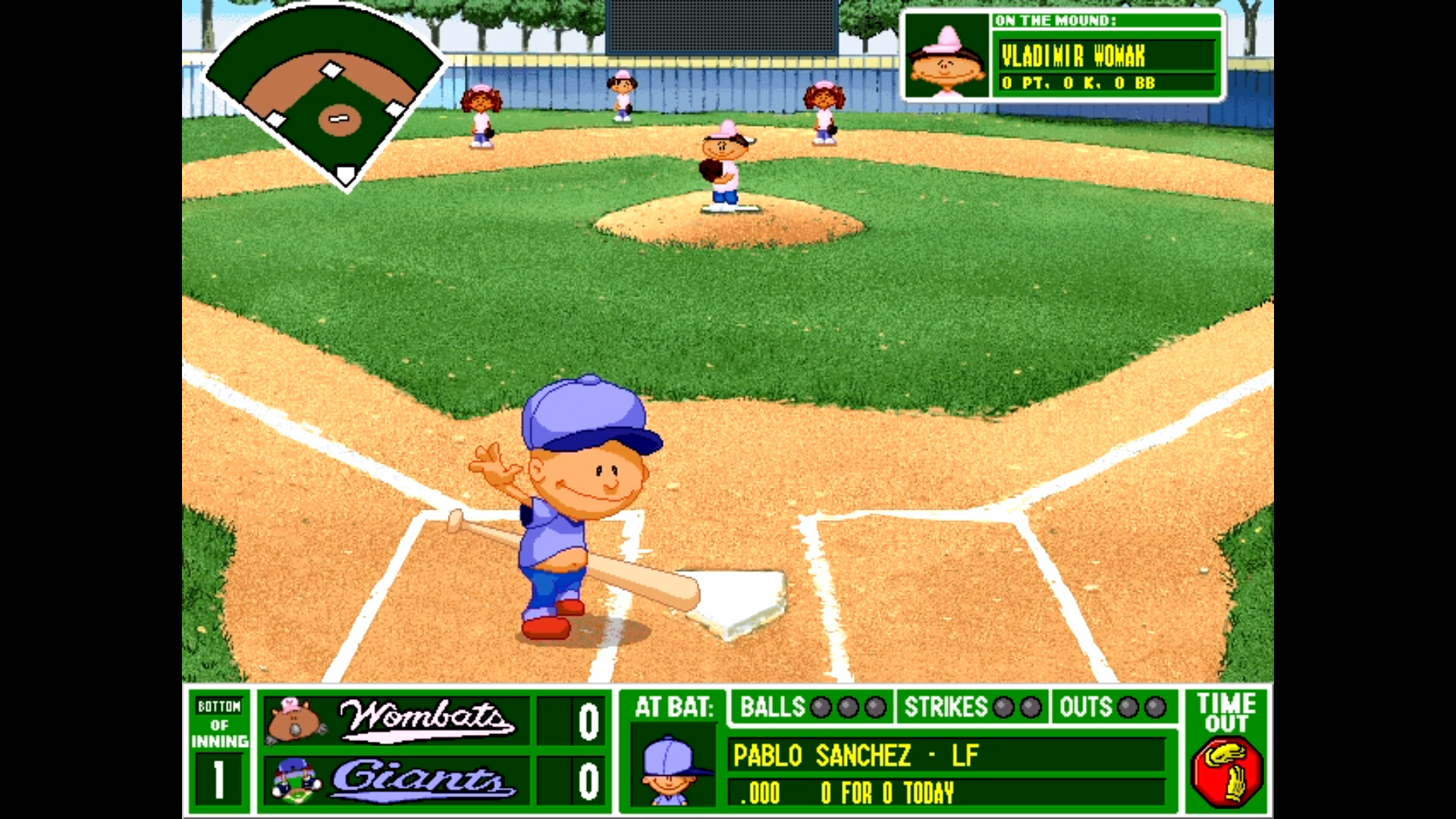
The game follows a hybrid of Pro and Little League rules: no leading off, no injuries, bunting is allowed, and tagging up is permitted. These rules simplify play while keeping core baseball strategy intact.
Batting practice against Mr. Clanky offers a low‑pressure environment to learn the timing needed for successful hits within this rule set, helping players internalize the game's mechanics.
- Use the practice mode with Mr. Clanky to master timing before competitive matches.
- Remember that leading off is disabled, so plan your at‑bats accordingly.
04 / THE GUIDE
Pablo Sanchez
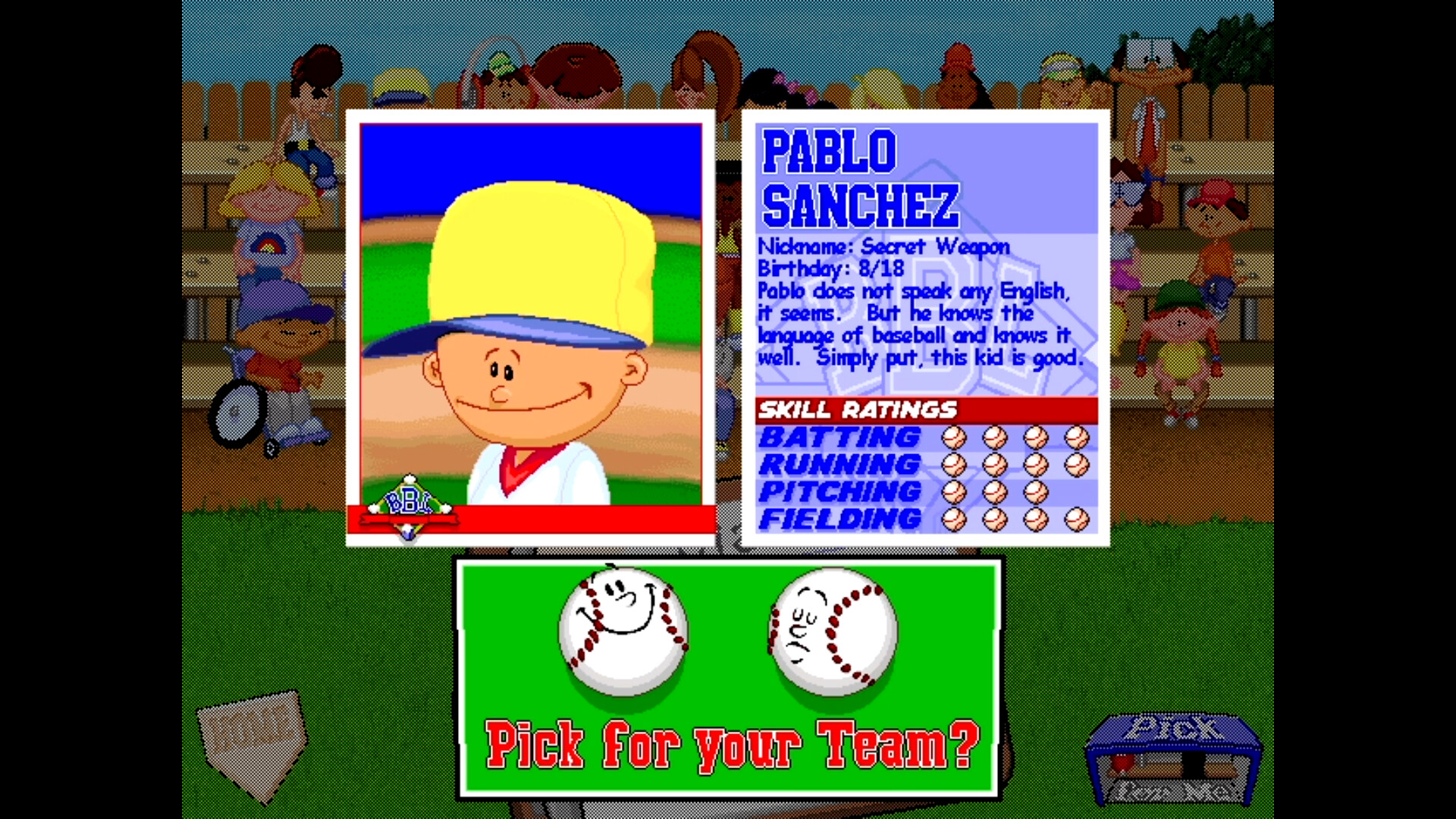
Pablo Sanchez, the series’ most recognizable character, appears as a selectable child athlete among the 30 available, adding a nostalgic touch for longtime fans and serving as a recognizable avatar in the roster.
Including Pablo in your lineup can be a fun way to honor the franchise’s legacy while still mixing in other characters for varied gameplay experiences.
- Select Pablo for a nostalgic experience.
- Combine Pablo with other athletes to balance skill sets across positions.
05 / THE GUIDE
Steam Features
The Steam release adds achievements, partial controller support, Steam Cloud saves, and Family Sharing, providing extra ways to track progress and share the game with household members without additional purchases.
Achievements give optional goals, Cloud support is listed for storing your data across installations, and Family Sharing lets multiple accounts access the game, expanding accessibility for families.
- Review the achievement list for optional challenges.
- Enable Cloud sync to help preserve your saved progress across installations.
COMMUNITY
Player discussion