 GameWiki
GET YOUR BEARINGS
About Backyard Baseball '01
Backyard Baseball ’01 returns to Steam with the classic backyard‑style baseball experience. Players can assemble a team from 30 child athletes and 28 MLB legends, customize uniforms, and compete in pick‑up games, single matches, or a full 14‑game season that ends with playoffs.
The game features eight ballparks, nine pitching power‑ups, four batting power‑ups, and lively commentary from Sunny Day and Vinnie. Steam integration adds achievements and Family Sharing, while the Windows‑only build runs without the original 32‑bit code.
01 / THE GUIDE
Game Modes
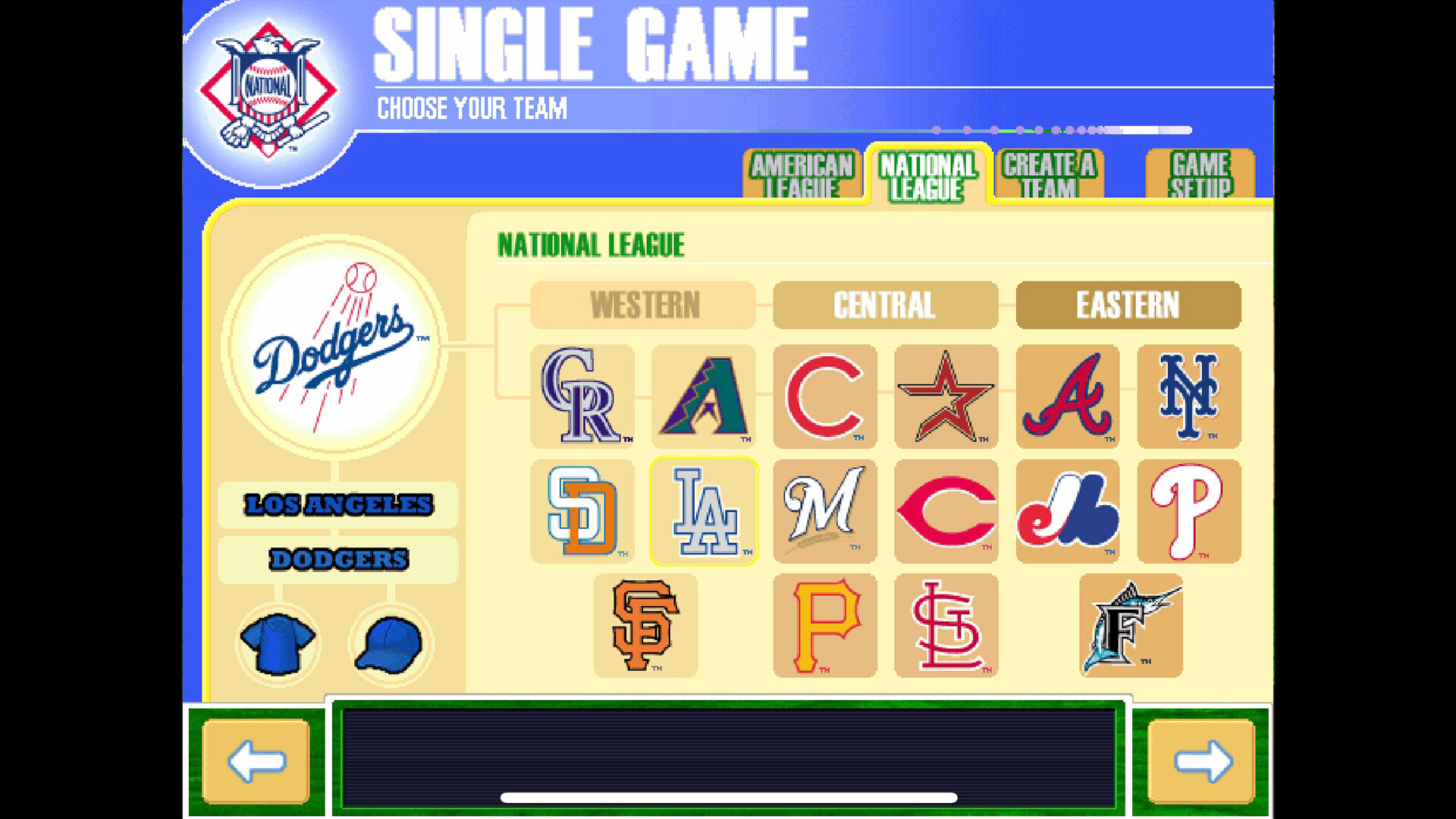
Three difficulty levels—Easy, Medium, Hard—let players choose the challenge they prefer. After selecting a difficulty, you can start a Random Pick‑up match, where the computer instantly assigns teams, or a Single Game, where you draft players from a random pool before play begins.
Season mode lets you pick a home field, create a roster, and guide the team through a 14‑game schedule. The two best teams after the regular season enter a best‑of‑three playoff, and continued victories lead to larger tournament brackets.
- Begin with Easy difficulty to become comfortable with swing timing.
- Try each mode once to see which structure fits your play style.
02 / THE GUIDE
Team Creation
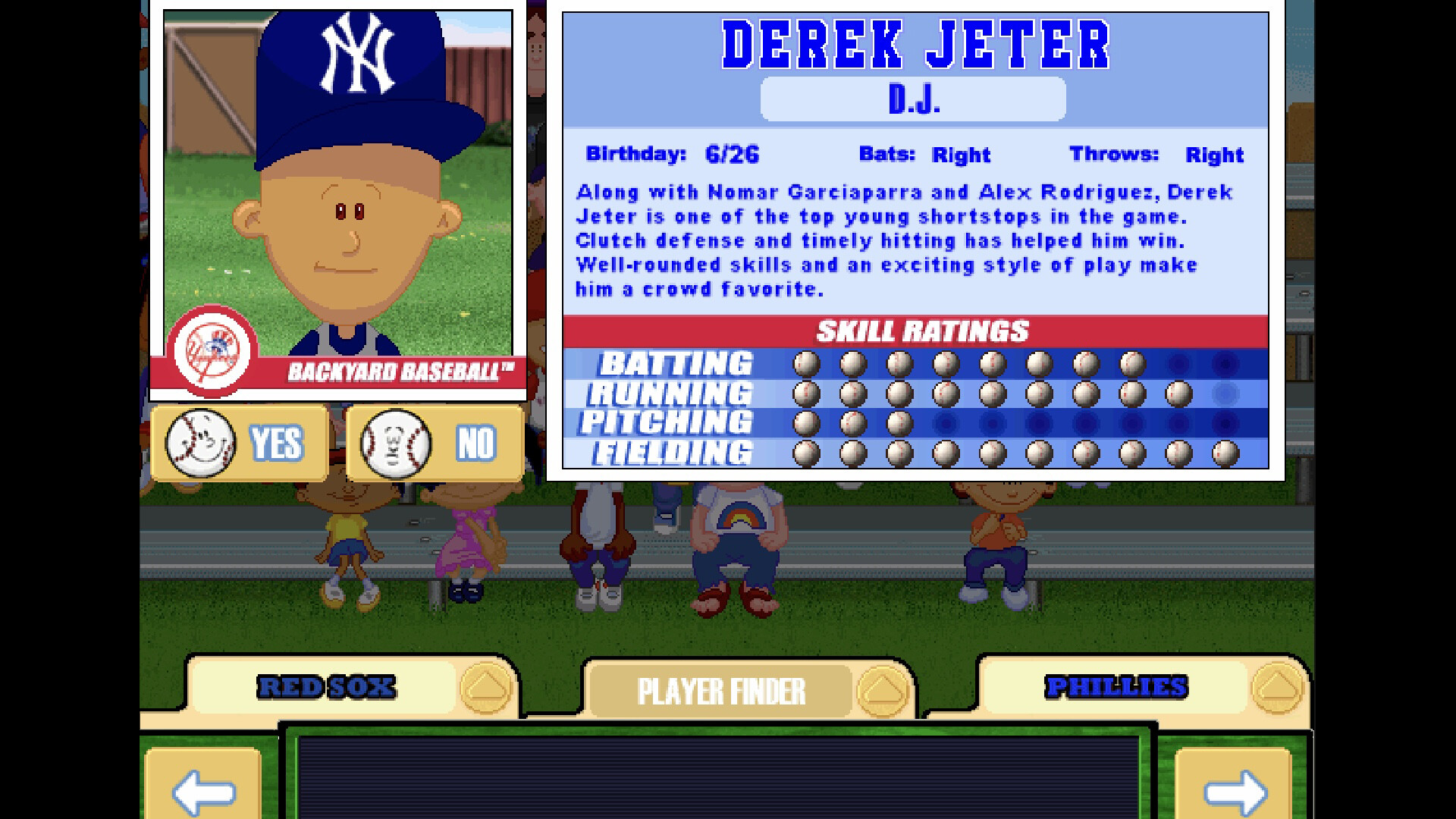
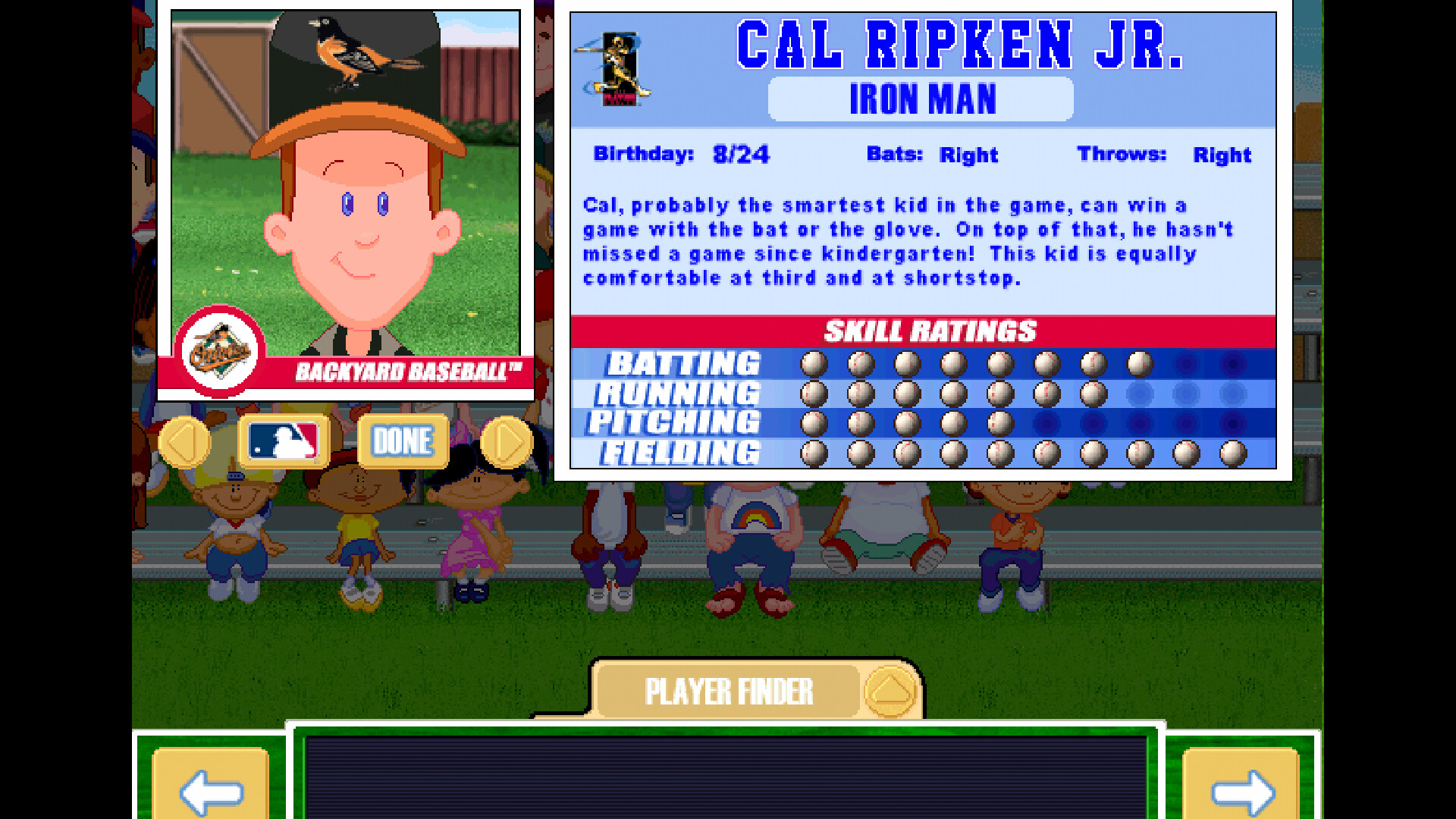
You can build a Backyard team by selecting from 30 child athletes and any of the 28 listed MLB legends, then customize each player's uniform for a distinct look. The roster is fully under your control before a match begins.
In Single Game and Season modes, the game provides a random pool of characters from which you draft players, allowing you to mix kids and pros in any combination you prefer for each matchup.
- Use uniform customization to give your team a visual identity you enjoy.
- Experiment with different mixes of kids and pros to see how they affect overall performance.
03 / THE GUIDE
Pitching & Batting Power‑Ups
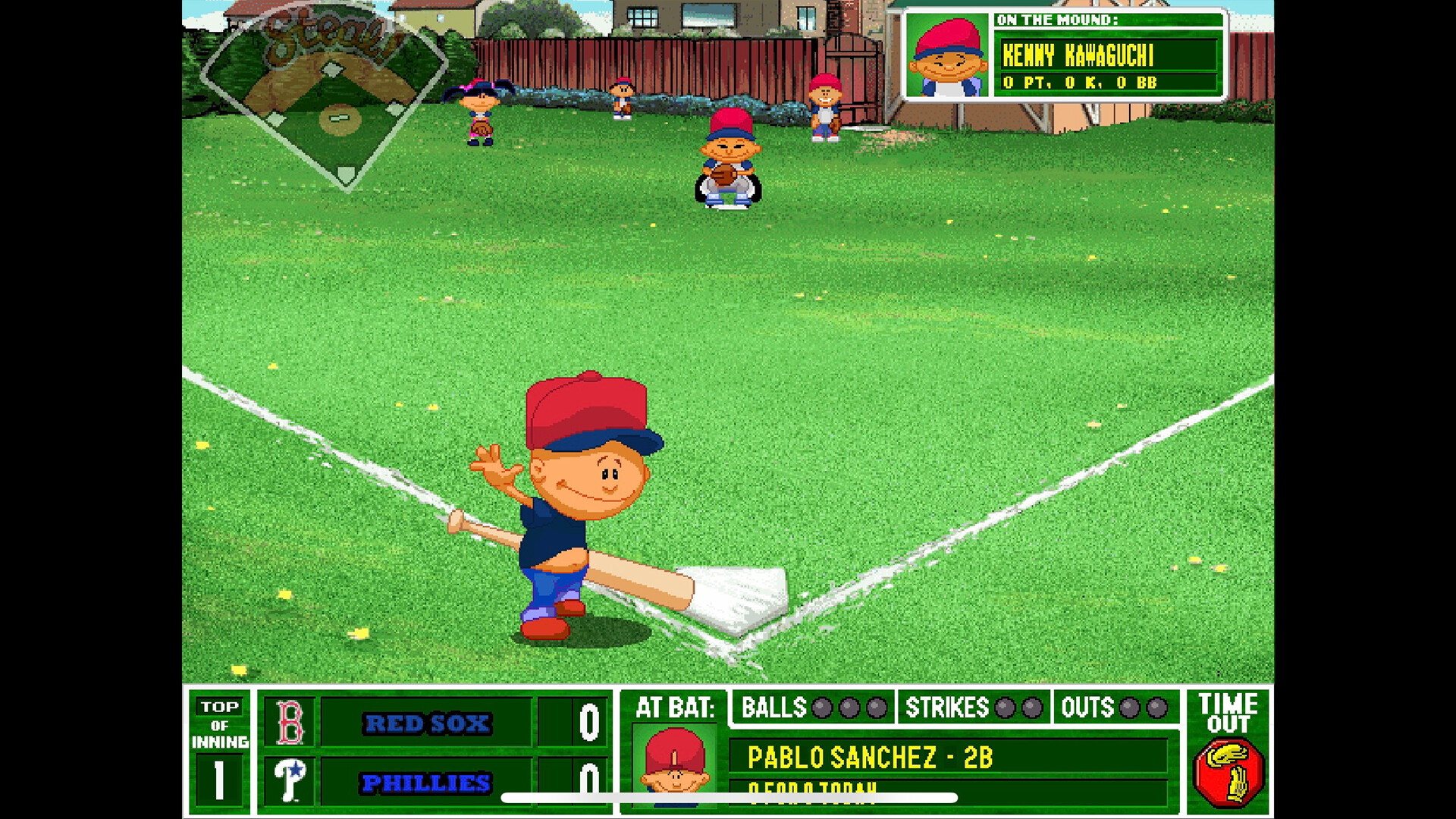
The game includes nine pitching power‑ups and four batting power‑ups that can be activated during play, adding tactical options during play. These options add a tactical layer to each at‑bat or pitching encounter.
Power‑ups can be activated during play, so choosing the most advantageous moment to use them matters.
- Save batting power‑ups for innings where you need extra distance.
- Try a pitching power‑up early in an at‑bat to test its impact on strikeouts.
04 / THE GUIDE
Live Commentary
Sunny Day and Vinnie provide lively commentary throughout matches, delivering humorous remarks that respond to big plays, errors, and game milestones. Their dialogue contributes to the family‑friendly atmosphere of the title.
The commentary references both the quirky Backyard kids and the MLB legends, reinforcing the blend of cartoonish charm and real‑world baseball personalities present in the game.
- Play with sound on to enjoy the humorous lines during key moments.
- If you prefer focus, mute commentary without losing any gameplay functionality.
05 / THE GUIDE
Steam Integration
Backyard Baseball ’01 runs on Windows via Steam and includes a set of Steam achievements. Family Sharing lets multiple Steam accounts access the same installation.
The title is enhanced to run on Steam while preserving the original gameplay experience.
- Review the achievement list to set personal goals beyond winning matches.
- Use Family Sharing to let friends try the game without purchasing a separate copy.

COMMUNITY
Player discussion