 GameWiki

GET YOUR BEARINGS
About Backrooms: Escape Together
Backrooms: Escape Together drops players into a photorealistic, procedurally generated horror maze that can be tackled solo or with up to five friends. Proximity voice chat carries each scream down the endless yellow halls as you descend deeper, adding a layer of shared tension.
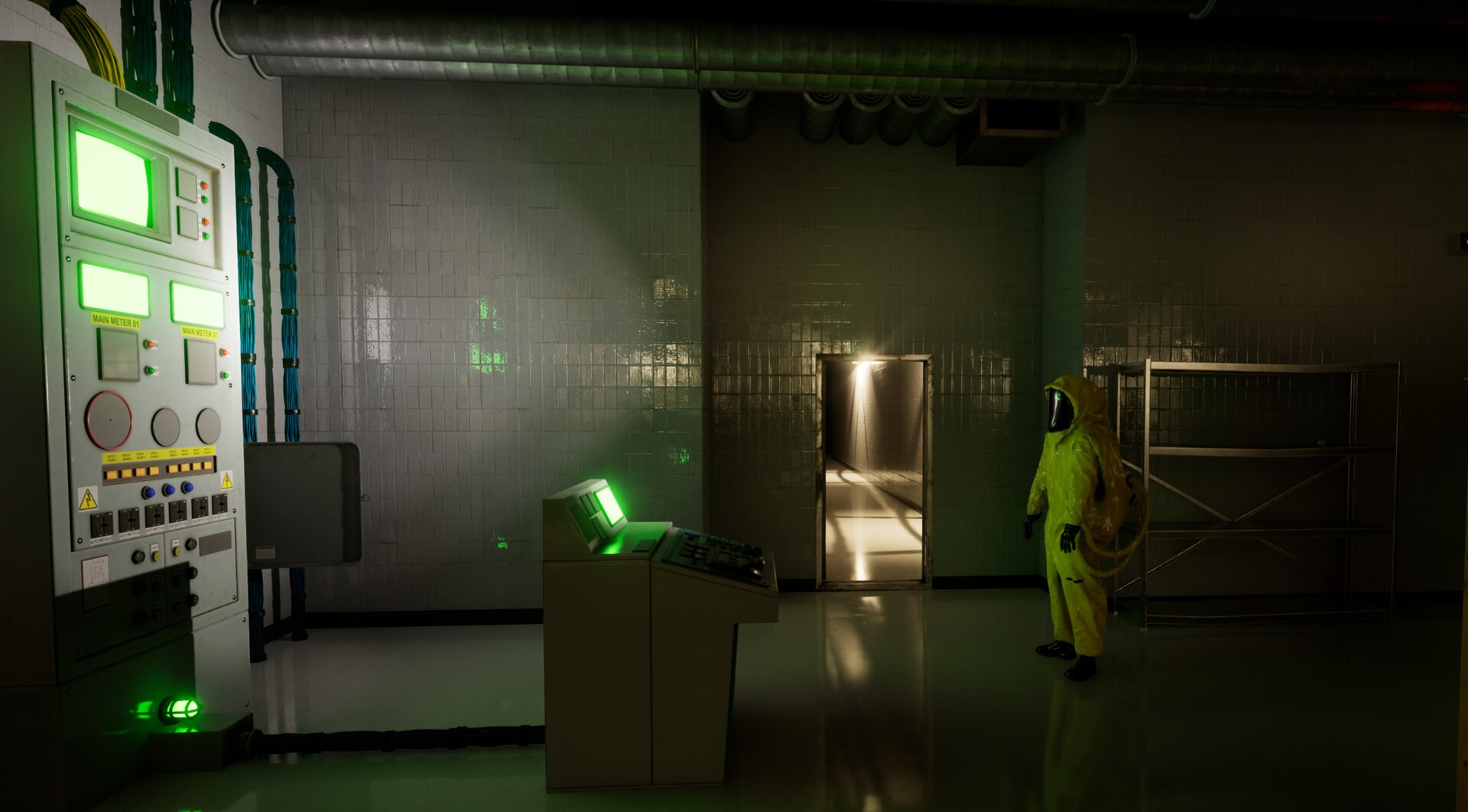
The game currently offers eleven distinct levels, each with its own visual style, puzzles, lootable items, and hostile entities that hunt in unique ways. Early Access promises continual level additions to expand the multiplayer survival‑horror experience.
01 / THE GUIDE
Co‑op Play
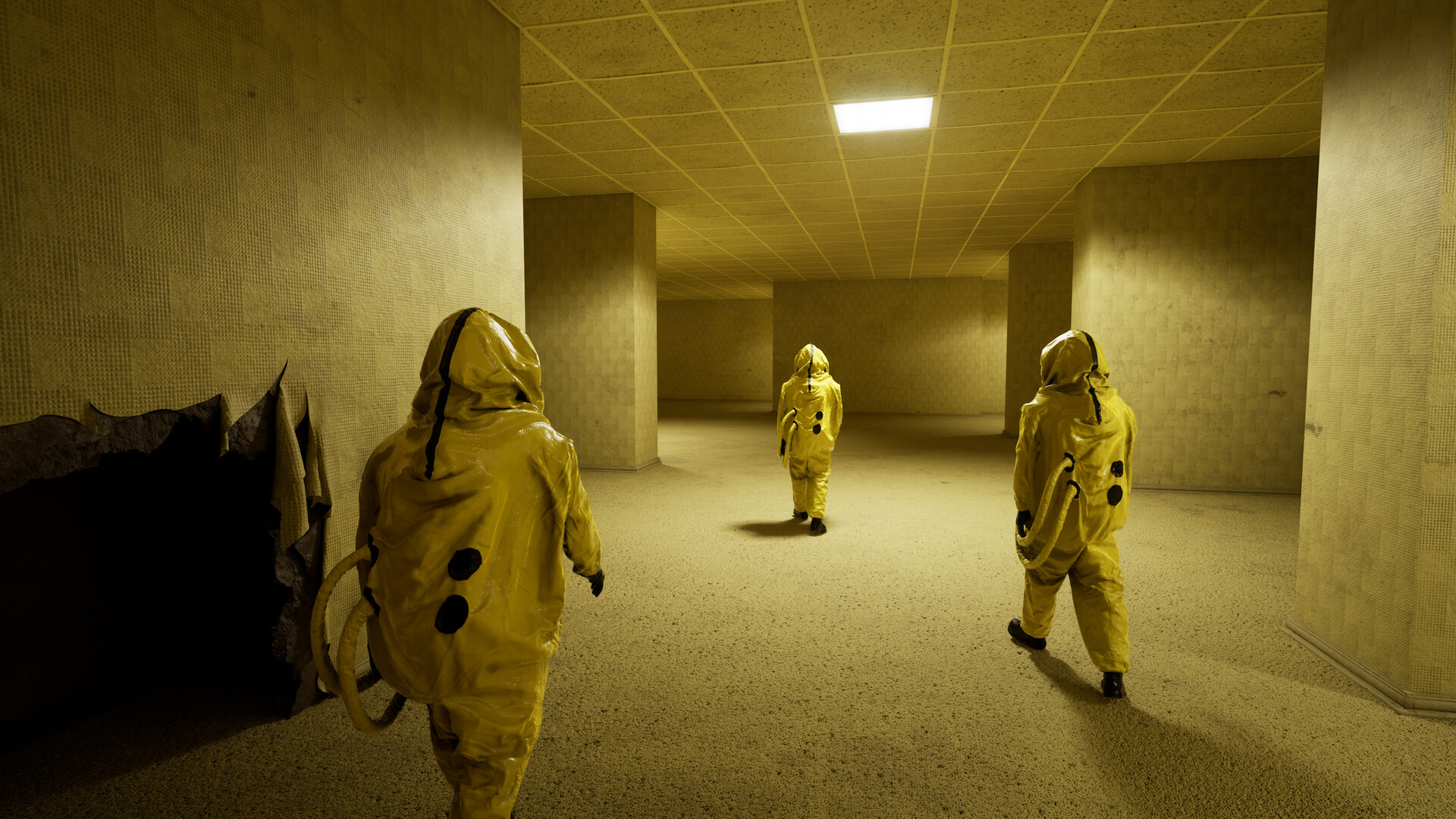
The title supports solo runs and cooperative sessions for up to six players, letting friends or strangers join the same instance. Proximity voice chat conveys each player’s reactions, so screams and shouts echo through the corridors and inform teammates of danger.
All participants share the same procedural level, meaning the layout, item spawns, and entity placements are identical for that run. This shared environment forces groups to coordinate movement, hiding, and investigation together.
- Use voice chat to call out entity sounds before they become visible.
- Stay aware of teammates’ positions to avoid accidental clustering.
02 / THE GUIDE
Procedurally Generated Levels
Every run creates a fresh version of each of the eleven levels, so layouts, item spawns, and entity encounters differ each time. This procedural design ensures that no two attempts feel identical, turning each descent into a new mini‑adventure.
Because the environment reshuffles, players cannot rely on memorised routes. They must explore, locate landmarks, and adapt their movement based on the current configuration of corridors and rooms.
- Move methodically to map corridors early before entities appear.
- Mark visual landmarks mentally to aid navigation in new layouts.

03 / THE GUIDE
Entity Behavior
Each hostile presence in the Backrooms possesses its own hunting method and reacts to specific player actions. Some entities chase visual cues, while others are attracted to sound, making their behavior distinct from one another.
Learning what triggers an entity allows teams to manipulate encounters. By adjusting noise levels or line‑of‑sight, players can lure a threat away from a path or choose to avoid it entirely.
- Move quietly when near sound‑sensitive entities.
- Observe an entity’s movement before engaging to anticipate its next action.
04 / THE GUIDE
Audio and Visual Presentation
The game delivers lifelike graphics paired with spatialized audio, creating an unsettling atmosphere that pulls players directly into the environment. Visual fidelity and sound design work together to signal danger and guide navigation.
Spatial audio cues such as distant footsteps or distant screams help locate threats without relying on sight. Visual landmarks complement these cues, allowing players to orient themselves when sound becomes overwhelming.
- Adjust custom volume controls to emphasize directional sounds.
- Use visual landmarks to maintain orientation during loud moments.
05 / THE GUIDE
Controller Compatibility
Backrooms: Escape Together includes full controller support for major gamepads, including DualShock and DualSense devices. The Steam Input API ensures button mapping and analog controls function correctly across supported hardware.
Players can also customize camera comfort and volume settings, allowing a comfortable experience regardless of input method. These options help reduce motion discomfort during long sessions.
- Test controller sensitivity in the settings menu before a co‑op run.
- Enable camera comfort options if motion sickness occurs.


COMMUNITY
Player discussion