 GameWiki
GET YOUR BEARINGS
About Backpack Battles
Backpack Battles challenges players to buy, arrange, and combine over 500 items into powerful builds. The placement of each item directly influences combat strength, encouraging strategic organization. Players select from seven distinct classes, each offering five subclasses, to match their preferred play style. The game features multiple PvP modes, including unranked, ranked, custom‑rule matches, and timed lobbies for friends or streamers. It runs on Windows and Linux, supports full controller use, and integrates Steam features such as achievements and cloud saves.
01 / THE GUIDE
Item System
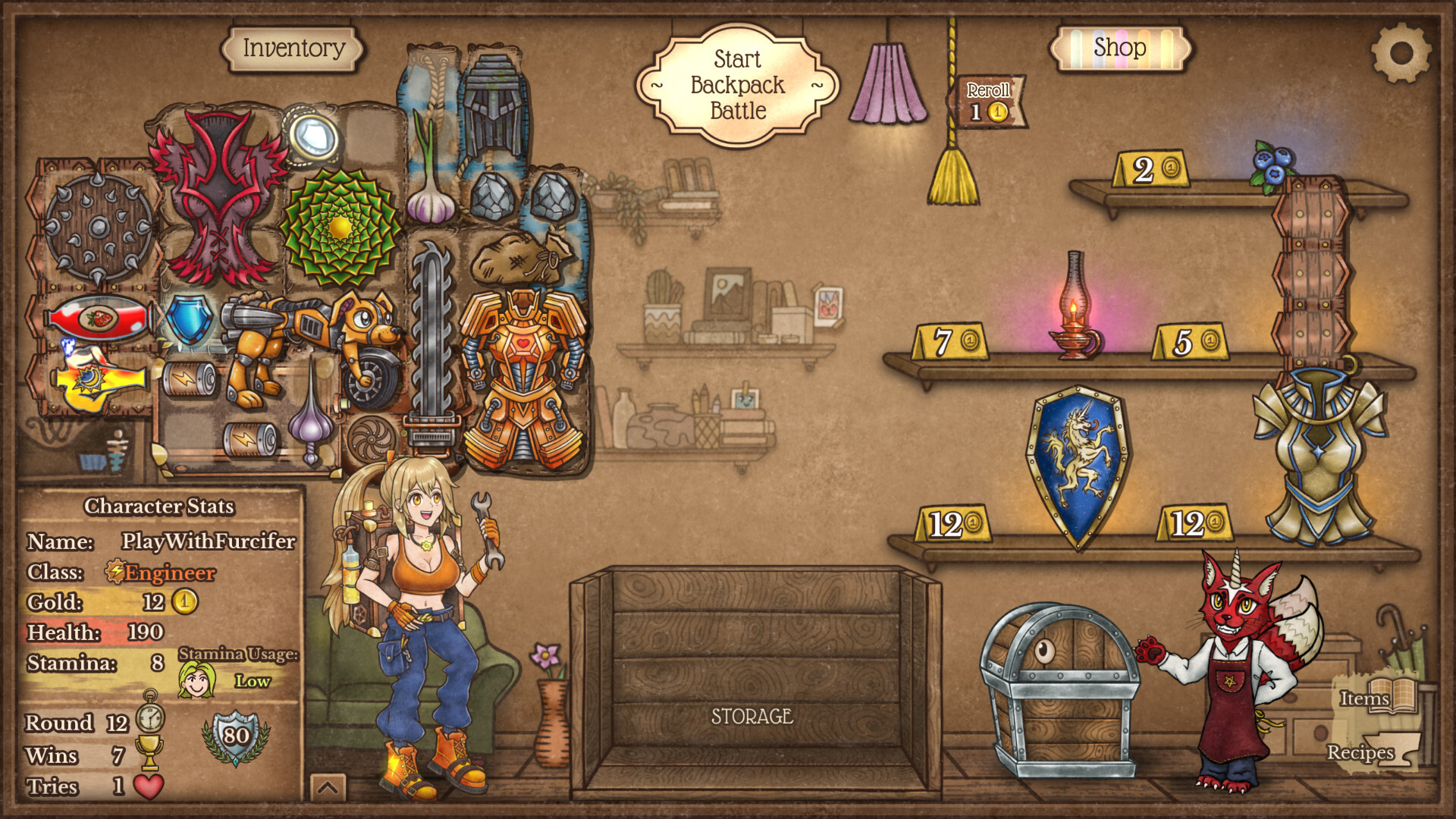
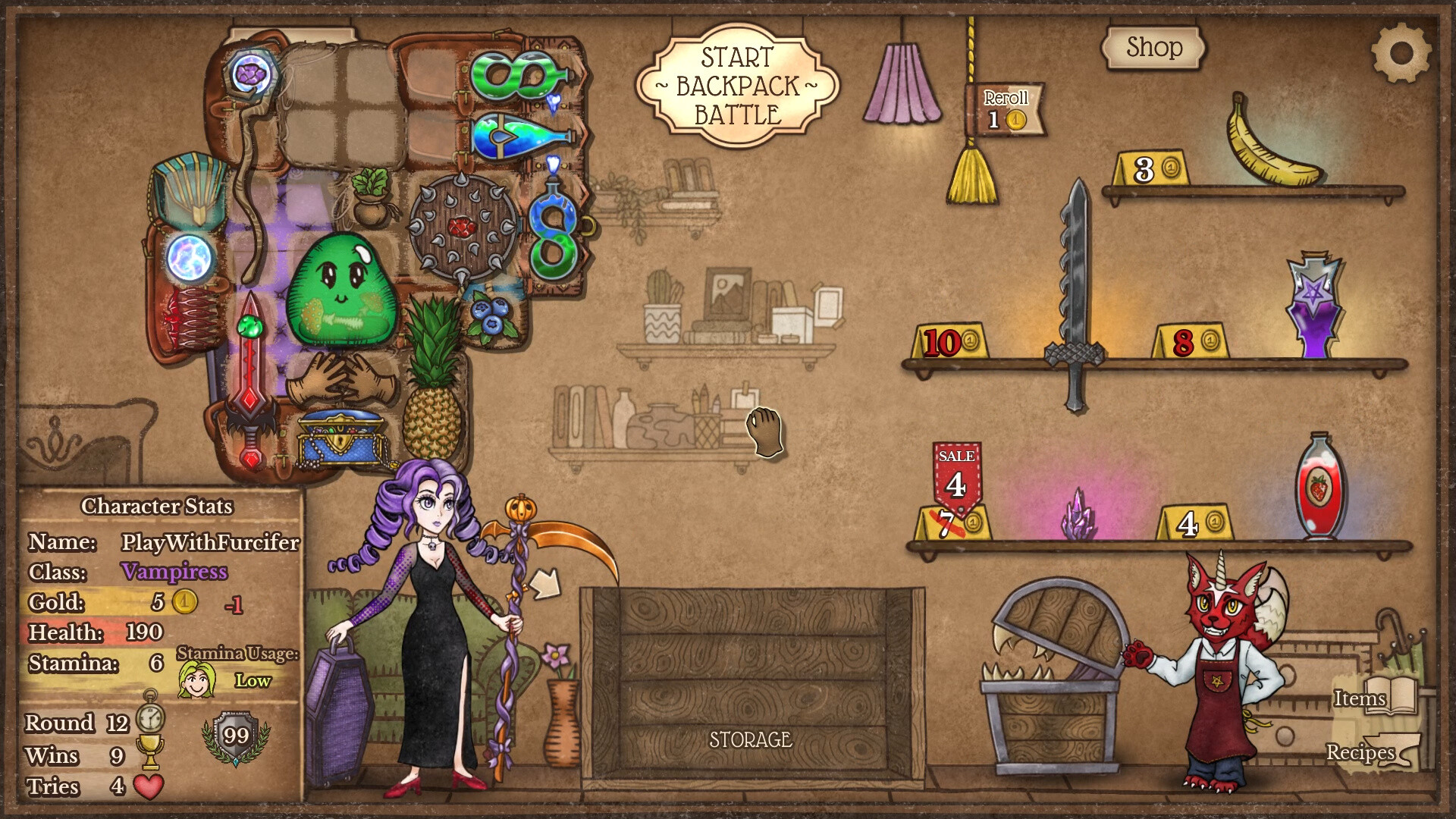
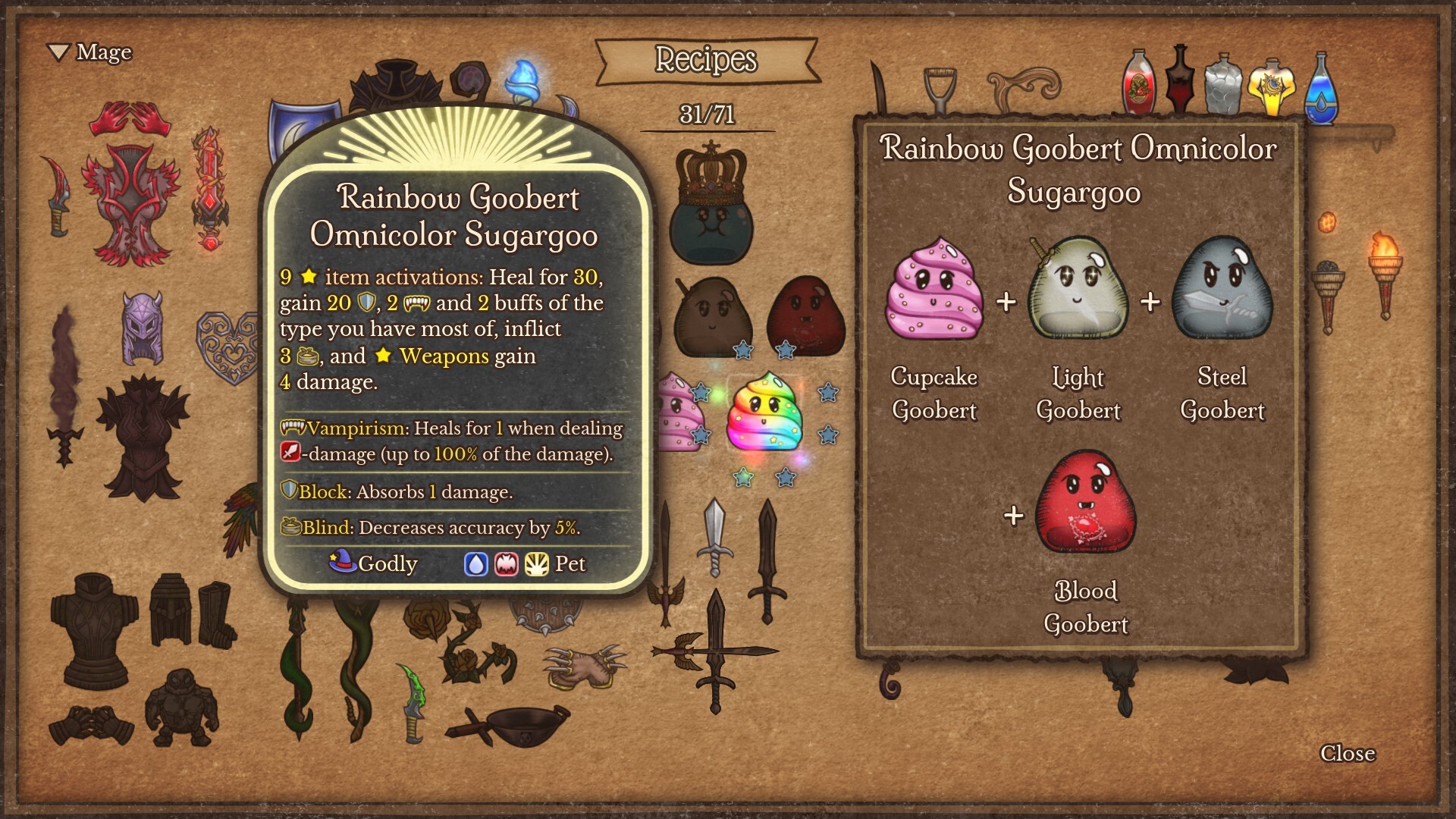
Items vary in shape, size, price, and rarity, providing a wide range of strategic options. Players can combine items to craft stronger equipment, brew potions, or even hatch a dragon companion. With more than 500 items available, careful selection and placement within the backpack determines overall combat effectiveness.
- Prioritize rarer items for higher base stats.
- Experiment with item shapes to fit more pieces.
02 / THE GUIDE
Game Modes
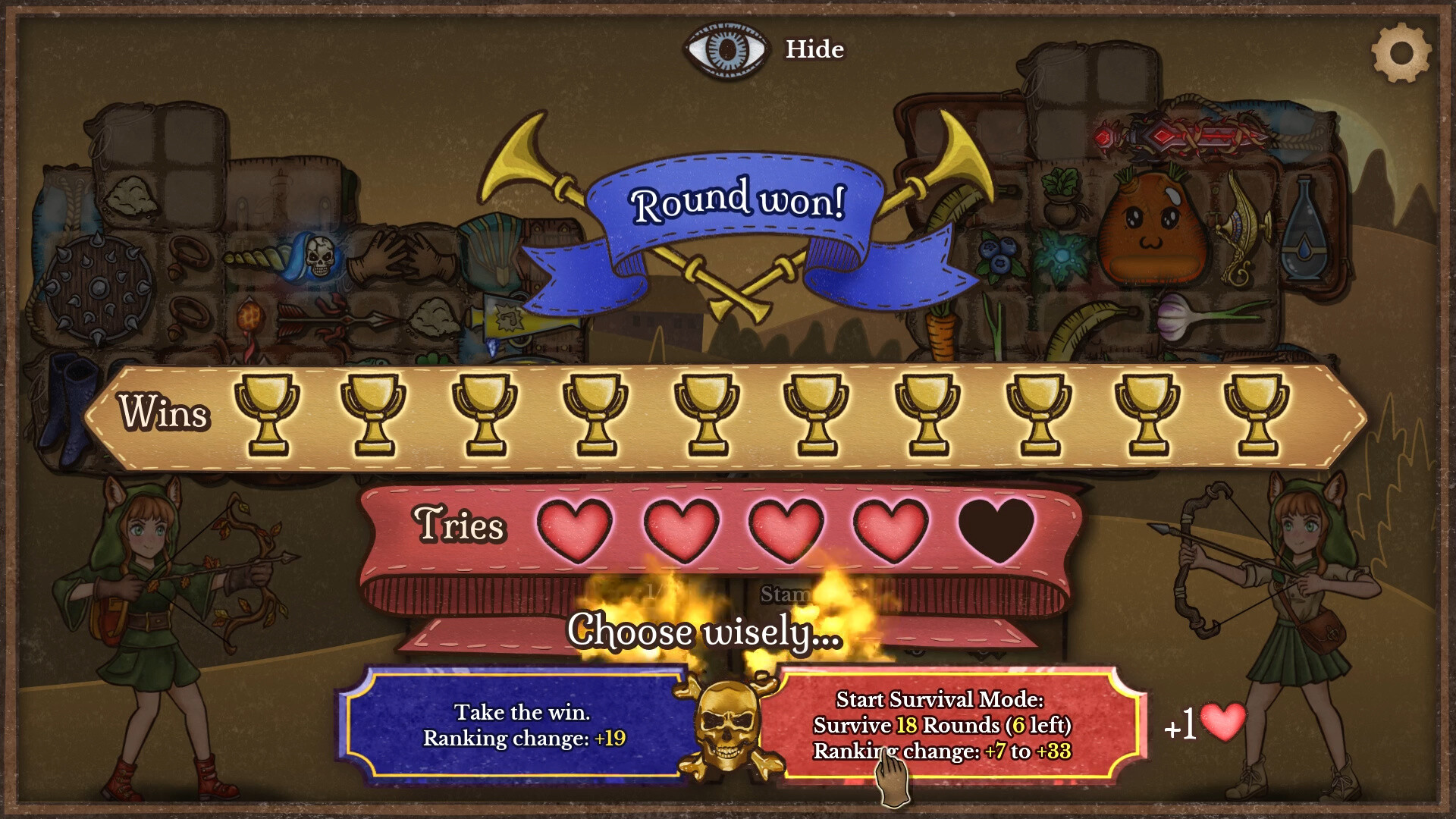
Backpack Battles offers several PvP formats: Unranked provides low‑pressure play without timers, while Ranked awards points against similarly skilled opponents at a personal pace. Custom rules let players tweak gold, health, and other parameters. Lobbies enable timed matches with friends or streamers, allowing direct observation and counter‑play against their builds.
- Try custom rules to test extreme builds.
- Use lobbies to learn from higher‑ranked players.
03 / THE GUIDE
Classes and Subclasses
Players choose from seven classes, each tailored to a specific combat style. Every class contains five subclasses, expanding options such as heavy crits, poison damage over time, or whimsical themes like squirrels. Selecting a class and subclass shapes the types of items that synergize best with a player’s strategy.
- Match item types to subclass bonuses.
- Switch subclasses to adapt to opponent builds.
04 / THE GUIDE
Controller Support
The game includes full controller compatibility, supporting DualShock, DualSense, and generic controllers. This allows players to navigate menus and arrange items without a keyboard. Controller support works across both Windows and Linux platforms, ensuring consistent input options for all players.
- Map inventory shortcuts for faster placement.
- Adjust dead zones for precise item arrangement.
05 / THE GUIDE
Platform Availability
Backpack Battles is officially released for Windows and Linux operating systems. It does not support macOS, focusing development on the two supported platforms. Steam integration provides cloud saves, achievements, and trading cards, enhancing the multiplayer experience across supported devices.
- Enable Steam Cloud to keep builds synced.
- Check achievement lists for hidden challenges.

COMMUNITY
Player discussion