 GameWiki
GET YOUR BEARINGS
About Back to Hearth
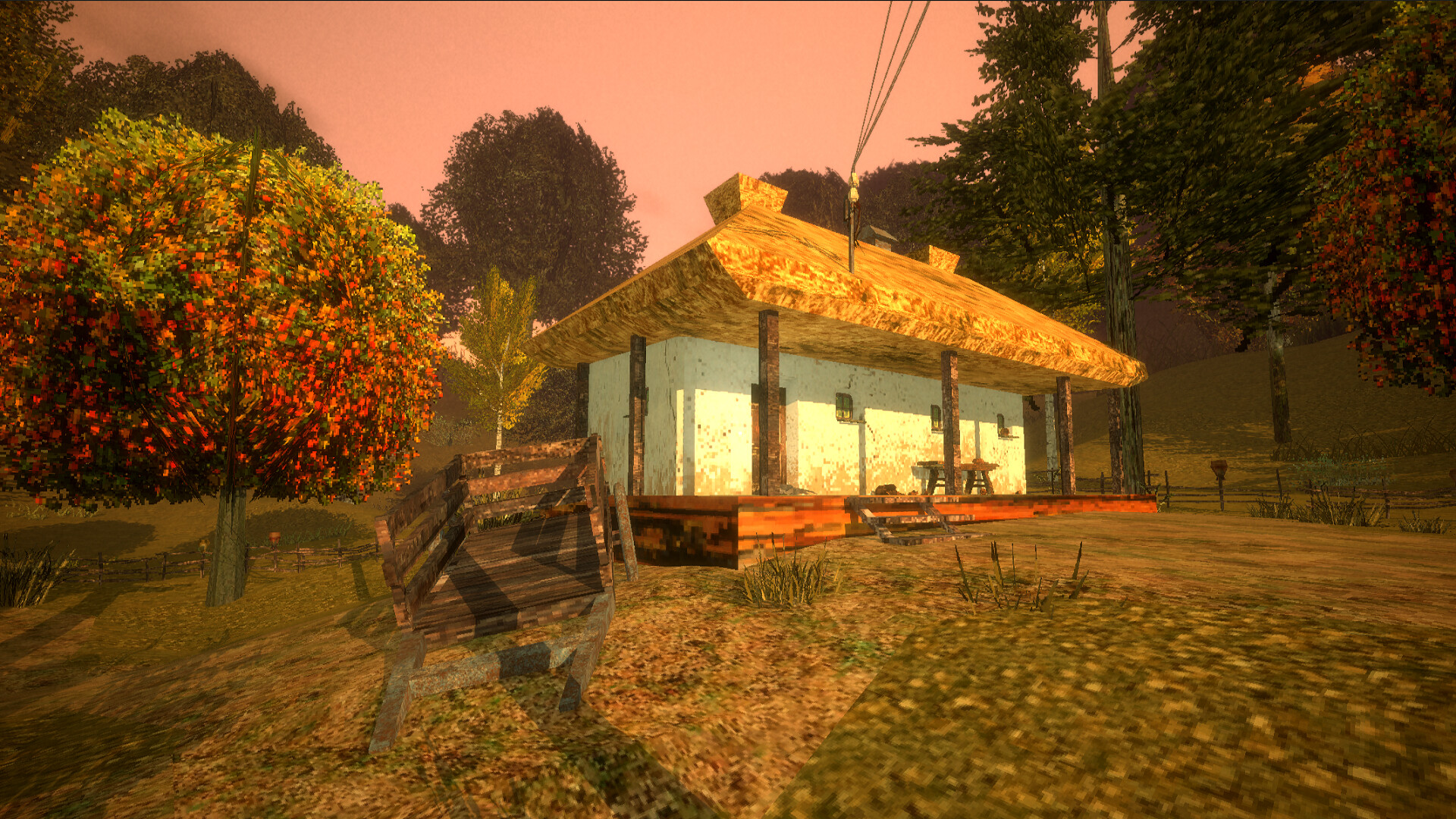
Back to Hearth is a single‑player, meditative experience set in a melancholic, fall‑laden Ukrainian village. You act as a determined individual tasked with repairing five damaged houses after a calamity, restoring comfort so villagers may return.
The game blends simple tool use—hammer, broom, screwdriver—and occasional gesture drawing with narrative exploration. As you clean and reignite stoves, personal items and amulets reveal the lives of former residents, which you can later view in a Collections menu.
01 / THE GUIDE
House Repair Mechanics
Each of the five houses requires a specific action to become habitable again. Some tasks call for a hammer, others for a broom or screwdriver, and a few need you to draw special gestures.
When a repair is successful you can clean the interior and light the stove; a short waiting period follows before the villagers return.
- Note which tool each repair calls for—sometimes a hammer, sometimes a broom or screwdriver—before starting the task.
- If a gesture is required, pause briefly to trace the shape accurately.
02 / THE GUIDE
Resident Stories and Collections
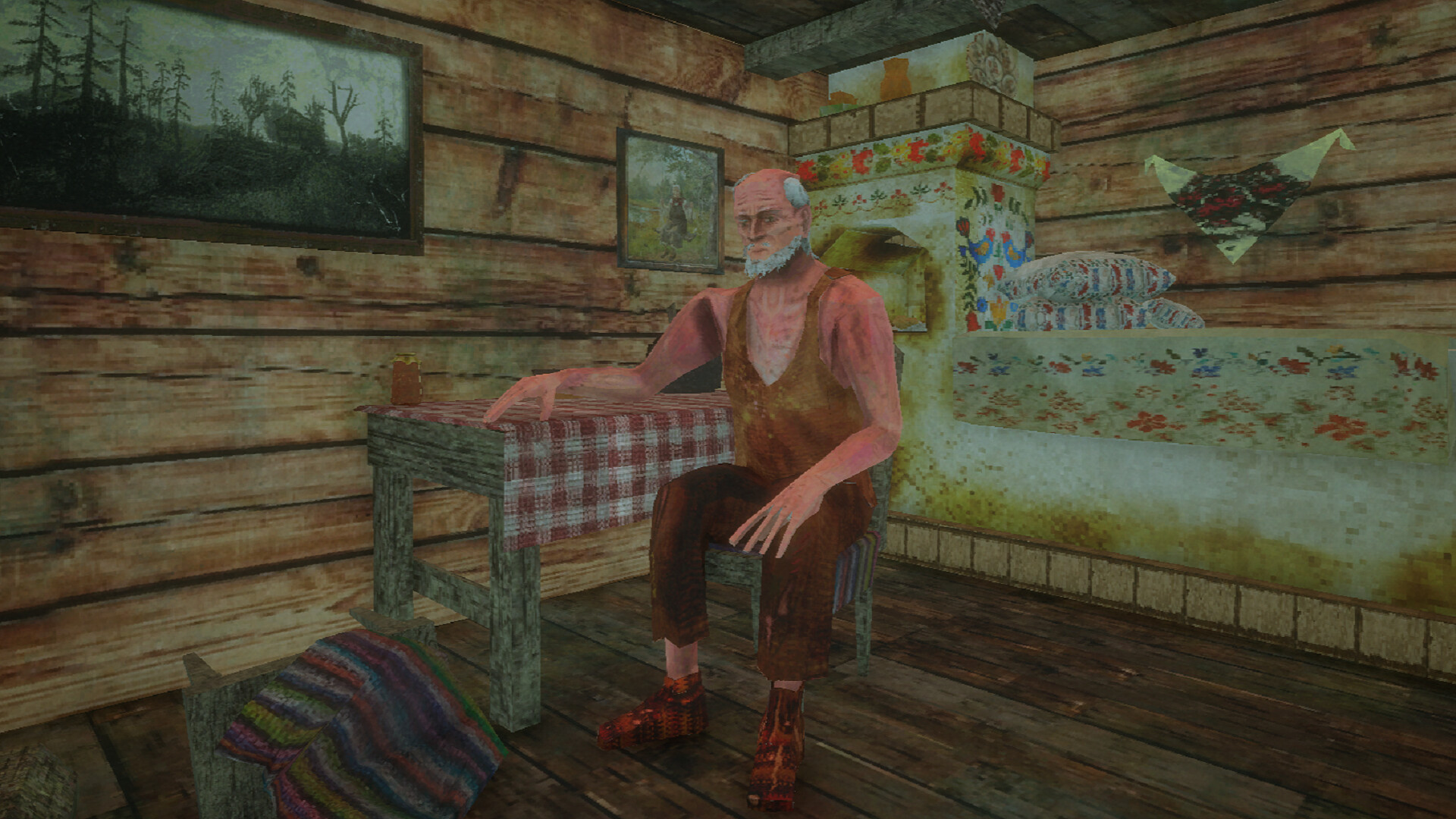
After a house is cleaned and its fire lit, you wait for the residents to come back. Their return triggers short story moments you can listen to.
Interacting with personal items, amulets, and other belongings adds them to a Collections list accessible from the main menu, letting you revisit the villagers' histories at any time.
- Take note of unique items you encounter; some are added to your Collections after interaction.
- Review the Collections menu between houses to keep track of discovered stories.
03 / THE GUIDE
Exploration and Atmospheric Setting
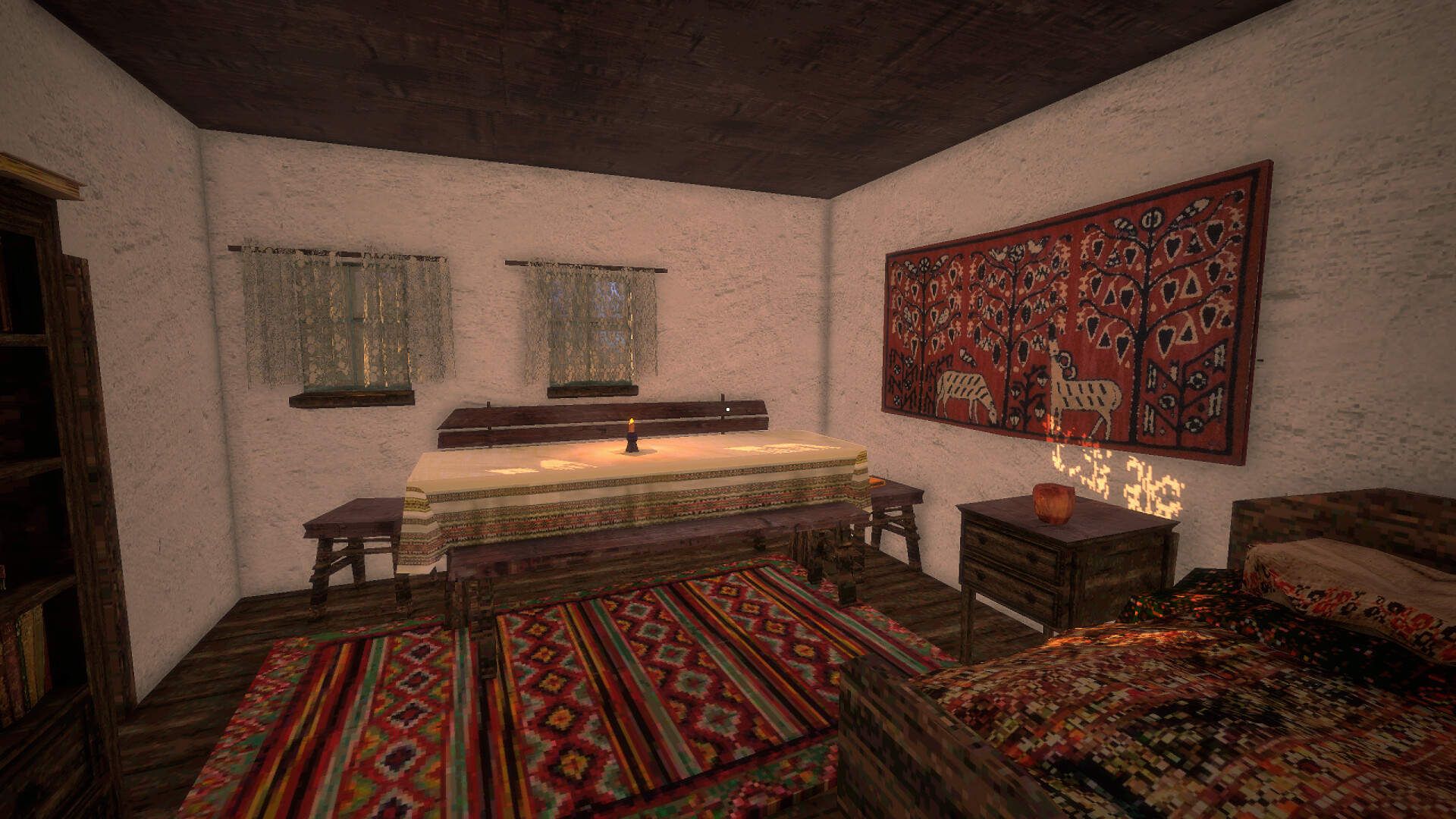
The game’s world is an Eastern European village rendered with a 2000s‑style graphic aesthetic, emphasizing a melancholic fall atmosphere. Exploration is casual and encourages you to notice details like household items and ambient sounds.
The setting supports small activities such as eating fruit or chasing chickens, adding layers of everyday life to the restorative theme.
- Spend a moment in each room to absorb visual cues that hint at the residents’ past.
- Try the optional fruit‑eating moments to break up longer repair sequences.
04 / THE GUIDE
Playtime and Pace
Back to Hearth is designed as a short experience, offering roughly one hour of gameplay. Its casual, meditative pacing lets players focus on each repair without pressure.
The limited duration encourages players to savor narrative moments and the gradual unveiling of each household’s story.
- Allocate a single sitting to complete all five houses for a cohesive narrative flow.
- Use the waiting periods after lighting stoves to reflect on the stories you’ve heard.
05 / THE GUIDE
Platform Availability and Controller Support
Back to Hearth runs on Windows, macOS, and Linux, and includes full controller support, covering DualShock and DualSense devices. This lets players choose a gamepad for the entire experience.
The game also supports Steam features such as achievements, stats, and family sharing, enhancing its accessibility across the Steam ecosystem.
- Test both DualShock and DualSense controllers early to see which feels more comfortable for gesture drawing.
- Family Sharing is supported if you want others to experience the game through Steam.


COMMUNITY
Player discussion