 GameWiki
GET YOUR BEARINGS
About BACK*SPACE
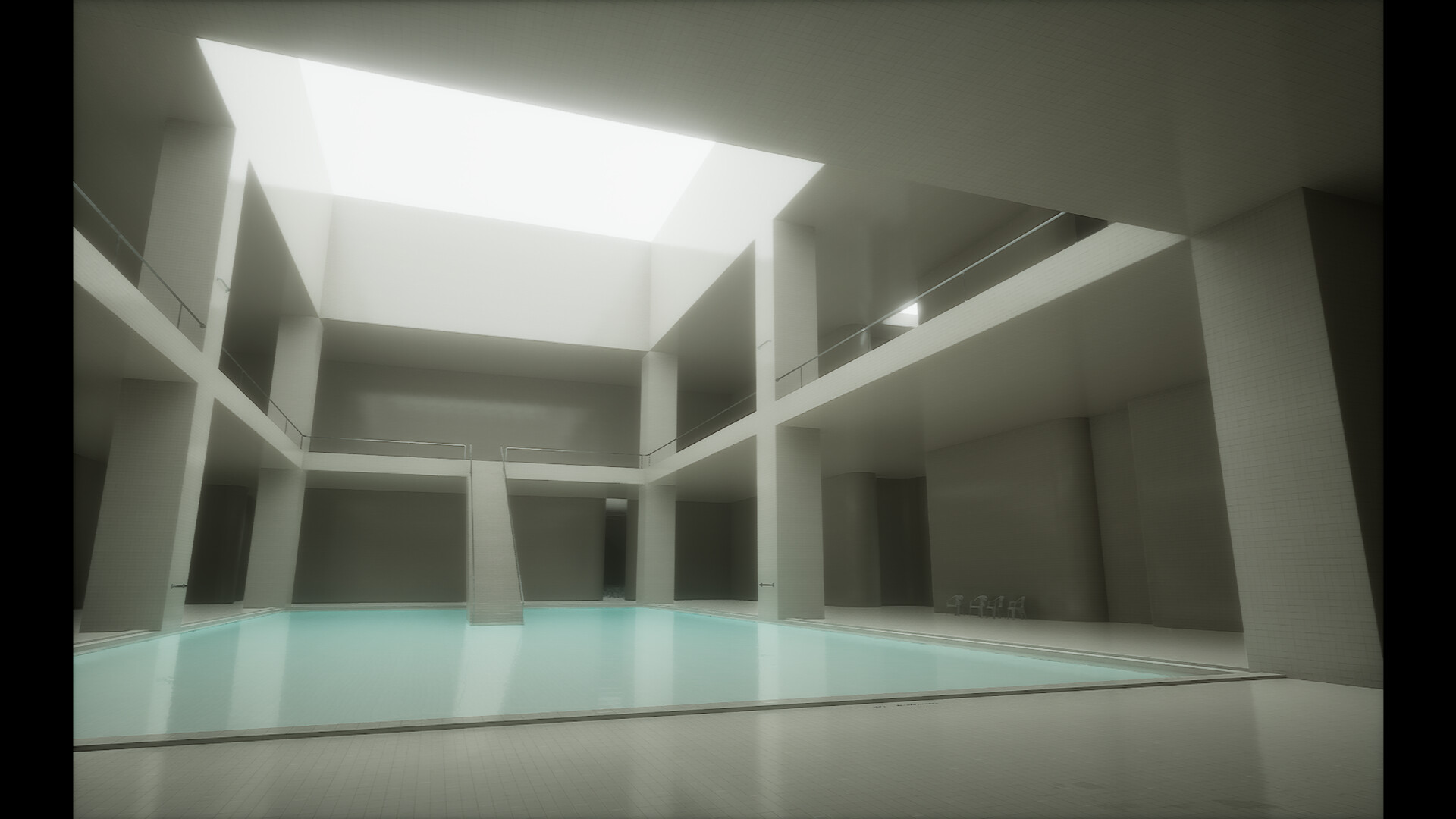
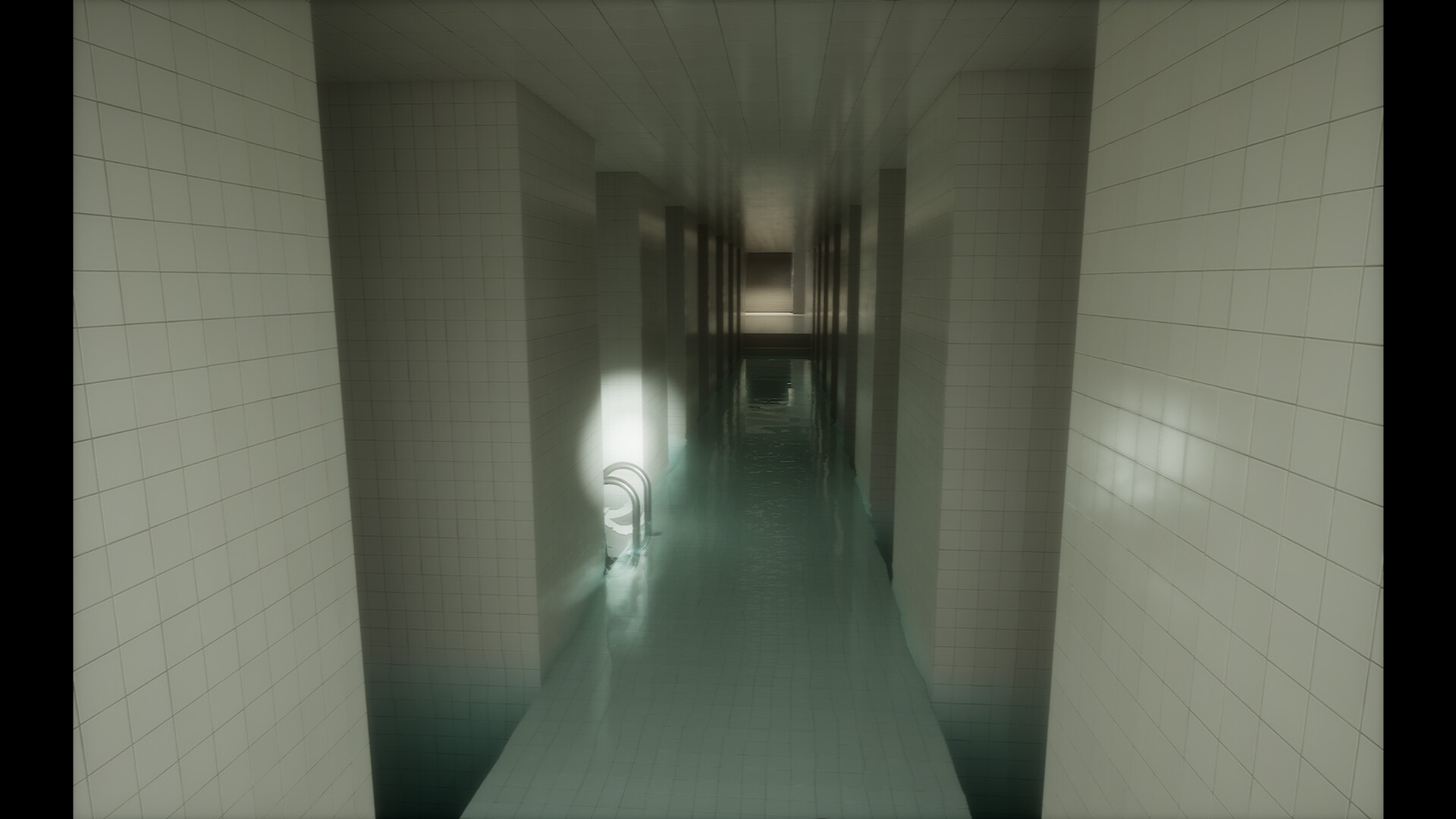
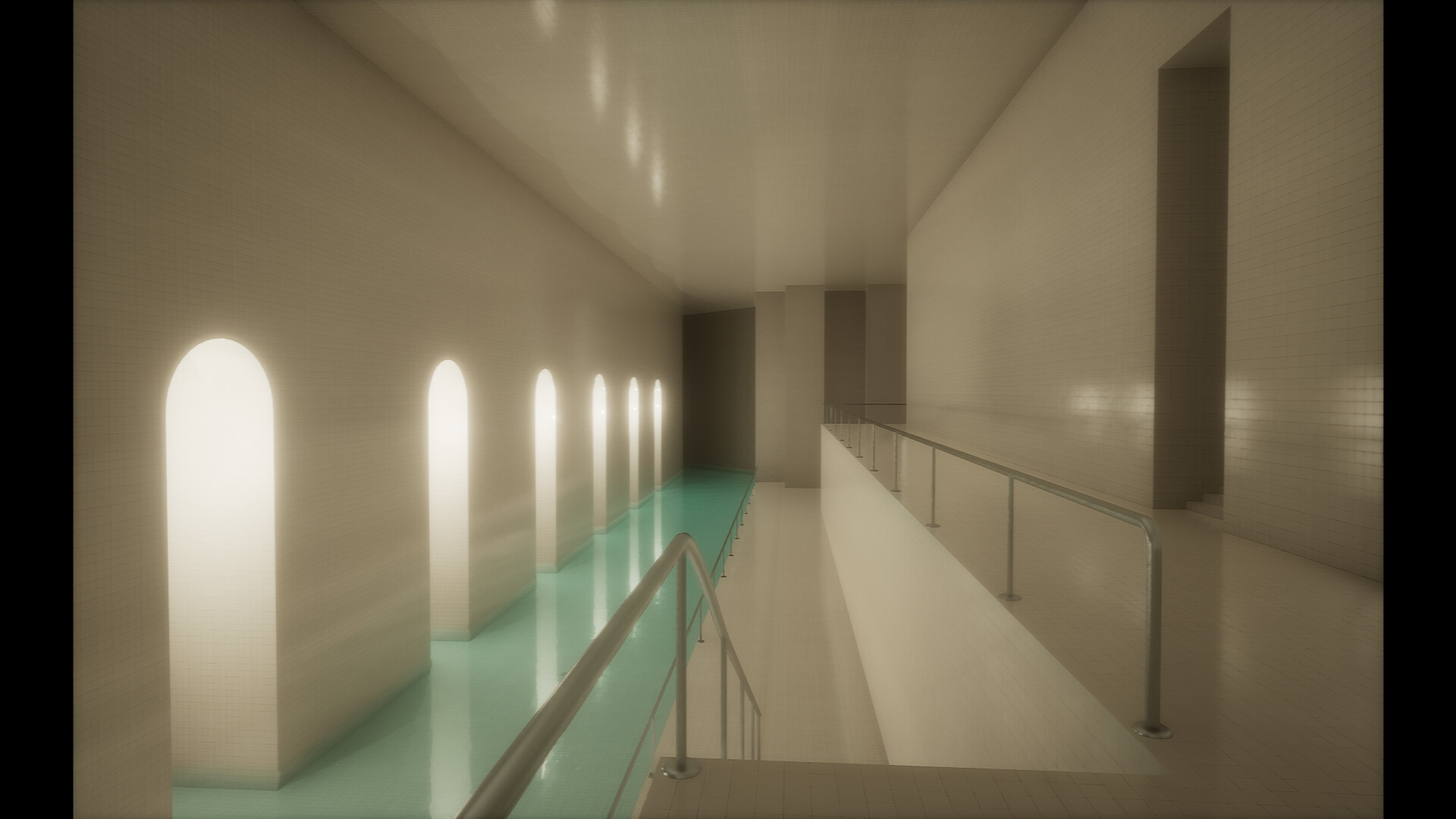
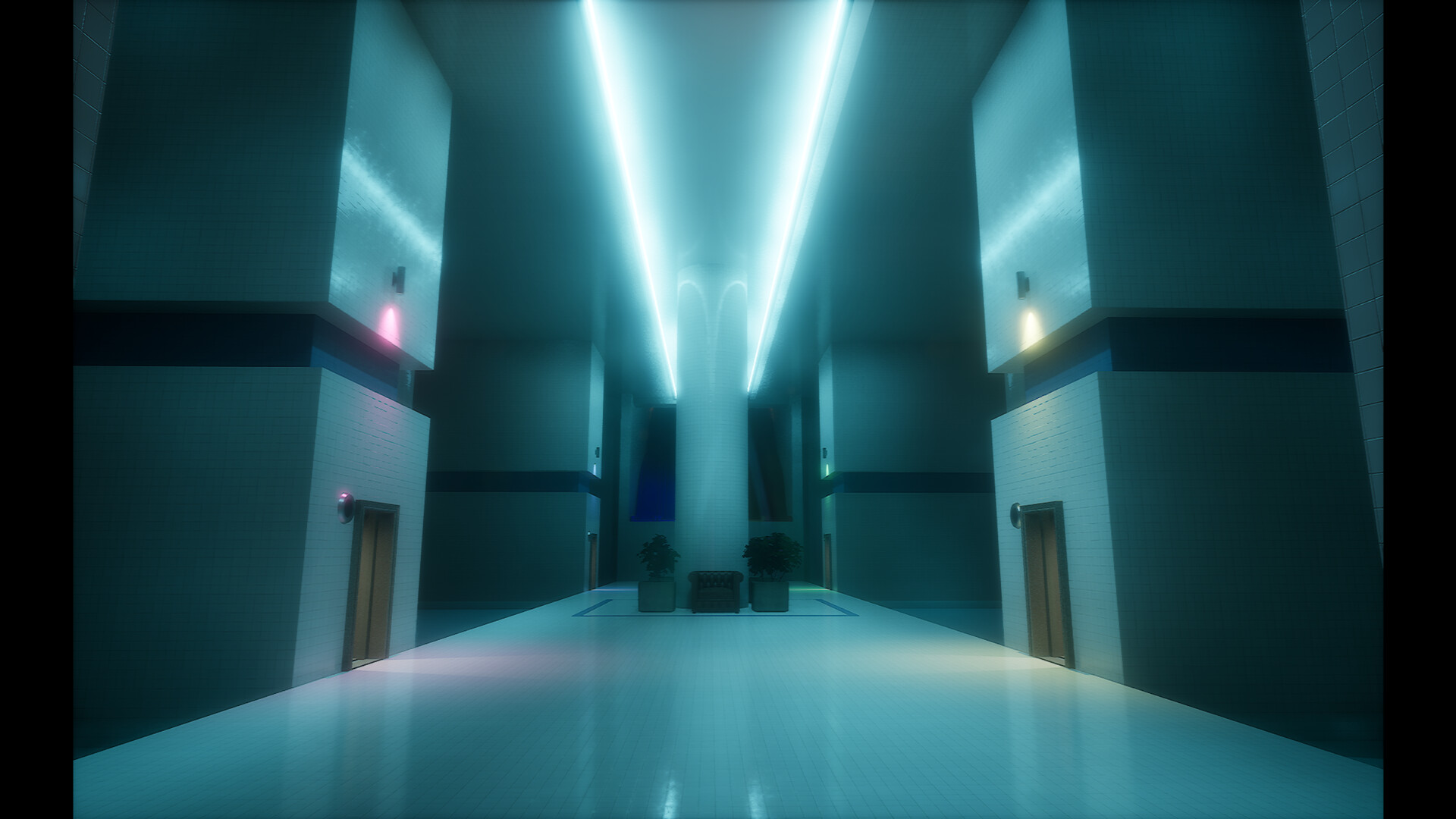
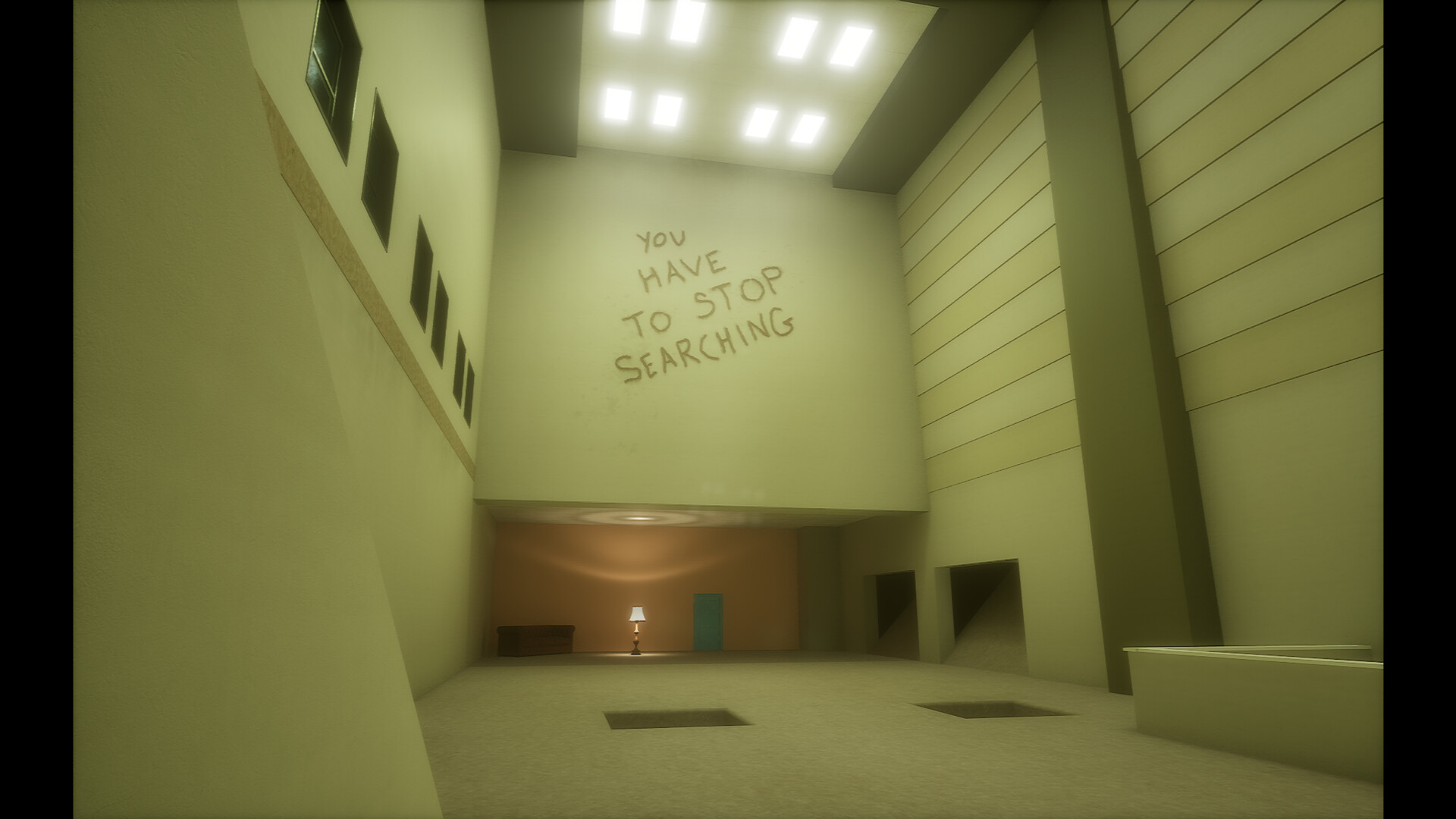
BACK*SPACE is a liminal‑space walking simulation that places the player in 16 distinct levels. Eight levels feel like forgotten offices, malls, or rooms with moist carpet and molding wallpaper, while the other eight resemble quiet poolrooms with calm water. No entities or monsters appear, allowing exploration at any pace.
After an introductory area the player reaches a Home Hub that links to every level. A single Exit elevator in the Hub ends the experience, but the player may remain in any level as long as they wish. Hidden VHS tapes in each level can be collected, though they only affect the Hub exit.
01 / THE GUIDE
Non‑Linear Exploration
The Home Hub connects directly to all 16 levels, and the game does not require a specific order. A wanderer may enter any level at any time, making each session start wherever they prefer. This freedom means the experience is not forced into a linear progression.
Levels vary in layout; some feel maze‑like while others are more linear, yet each contains a reachable way out. Because the player can return to the Hub at any moment, they can decide how long to stay in a level before moving on.
- Try alternating between office‑style and pool‑style levels to experience both atmospheres.
- If a level feels confusing, return to the Hub and choose a different one; no progress is forced.
02 / THE GUIDE
VHS Tape Collection
Each main level hides a VHS tape that appears in a different spot on subsequent visits. When found, the tape appears in a collection displayed in the Home Hub and signals that the level’s tape has been located.
Collecting all 16 tapes is required only to activate the Hub Exit elevator; the tapes do not unlock any other content. Audio cues may hint at a tape’s location, and some tapes are placed in harder‑to‑see spots.
- Listen for audio cues; they sometimes lead toward a hidden tape.
- Use the flashlight in dark corners, as tapes can be placed there.
03 / THE GUIDE
Visual and Comfort Settings
The game starts with a heavy analog/VHS aesthetic, but options let you disable VHS effects, head‑bob, icon usage, footstep sounds, and adjust look sensitivity. These settings help players who are sensitive to motion sickness or visual strain.
Some areas feature flickering fluorescent lights, and the game contains no music, allowing you to add your own soundtrack if desired. Disabling visual effects can reduce visual noise for a cleaner experience.
- Turn off VHS effects if the visual noise feels overwhelming.
- Adjust look sensitivity to match your comfort level.
04 / THE GUIDE
Manual Save Slots
BACK*SPACE provides three manual save slots. Saving records tapes found, time played, and the current level. It is recommended to save after returning to the Home Hub to keep your tape collection up to date.
If you feel trapped in a level, you can reload a save to restart at the beginning of that level, giving a fresh chance to explore without losing progress elsewhere.
- Save after each Hub visit to ensure your tape collection is recorded.
- Use a separate slot for experimental runs to avoid overwriting main progress.
05 / THE GUIDE
Input Options
The game supports both keyboard/mouse and an Xbox controller, allowing you to choose whichever input method feels comfortable. No music is included, so you can play with your own audio if you wish.
Full controller support means all gameplay functions are accessible via the controller, while traditional PC inputs remain functional, giving flexibility for different play styles.
- Test both input methods in the demo to see which feels more natural.
- Adjust look sensitivity in the options menu to match your chosen device.
COMMUNITY
Player discussion