 GameWiki
GET YOUR BEARINGS
About Baby Steps
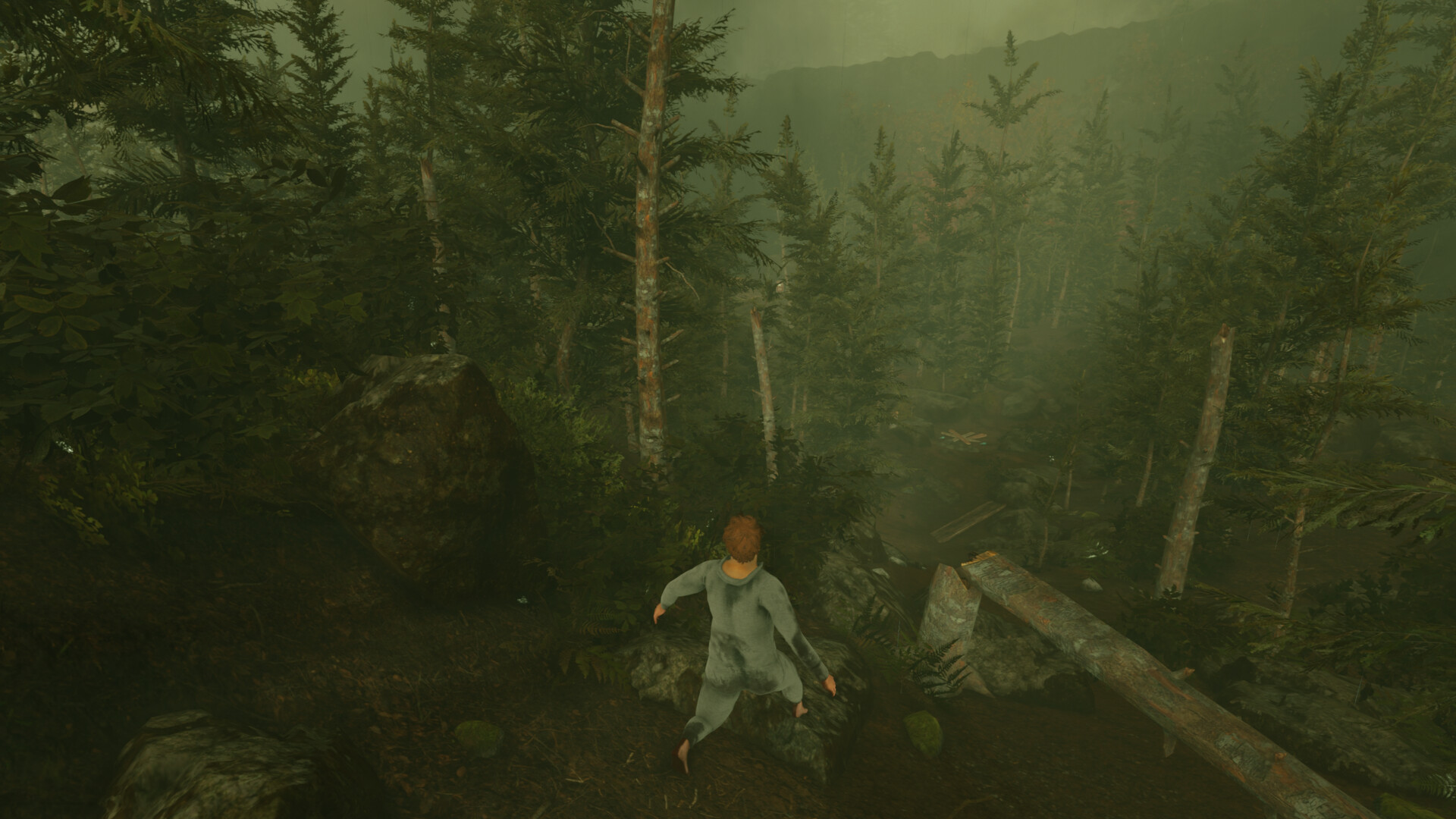
Baby Steps puts you in the shoes of Nate, an unemployed man who discovers a literal power: walking. The game asks you to place each footstep yourself while climbing a mist‑shrouded mountain, using fully‑simulated physics.
A dynamic soundtrack built from 420 beats reacts to your pace, and a visual onesie soilage system shows how the terrain affects your clothing. The experience is single‑player, supports full controller use, and offers non‑collectible hats.
01 / THE GUIDE
Fully‑Simulated Physics Walking
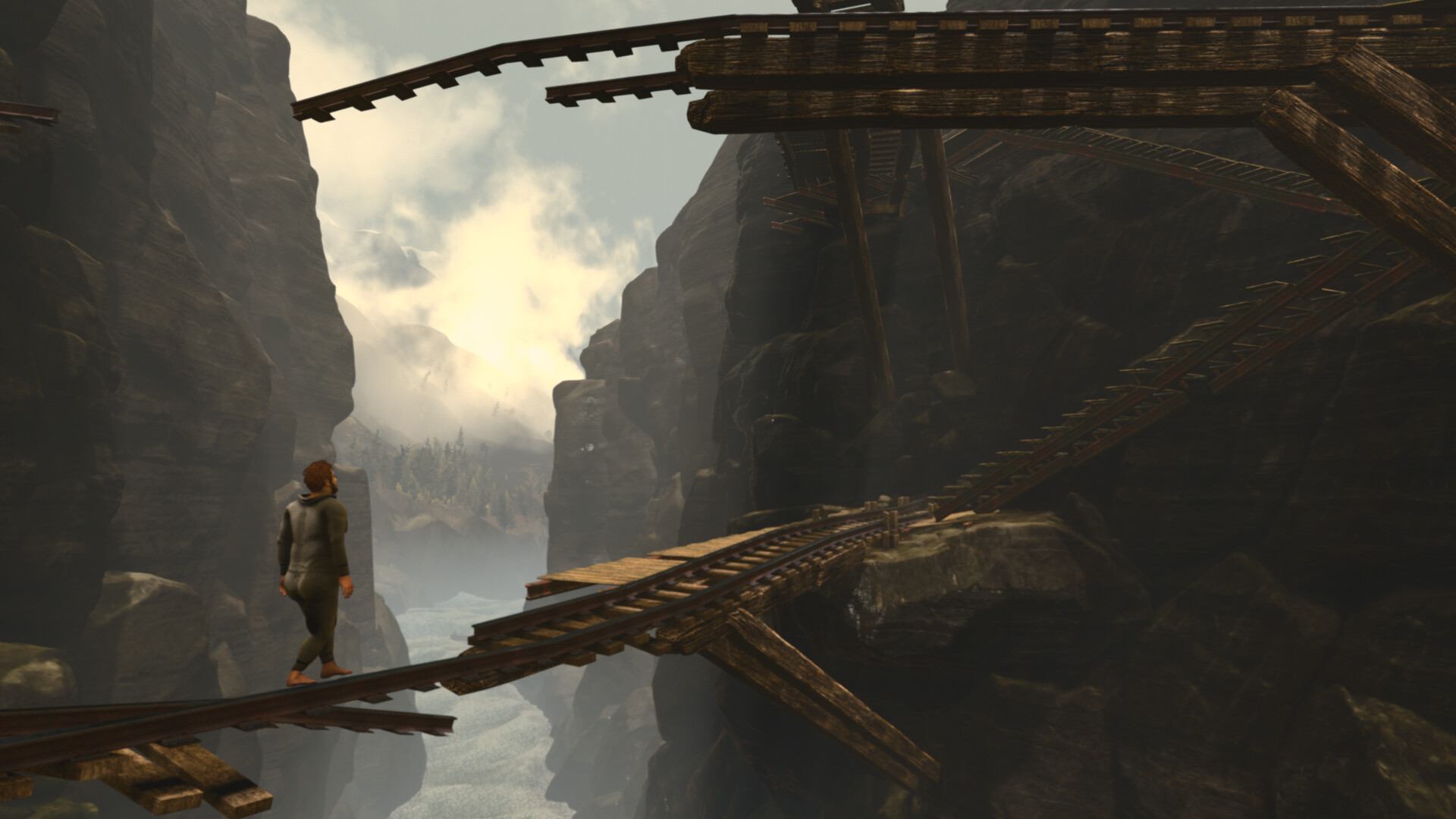
Each foot placement is calculated by the physics engine, so balance and movement depend on where you put your foot. Uneven ground and steep slopes react directly to those placements, creating a tangible walking challenge.
The system updates in real time, letting you experiment with different gait patterns. Slips occur when the physics determines insufficient support, encouraging careful planning of each stride.
- Watch the terrain’s reaction before committing to a long step.
- Try slower, deliberate steps on steep sections to maintain stability.
02 / THE GUIDE
Lengthy Mountain Trek
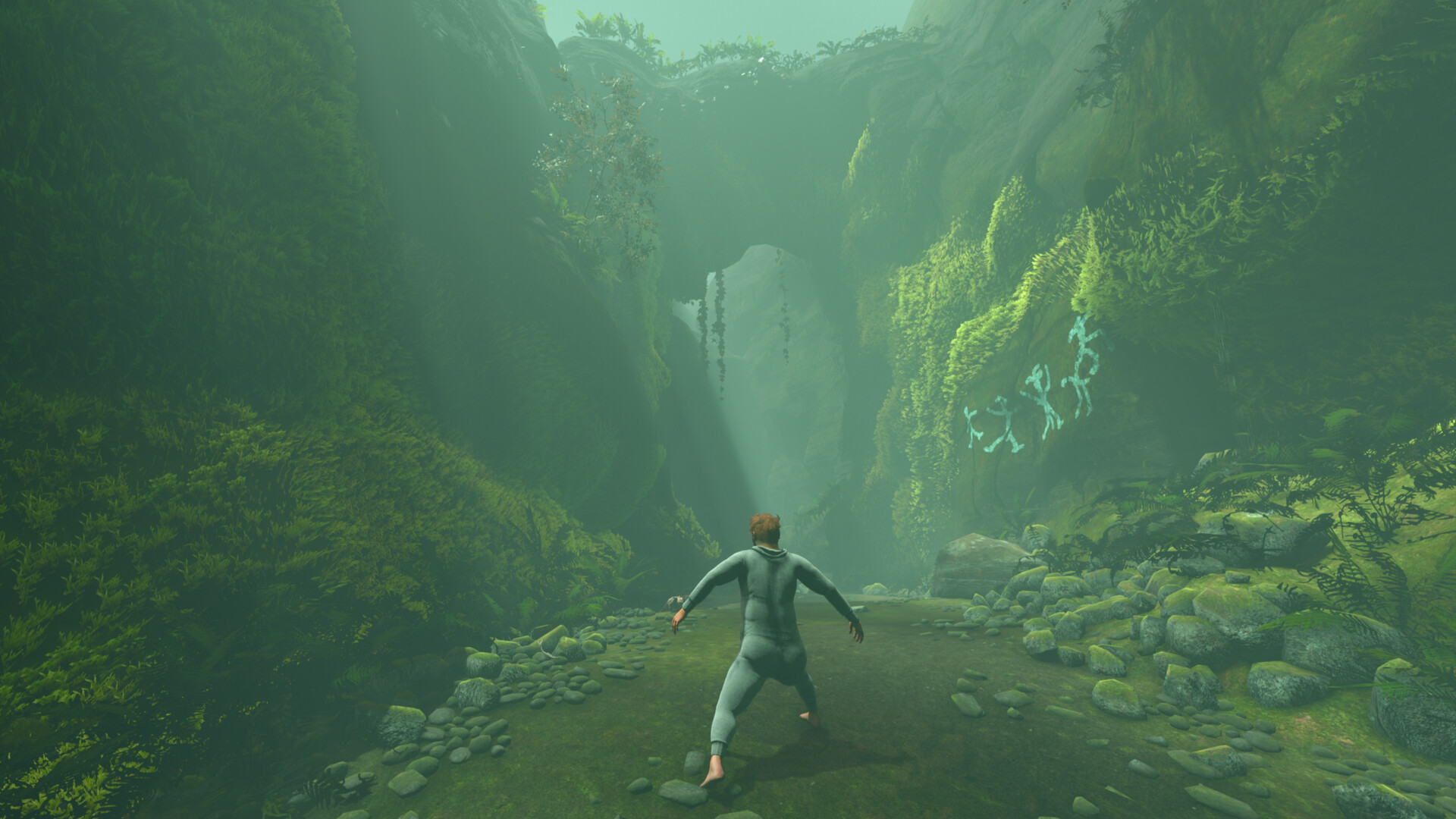
The core of Baby Steps is a mountain‑sized ascent that you can explore at any pace. Mist shrouds the environment, providing a serene backdrop while you climb.
There is no imposed time limit, allowing you to linger and admire scenery or push forward as you wish. The scale of the trek encourages personal pacing.
- Take moments to view the scenery; the mist adds atmosphere.
- Adjust your walking speed when the path becomes steep.
03 / THE GUIDE
Dynamic Soundtrack
A soundtrack built from 420 beats and vibes evolves as you move, giving the world a sense of life. The music evolves as you move through the world.
This audio feedback reinforces the feeling of progression, making each footstep feel part of a larger rhythm that reacts to your pace.
- Notice how the music shifts as you move.
- Listen for subtle shifts to gauge pacing.
04 / THE GUIDE
Onesie Soilage System
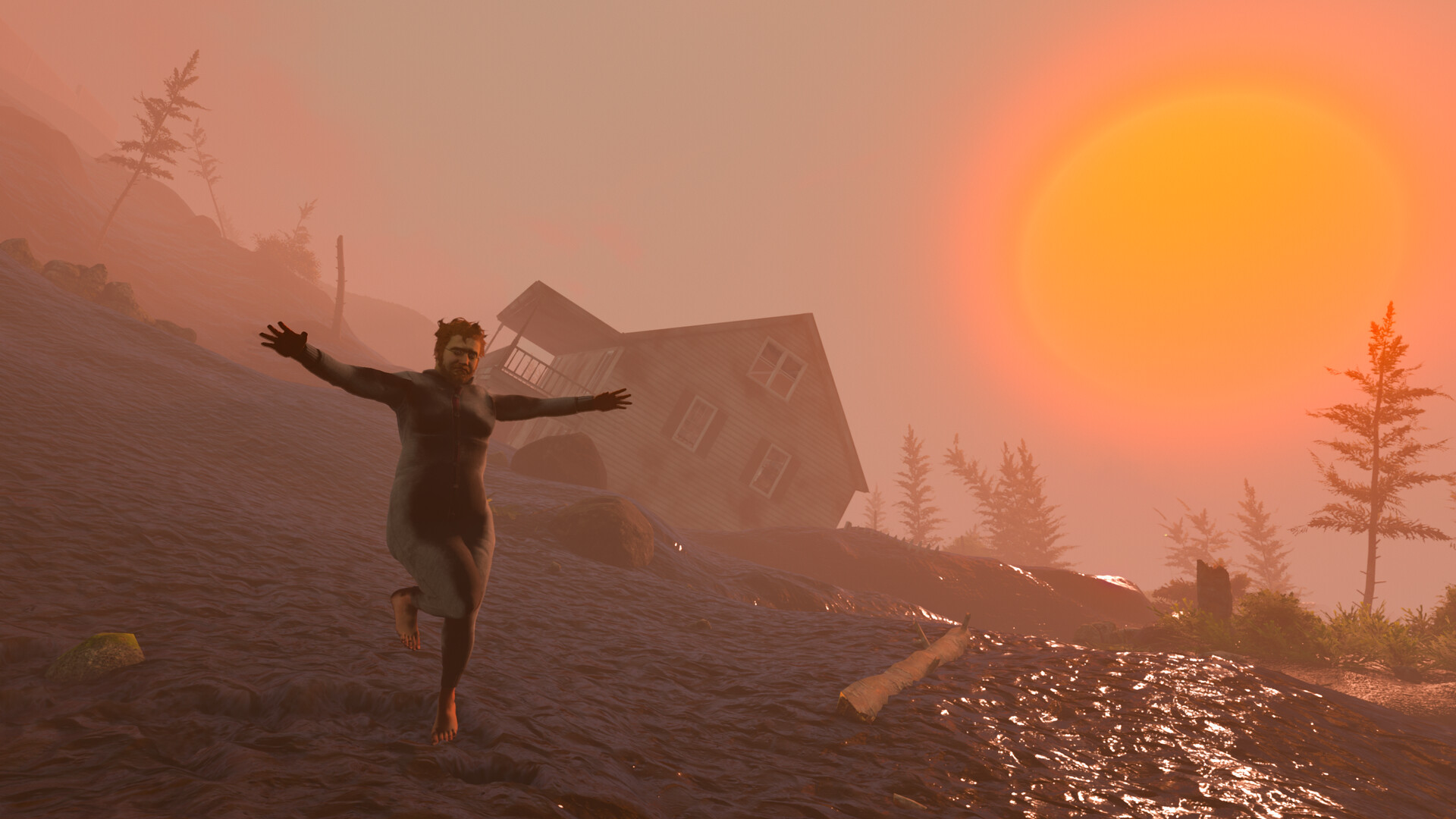
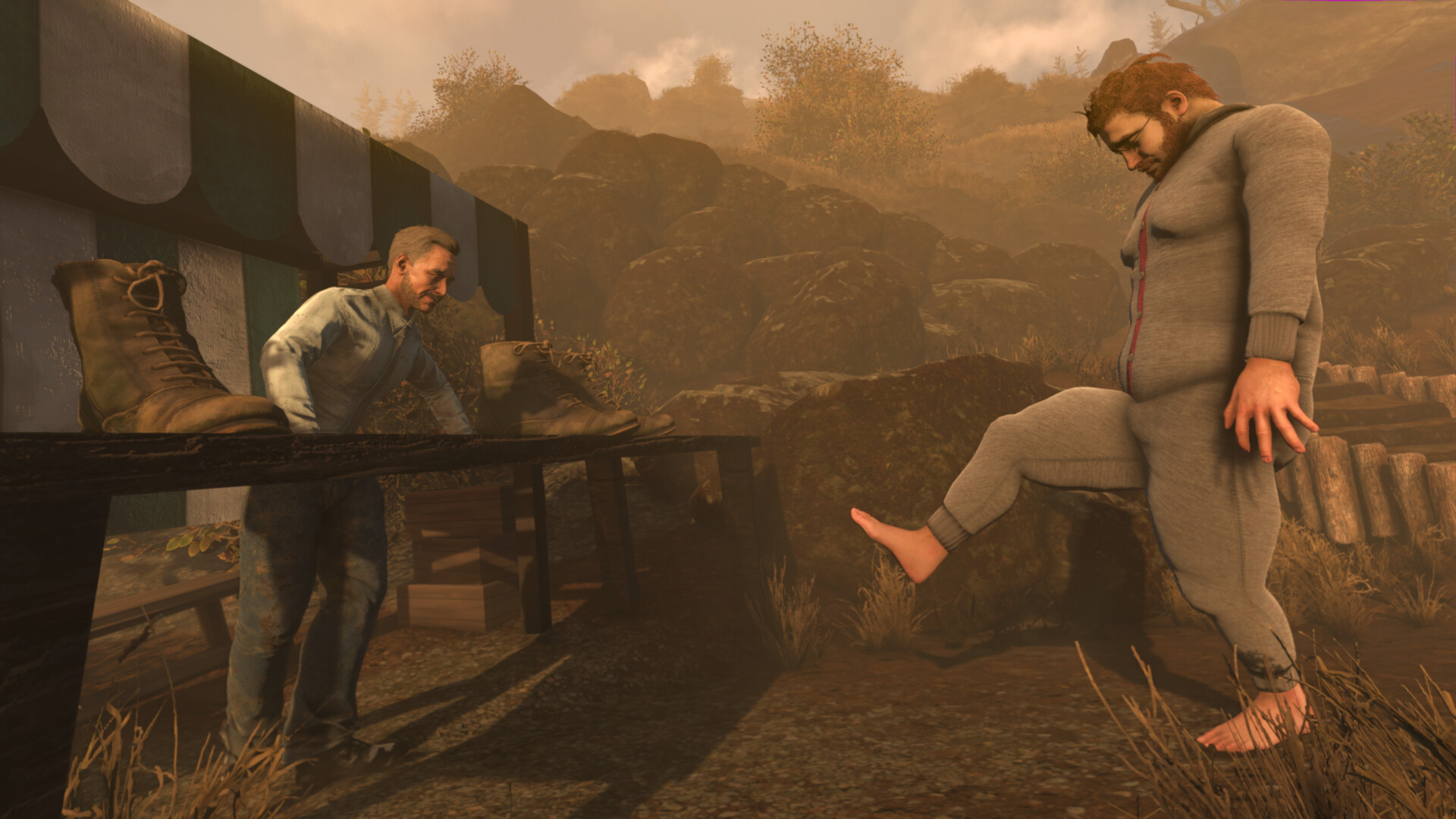
The game features a fully dynamic onesie soilage system that visually builds up on your clothing as you traverse different surfaces.
It provides a visual cue of how the environment interacts with your character’s attire.
- Watch soilage build‑up to identify messier terrain.
- Use the visual cue to gauge how messy your route has been.
05 / THE GUIDE
Full Controller Support
Baby Steps offers full controller support, including compatibility with DualShock and DualSense devices. The game recommends a gamepad for the most natural walking experience.
Controller input is integrated throughout the walking mechanics, allowing you to place each footstep without relying on other input methods.
- If you own a DualSense, try it for smoother control.
- Adjust thumb placement for precise foot placement.
COMMUNITY
Player discussion