 GameWiki
GET YOUR BEARINGS
About Atomcraft
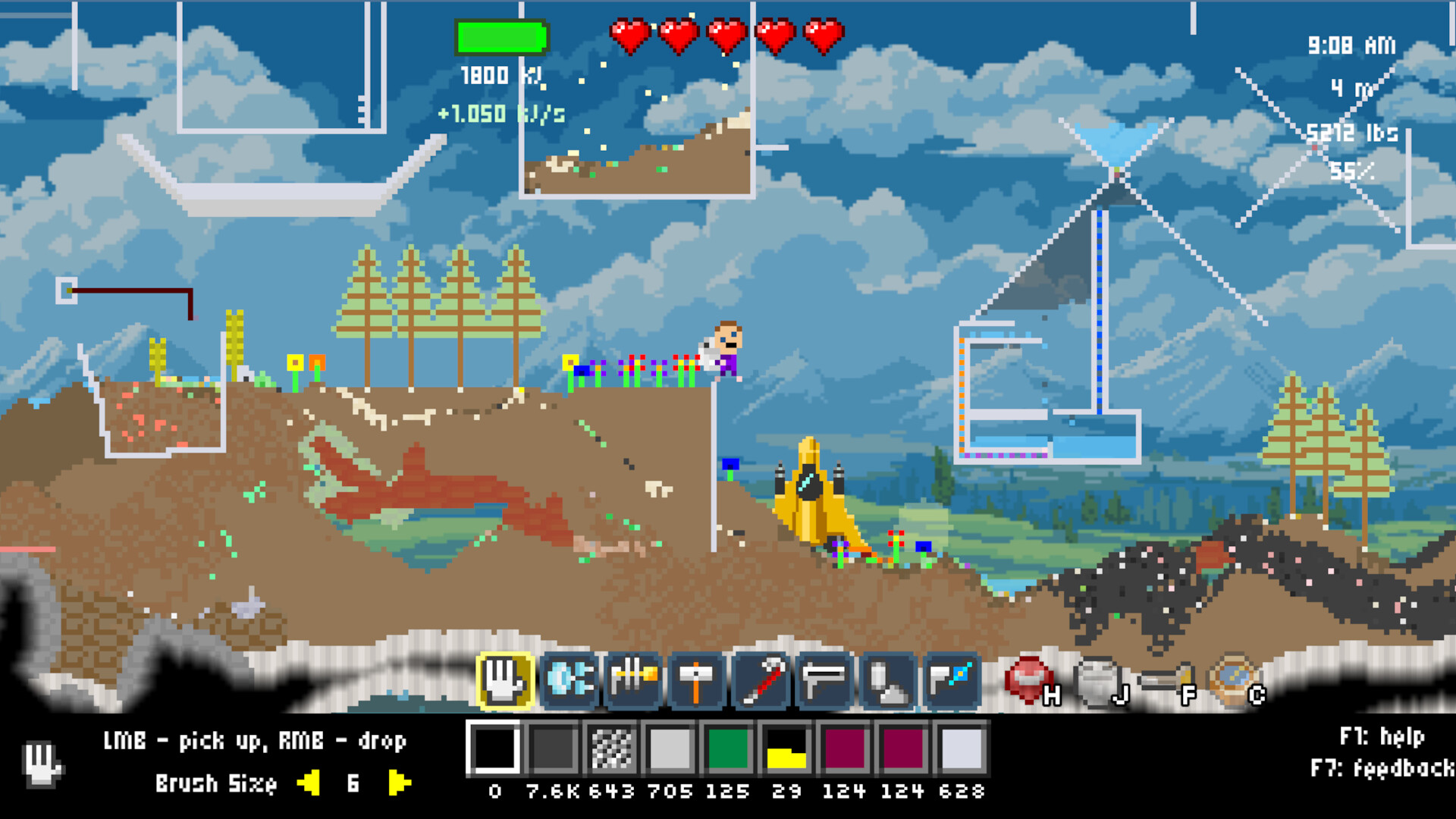
Atomcraft lets players manipulate every pixel of a planetary environment, building vessels, machines, and chemical reactors from the ground up. By upgrading drills and tools, you dig deeper to locate every element on the periodic table, smelt ores, and craft advanced materials while repairing a crashed spaceship piece by piece.
01 / THE GUIDE
Pixel Placement
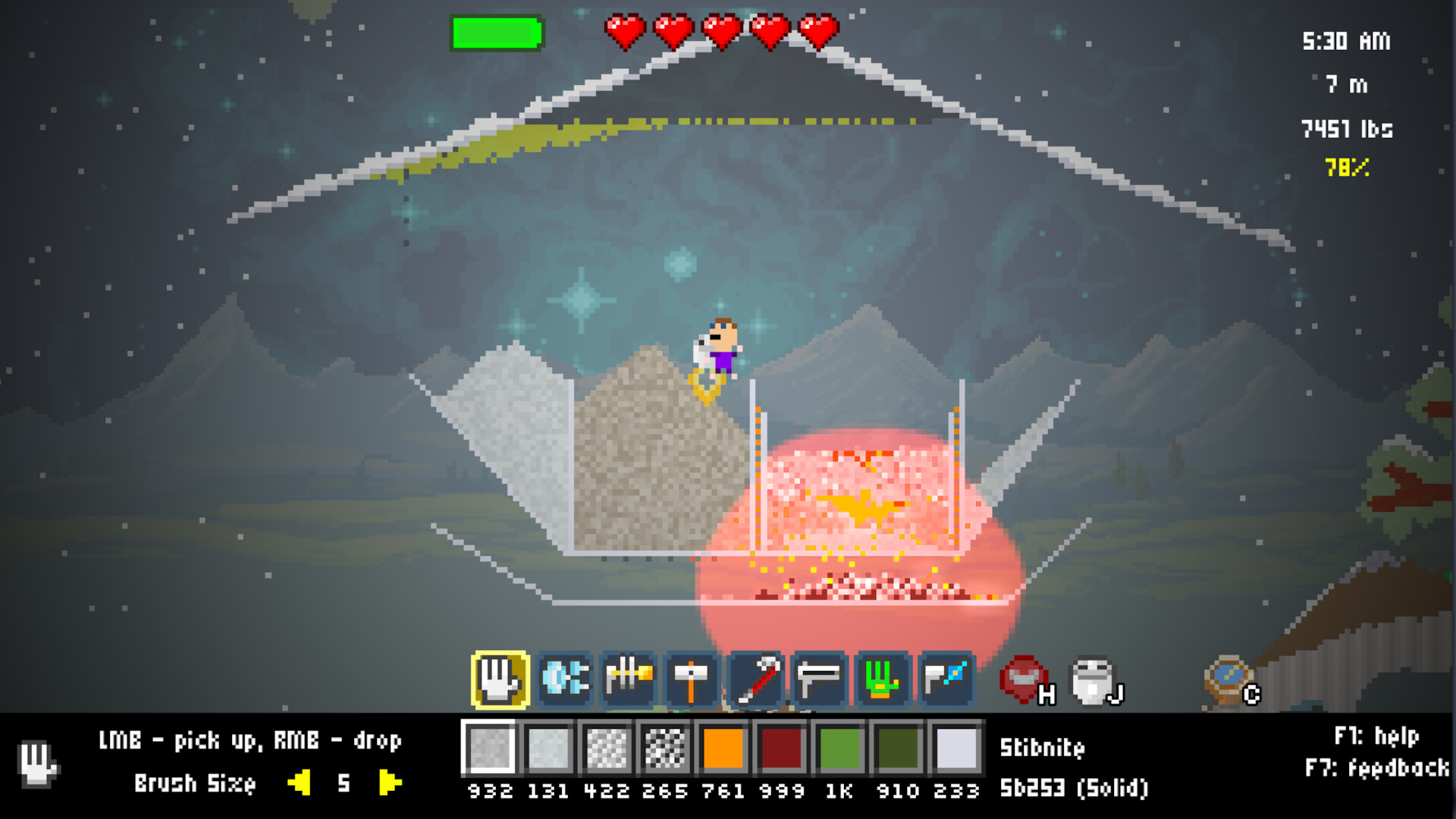
Each pixel of the world can be picked up and placed, reacting to neighboring pixels. This core mechanic lets you reshape terrain and construct structures directly from the environment.
Because pixels respond to what surrounds them, careful arrangement is needed for stable machines and safe chemical processes.
- Observe how adjacent pixels affect each other before finalizing a design.
- Experiment with small test structures to learn reaction patterns.
02 / THE GUIDE
Drill Upgrades
Upgrading your drill and tools lets you dig deeper into the planet, accessing richer materials and new elements. Deeper layers contain rarer ores needed for advanced crafting.
Progressively stronger drills are essential for reaching the deepest strata where the final elements reside.
- Plan upgrades around the depth you aim to reach.
- Balance drill power with resource consumption to avoid waste.
03 / THE GUIDE
Chemical Reactions
Smelt ore and perform chemical reactions using built machines. You can extract elements and combine them into compounds, including hazardous materials like nitroglycerin.
Complex reactions require precise machine setups to prevent accidental explosions.
- Start with simple reactions to understand input-output relationships.
- Isolate volatile processes in separate chambers for safety.
04 / THE GUIDE
Mechanical Pixels
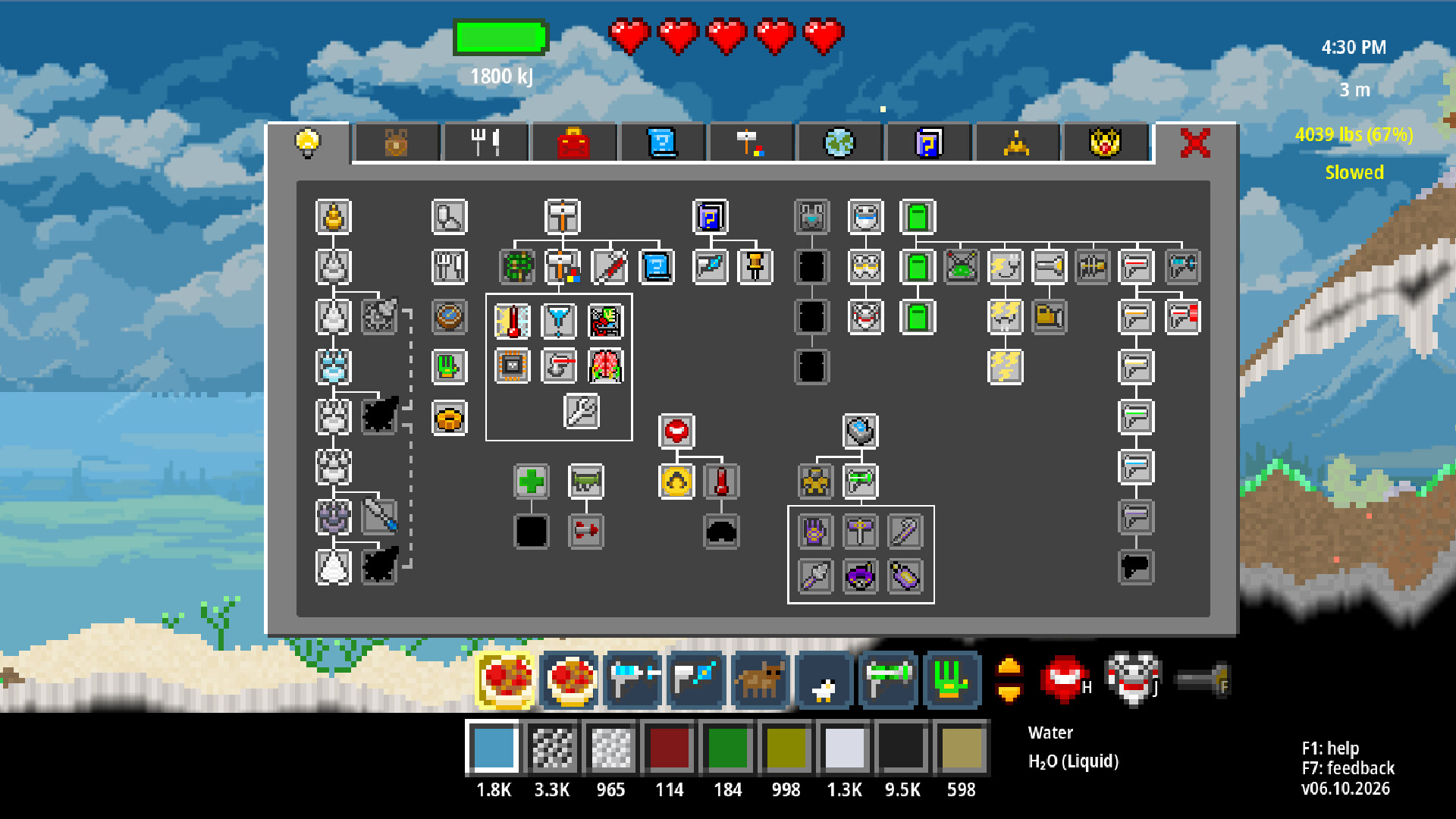
Craft mechanical pixels such as conveyor belts, trapdoors, heating/cooling elements, wiring, buttons, switches, sensors, and logic gates. These components enable signal‑based machines and automation.
Combining mechanical pixels lets you create intricate factories and control systems.
- Use wiring to connect sensors to actuators for responsive designs.
- Logic gates can simplify complex decision trees in your builds.
05 / THE GUIDE
Exploration Depth
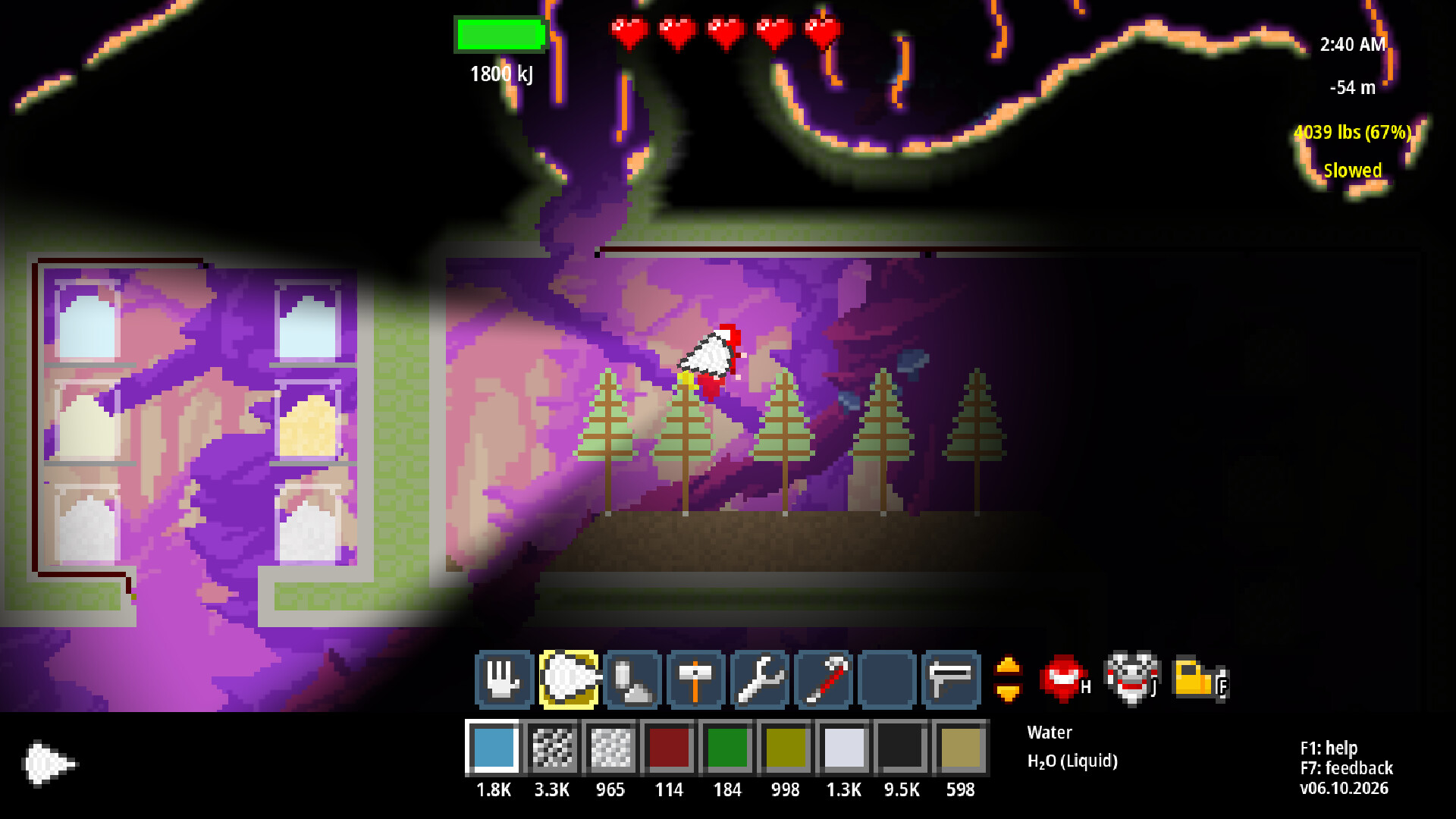
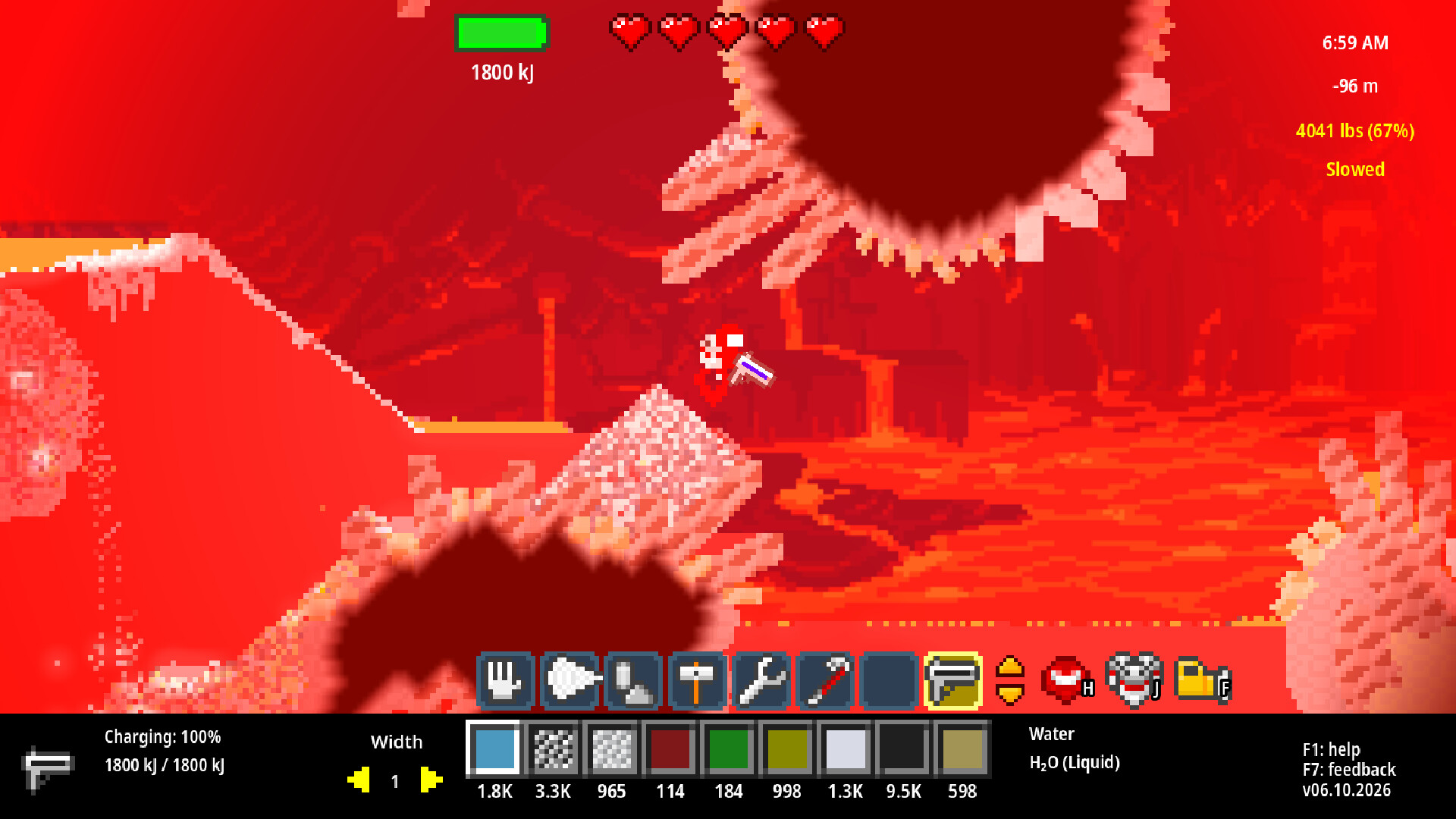
Delve through planetary layers until you discover every material on the periodic table. Each deeper stratum offers new challenges and rarer resources.
Completing the depth journey also involves repairing the crashed ship piece by piece, revealing the world’s mystery.
- Map your progress to avoid retracing unnecessary tunnels.
- Prioritize resource gathering that supports both depth and ship repairs.
COMMUNITY
Player discussion