 GameWiki
GET YOUR BEARINGS
About ATLYSS
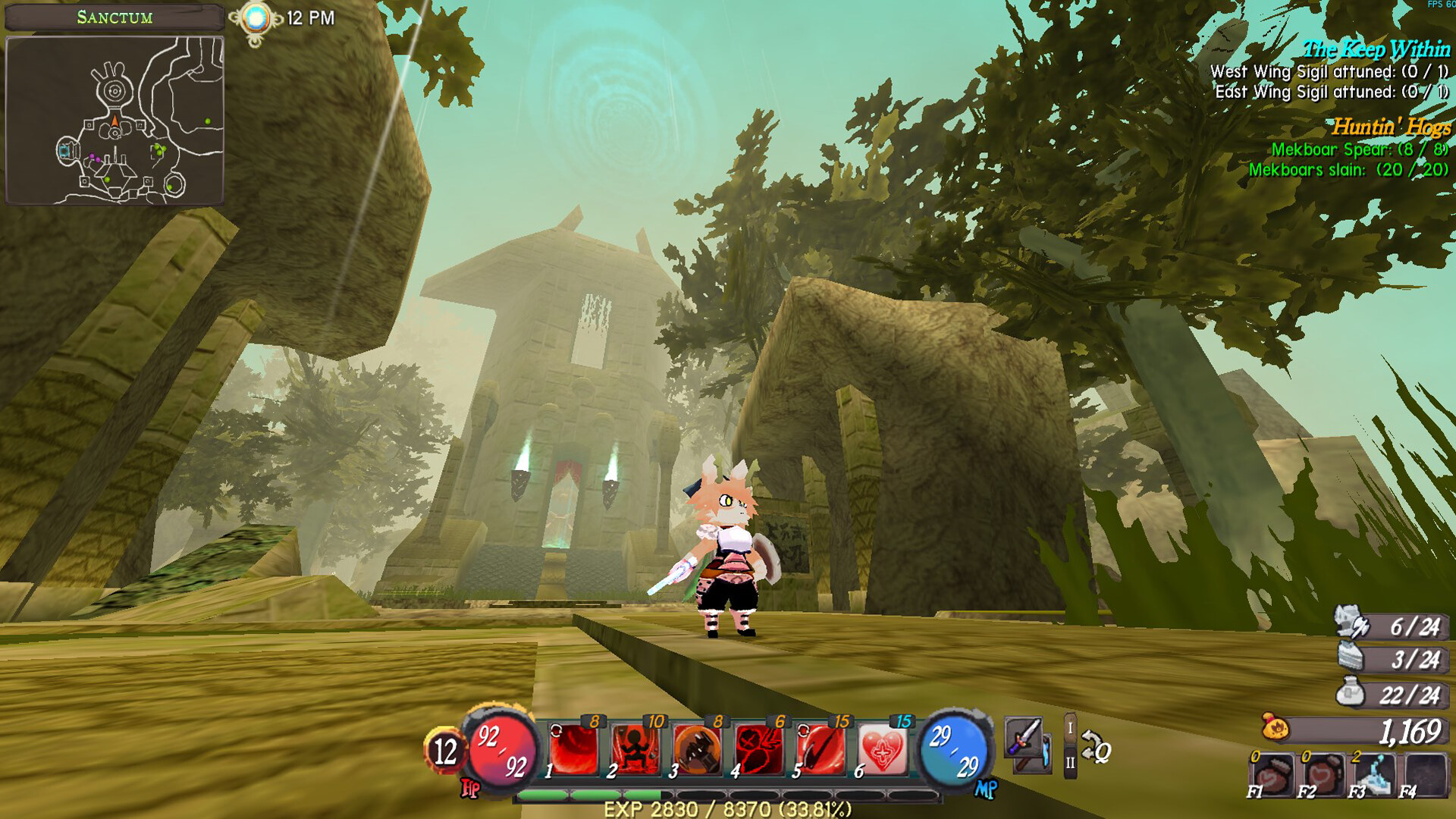
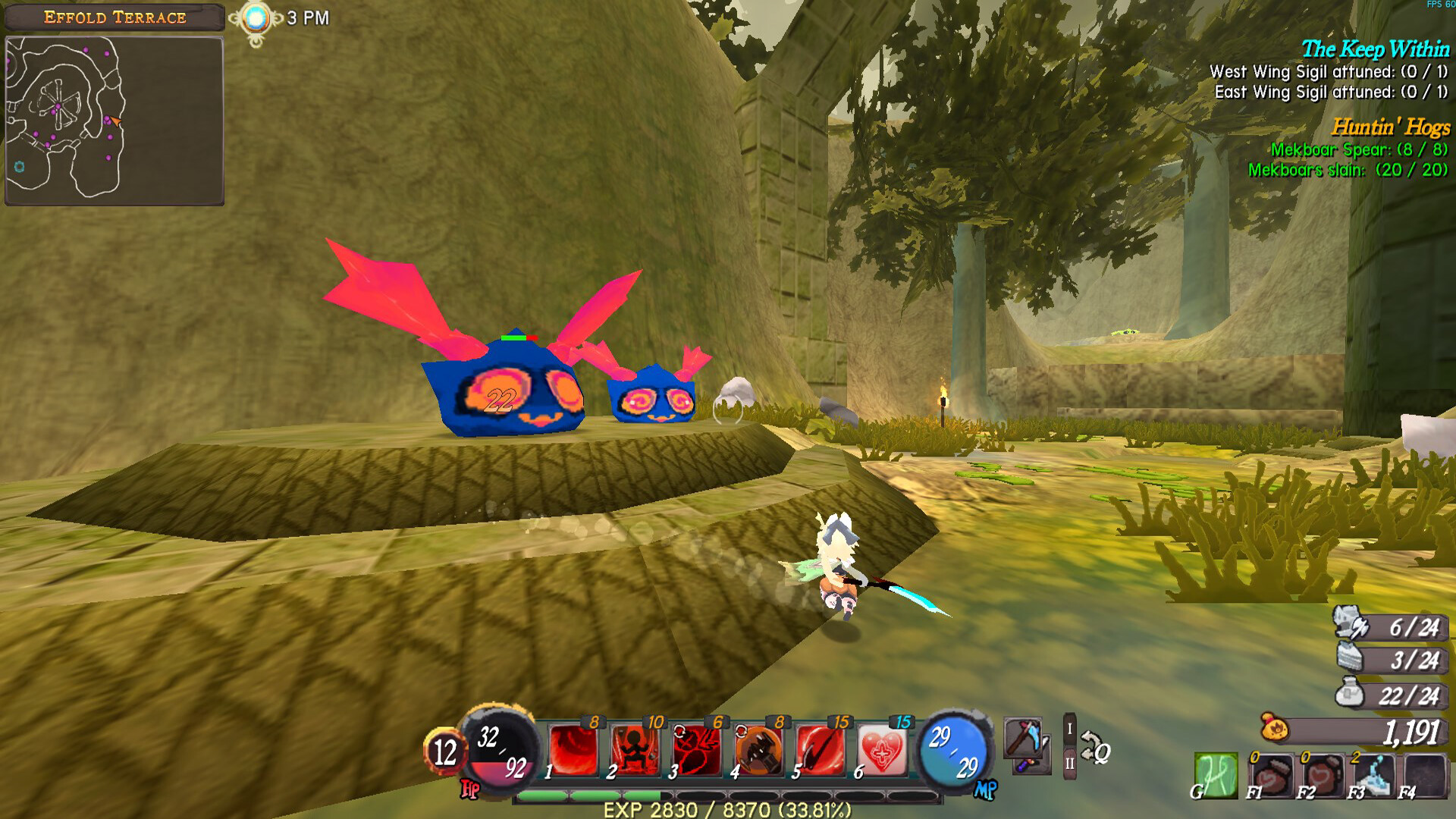
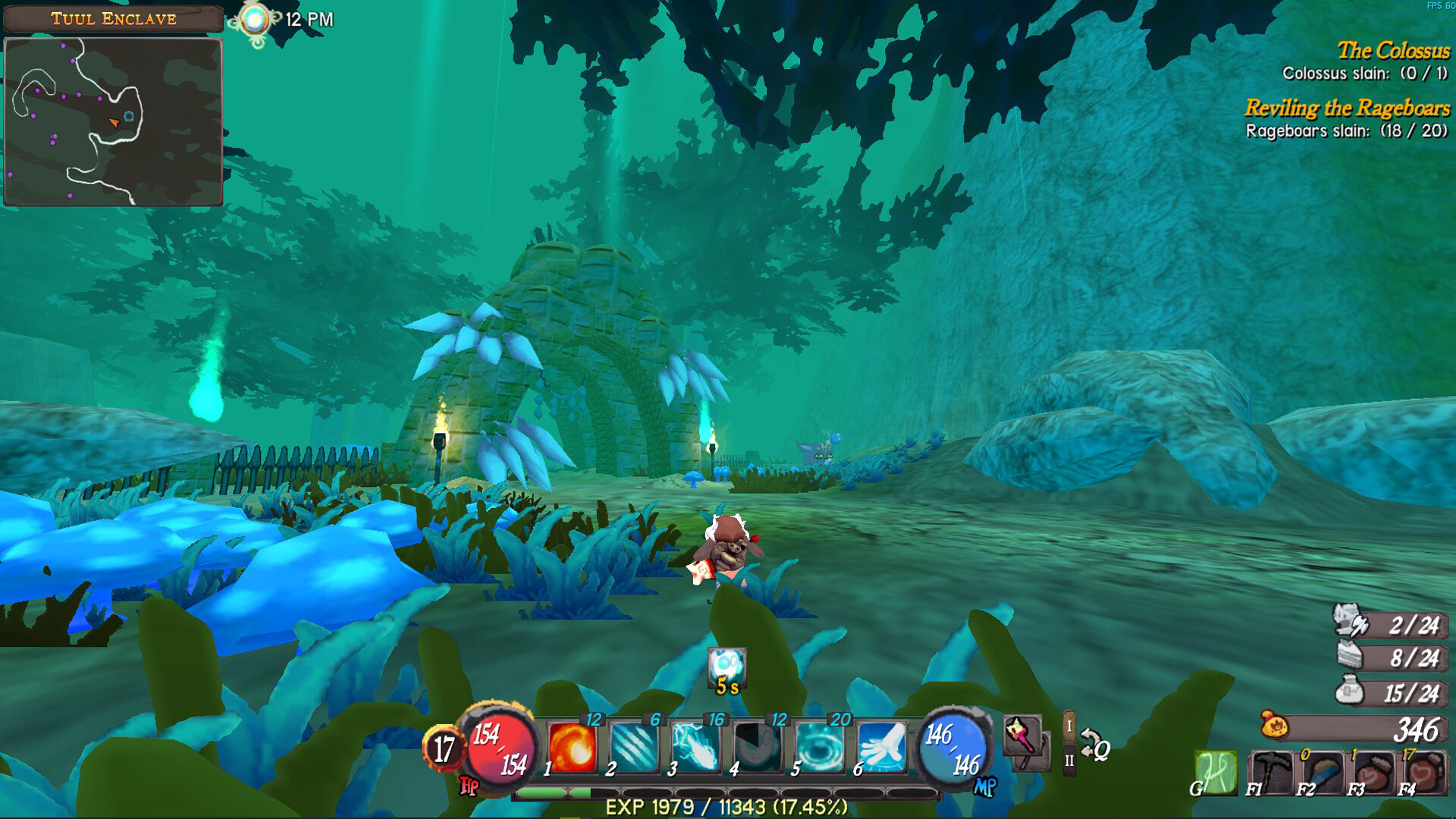
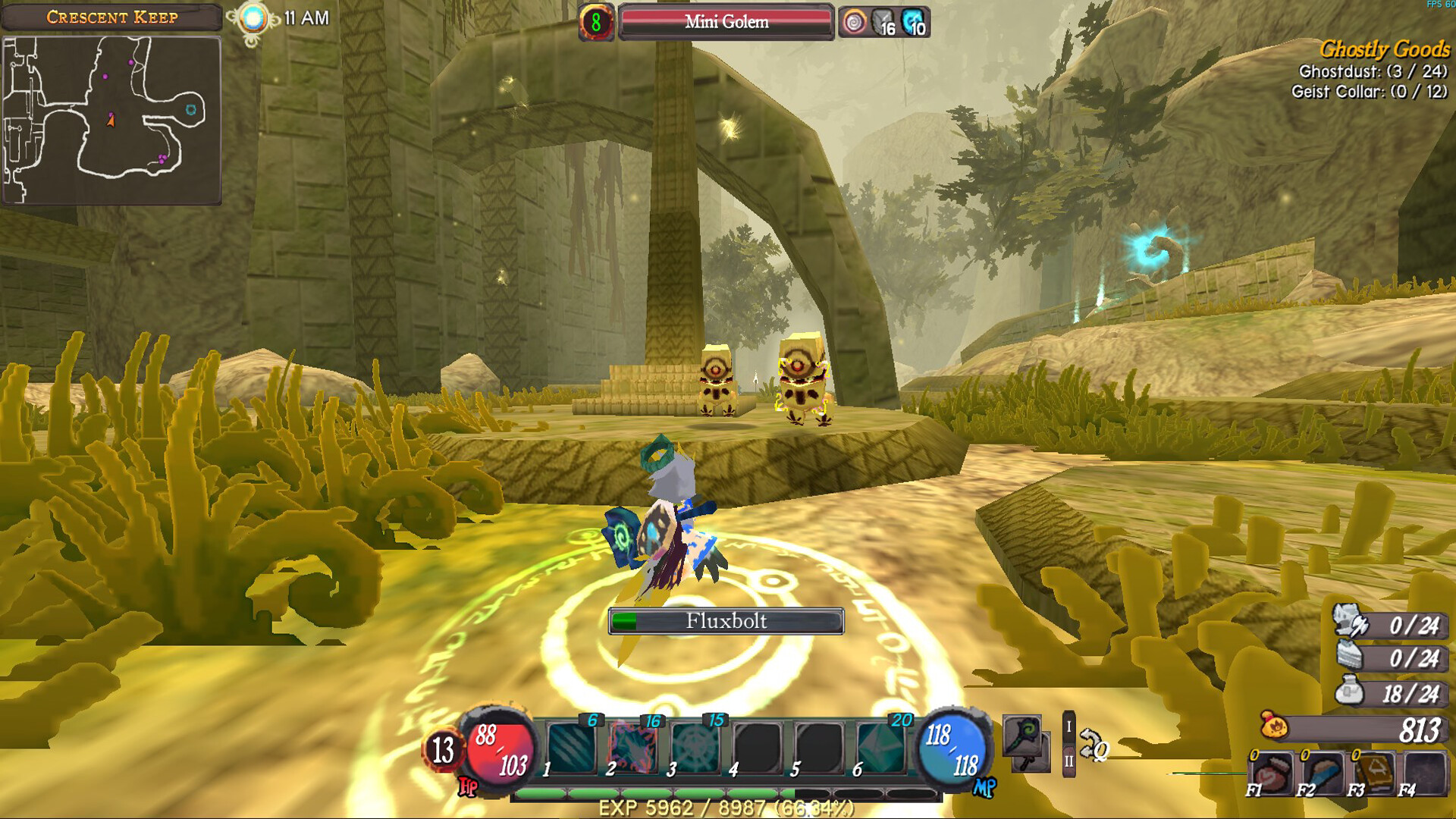
ATLYSS drops you into a strange world alive with creatures and critters, featuring an open outside realm and deep dungeons that together provide plenty of locations to explore and discover.
You create a character from five races with color, head, and body options, start as a Novice, then choose Fighter, Mystic, or Bandit, and can play solo or join friends online, with all progress saved locally on Windows.
01 / THE GUIDE
World Exploration
ATLYSS offers an outside realm and deep dungeons, each defined as separate locations for players to travel.
Both zones host many creatures and critters, prompting exploration and discovery as you move between surface and underground.
- Take note of landmarks to avoid getting lost.
- Compare surface and dungeon layouts to plan routes.
02 / THE GUIDE
Character Creation
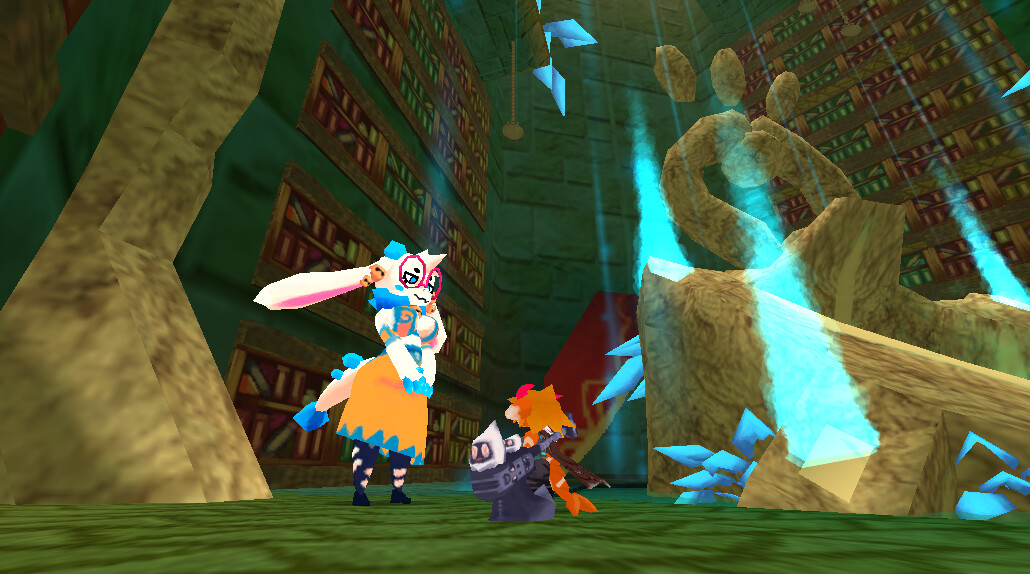
Players begin by selecting one of five playable races, each offering options to adjust color, head shape, and body style.
These visual choices are made during character creation and do not involve gameplay mechanics beyond appearance.
- Experiment with different color palettes to find a look you enjoy.
- Try each race’s head options to see which silhouette fits your vision.
03 / THE GUIDE
Class Advancement
After the initial Novice stage, players choose between three primary classes: Fighter, Mystic, or Bandit.
Fighter is a melee class that rends and staggers foes, dealing high damage; Mystic casts offensive and supportive arcane magic; Bandit excels with ranged weapons, traps, and quick melee attacks.
- Test each class in a short encounter to feel its combat rhythm.
- Consider party composition when picking a class for co‑op quests.
04 / THE GUIDE
Multiplayer & Co‑op
ATLYSS supports solo play and online sessions with friends, offering both cooperative quests and PvP without mandating an internet connection for the single‑player experience.
Because character data is saved locally, a player can start alone, later join a net‑play session, and continue from the same progress point.
- Coordinate class roles before starting a co‑op quest for balanced combat.
- Use voice chat or messaging to plan strategies during online play.
05 / THE GUIDE
Progression & Save System
All character progression—including level, equipment, and quest status—is stored locally on the Windows device.
When a player later connects online, the locally saved profile merges with the network session, allowing continuation of their adventure without loss.
- Back up the save folder before installing updates.
- Check available disk space to ensure saves can be written.
COMMUNITY
Player discussion