 GameWiki

GET YOUR BEARINGS
About Atelier Lulua ~The Scion of Arland~
Atelier Lulua ~The Scion of Arland~ continues the Arland saga, following Lulua, the daughter of Rorona, as she seeks to surpass her mother’s alchemical fame. The game returns players to the familiar world of Arland, where a mysterious ancient manuscript drives the narrative forward.
The fourth main entry blends single‑player RPG elements with alchemy‑focused progression, offering Steam achievements, cloud saves, and optional gamepad use. It is available on Windows via Steam and supports family sharing for convenient access across accounts.
01 / THE GUIDE
Story Premise
The plot centers on Lulua, a young alchemist from a border town of the Arland Republic, whose ambition is to outshine her legendary mother, Rorona. An ancient manuscript hints at a larger mystery that shapes her journey.
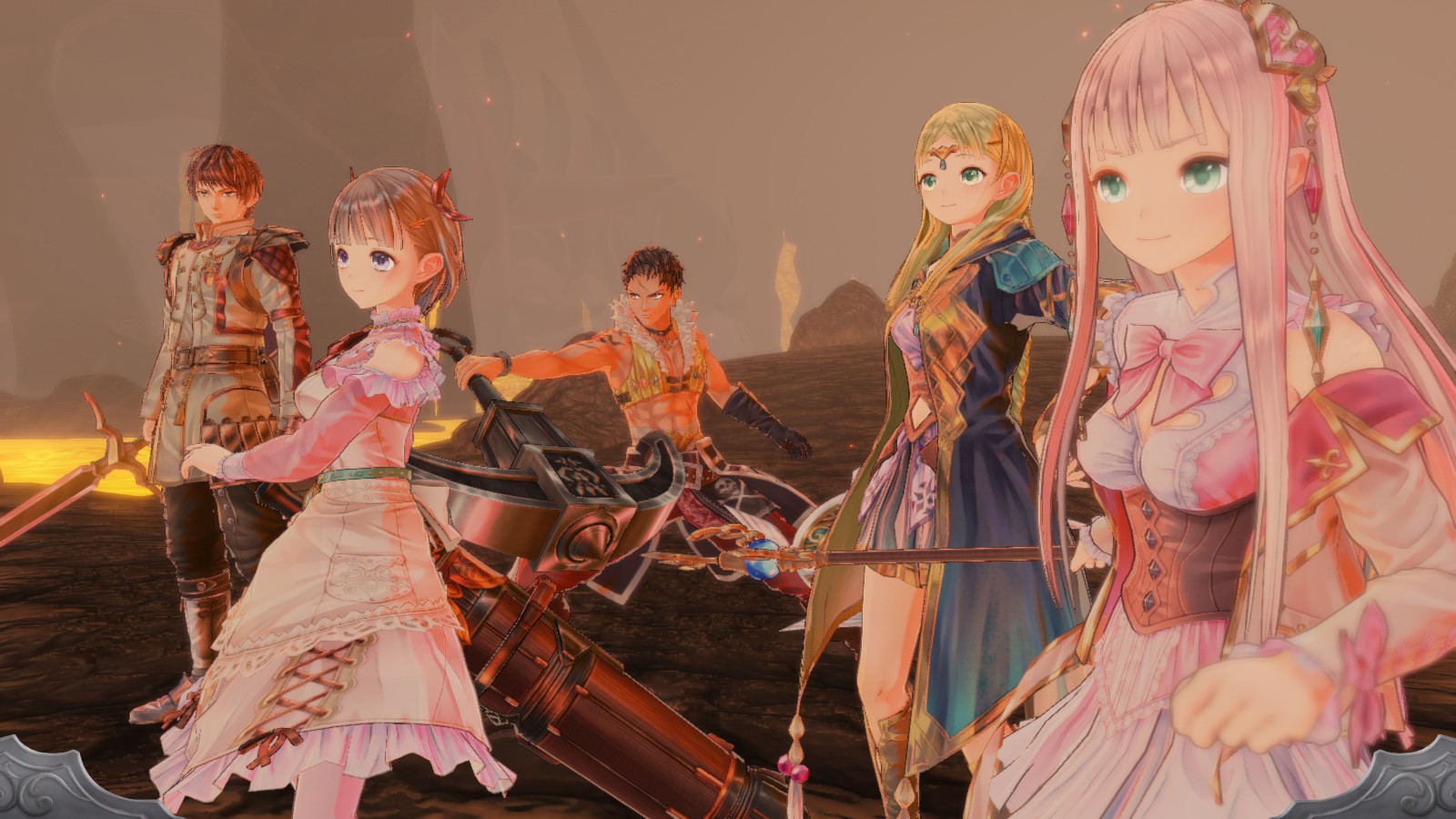
Players accompany Lulua and her companions across familiar Arland locales, uncovering the future that awaits beyond the manuscript’s secrets while confronting the responsibilities of her emerging role.
- Pay attention to dialogue that references the ancient manuscript for narrative clues.
- Explore towns thoroughly to meet characters tied to Lulua’s family legacy.
02 / THE GUIDE
Alchemy Focus
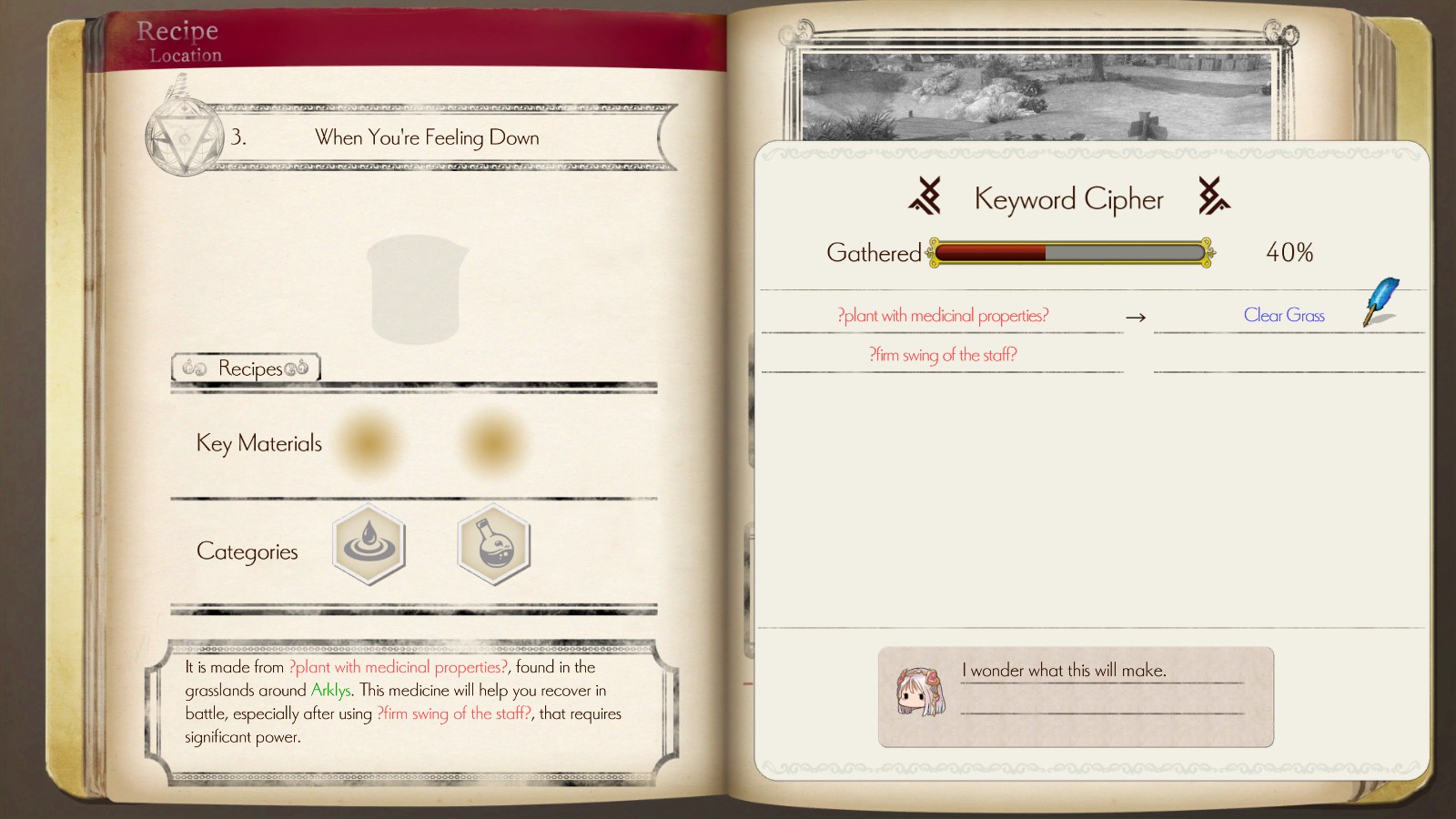
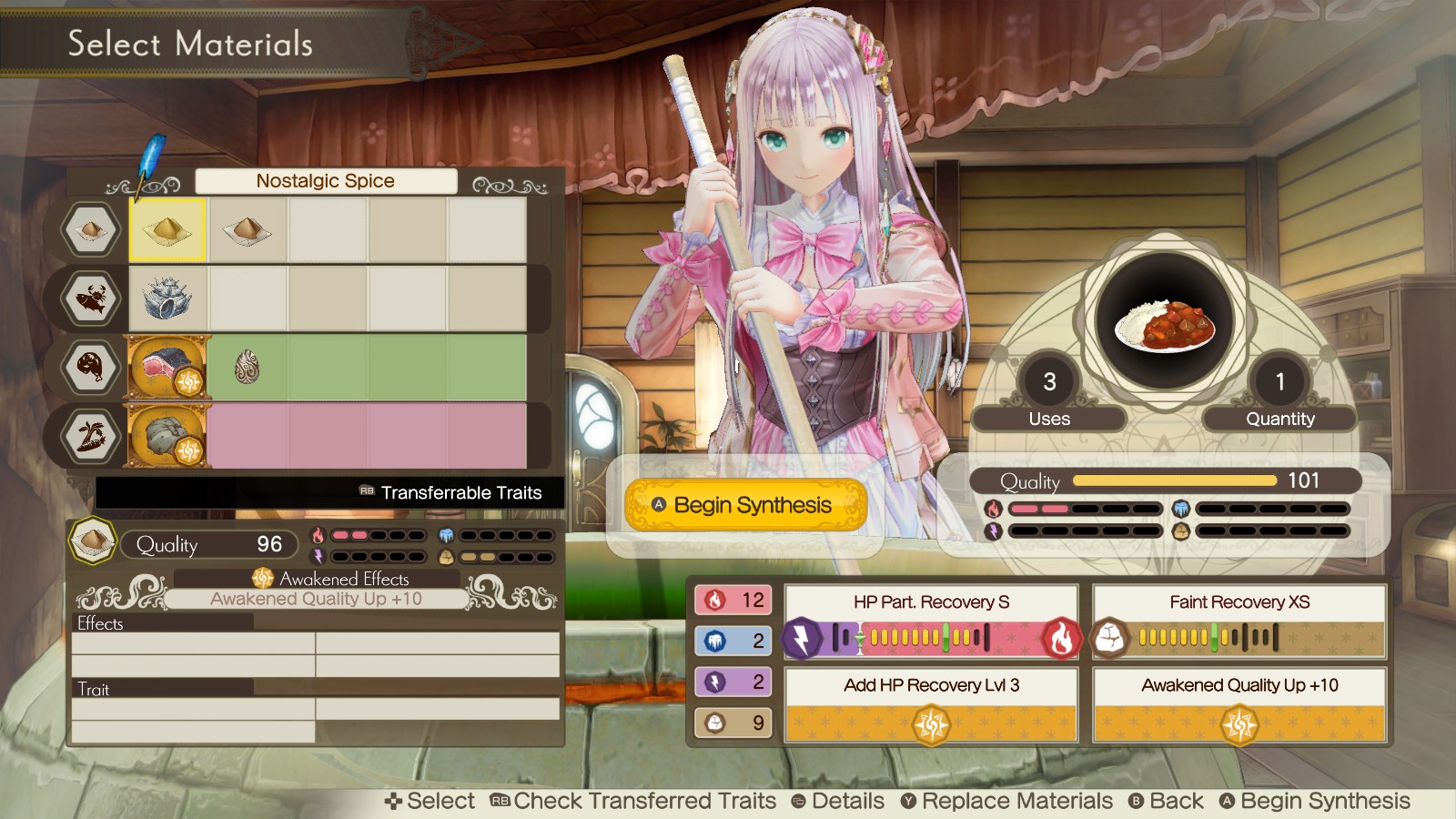
Alchemy remains the core activity, reflecting the series’ tradition of item synthesis and experimentation. Lulua’s goal to master alchemy drives gameplay and story progression.
The game’s design encourages players to experiment with recipes, aligning with the series’ emphasis on discovery and improvement.
- Try combining different ingredients to discover new recipes.
- Track successful syntheses to gauge Lulua’s growing mastery.

03 / THE GUIDE
Platform Availability
Atelier Lulua is released for Windows via Steam, with no official macOS or Linux versions. This limits play to compatible Windows PCs.
Steam’s ecosystem provides cloud saving and family sharing, allowing progress to be stored online and shared across accounts.
- Enable Steam Cloud in settings to safeguard your save data.
- Use Family Sharing to let friends try the game without purchasing a separate copy.
04 / THE GUIDE
Controller Support
The title lists Partial Controller Support and recommends a gamepad, indicating that some menus or actions can be navigated with a controller, though full gameplay may rely on keyboard and mouse.
Players seeking a more comfortable experience can connect a compatible gamepad, keeping in mind that not all functions may be mapped.
- Test controller input in the options menu before starting a play session.
- Keep a keyboard handy for functions that lack controller mapping.
05 / THE GUIDE
Steam Features
Steam integration includes achievements, cloud saves, and family sharing, enhancing replay value and community interaction. These features are standard for the platform.
Achievements provide optional goals, while cloud saves ensure progress persists across devices.
- Check the achievement list to set personal milestones.
- Sync your game before switching PCs to avoid lost progress.
COMMUNITY
Player discussion