 GameWiki
GET YOUR BEARINGS
About Assetto Corsa EVO
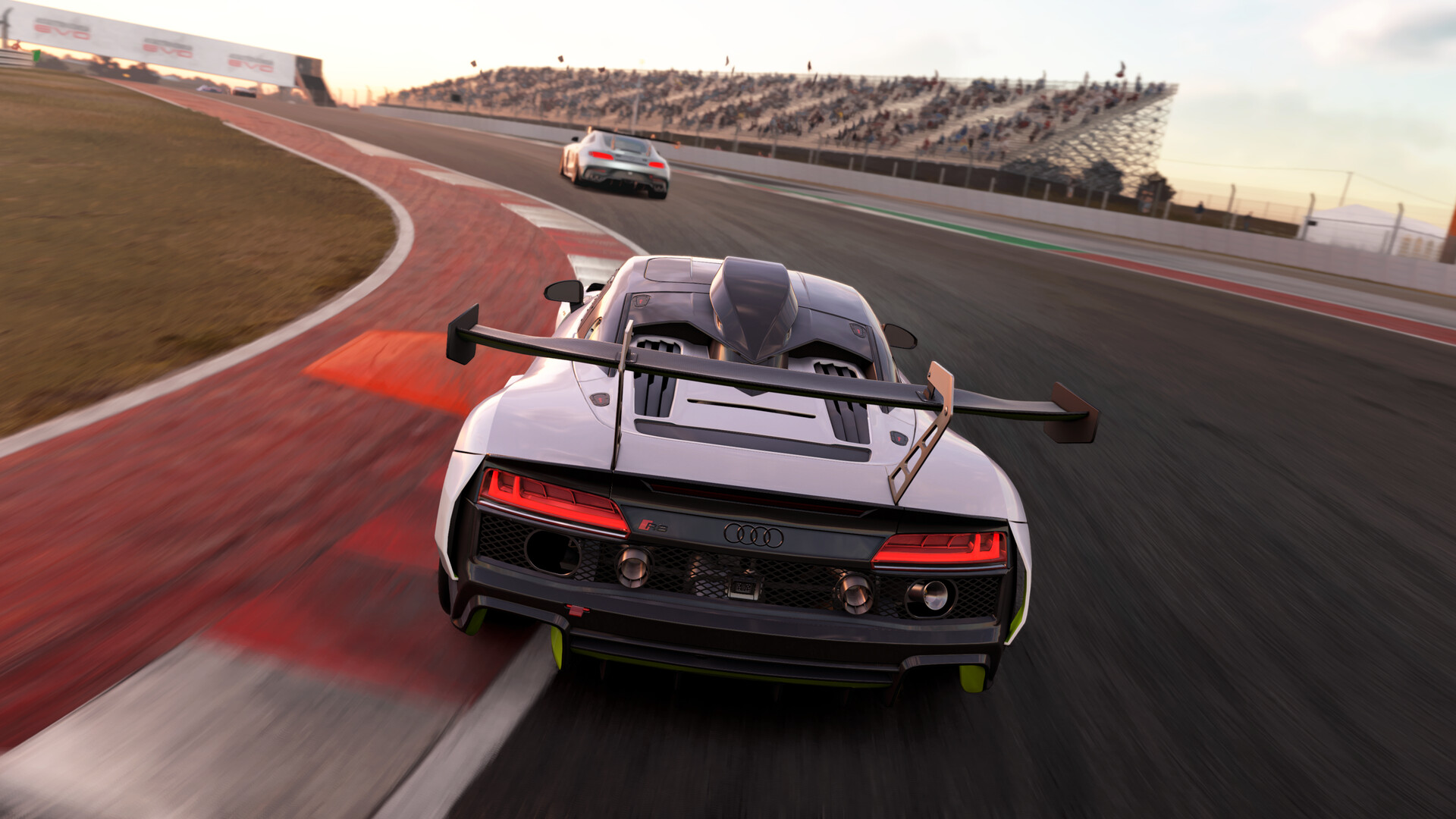
Assetto Corsa EVO is an early‑access racing simulation that emphasizes realistic handling and competitive online play. The 0.9 update adds worldwide Special Events with hot‑lap and hot‑stint leaderboards, mandatory pit‑stop strategy for longer races, and a new racing‑slick tyre model that improves grip fidelity across GT cars.
Beyond competition, the update refines force‑feedback support for major wheel brands, expands VR and triple‑screen rendering, and introduces three new cars. Continuous optimisation of graphics, physics, and input systems aims to deliver a more authentic driving experience as the title progresses toward its full 1.0 launch.
01 / THE GUIDE
Special Events and Leaderboards
Special Events are fixed‑scenario races—identical car, track, conditions, and time of day—for every participant. Results are posted on a worldwide leaderboard, letting players compare lap times or stint gaps globally. Two formats exist: Hotlap, a single timed lap, and Hotstint, which records sector‑by‑sector gaps over a sustained run. An optional Limited Attempts setting adds pressure by restricting the number of tries.
These events provide a clear, repeatable benchmark for skill improvement and community competition. Because the scenario is predetermined, success depends on driver technique, car setup, and optimal use of the MFD for strategy.
- Practice the exact track layout and car setup before attempting a Limited Attempts run.
- Focus on consistent sector times in Hotstint to minimize overall gaps.
02 / THE GUIDE
Mandatory Pitstops in Timed Races
In online races longer than twenty minutes, servers can enforce mandatory pitstops within a configurable pit window. Drivers plan their stop lap, tyre choice, pressures, and fuel load using the MFD, adding a strategic layer to the race. The requirement reintroduces tactical decision‑making that influences overall race time.
Pitstop strategy is visible to all participants, allowing competitors to anticipate opponent behaviour. Proper timing and tyre selection can provide a decisive advantage, especially when combined with the new slick tyre model.
- Calculate fuel consumption early to avoid unnecessary extra stops.
- Choose tyre pressures that match expected track temperature for optimal grip.
03 / THE GUIDE
Updated Racing Slick Tyre Model
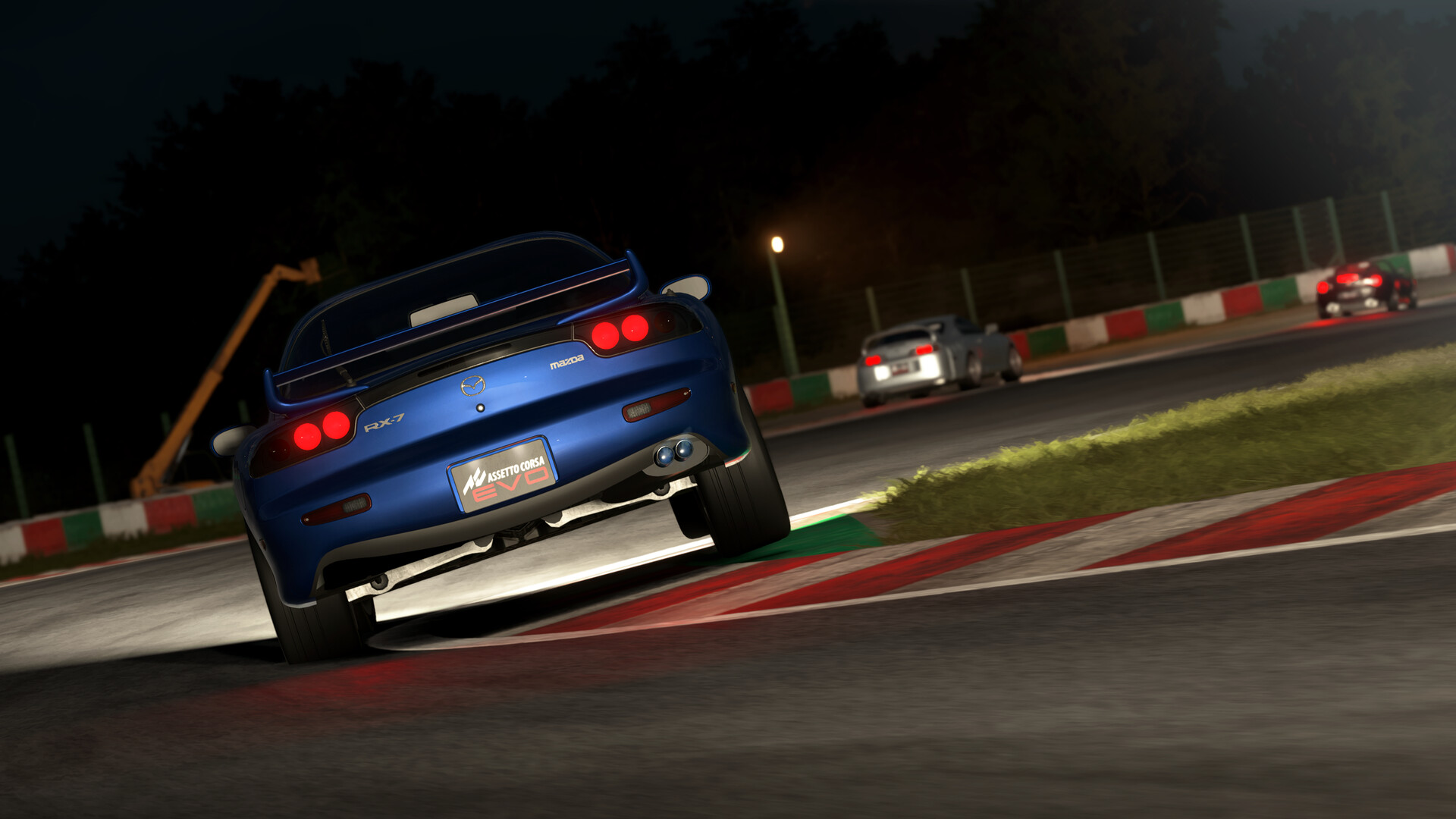
The 0.9 update introduces a new tyre model for racing slicks, applied to GT cars from the Mazda MX5 Cup up to the Ferrari F40. This model raises consistency and handling fidelity, delivering more predictable grip evolution across laps.
The improved tyre physics affect braking, cornering, and acceleration, making car behaviour feel more faithful to real‑world performance. Drivers can rely on the model for more accurate setup tuning and race strategy.
- Monitor tyre wear during long stints to adjust pressures on the fly.
- Use the updated model to fine‑tune suspension settings for each car.
04 / THE GUIDE
Force Feedback and Input Enhancements
Force‑feedback devices now automatically recover after a disconnection or alt‑tab, supporting DirectInput, Fanatec, Logitech, and Thrustmaster hardware. Output shaping can be adjusted via a linearisation LUT, and haptic audio has been reworked with FullForce DSP and a 350 Hz low‑pass filter for Logitech TrueForce.
These changes improve immersion and reduce interruptions during gameplay, ensuring consistent tactile feedback even when switching applications or reconnecting wheels.
- Keep the ffb.lut file in the SavedGame folder to customise output shaping.
- Test wheel reconnection after alt‑tab to confirm automatic recovery.
05 / THE GUIDE
VR Support and Graphics Optimisation
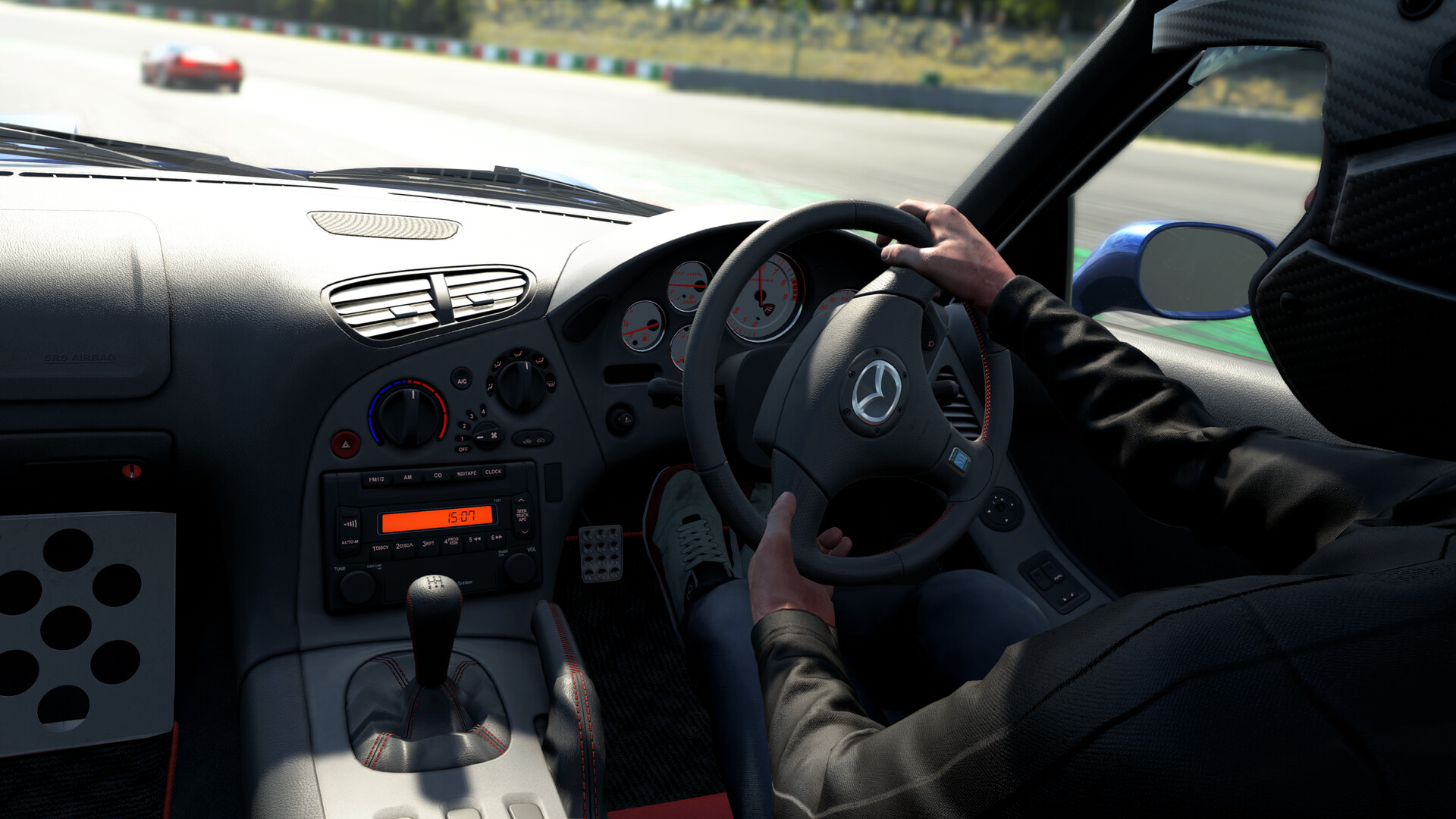
Assetto Corsa EVO now treats VR and triple‑screen setups as first‑class features, using a new high‑performance photorealistic engine. Renderer optimisations include shadow‑receiver culling, additional view‑budget for cockpit elements, and temporal dithering improvements for DLSS and FSR. Windshield effects and exposure presets receive live preview controls.
These graphical upgrades deliver clearer visuals and smoother performance, especially in demanding setups, while preserving the simulation’s realistic feel.
- Adjust exposure presets in the view settings for optimal brightness in VR.
- Enable DLSS or FSR to maintain frame rates on high‑resolution displays.
COMMUNITY
Player discussion