 GameWiki
GET YOUR BEARINGS
About Artemis Spaceship Bridge Simulator
Artemis Spaceship Bridge Simulator lets players experience a star‑ship bridge by linking several computers together. One machine runs the main simulation while the others act as dedicated workstations for classic bridge positions such as Helm, Communications, Engineering, and Weapons. The game requires multiple participants; there is no single‑player mode.
A player in the central seat assumes the Captain role, issuing orders without a dedicated workstation. Artemis is marketed as a social, cooperative experience that can be played locally with split screens or remotely via Steam’s Remote Play Together, and it supports family sharing on Windows.
01 / THE GUIDE
Multiplayer Setup
Artemis runs on a host computer that displays the main screen, while additional computers connect as workstations for each bridge role. The networked arrangement is required for any game session, as the description states the game cannot be played solo.
The host coordinates the shared simulation across the connected machines. This structure creates a collaborative environment where each player contributes from their assigned station.
- Ensure all computers are on the same local network before launching.
- Test the connection with a short session to verify synchronization.
02 / THE GUIDE
Role Distribution
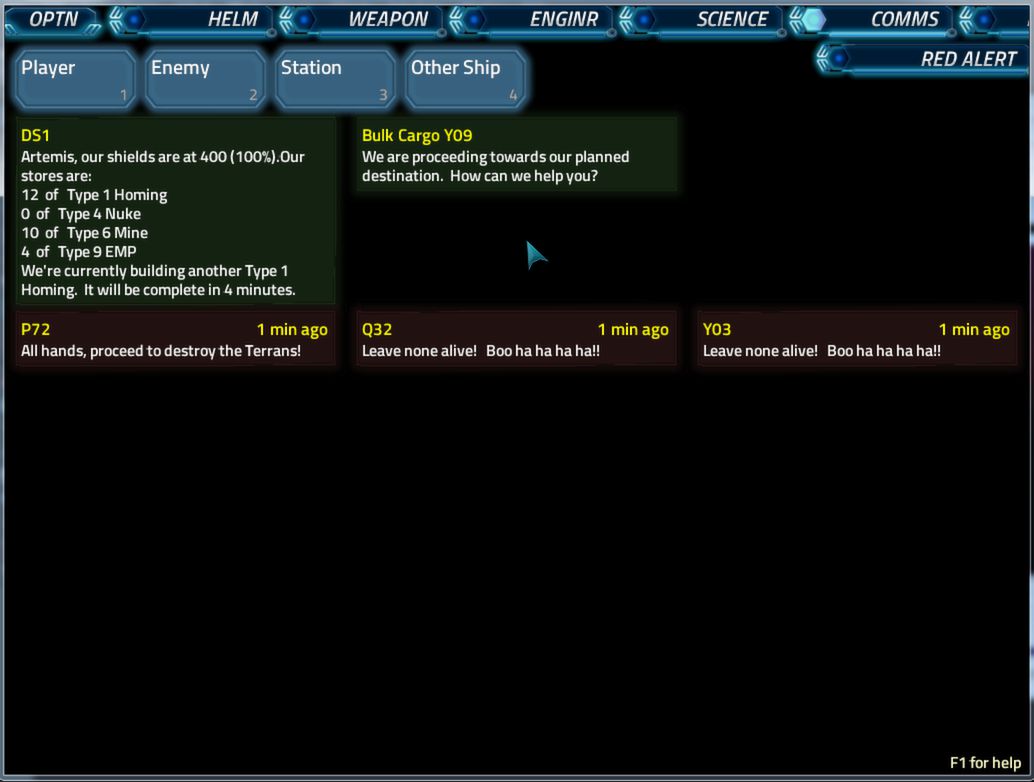
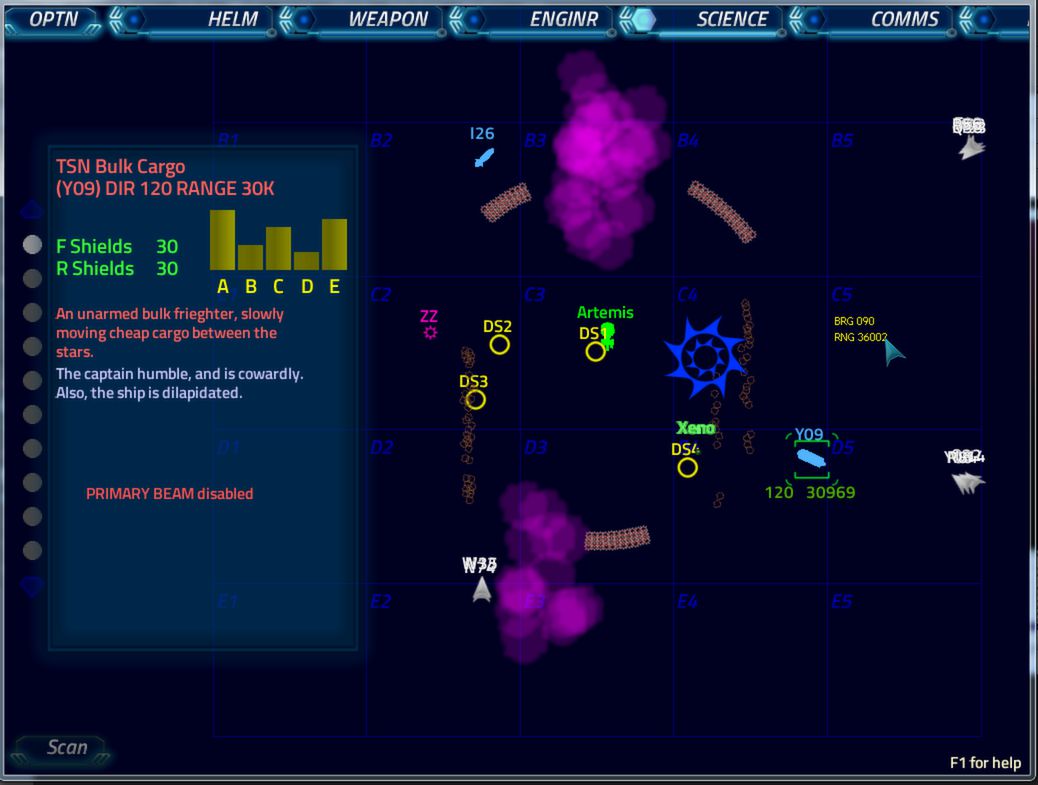
The game defines specific workstations for typical bridge duties: Helm, Communication, Engineering, and Weapon Control. Each workstation is operated by a separate player who performs the tasks associated with that position.
Players choose their preferred station, allowing the group to cover all essential ship functions. The division of labor mirrors classic bridge crew structures, fostering teamwork and role‑specific focus.
- Rotate stations between sessions to experience all roles.
- Discuss responsibilities before starting to avoid confusion.
03 / THE GUIDE
Captain Role
One player sits in the middle of the bridge as the Captain, without a dedicated workstation. The Captain issues commands to the other players, guiding the ship’s actions.
Because the Captain does not control a specific system, their influence is purely verbal and strategic, making communication essential for successful missions.
- Speak clearly and confirm orders with each station.
- Use concise commands to keep the flow steady.
04 / THE GUIDE
Platform Availability
Artemis is listed for Windows only; macOS and Linux are not supported according to the platform data. Players must therefore run the game on a Windows PC to participate.
The Windows requirement also aligns with the Steam features such as Remote Play Together, which operate within the Windows ecosystem for this title.
- Check Windows version compatibility before purchase.
- Keep the Steam client updated for best performance.
05 / THE GUIDE
Steam Features
The store entry tags Artemis with Multi‑player, Co‑op, Shared/Split Screen, Remote Play Together, and Family Sharing. These labels indicate that the game can be played with multiple people locally or over the internet, and that a single purchase can be shared with family members.
No single‑player mode is mentioned, reinforcing the cooperative nature of the experience. The features also suggest flexibility in how groups connect, whether side‑by‑side or remotely.
- Use Remote Play Together to include friends without extra copies.
- Family Sharing lets household members try the game without buying again.
COMMUNITY
Player discussion