 GameWiki
GET YOUR BEARINGS
About Art Reborn: Painting Connoisseur
Art Reborn: Painting Connoisseur puts you in charge of a struggling art gallery. You travel to various museums, collect world‑famous paintings, and work to keep the gallery afloat. The game blends casual puzzle‑battles with RPG‑style collection, letting you tag artworks, link pieces by the same painter, and decorate your own gallery while earning badges and support funds.
01 / THE GUIDE
Collecting Paintings & Badges
Players gather famous paintings across museum locations. Each acquisition contributes to a personal collection that can be displayed in the gallery and used to earn achievement‑style badges.
Badges are earned as you progress through the game, encouraging continued exploration of the art world.
- Focus on completing themed groups of paintings to unlock related badges faster.
- Review your badge list regularly to identify which collections need attention.
02 / THE GUIDE
Puzzle and Battle Mechanics
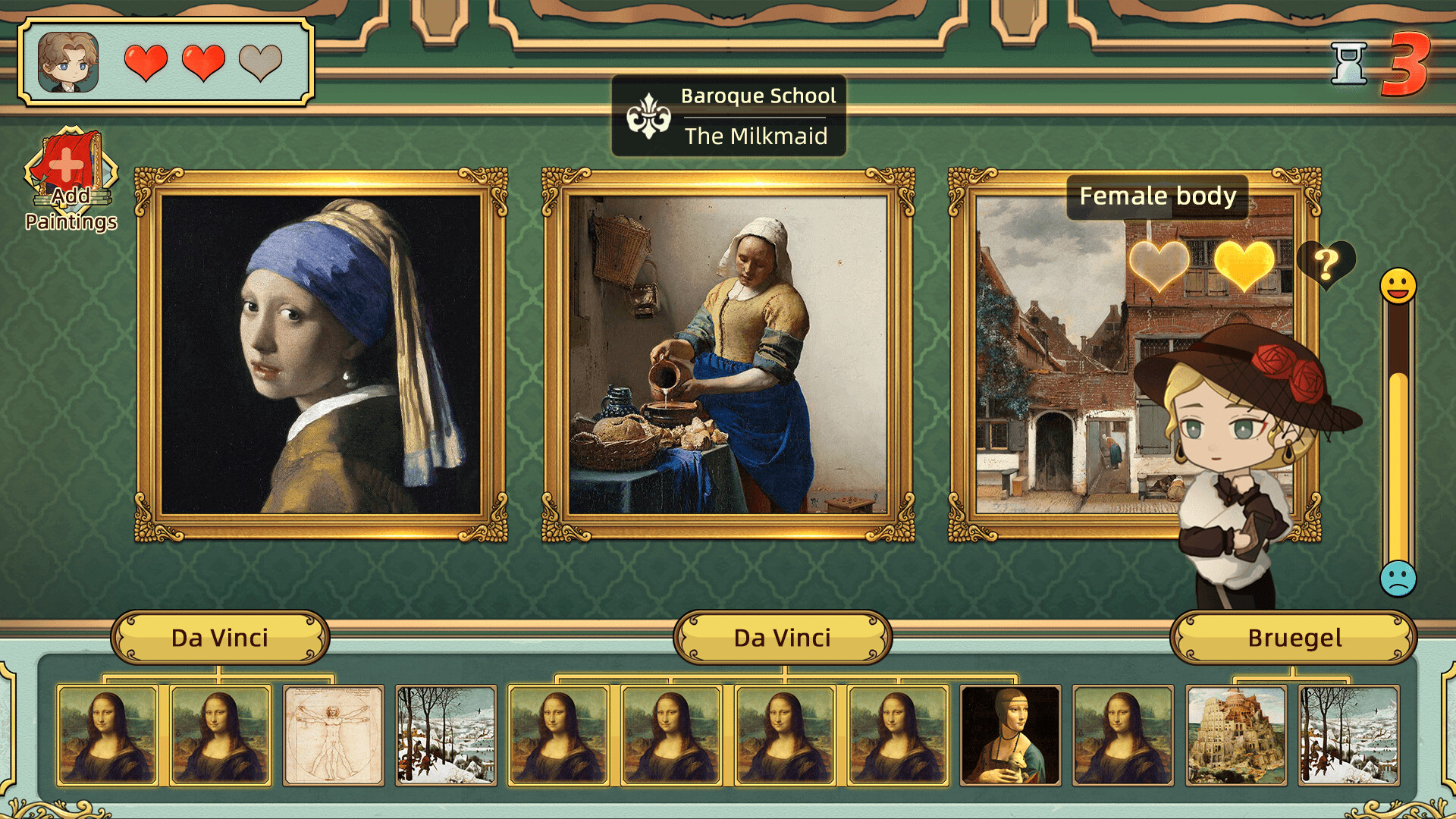
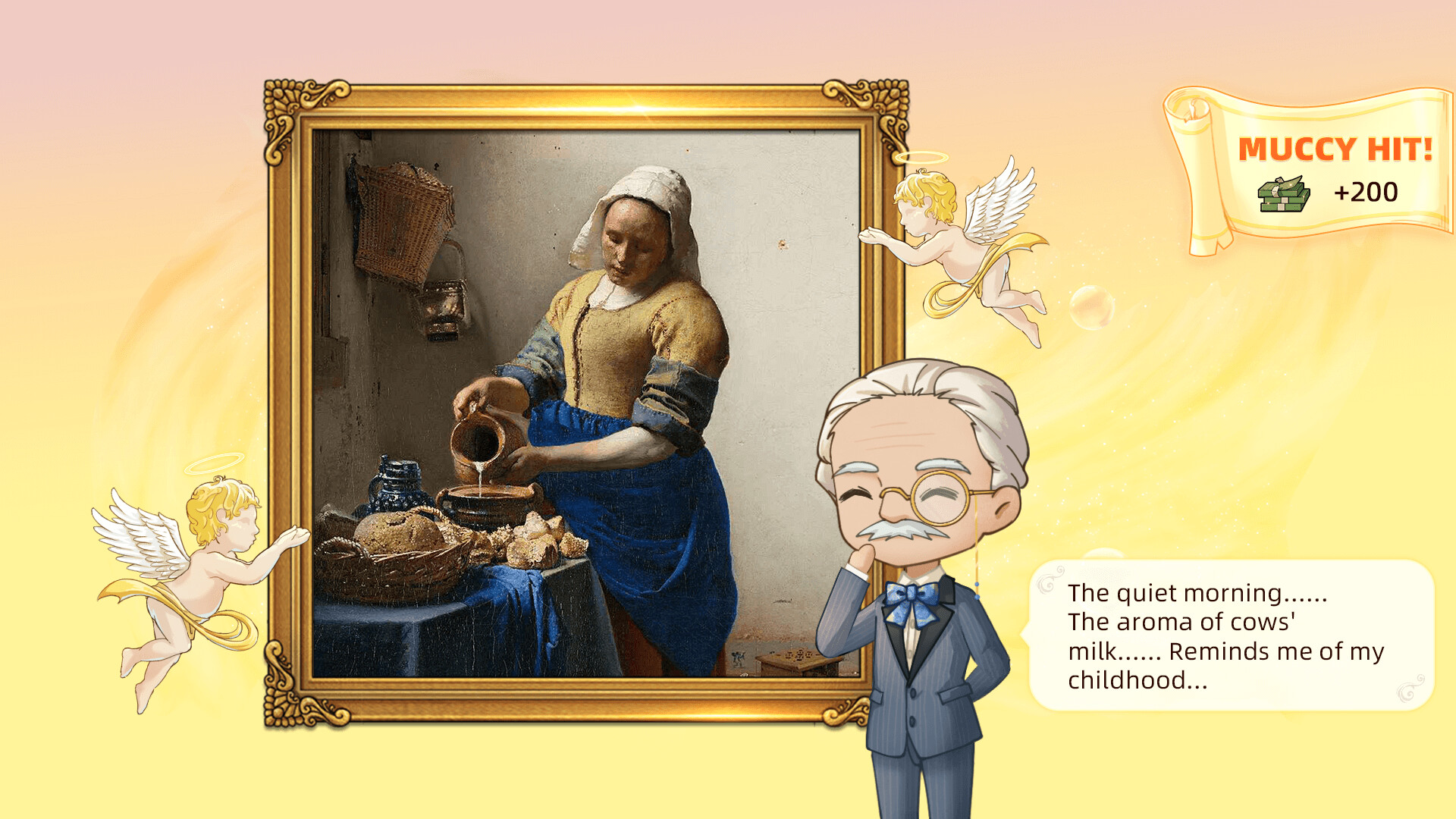
The core combat is described as a Simple Elimination Game where you choose from a hundred famous paintings to impress the audience. Linking paintings by the same painter can trigger effects that raise interest points.
Winning battles often requires selecting the right combination of artworks and using the linking mechanic strategically.
- Experiment with different painter links to see which effects boost interest points most.
- Balance variety and similarity in your painting selection for optimal elimination.
03 / THE GUIDE
Art Appreciation & Tagging
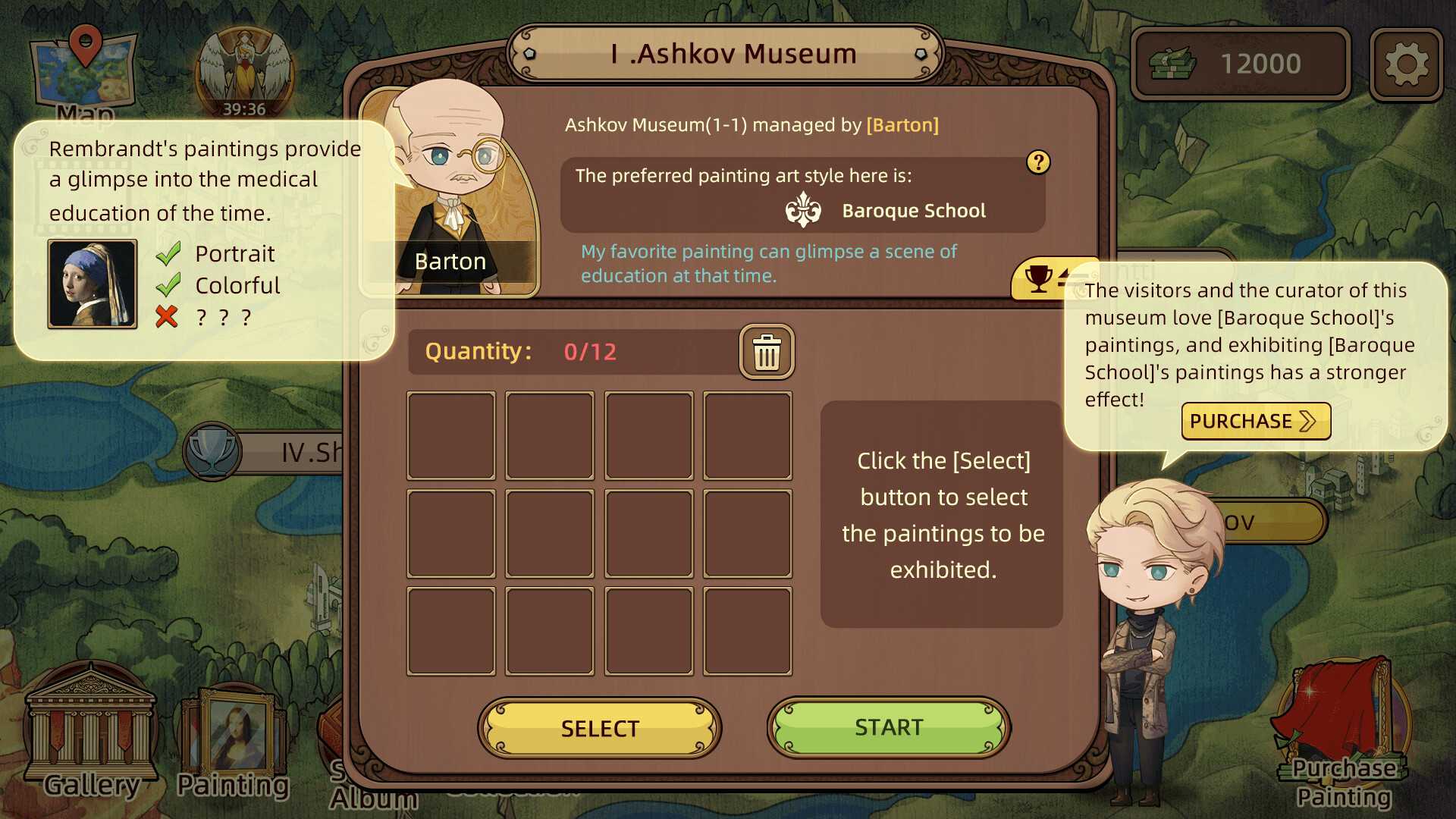
Exploring each painting involves understanding its details and assigning appropriate tags. Proper tagging helps determine audience preferences and can influence battle outcomes.
Accurate tags also contribute to the “Favourite Painting” challenge, where identifying the audience’s top choice can secure a swift victory.
- Take time to read the description of each painting before tagging.
- Compare tags across similar works to spot patterns in audience preference.
04 / THE GUIDE
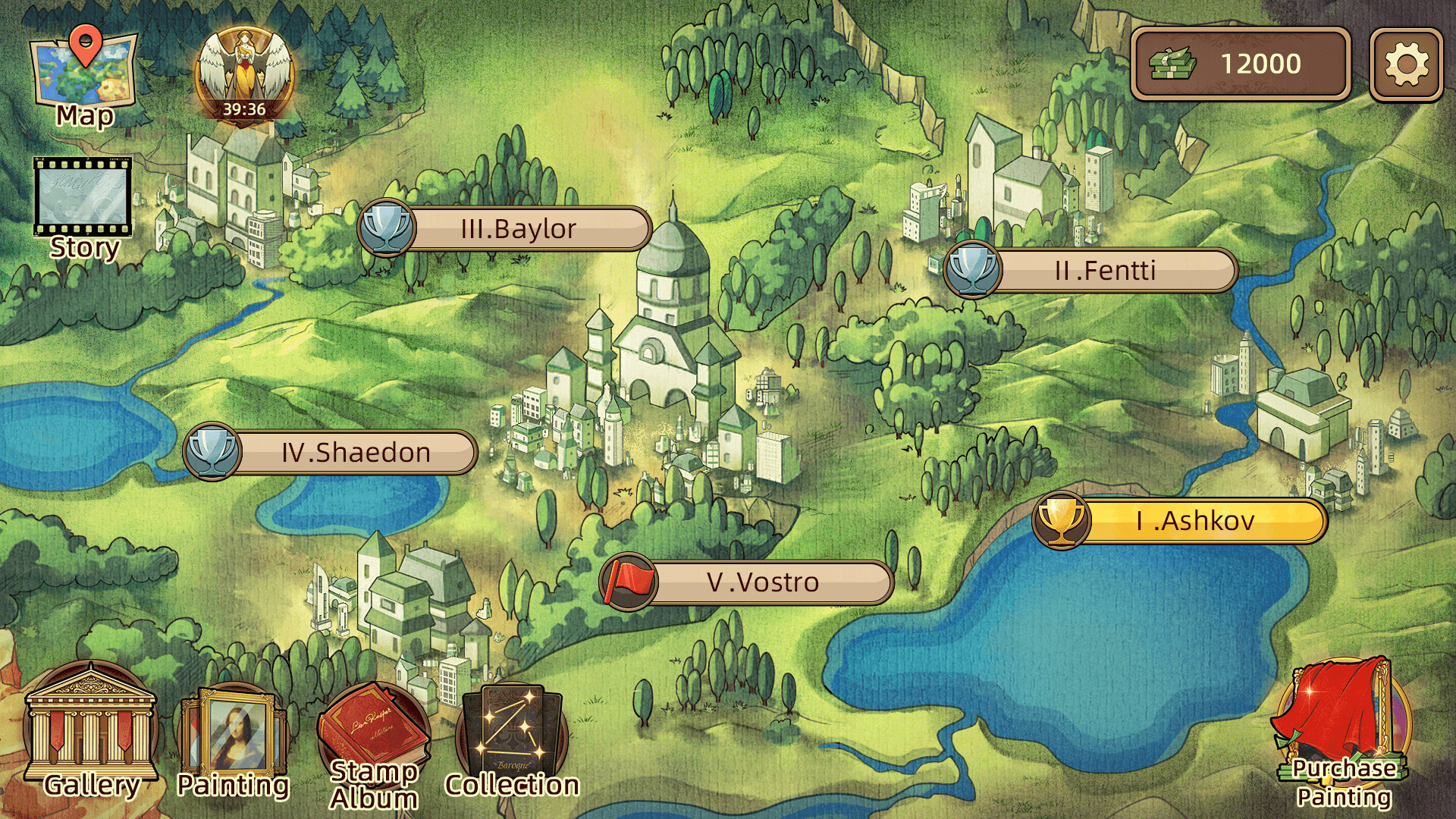
My Art Gallery Customisation
Collected masterpieces can be placed in a personal gallery space. Decorating the gallery with these works creates a visual showcase that reflects your progress.
The gallery serves both as a personal museum and a visual record of the paintings you have gathered throughout the game.
- Arrange paintings by era or style to create a cohesive visual flow.
- Leave empty wall space for future acquisitions to keep the gallery adaptable.
05 / THE GUIDE
Platform Features & Single‑Player Experience
Art Reborn runs on Windows and macOS, offering single‑player gameplay with Steam achievements, cloud saves, and family sharing support.
These features let you track progress, sync saves across devices, and share the game with family members.
- Enable Steam Cloud to help keep your progress backed up.
- Use family sharing to let multiple household members experience the gallery management.
COMMUNITY
Player discussion