 GameWiki
GET YOUR BEARINGS
About ARSONATE
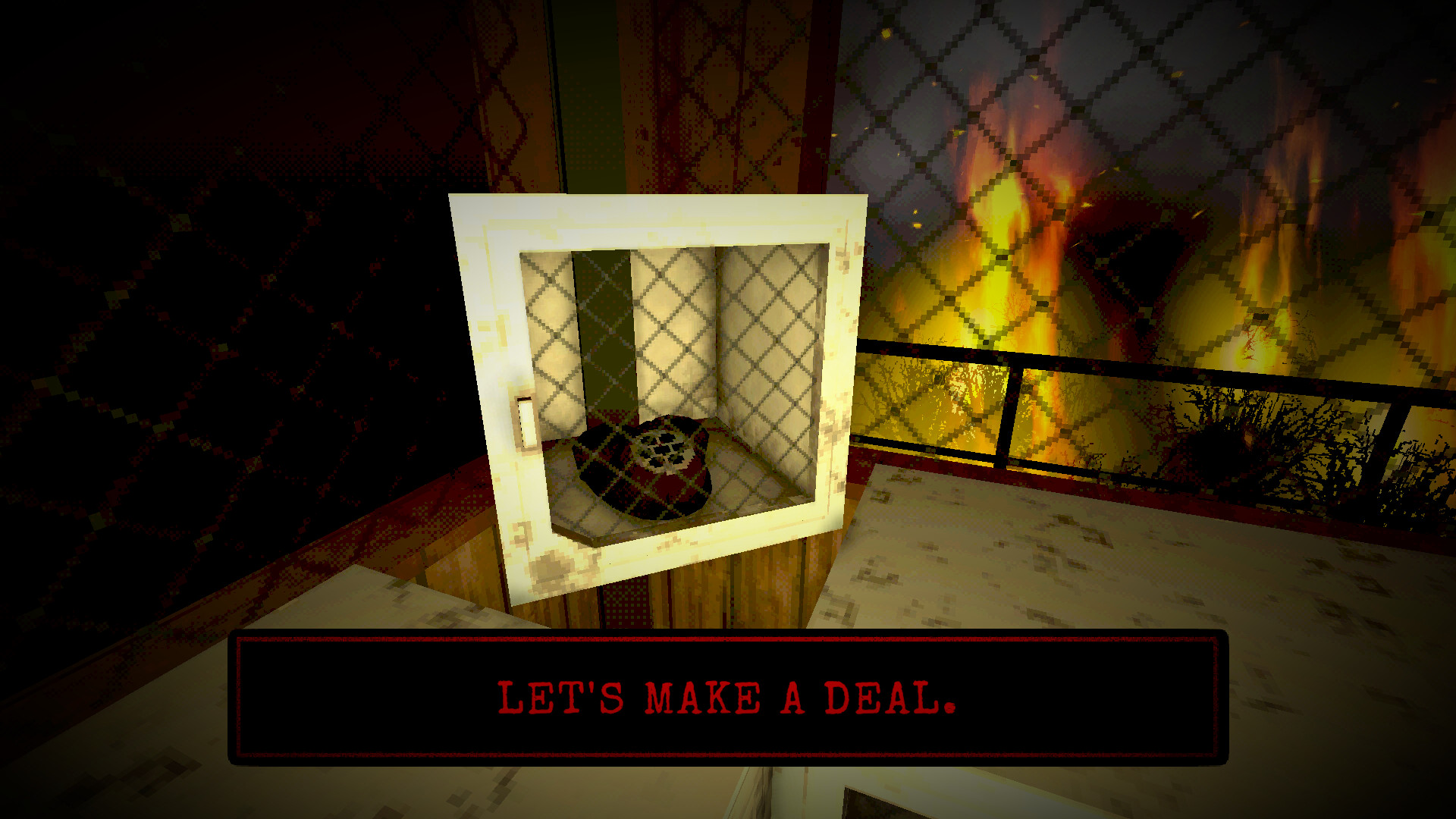
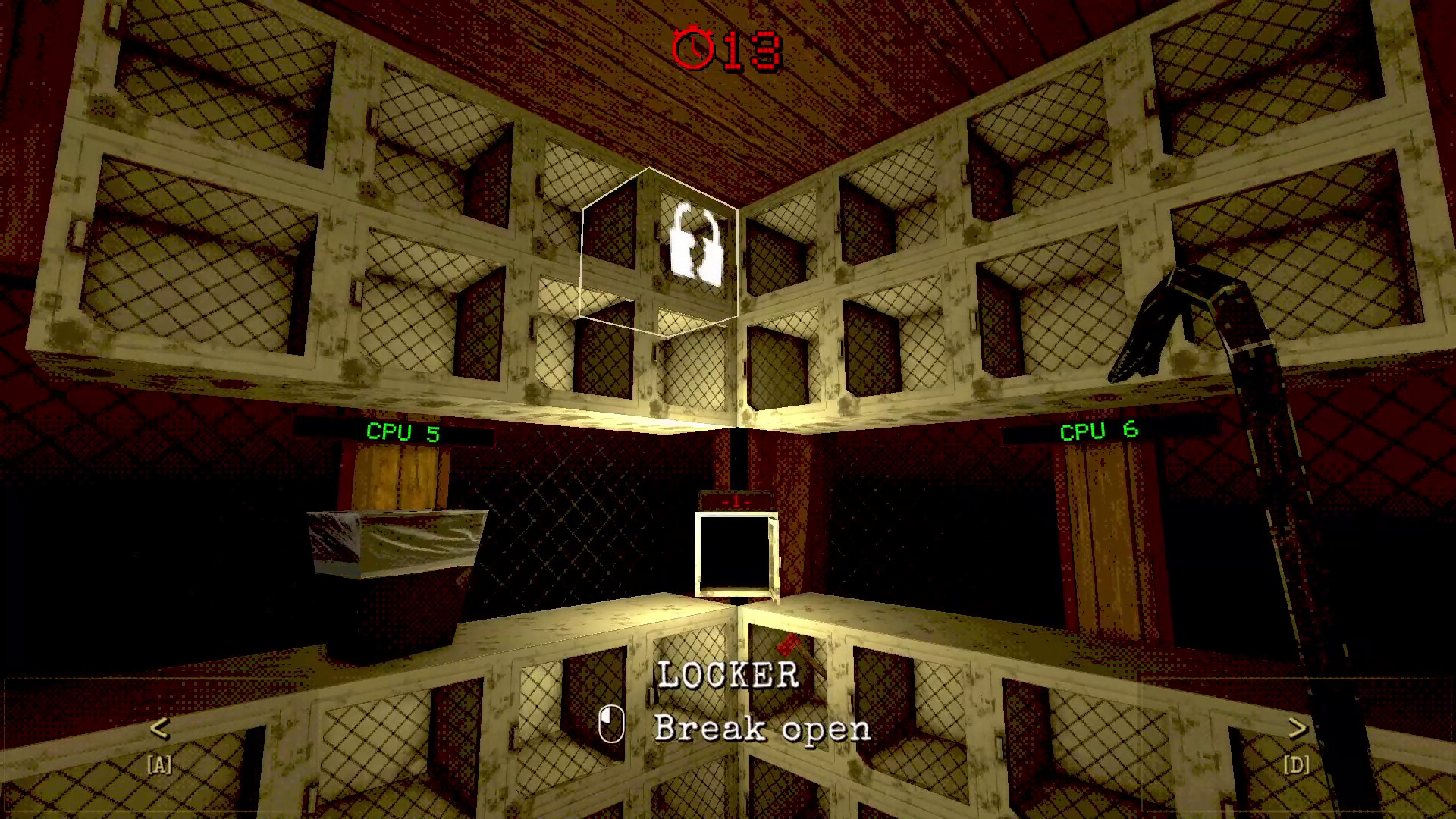
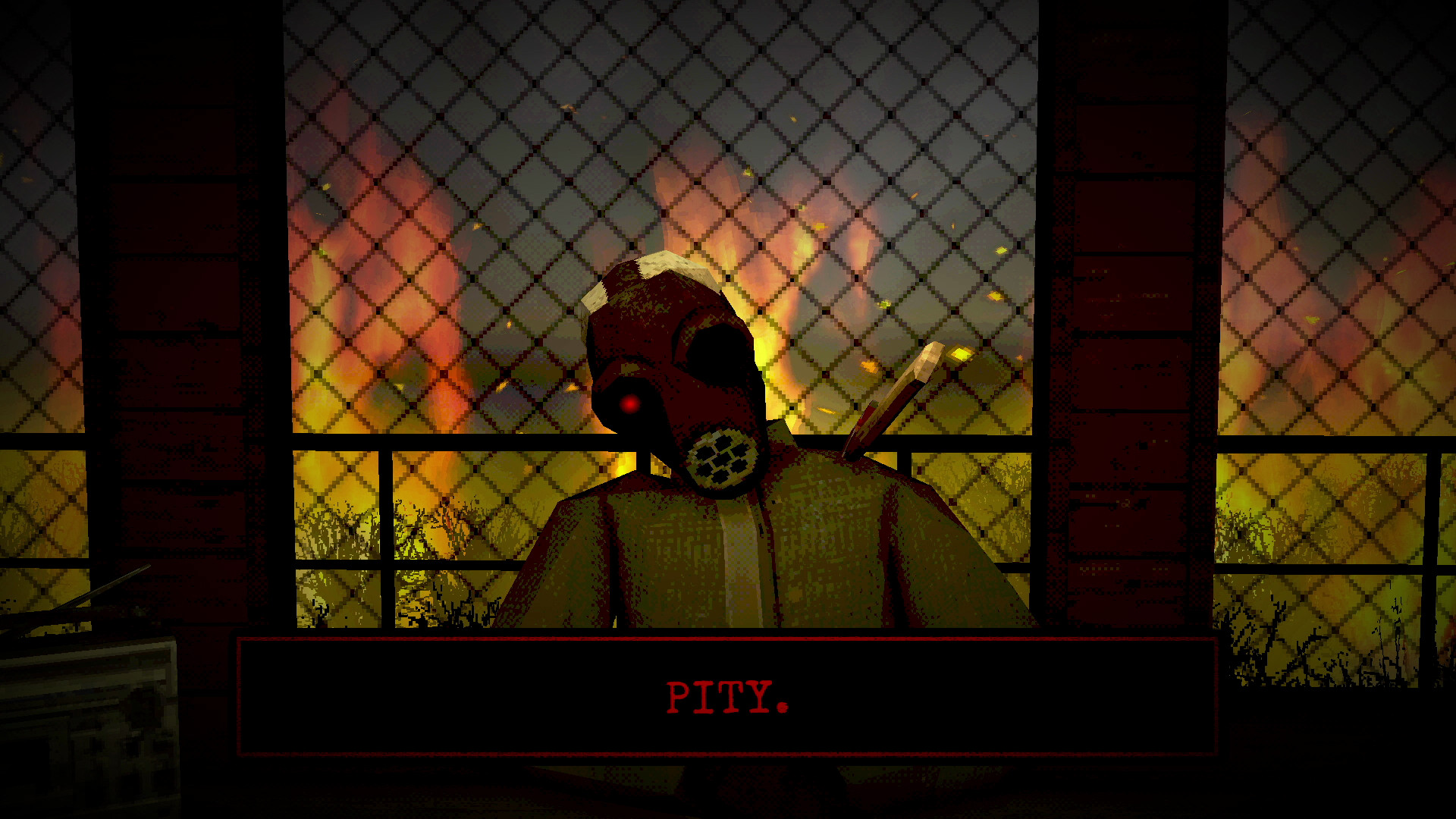
Arsonate places you in a fire‑tower where a hostile [HOST] runs a card‑based game of chance. Each time a card is flipped, the forest fire spreads on your side of the field, and the number of flips determines how close the flames get to the tower.
The match is zero‑sum, with a fixed pool of each card type and utility cards that can shift odds. Three distinct endings reveal additional story details, and the game runs on Windows and Linux with multiple input options.
01 / THE GUIDE
Core Gameplay
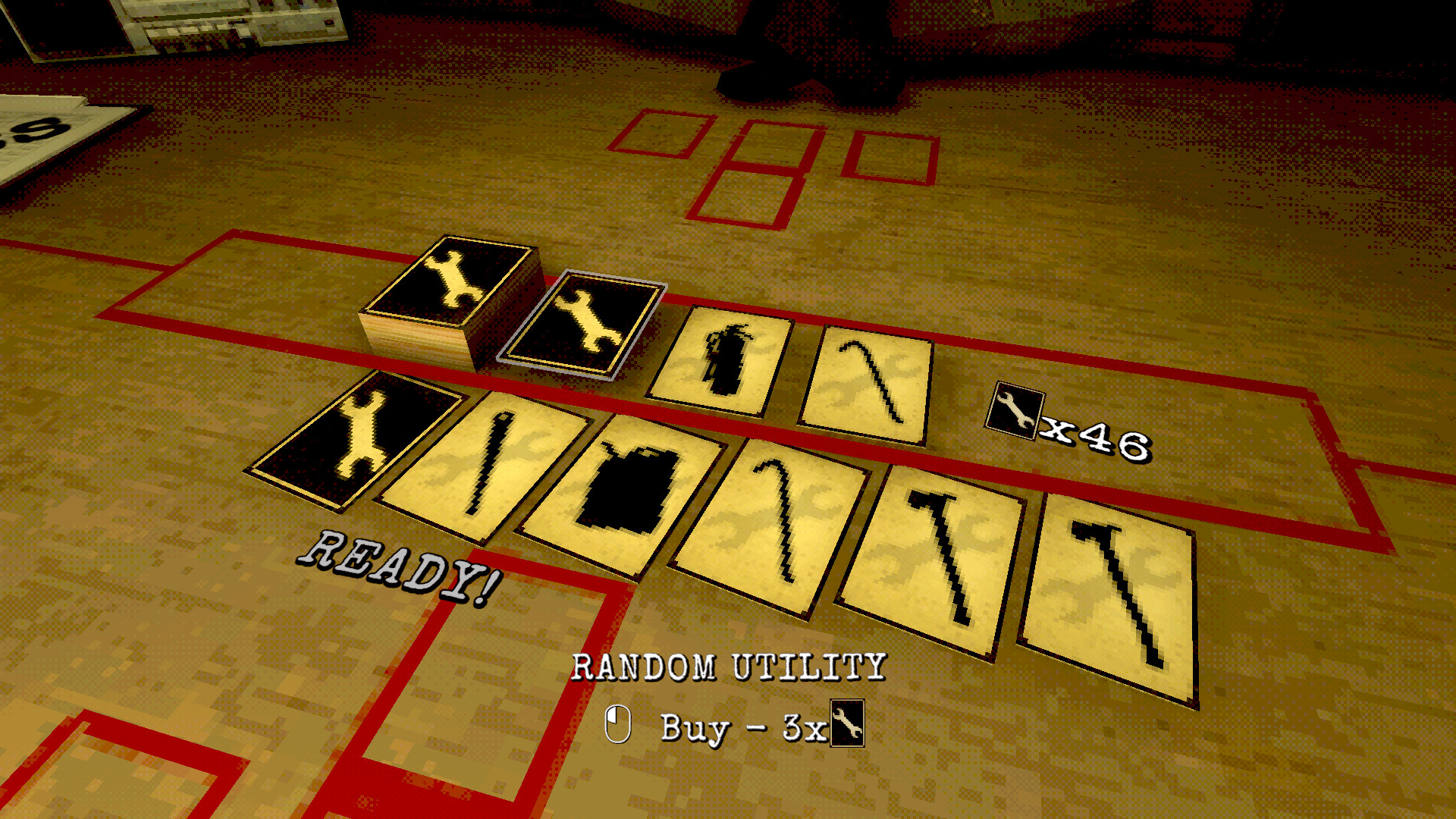
Players flip cards that may spread fire, grant a random utility, or force an additional turn. The fire only advances on the player’s side, and each flip moves the blaze nearer to the tower.
The match is described as a zero‑sum game where every card type appears a set number of times. Counting cards accurately matters because the [HOST] tracks the same information.
- Observe the remaining cards before each flip to improve decision‑making.
- Keep a mental note of how many extra‑turn cards have appeared to anticipate future turns.
02 / THE GUIDE
Utility Cards
Utility cards provide unique effects that can skew the odds of the game. Their abilities vary, offering ways to outwit the [HOST] during fire spread.
Each utility is limited in number, so remembering which have been used helps plan future moves and manage risk.
- Save high‑impact utilities for later turns when fire is close.
- Note which utilities have already appeared.
03 / THE GUIDE
Memory Challenge
Every card type has a fixed amount, creating a memory challenge. Players must count cards to make optimal choices, while the [HOST] does the same.
Accurate recall of card distribution directly influences the chance of surviving longer as the fire advances.
- Mentally tally each card type as it appears.
- Cross‑check your tally with the fire’s progression to gauge risk.
04 / THE GUIDE
Endings
Arsonate features three possible endings, each displayed on its own title screen. How each ending is reached is left for players to discover.
Each ending adds a deeper narrative layer, revealing more about the tower and the [HOST].
- Try different utility combinations to see varied outcomes.
- Watch fire proximity when deciding on risky cards.
05 / THE GUIDE
Platform & Controls
Arsonate runs on Windows and Linux, offering full controller support, a mouse‑only option, and a touch‑only option. Captions and custom volume controls are also provided.
Features such as Steam Cloud and family sharing are listed, but no exclusive platform restrictions are noted.
- Use the touch‑only mode if you prefer direct screen interaction.
- Enable captions for clearer text during fast turns.

COMMUNITY
Player discussion