 GameWiki
GET YOUR BEARINGS
About ArmorSim
ArmorSim is a 3D terminal‑ballistics sandbox where you assemble plates, choose projectiles and watch physics‑driven impacts. The core question is simple: will the shot penetrate? Every result comes from published models, not scripted animations, letting you explore real‑world armour behaviour.
The tool offers three solvers—Normal for rapid analytic runs, Advanced for layered‑armor detail, and Ultra for high‑fidelity continuum physics. With a free‑build editor, extensive material tables and slow‑motion replay, it serves anyone who enjoys debating armour performance without needing an engineering degree.
01 / THE GUIDE
Solvers
ArmorSim provides three distinct solvers. Normal uses analytic terminal‑ballistics models like Alekseevskii–Tate erosion and Recht–Ipson residual velocity, delivering answers in fractions of a second. Advanced adds layered‑array calculations and reports ballistic limits and residual velocities for each plate.
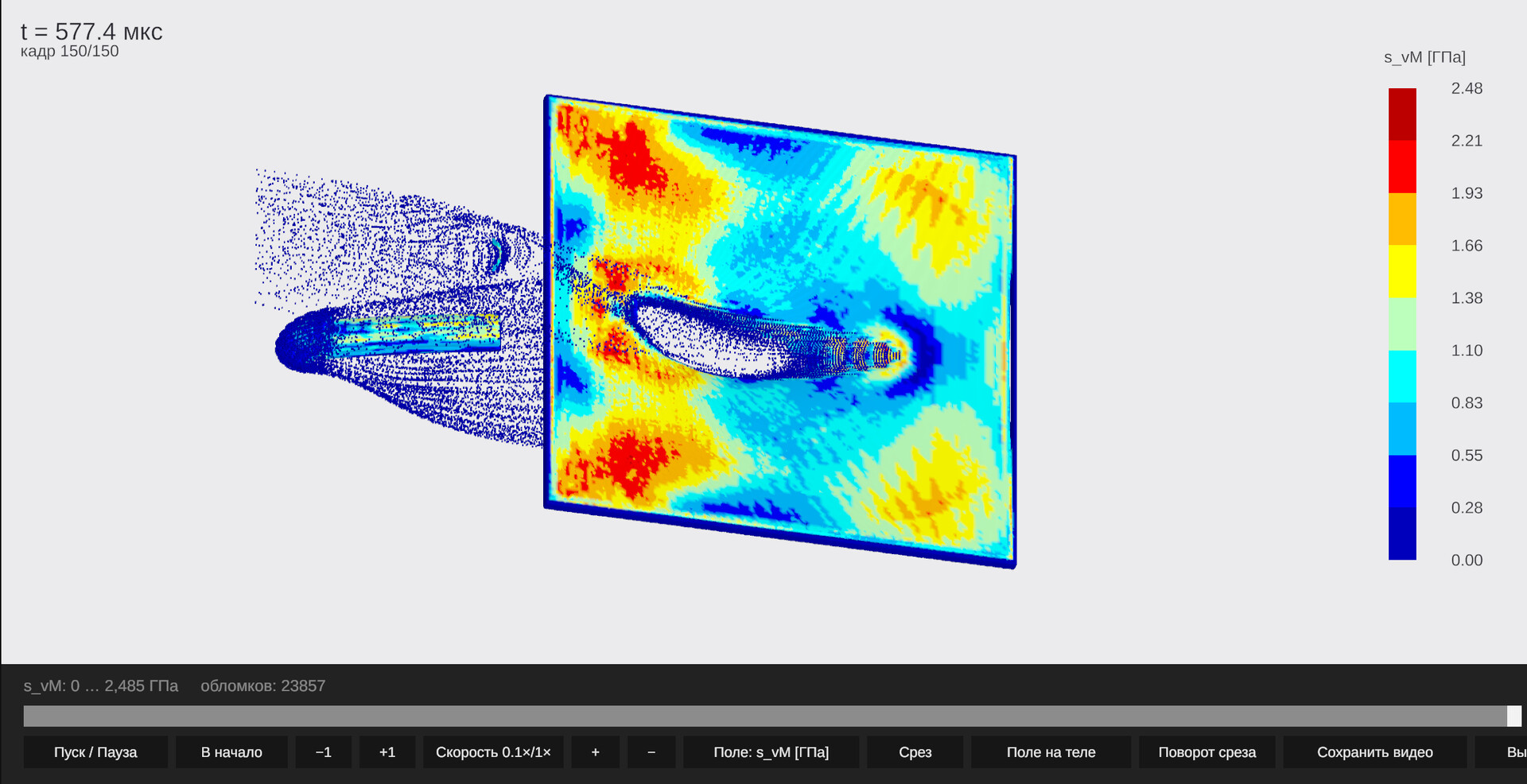
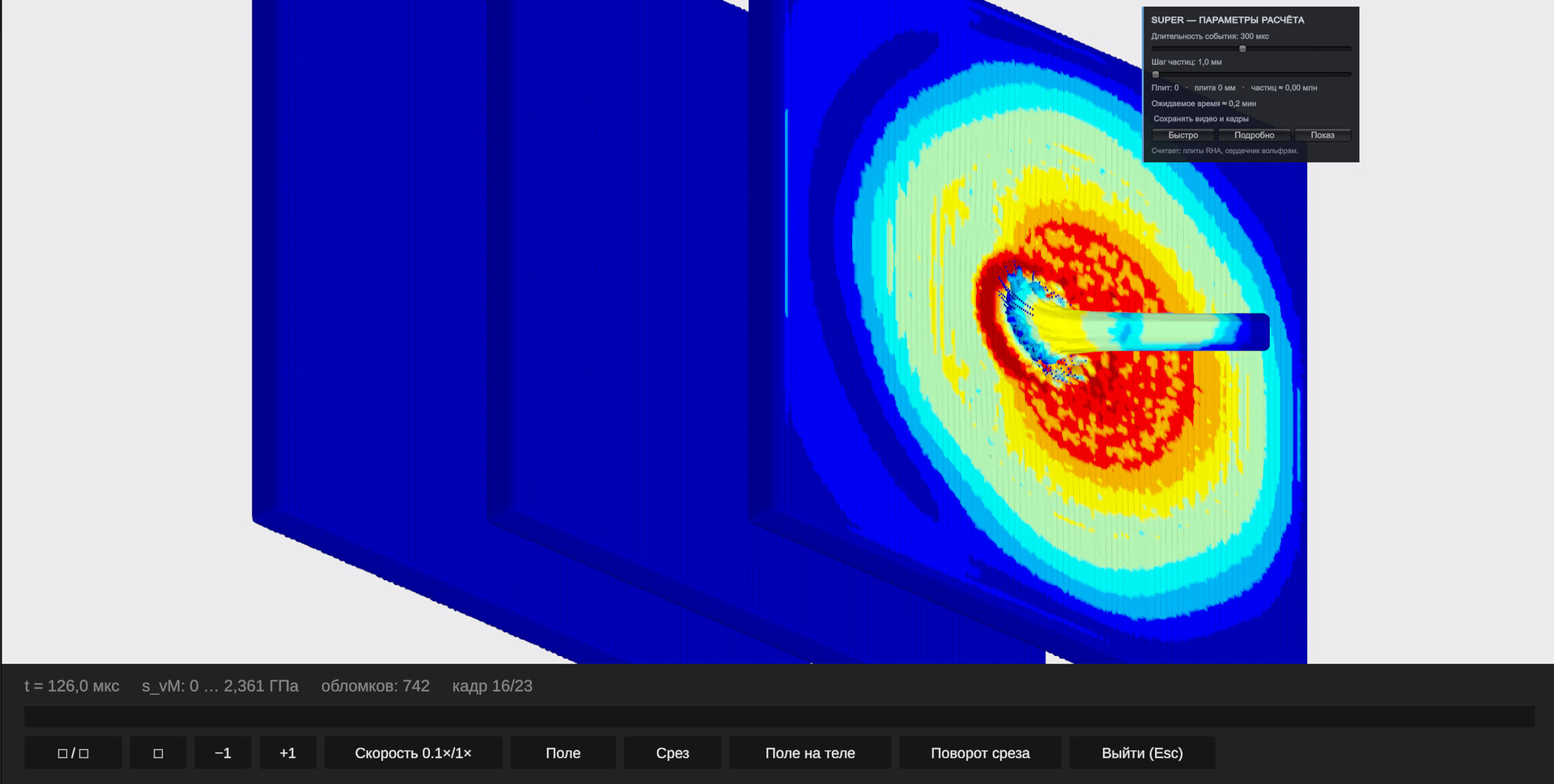
Ultra runs an axisymmetric Lagrangian mesh with Johnson–Cook plasticity and Mie‑Grüneisen equations, producing physically generated crater shapes over minutes. All solvers share the same core physics and never contradict each other.
- Start with Normal to iterate quickly, then switch to Ultra for detailed crater analysis.
- Compare results between Advanced and Ultra to see how layered effects influence penetration.
02 / THE GUIDE
Material Database
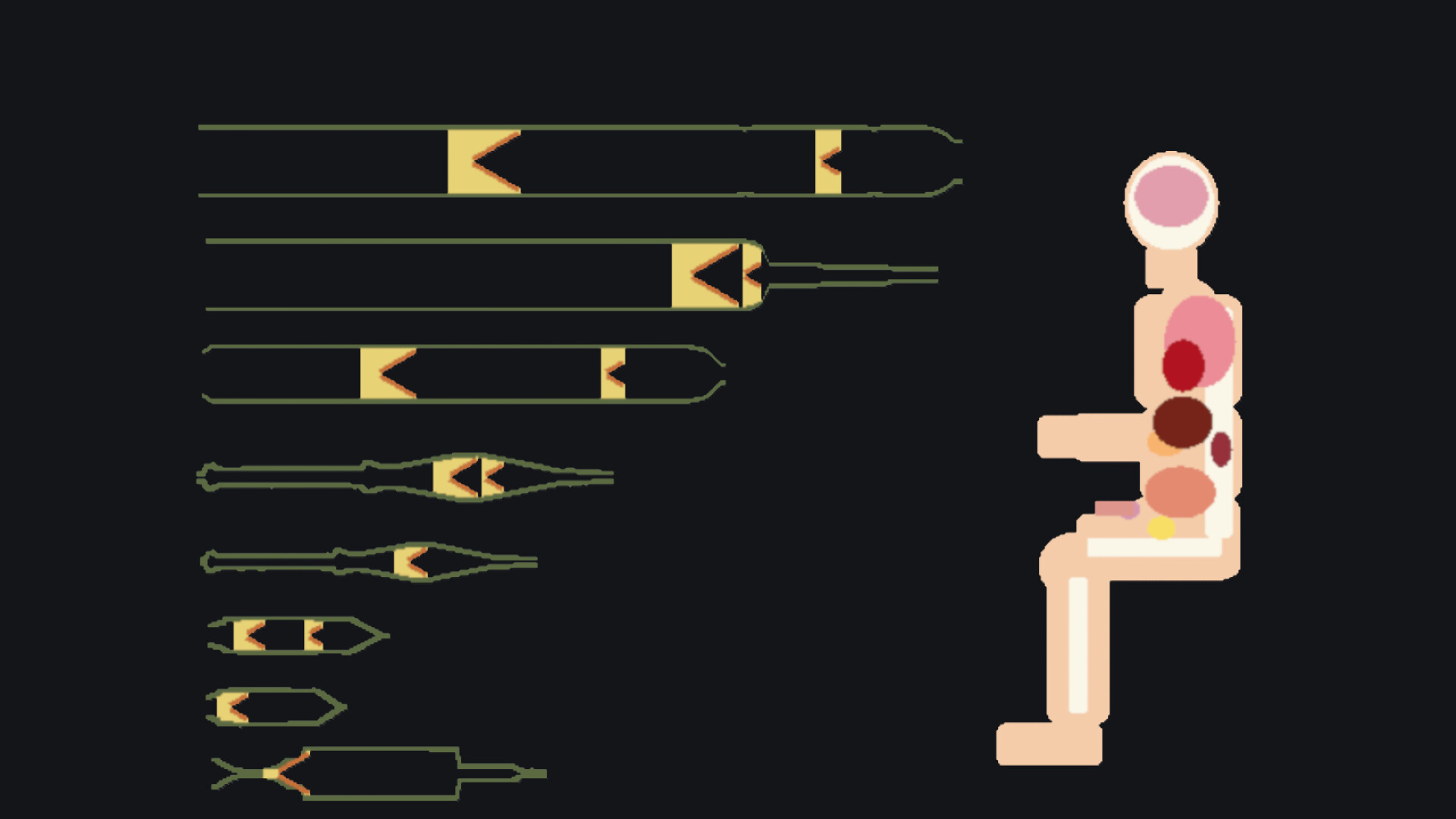
The simulator ships with 14 armour materials and 4 penetrator cores, covering American, Soviet/Russian and German service ammunition. Materials include reactive armour, ceramic with backing, and composite plates, each tagged with measured, derived, fitted or assumed source data.
Every constant lists its origin paper, and unsupported data are clearly marked, ensuring transparency about what the physics can trust.
- Use the source tags to verify which materials have laboratory‑measured properties.
- When a material is marked unsupported, consider substituting a similar, documented option.
03 / THE GUIDE
Free‑Build Scene Editor
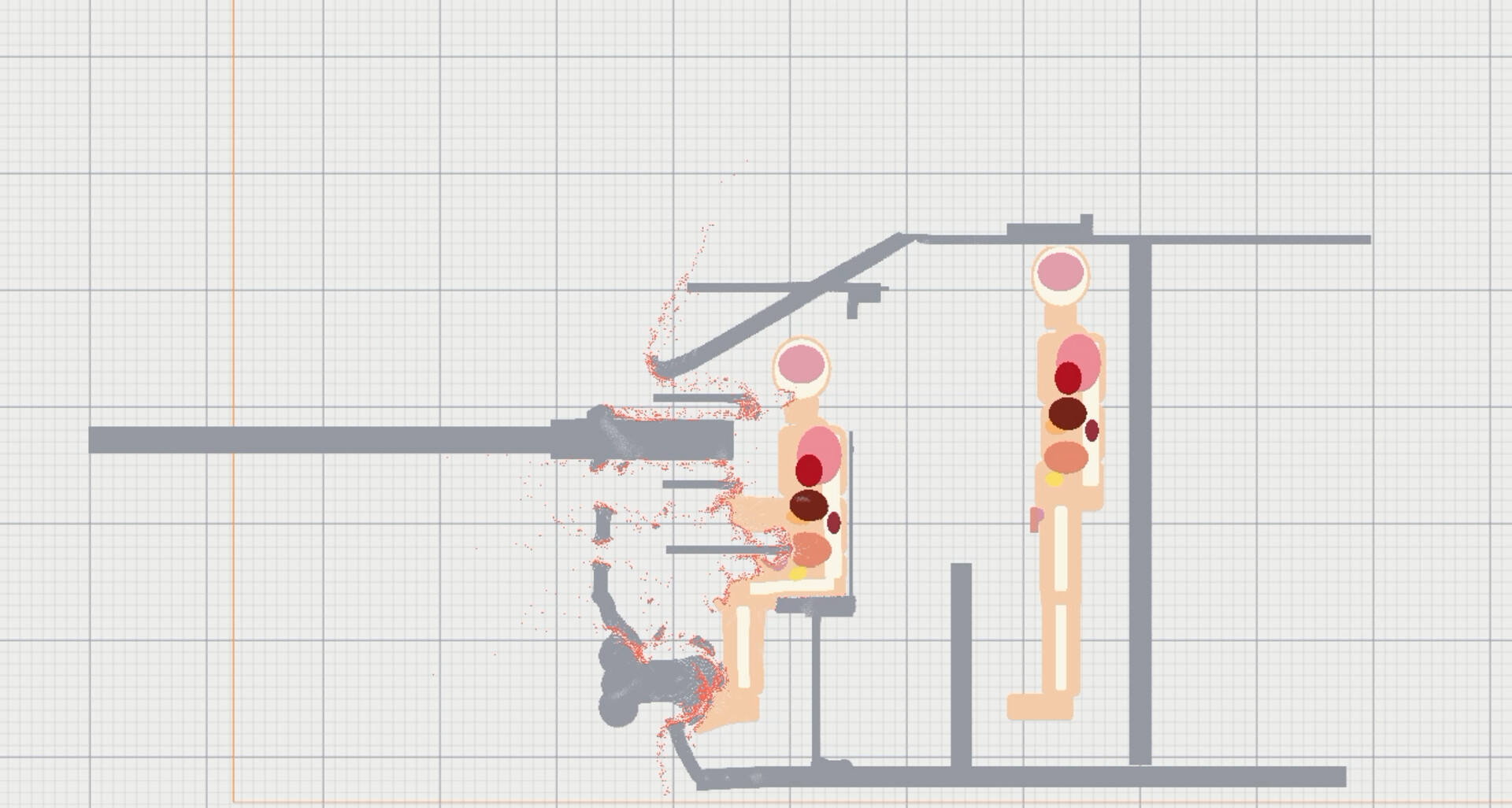
The editor lets you add, drag, rotate and re‑material plates, creating spaced and layered stacks. You can build reactive armour packs or composite backings, then fire a projectile to test the configuration.
You can save at any time, and the editor works without timed input, letting you pause and adjust parameters at any moment.
- Experiment with plate angles to see how ricochet criteria affect outcomes.
- Save multiple variations to compare how spacing influences residual velocity.
04 / THE GUIDE
Replay and Camera
After each impact you can orbit the camera in slow motion, viewing damage from any angle. Replay files are shareable and a full Ultra run occupies only a few megabytes.
There are no sparks, glow or smoke—just metal behaving as physics predicts, which you can examine frame by frame.
- Use the free orbit camera to inspect plug ejection and fragment trajectories.
- Share replay files with peers to discuss differing armour setups.
05 / THE GUIDE
Languages and Accessibility
ArmorSim offers five interface languages: English, Русский, Deutsch, Polski and Татарча, making it approachable for a broad audience. The game runs in single‑player mode without timed input, allowing you to save anytime and play at your own pace.
Features such as HDR and Family Sharing are supported, and Steam Achievements and Workshop integration are available for community content.
- Switch to your native language in settings for clearer terminology.
- Enable HDR if your display supports it for better visual distinction of metal deformation.

COMMUNITY
Player discussion