 GameWiki
GET YOUR BEARINGS
About Architecture & Design
Architecture & Design lets you sketch a floor plan and instantly watch the house rise in full 3D, merging simple drawing with professional‑grade architecture tools. Every wall, dimension and area stays linked, so changes ripple through the model without extra steps.
The app includes a kitchen configurator, a stair‑builder that auto‑calculates steps, and a terrain brush for gardens, plus realistic lighting that shifts from sunrise to night. You can explore your creation in first‑person, VR, or capture cinematic shots, and share or download designs via Steam Workshop.
01 / THE GUIDE
Floor Planning
Draw walls and rooms appear on their own, keeping dimensions, areas and 3D geometry continuously synchronized. You can import existing plans from DWG, DXF or PDF to start from a base layout.
The system updates the 3D view in real time, so any adjustment to a wall instantly reshapes the model, preserving accurate measurements throughout the design process.
- Use the import feature to convert legacy drawings into editable 3D space.
- Adjust a wall length and watch the area readout update automatically.
02 / THE GUIDE
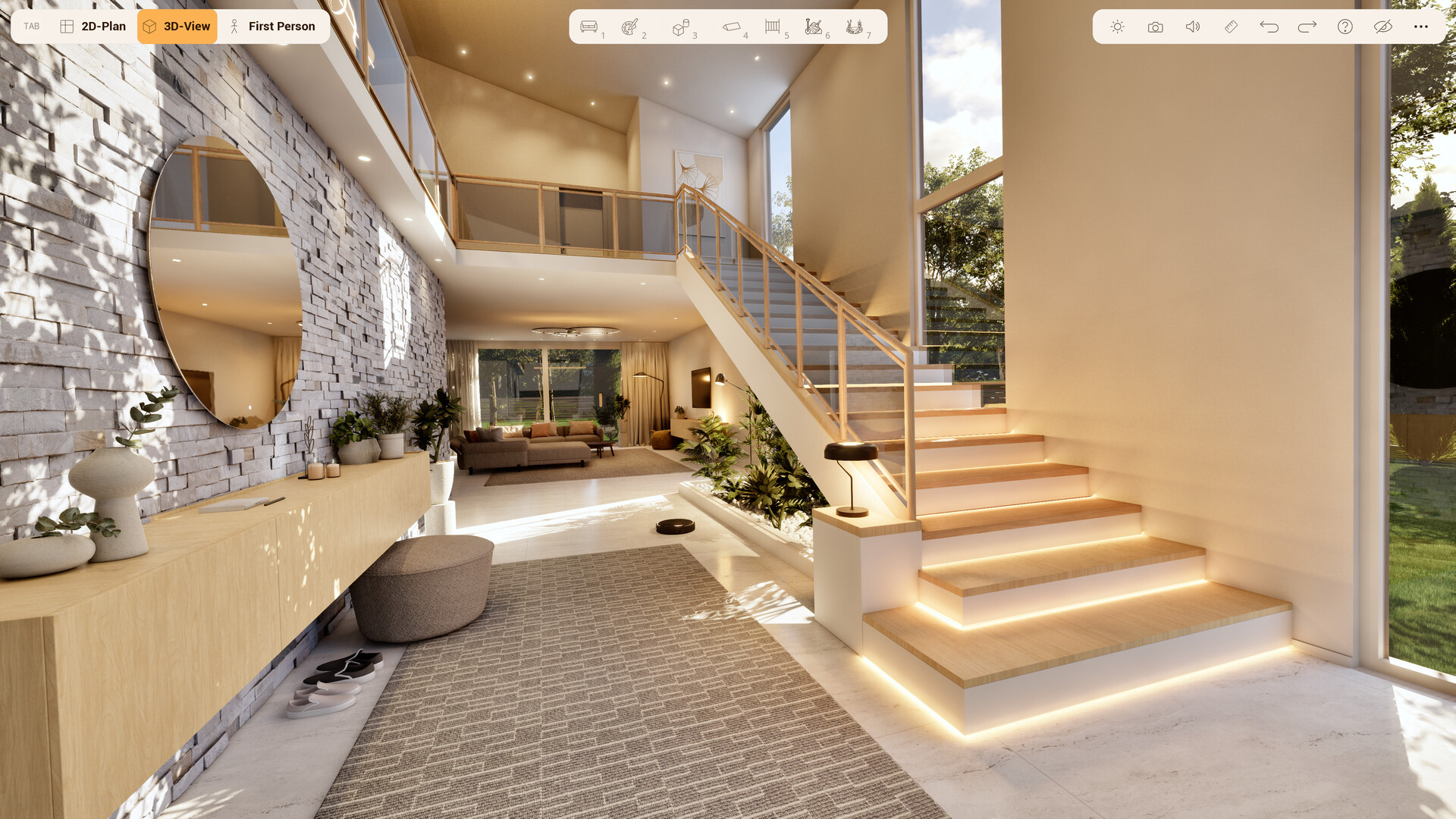
Staircase Tool
Place a staircase and the steps calculate themselves, removing manual step‑by‑step sizing. The steps calculate themselves, so you don't have to size each tread manually.
Dimensions, areas and 3D stay connected, so the model remains consistent as you edit.
- Set the floor-to-floor height first for accurate step count.
- Drag the staircase endpoint to explore different layouts quickly.
03 / THE GUIDE
Kitchen Configurator
Adjust all kitchen parameters and dimensions, including wall cabinets, island, drawers, sink and cooktop. The configurator lets you fine-tune each of these elements as you refine the layout.
Adjusting cabinet widths and island size lets you experiment with different kitchen layouts in real time.
- Resize the island first to see how cabinets reposition.
- Toggle individual appliances to compare space usage.
04 / THE GUIDE
Landscape & Terrain
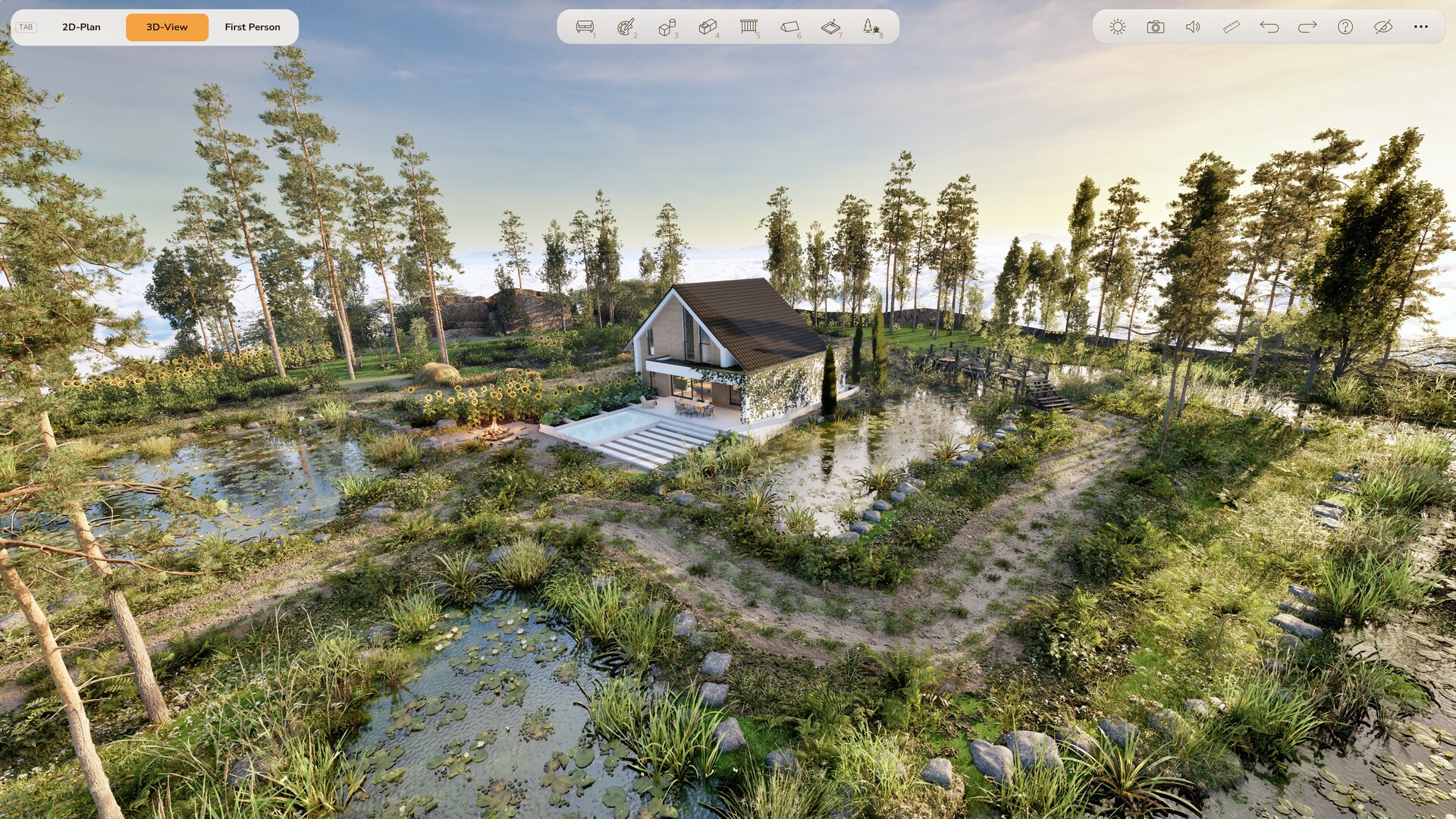
Paint your garden and terrain with a brush, choosing lawn, gravel, paths, meadow or forest. You can add ponds, streams and fountains, then apply materials like ivy to walls.
The terrain editor works in the same real‑time 3D view, letting you see how outdoor features interact with the house’s footprint.
- Start with a base terrain type before adding water features.
- Use the material picker to quickly copy textures onto multiple surfaces.
05 / THE GUIDE
VR Exploration
Walk through your house, switch on lights, or even view the scene from a cat’s perspective. The experience works in PCVR, letting you inspect details up close.
Photo and video mode adds depth of field and camera flights, so you can capture cinematic tours directly from the editor.
- Toggle lighting while in VR to test ambience at different times of day.
- Use the camera flight to plan a walkthrough before recording.


COMMUNITY
Player discussion