 GameWiki
GET YOUR BEARINGS
About Architect Life: A House Design Simulator
Architect Life: A House Design Simulator lets you design contemporary homes from 3‑D modelling through to on‑site construction. In Career mode you run an architectural firm and guide each project through distinct stages such as First Fix, Second Fix, Outdoors, Layout, Decoration and Construction while respecting client brief, terrain and budget.
Free mode removes client constraints, allowing you to choose any biome and one of 60 terrain types and design without preset limits. The game includes first‑person walkthroughs, full controller support, Steam achievements, cloud saves and family sharing, targeting fans of simulation and design.
01 / THE GUIDE
Career Mode Stages
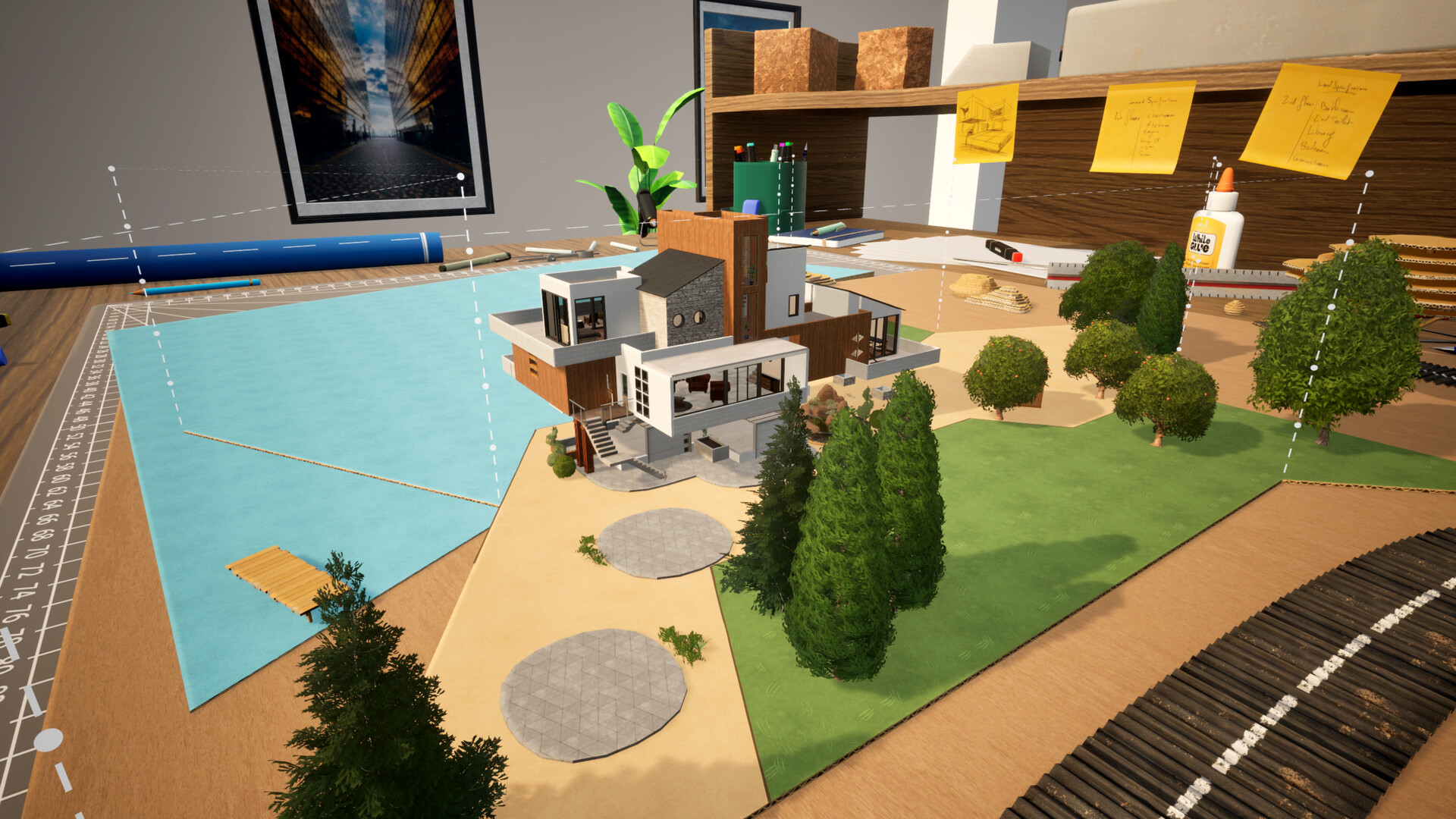
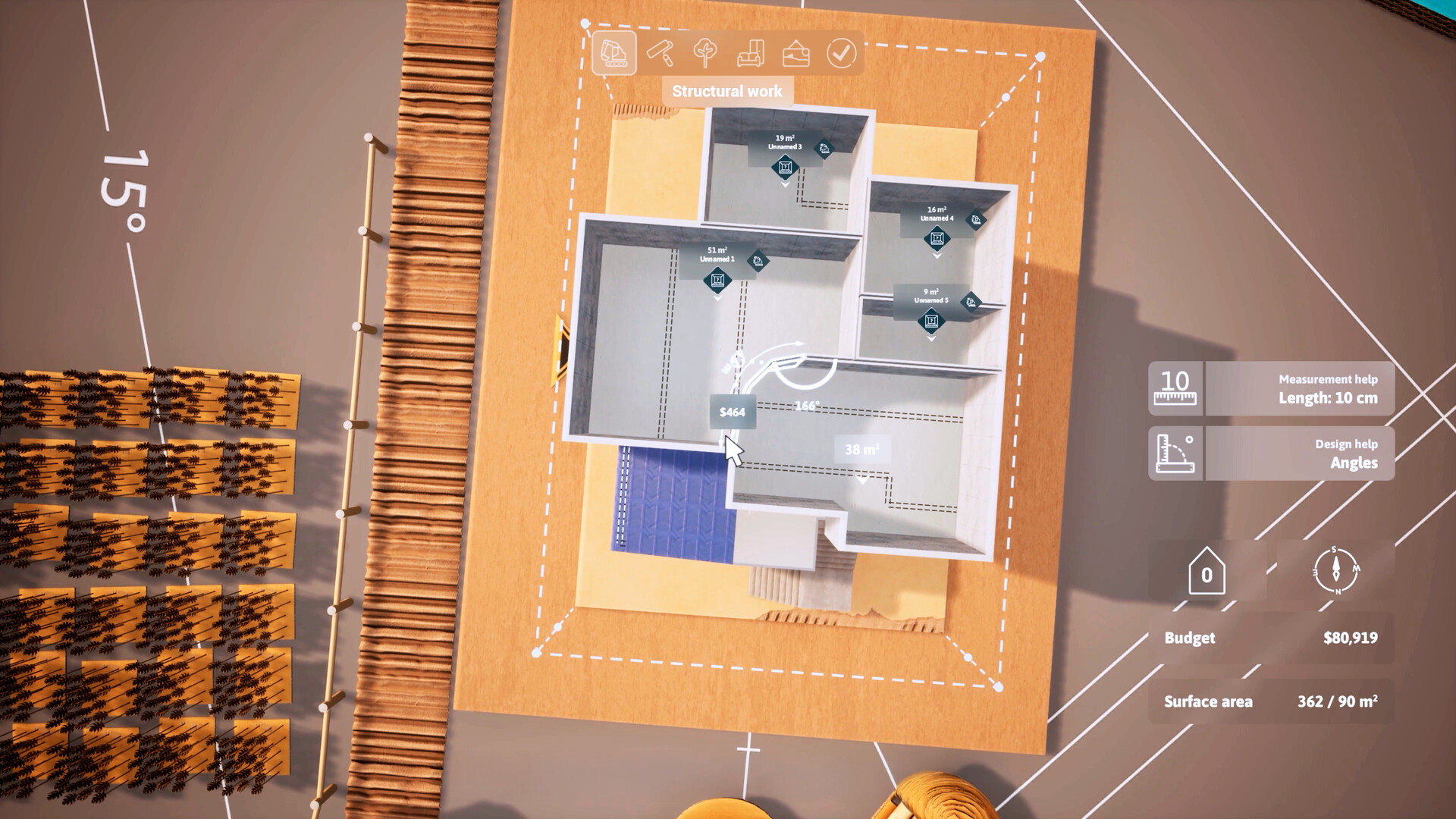
Career mode structures each project into a series of key stages. First Fix lets you model walls, roofs, doors, windows and balconies according to the client’s requirements, the terrain and the allocated budget.
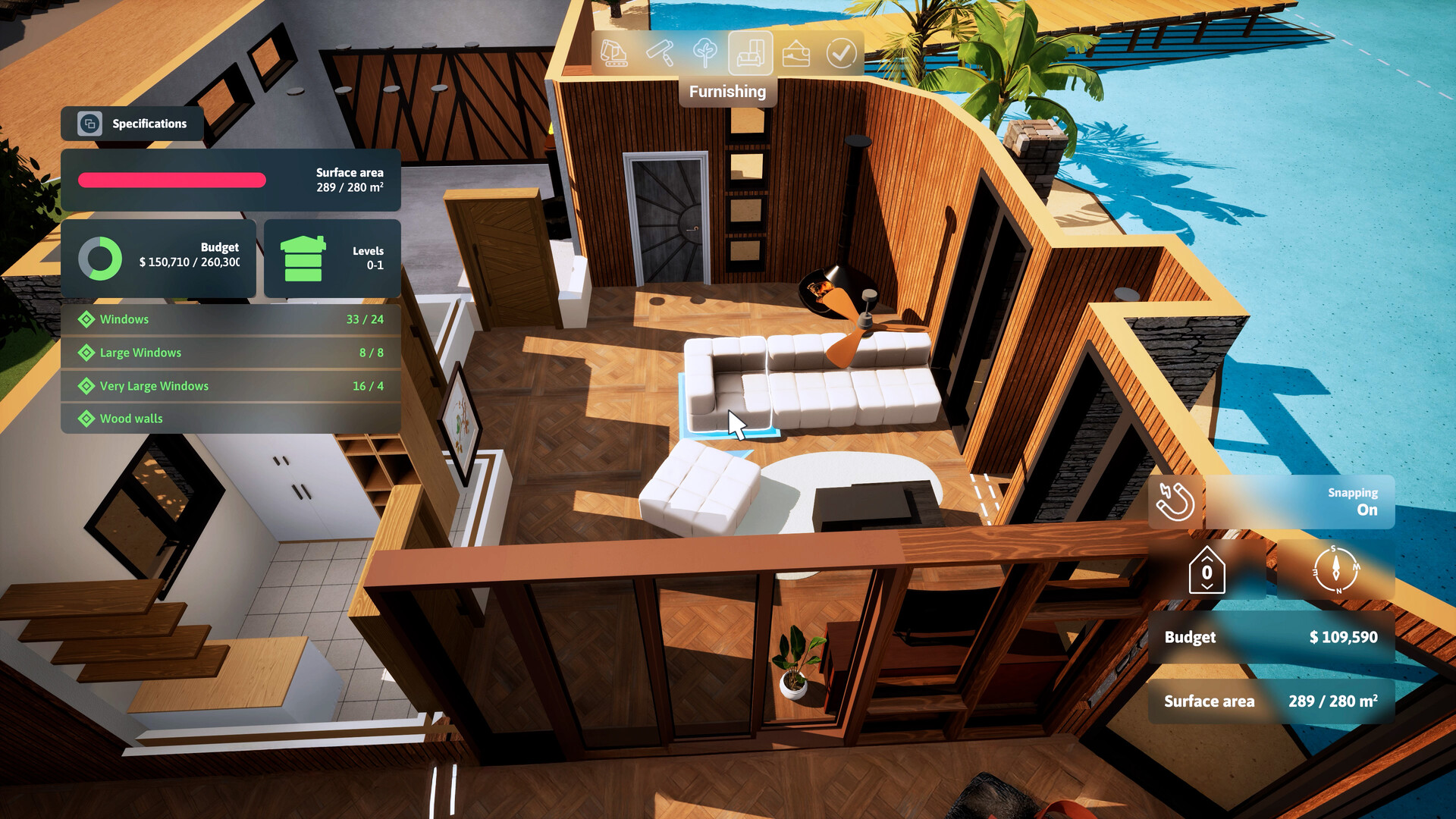
Second Fix focuses on selecting floor, wall and roof coverings and installing heating systems. Outdoors adds pools, garages and verandas, Layout arranges furniture for buyer visualization, Decoration refines interior details, and Construction requires you to hire subcontractors and react to chance events.
- Compare several floor covering options in Second Fix before finalising to see how they influence overall style.
- When planning Outdoors, consider the terrain type you selected to ensure pools and garages fit naturally.
02 / THE GUIDE
Free Mode Customisation
Free mode lets you set parameters with or without constraints, choose any biome and one of 60 terrain types, then design without client pressure. This sandbox encourages pure creativity and experimentation.
Free mode offers a wide variety of materials, structures and items, and the simplified professional aspects make the game approachable for the general public.
- Mix contrasting biomes with the same terrain type to discover novel architectural solutions.
- Experiment with the decoration options to develop a consistent visual language across your projects.
03 / THE GUIDE
First‑Person Exploration
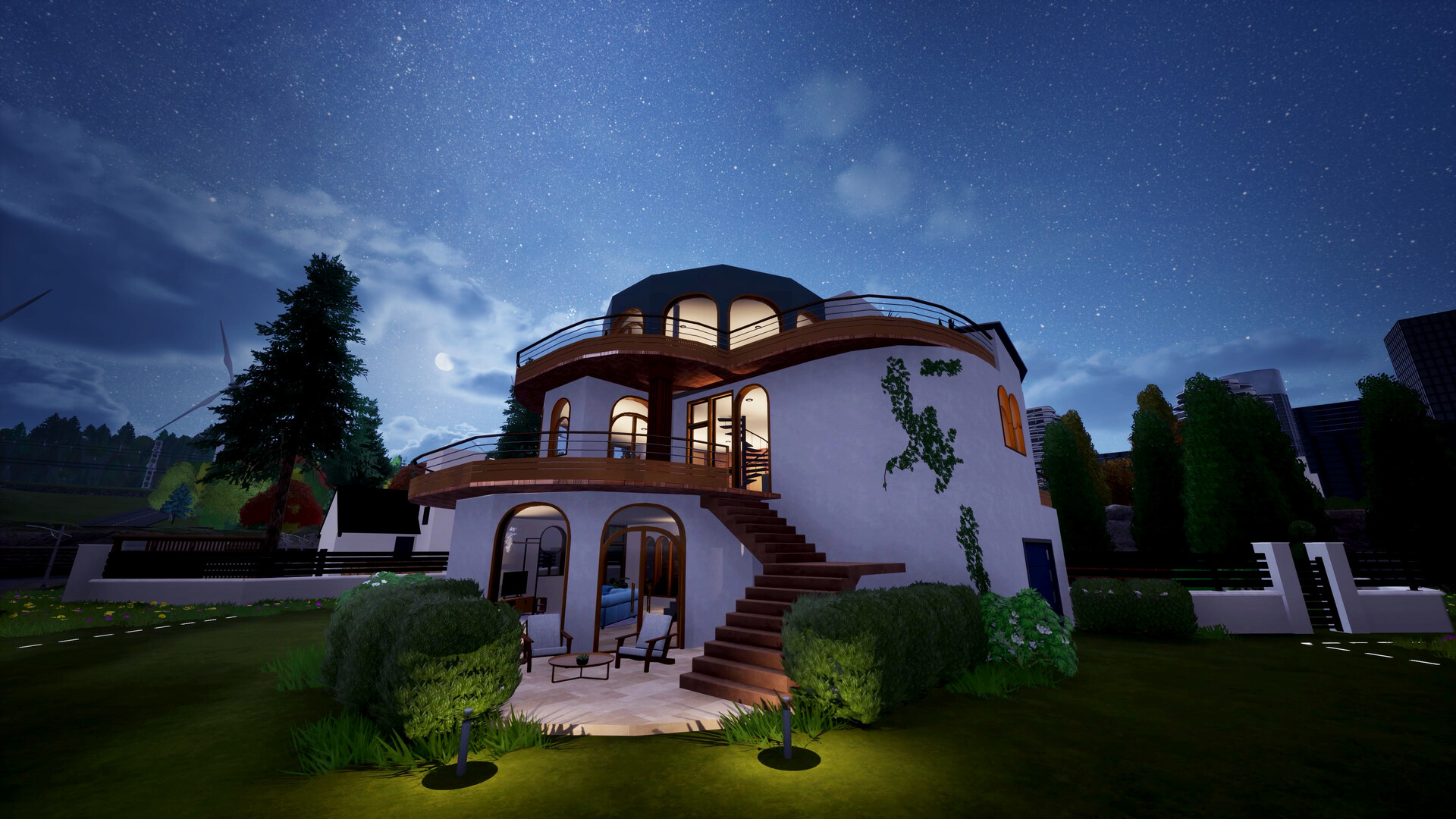
After construction finishes, you can explore the house in first‑person view. The sun’s position can be altered to see how rooms react to different lighting conditions.
Environments range from rustic to urban or mountain landscapes, letting you admire your creations in different settings.
- Shift the sun to early morning and late afternoon to evaluate natural‑light effects on interiors.
- Compare the same room in different landscape backdrops to enjoy how surroundings change the scene’s feel.
04 / THE GUIDE
Construction Management
During the Construction stage you select subcontractors according to the remaining budget and supervise the site. The game notes that construction rarely follows the plan exactly, so you must be ready to react to chance events.
Balancing cost and quality helps keep the project within your remaining financial limits.
- Allocate a modest budget buffer to handle unexpected events without compromising design.
- Observe how different subcontractor selections fit the remaining budget in similar builds.
05 / THE GUIDE
Decoration Details
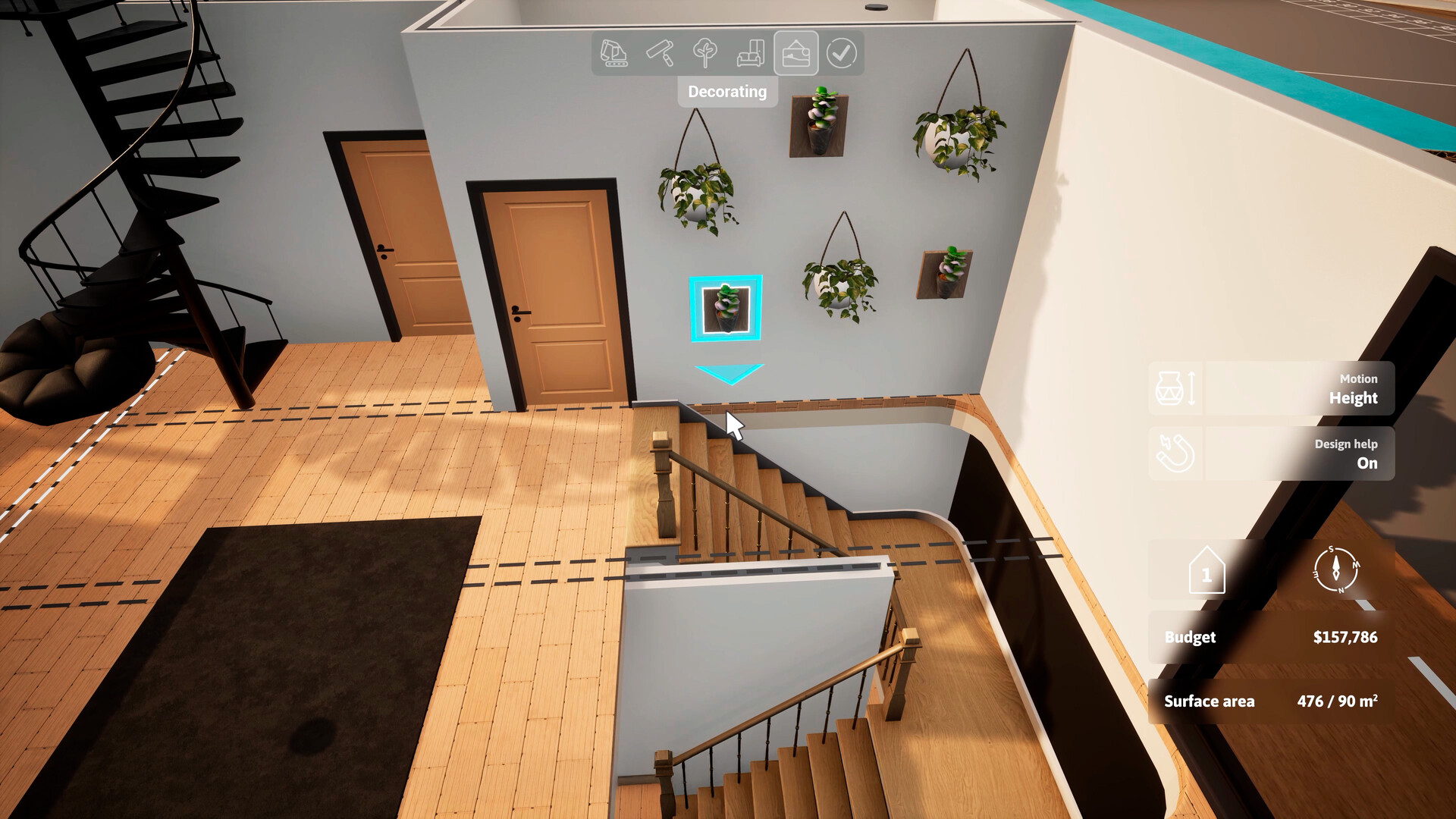
Decoration offers granular control over interior styling, letting you place items as small as a candle on a chest of drawers and adjust cushion colours on a sofa.
These fine‑tuned choices add a personal touch and visual depth to the overall design.
- Use subtle colour variations on cushions to create harmony without overwhelming the room.
- Place decorative objects near focal points to draw attention to key architectural features.
COMMUNITY
Player discussion